
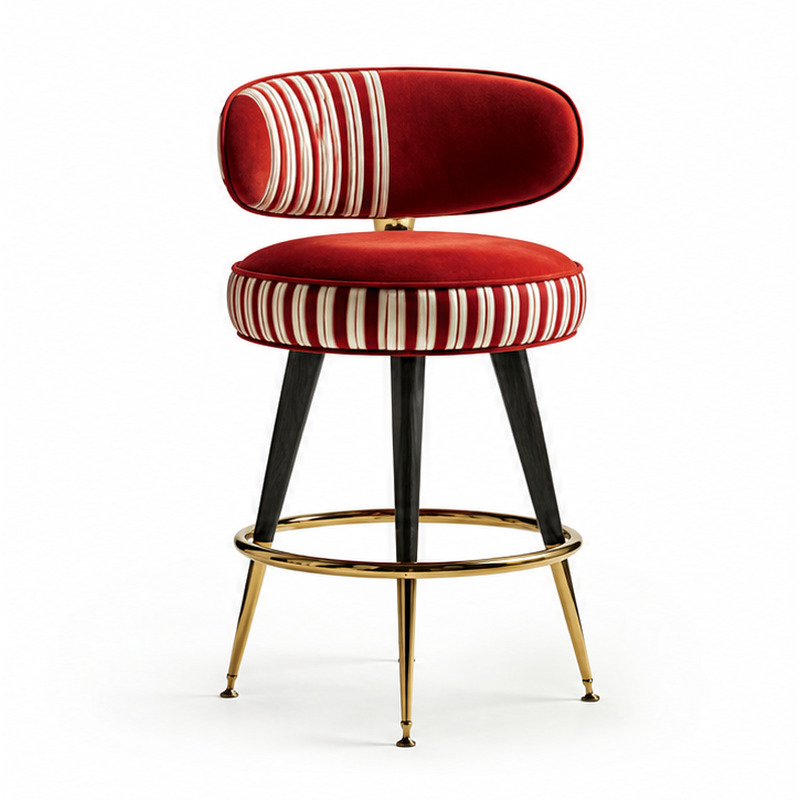
PRODUCT DIRECTORY
Find the piece that fits the room
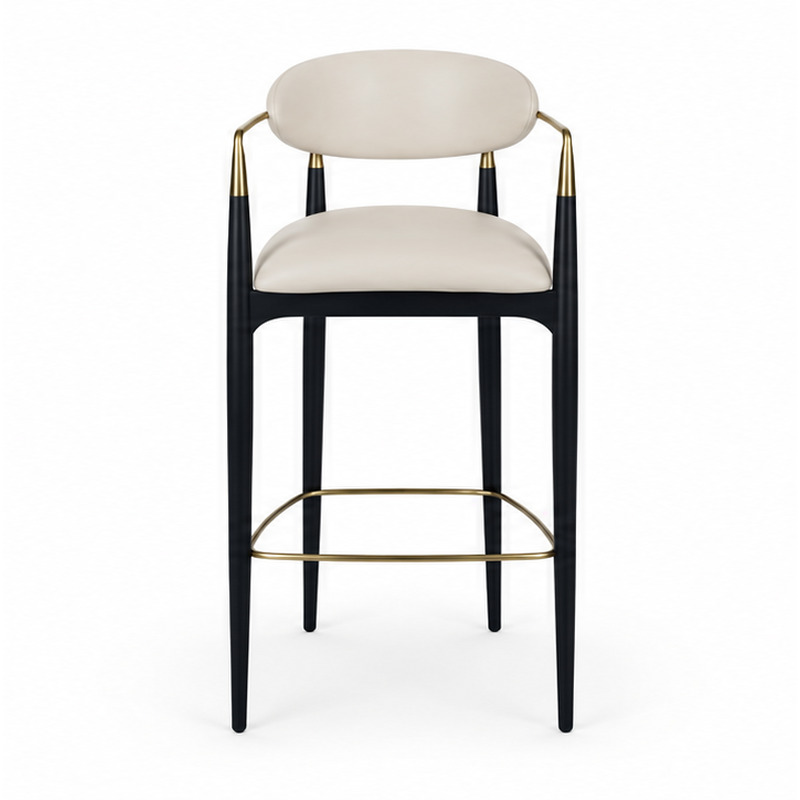
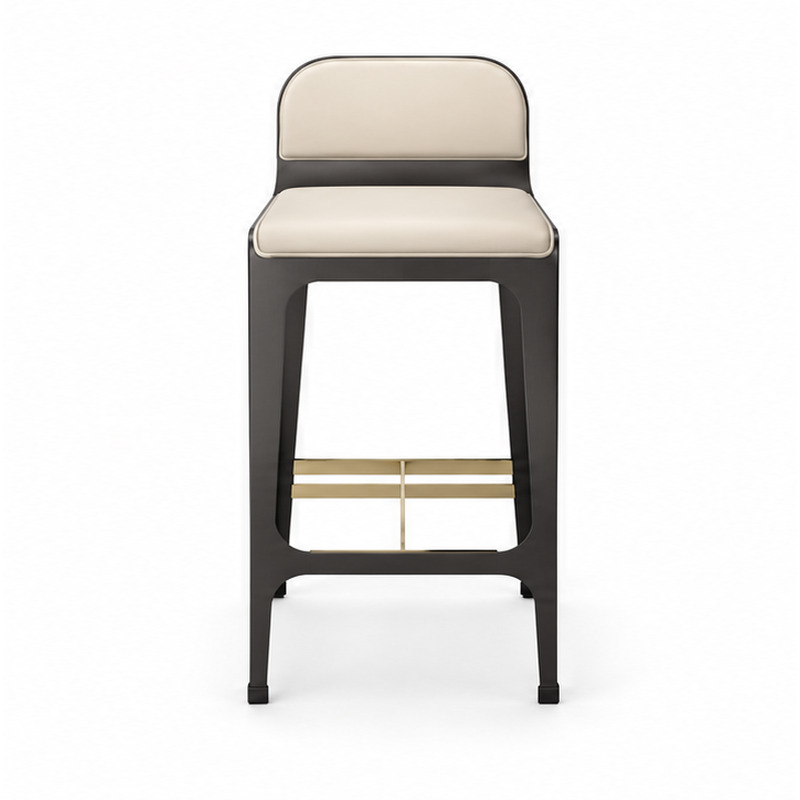
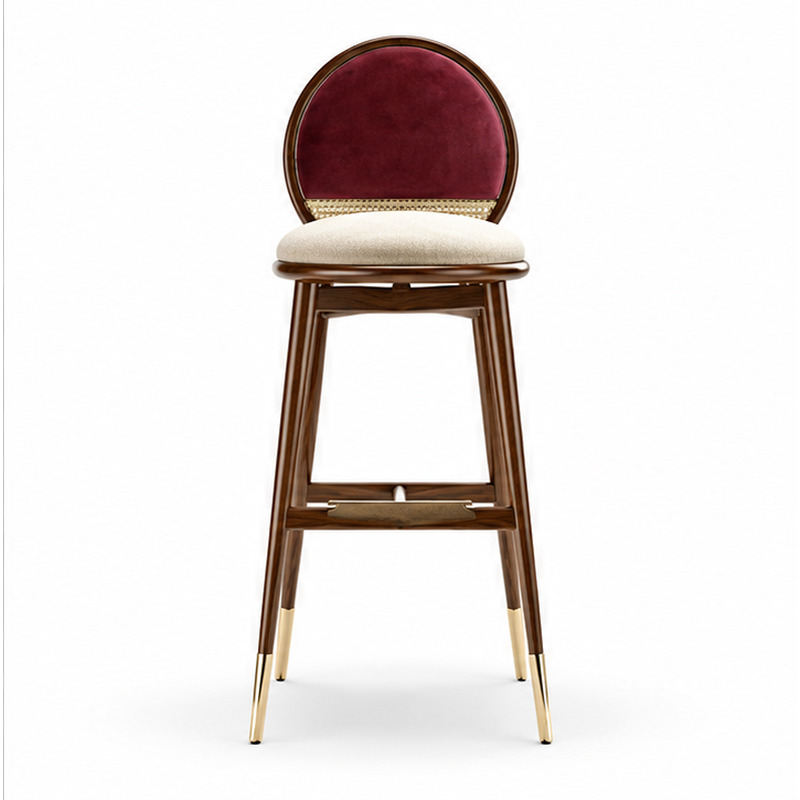
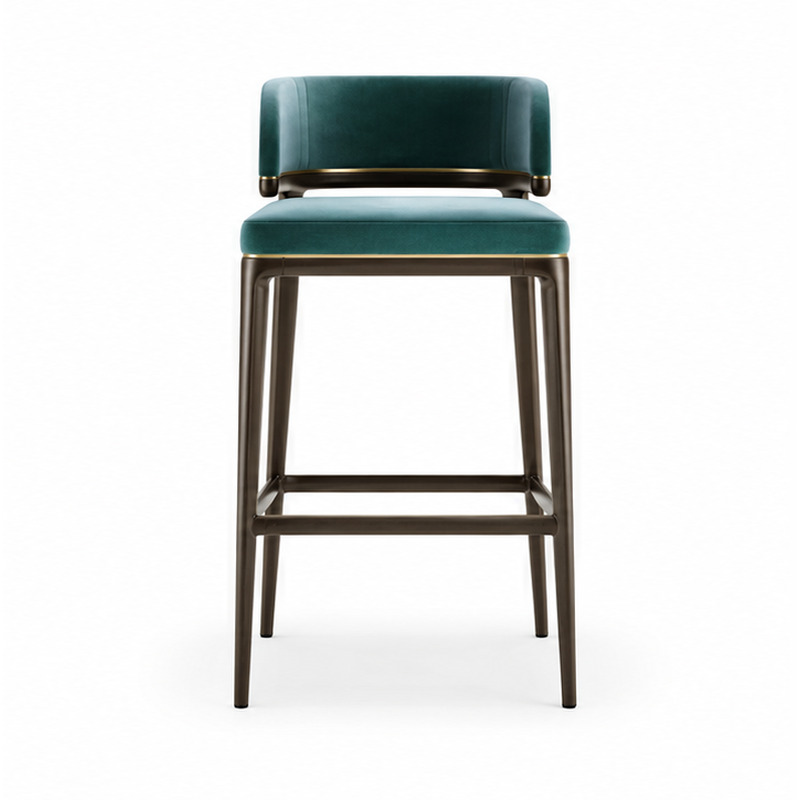
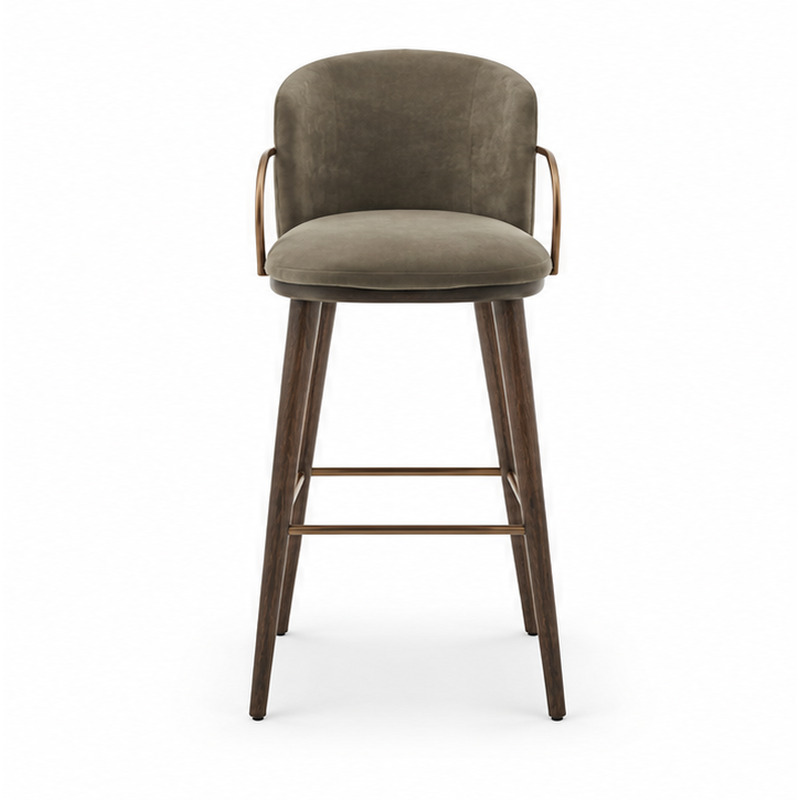
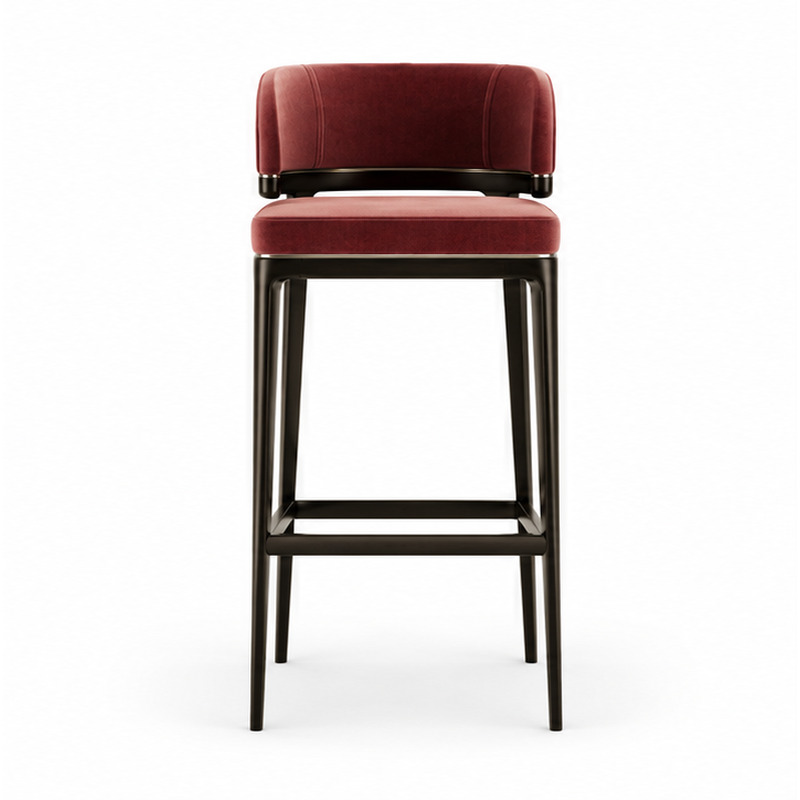
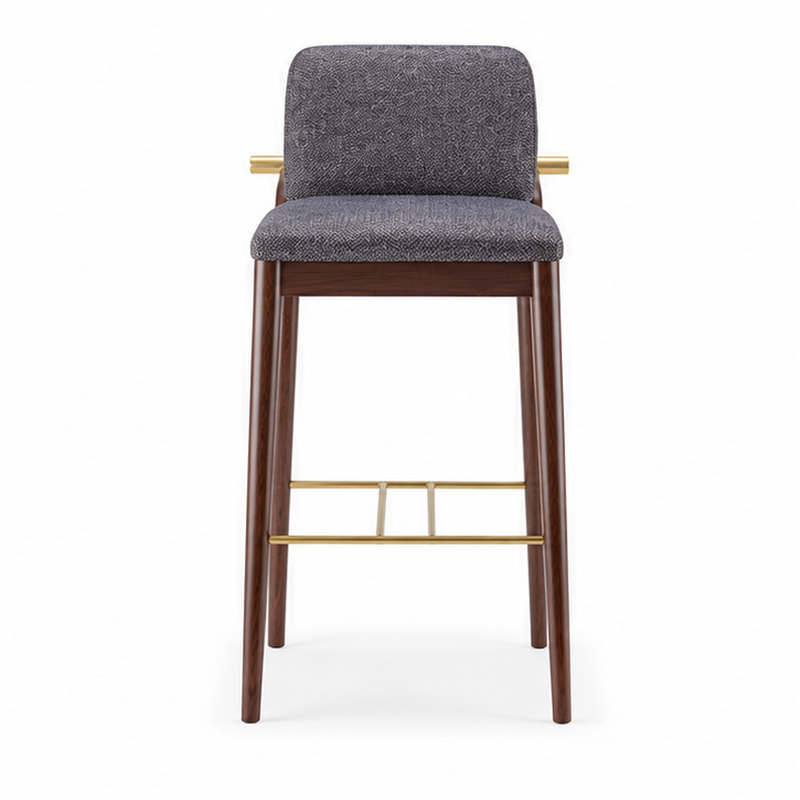
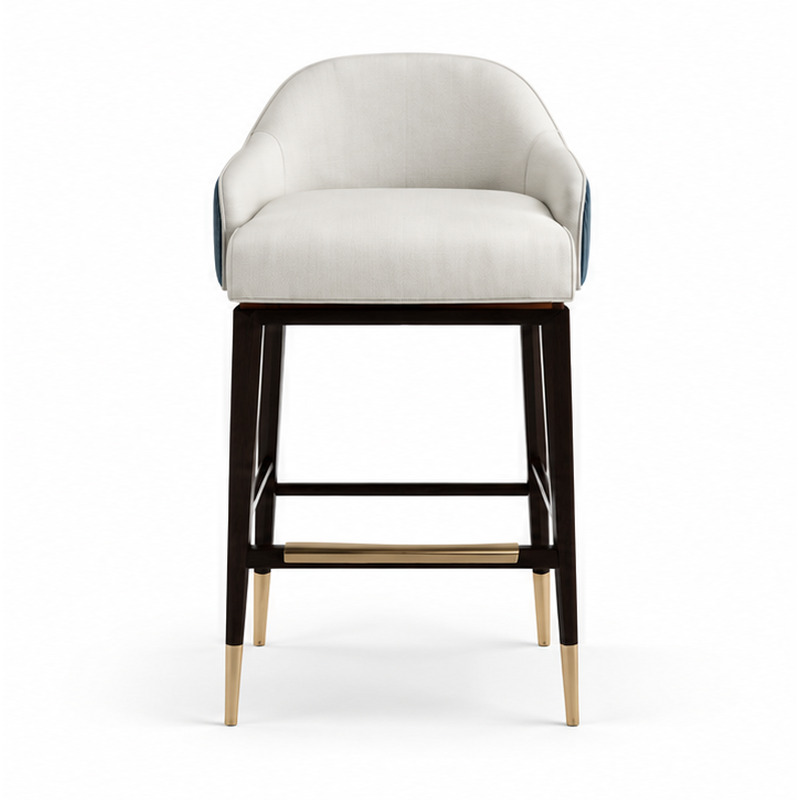
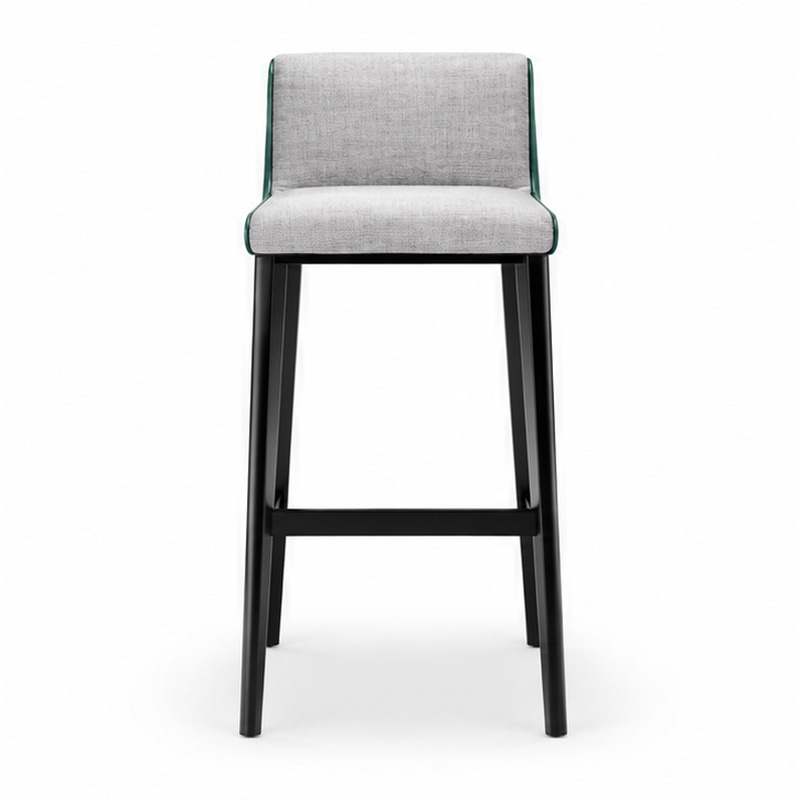
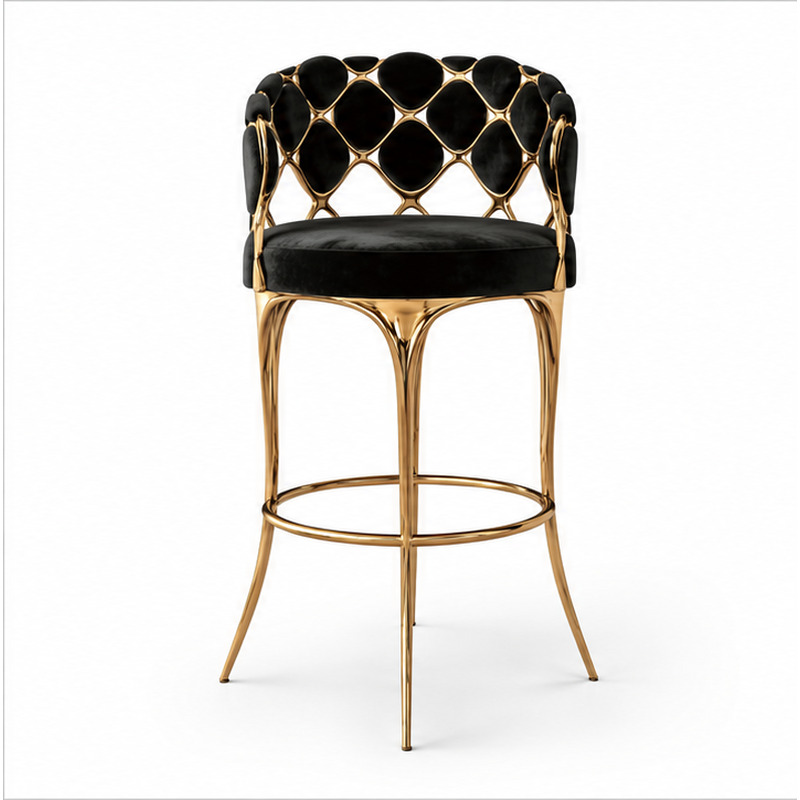
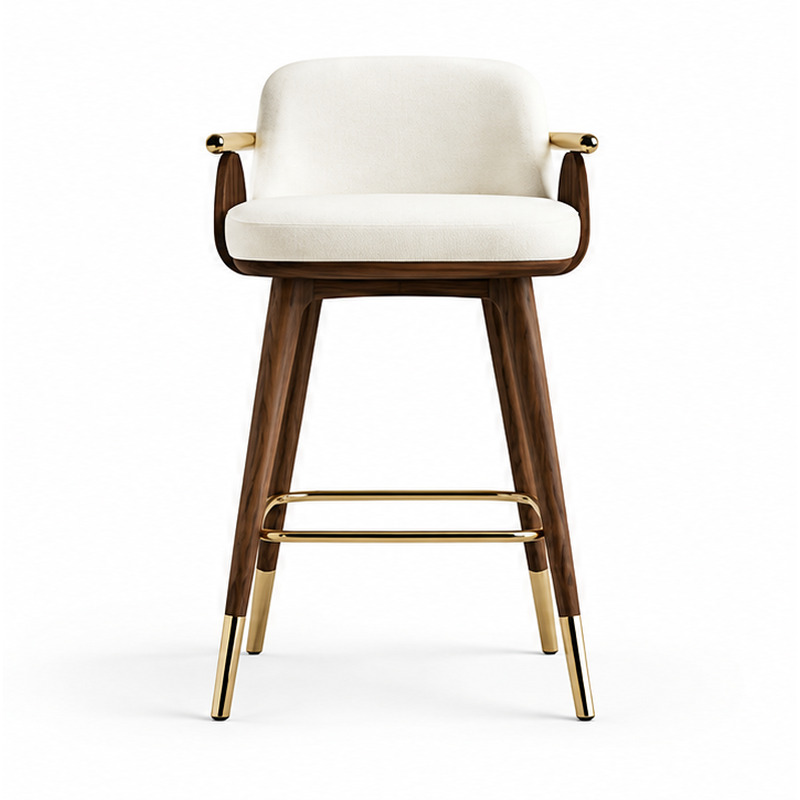
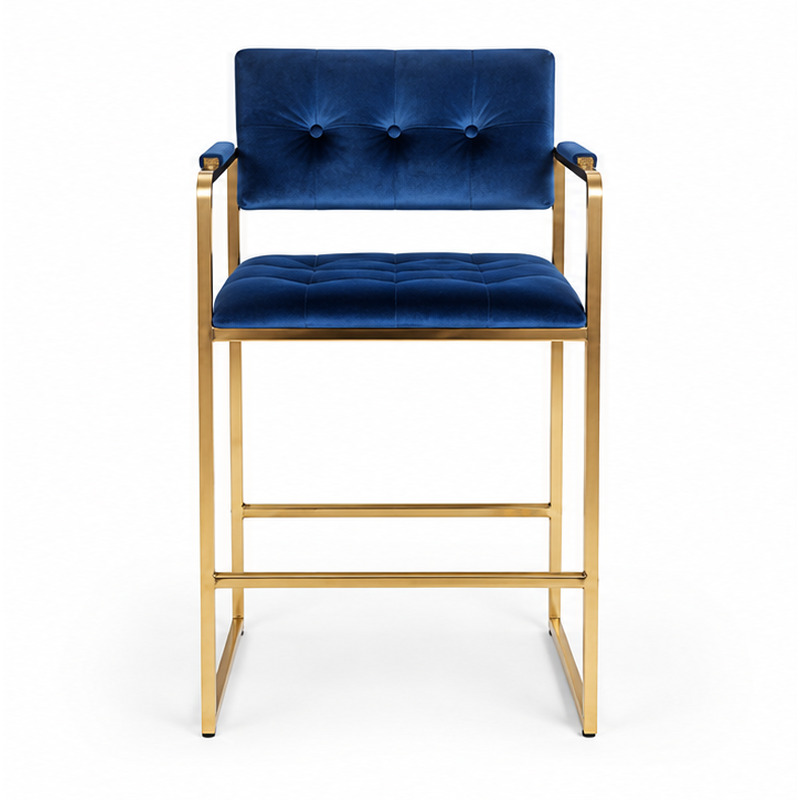
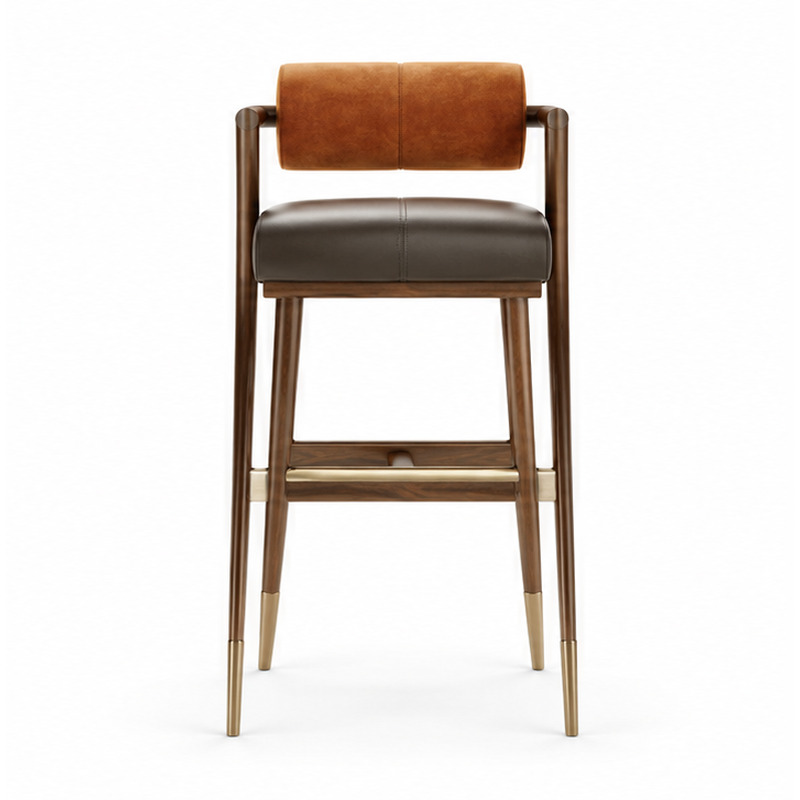
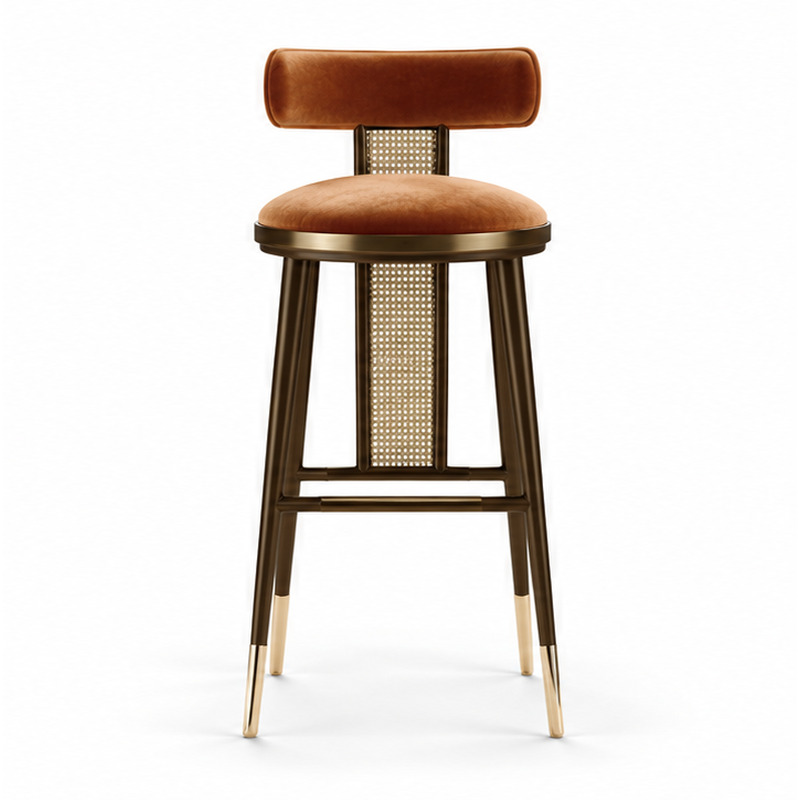
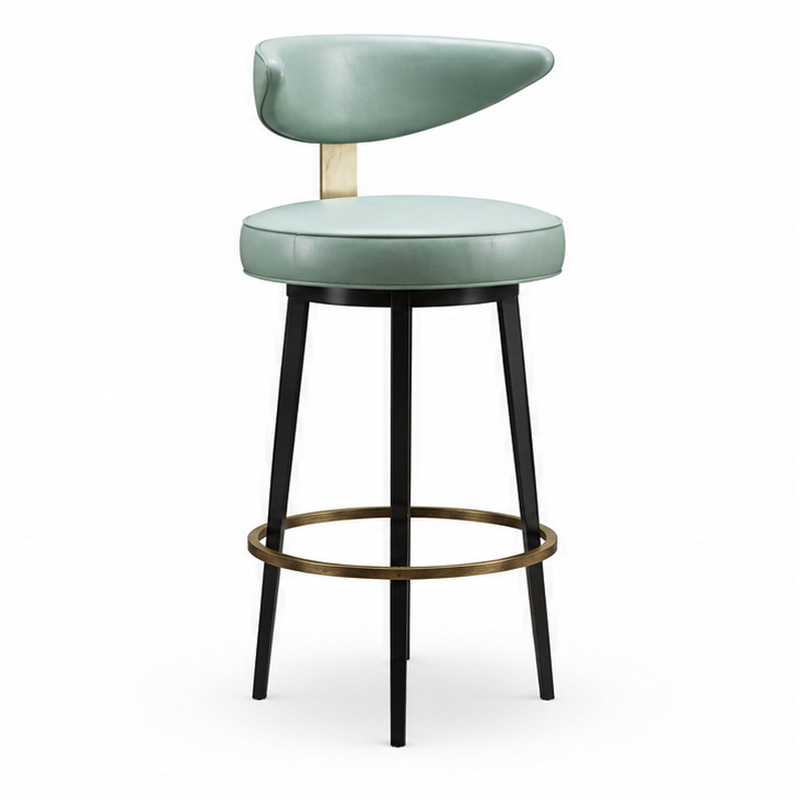
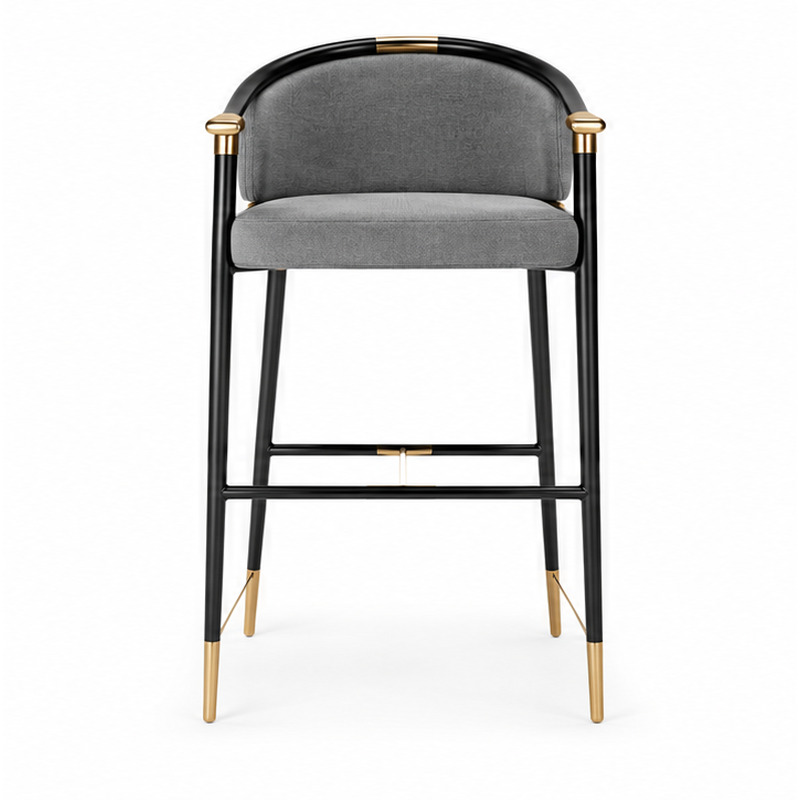
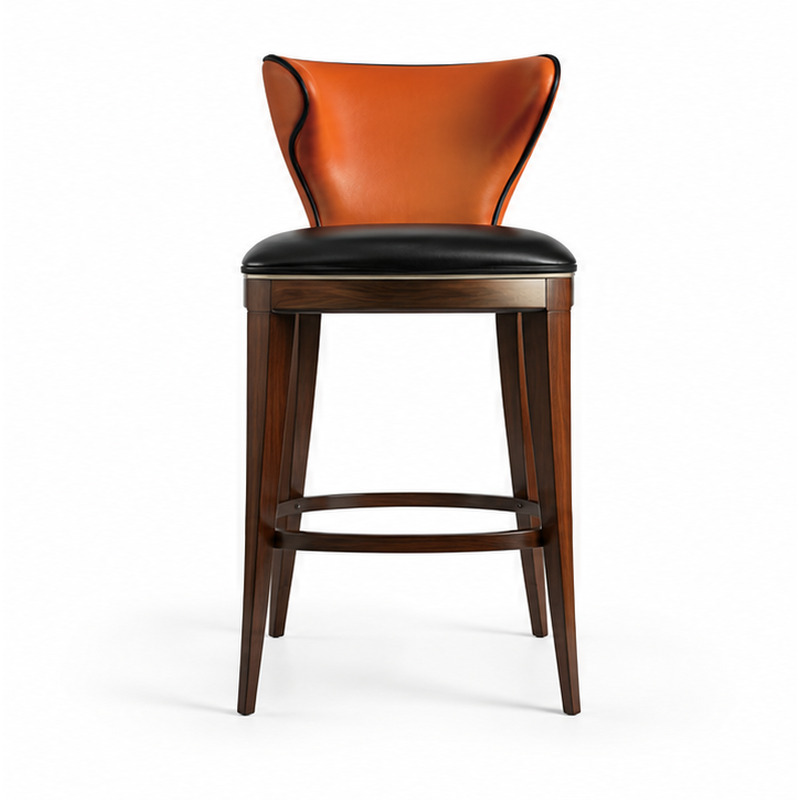
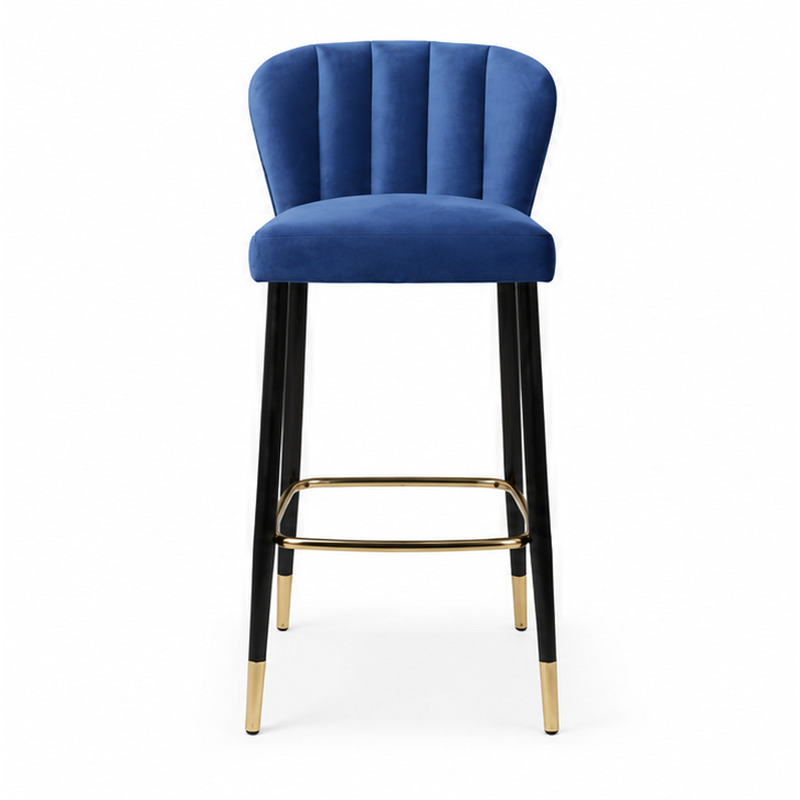
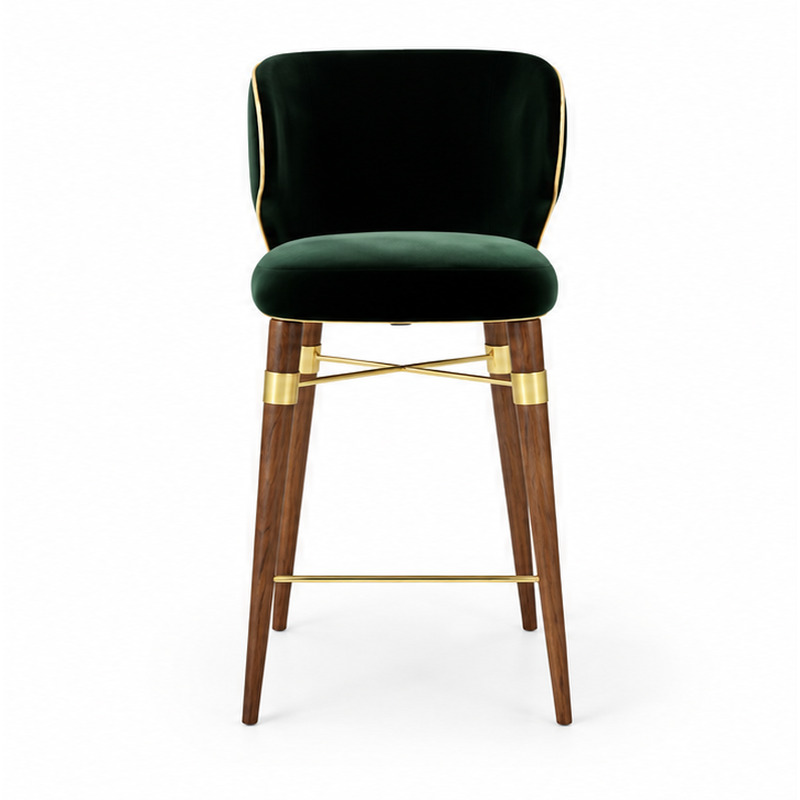
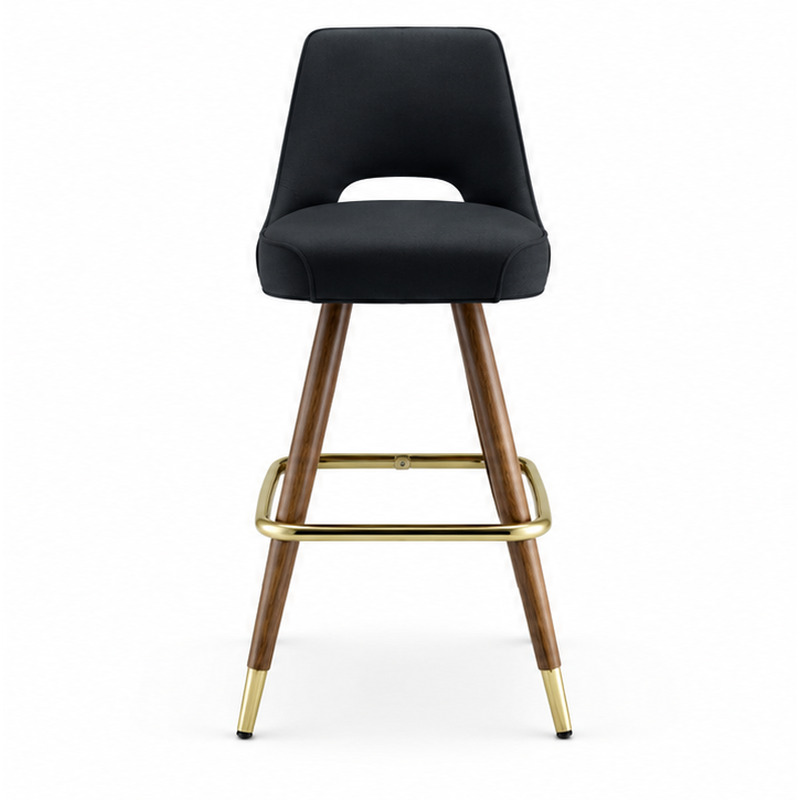
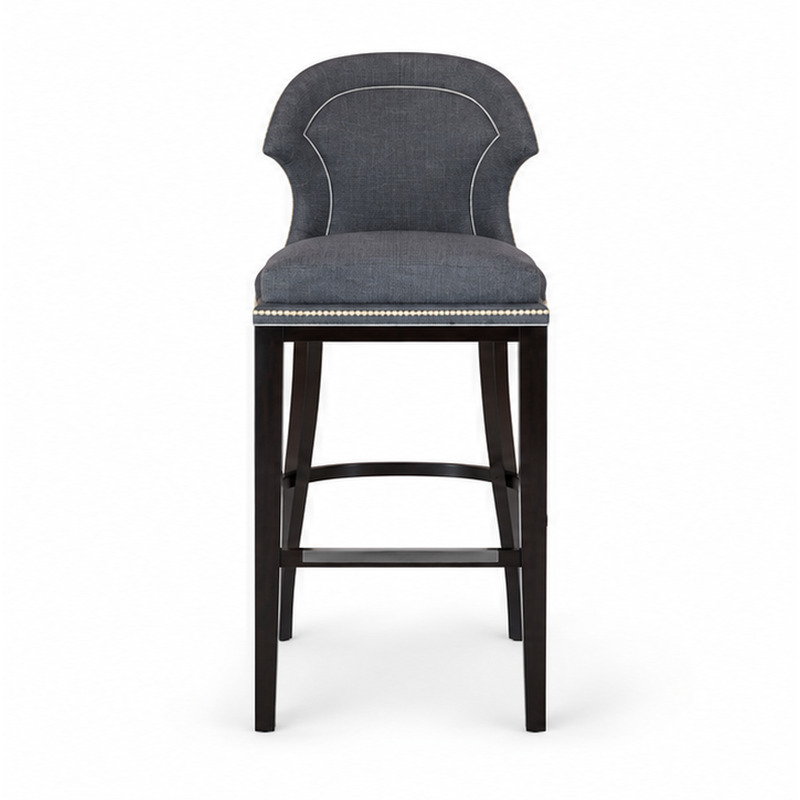
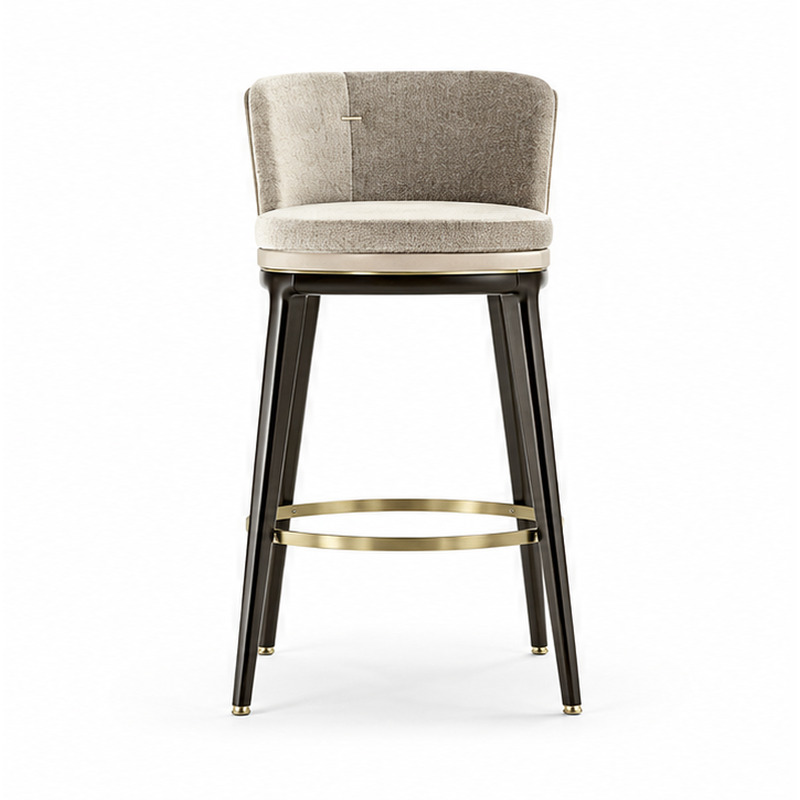
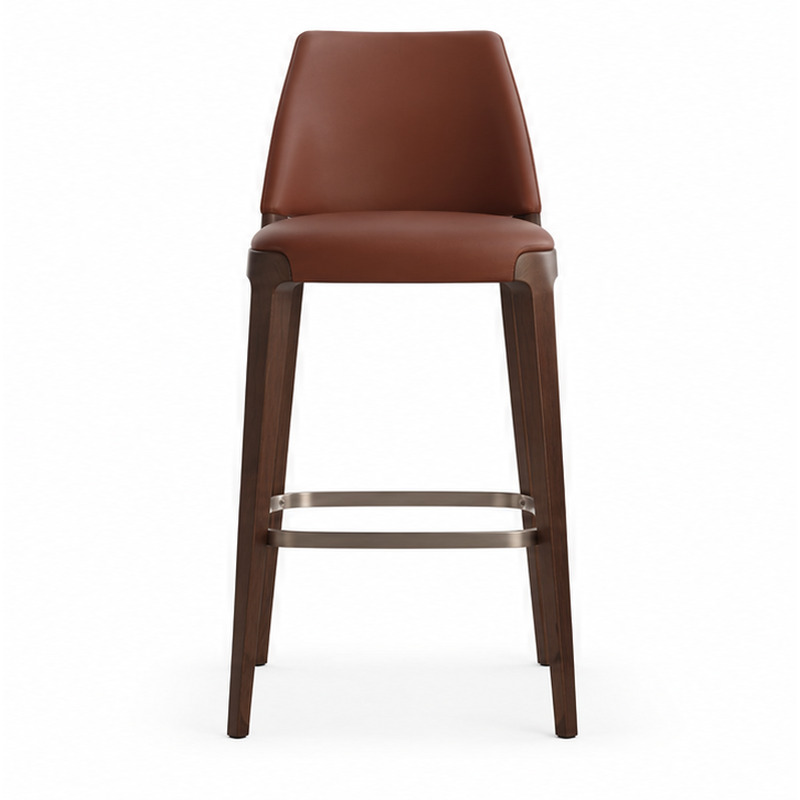
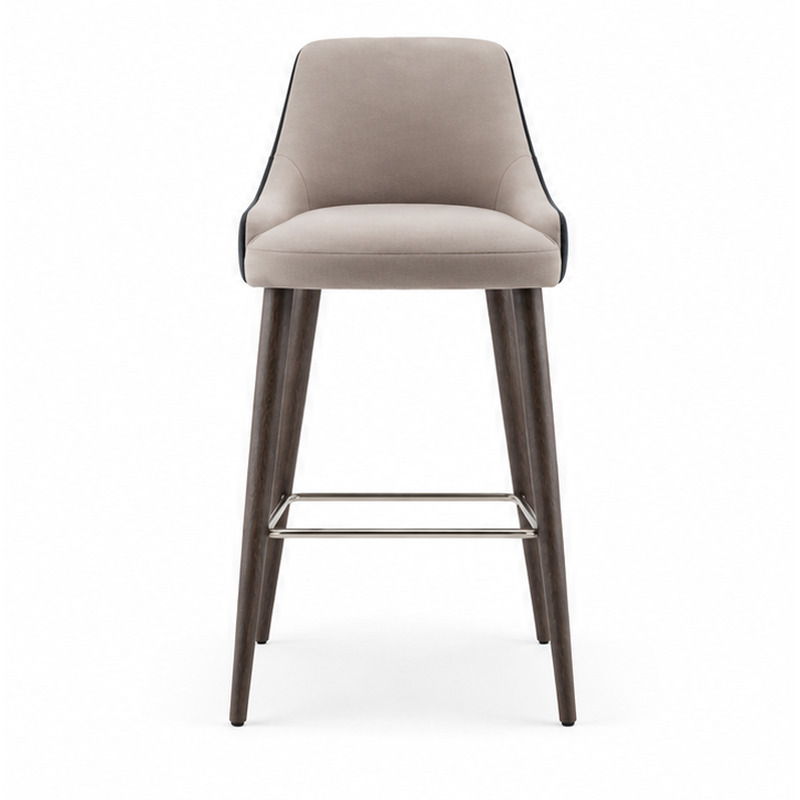
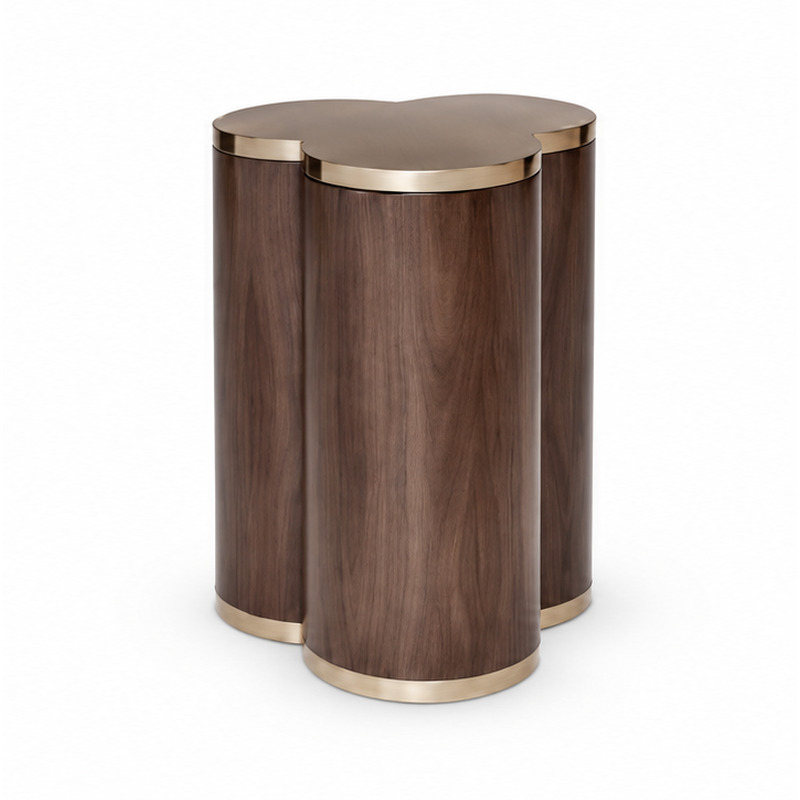
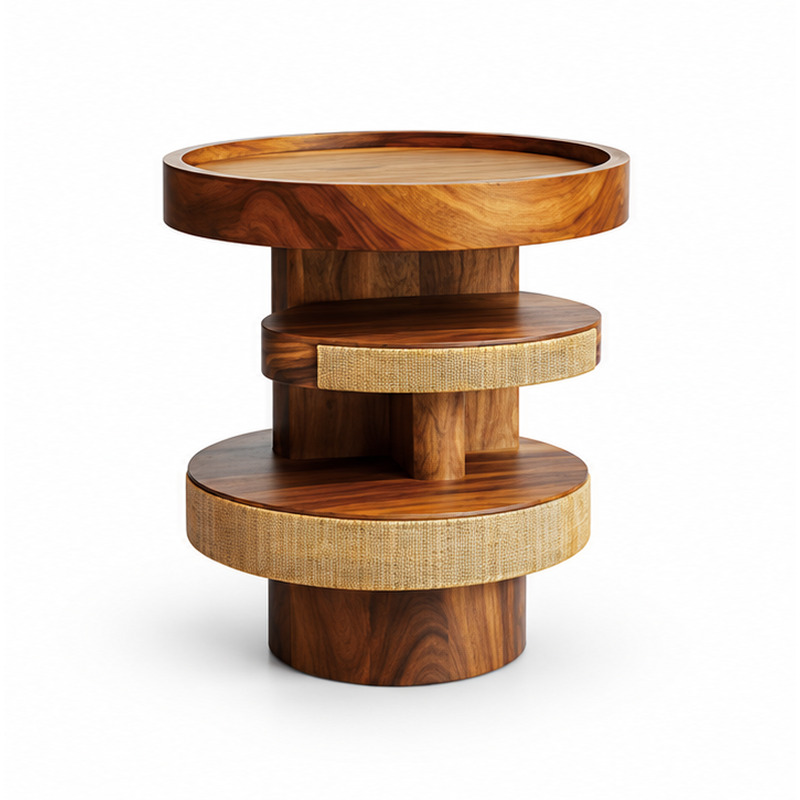
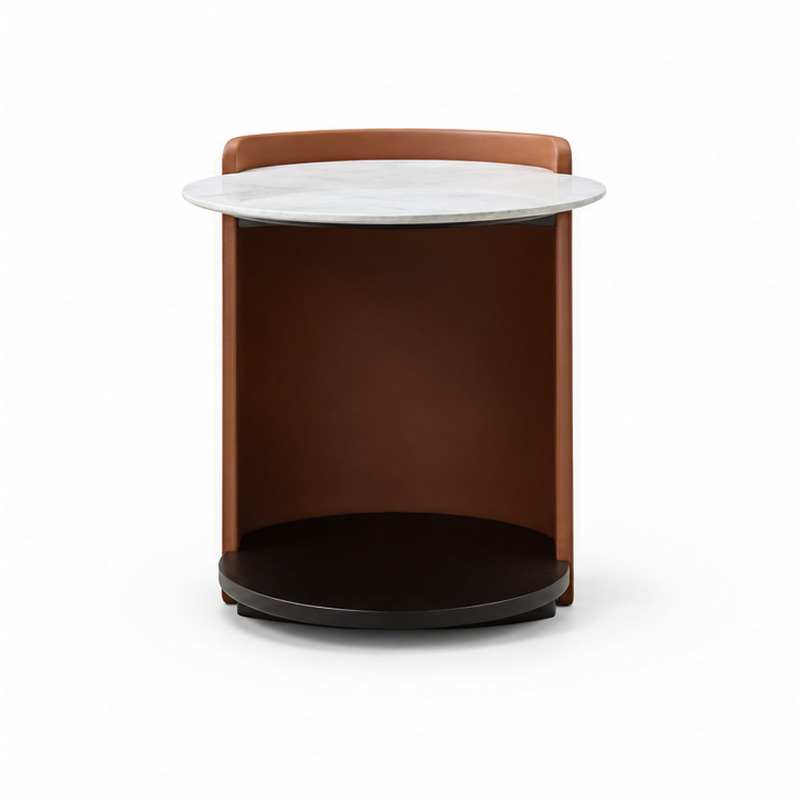
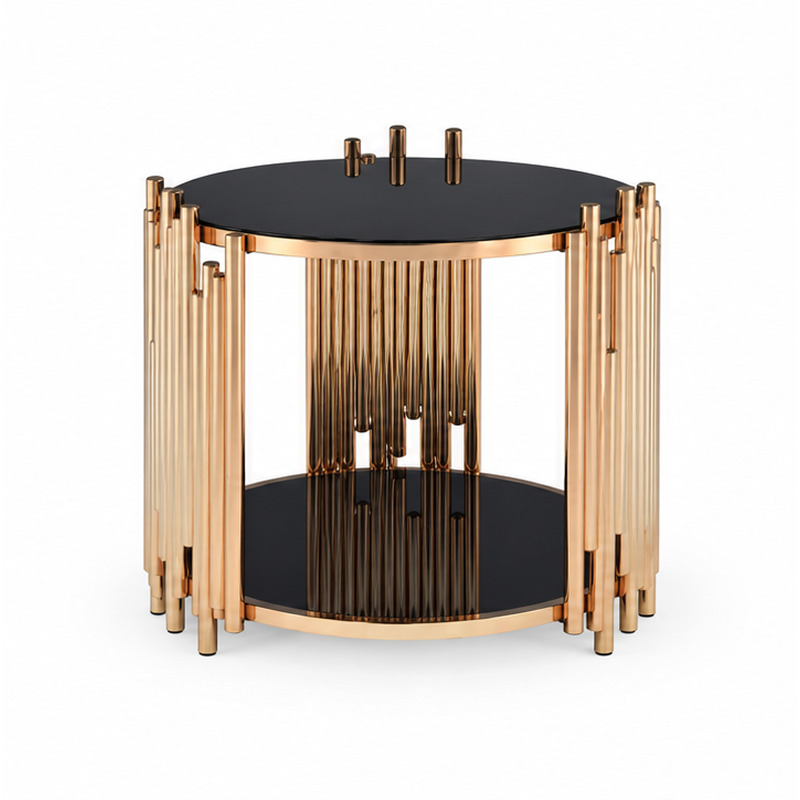
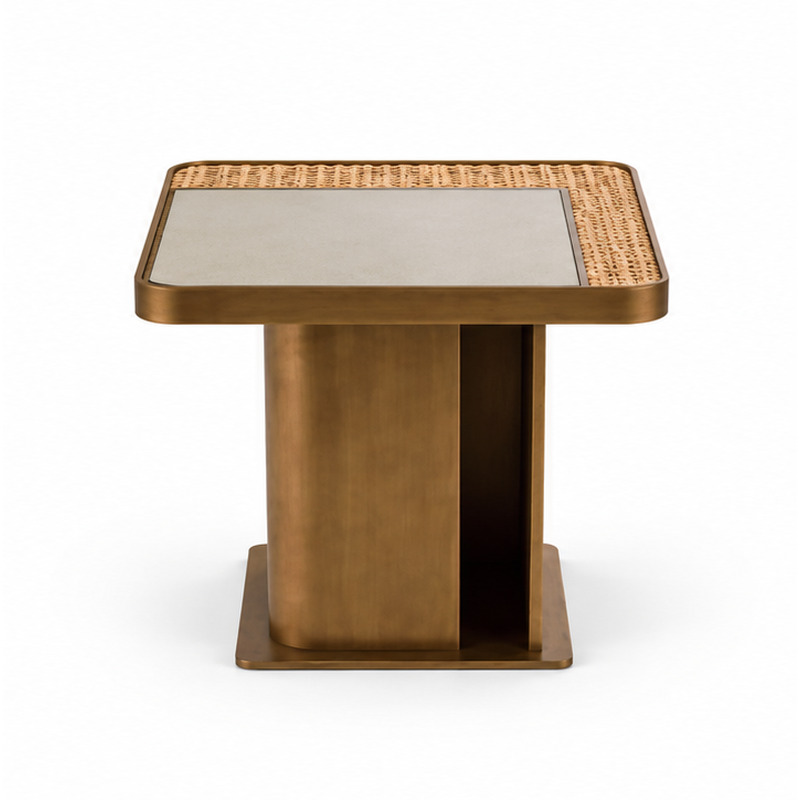
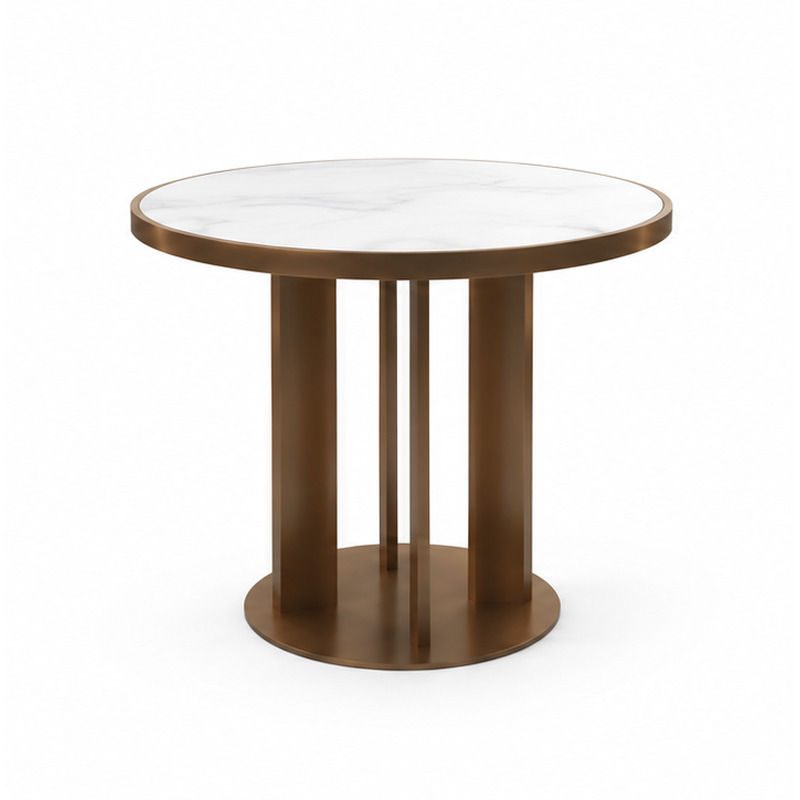
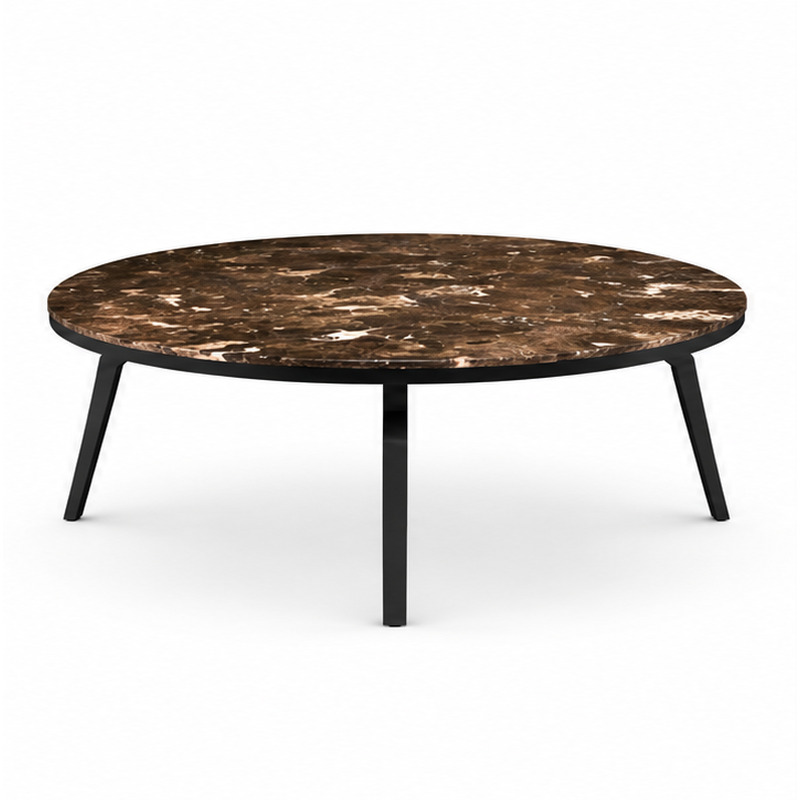
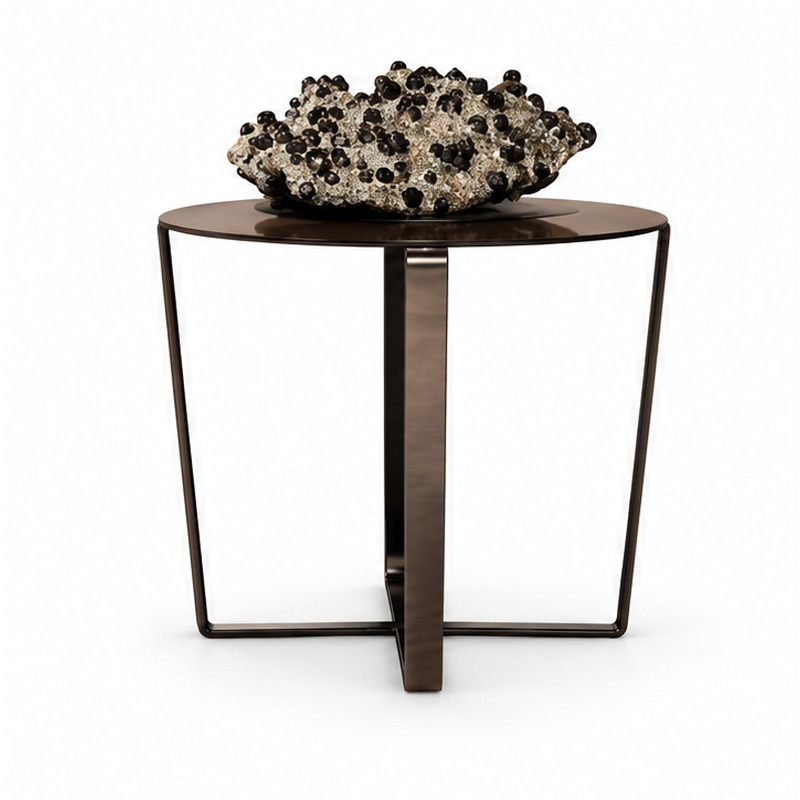
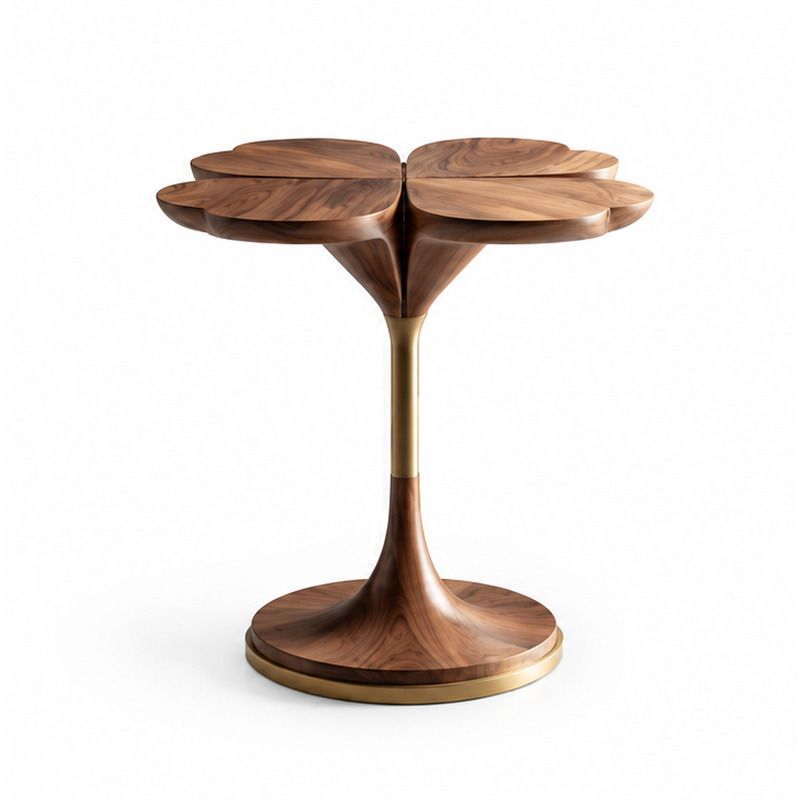
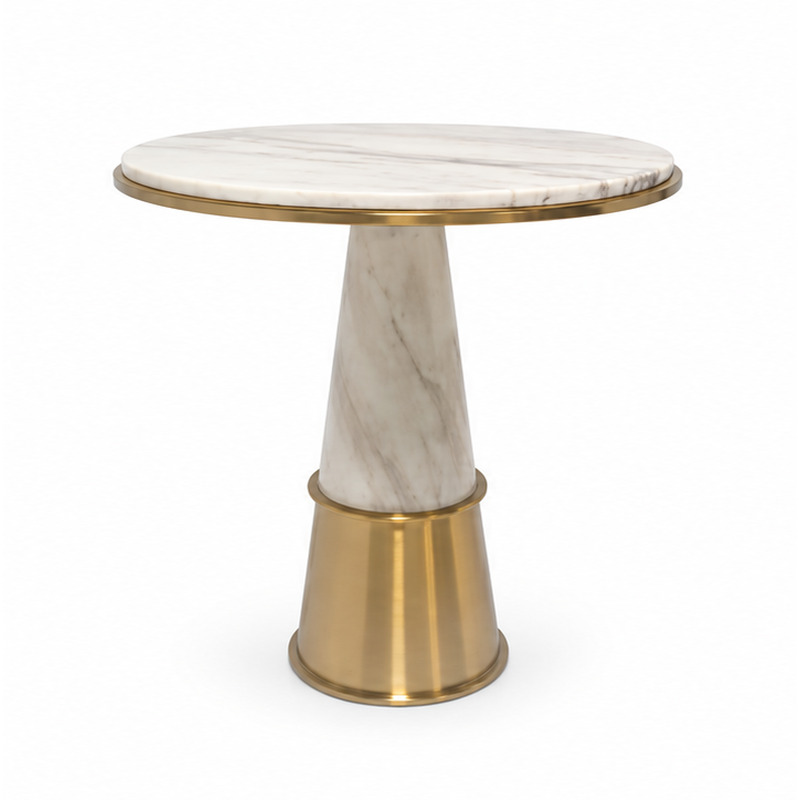
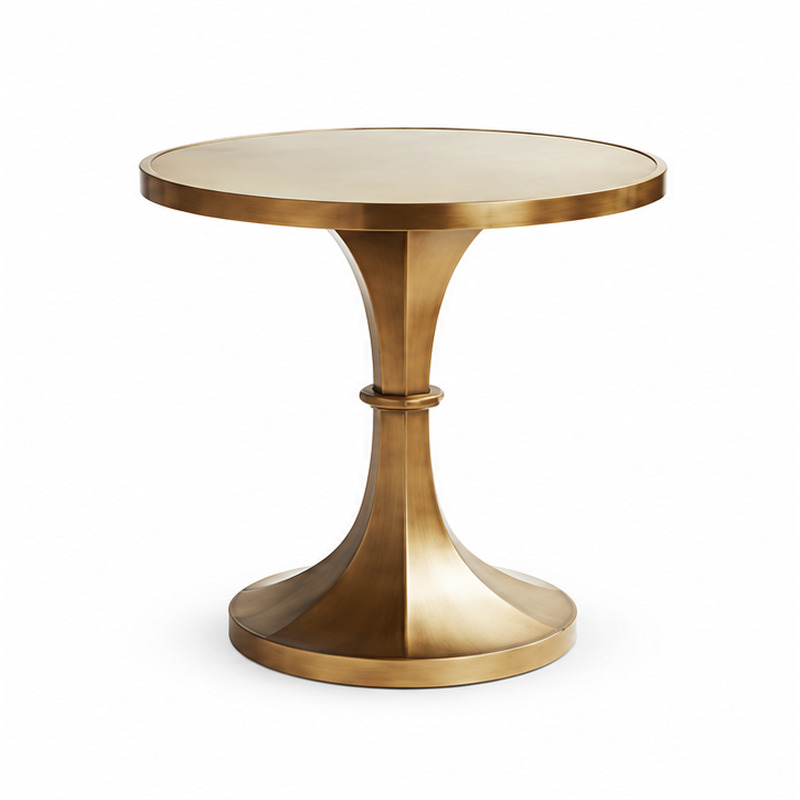
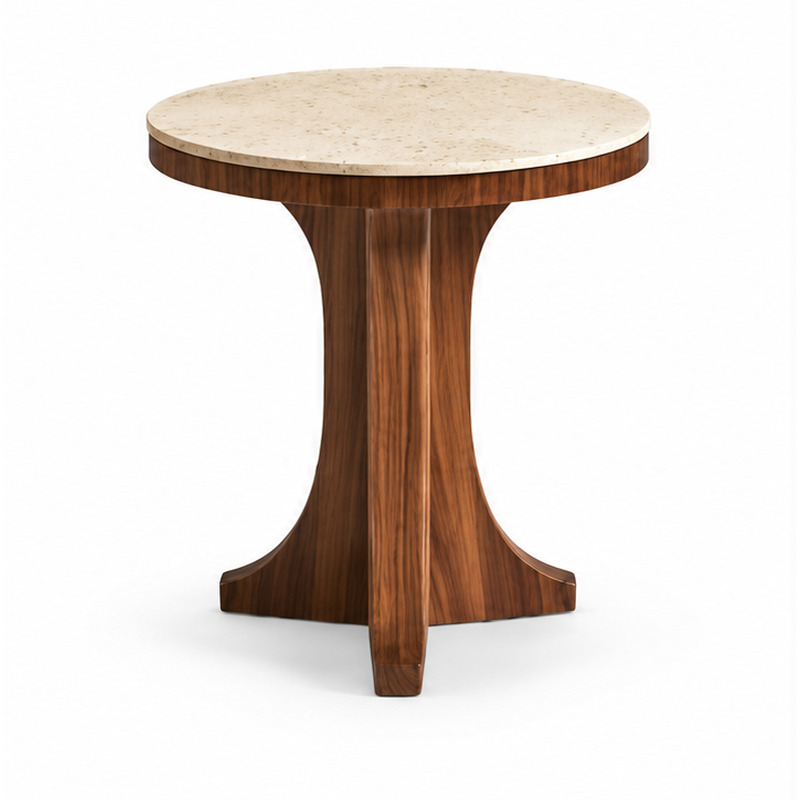
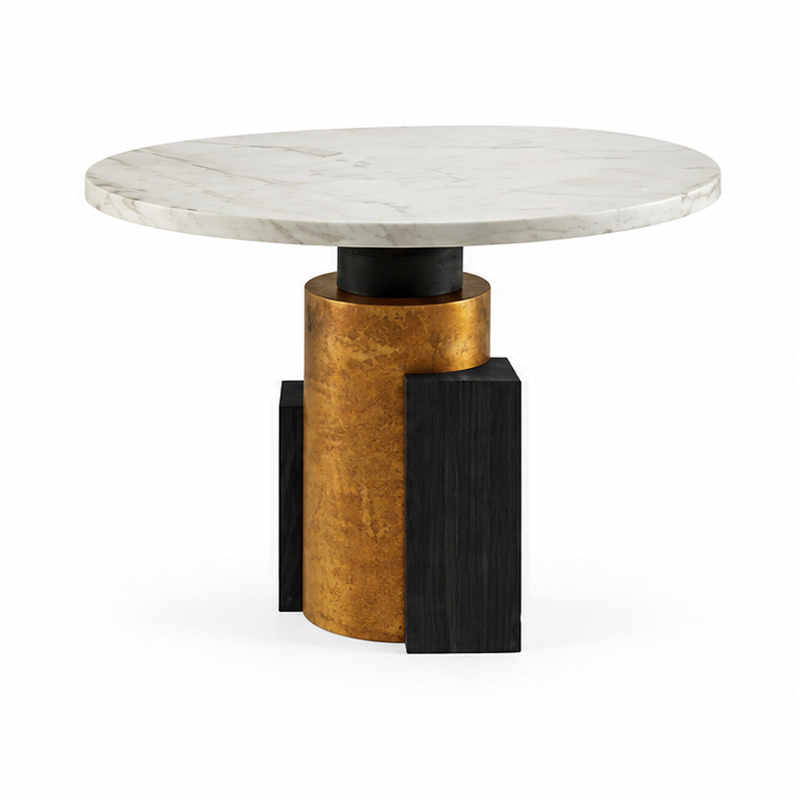
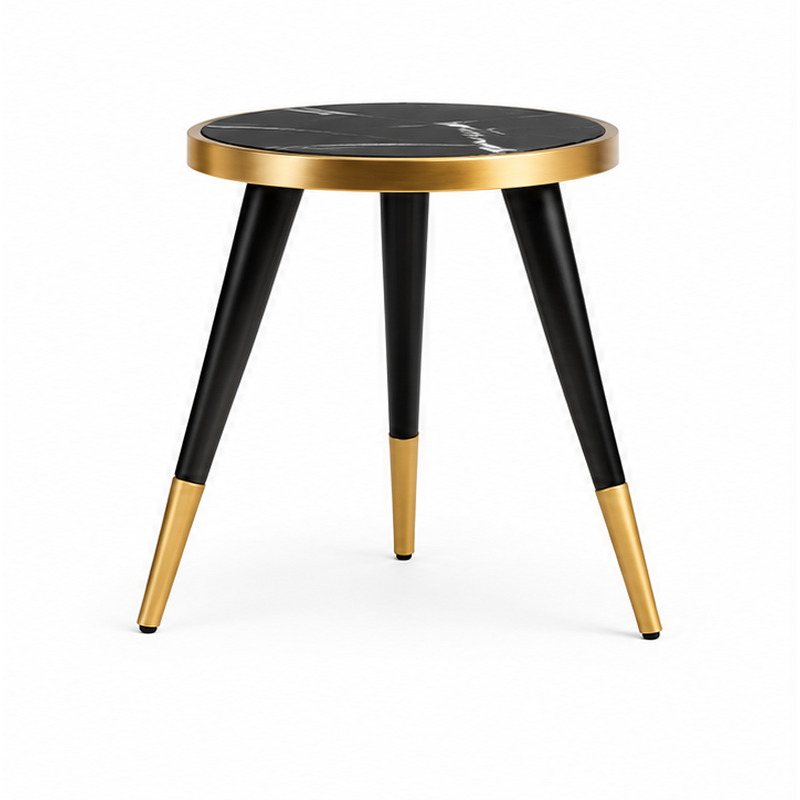
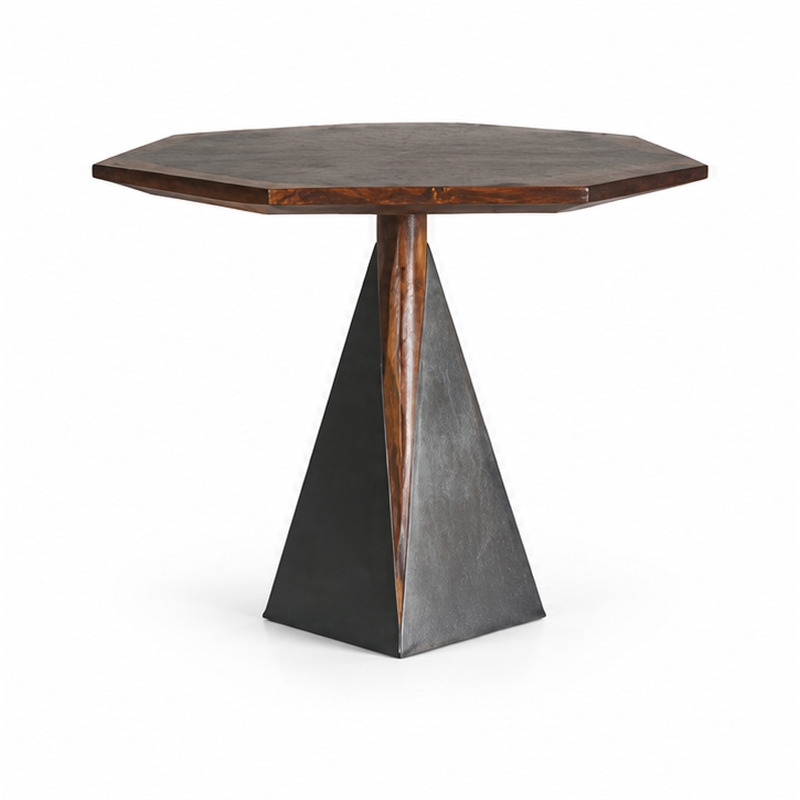
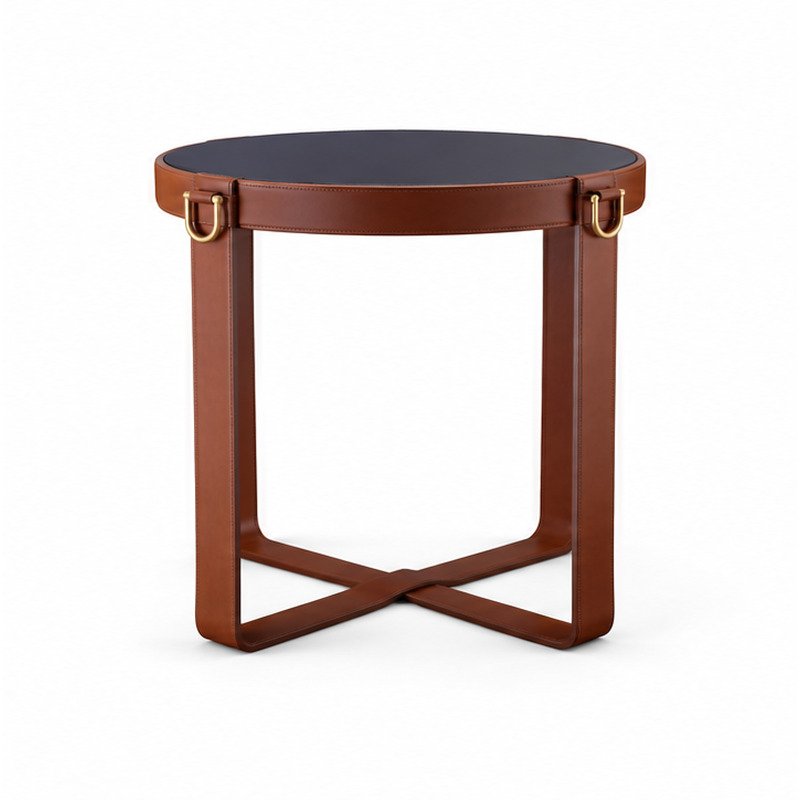
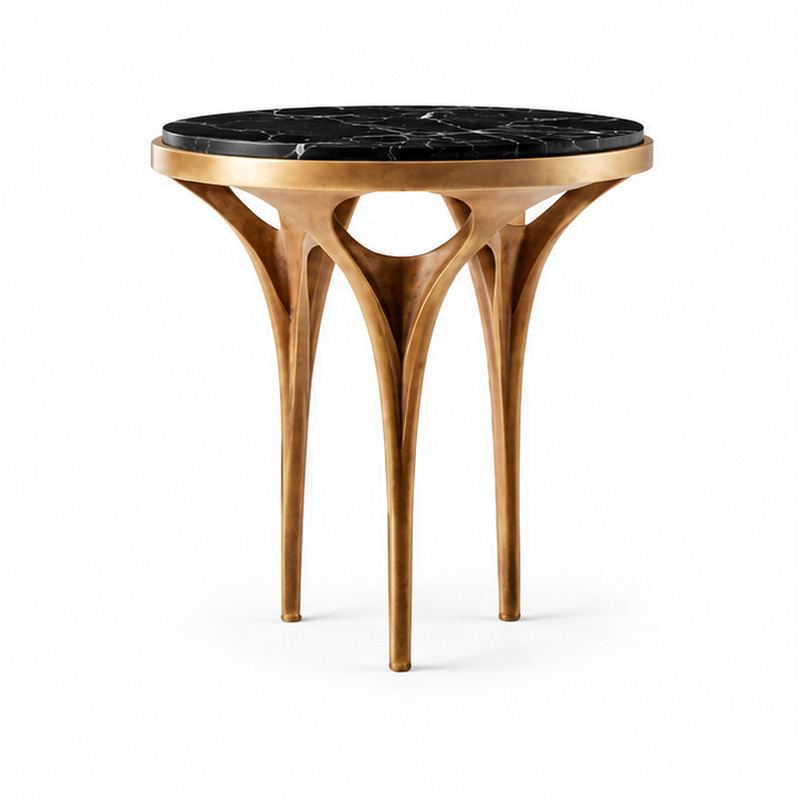
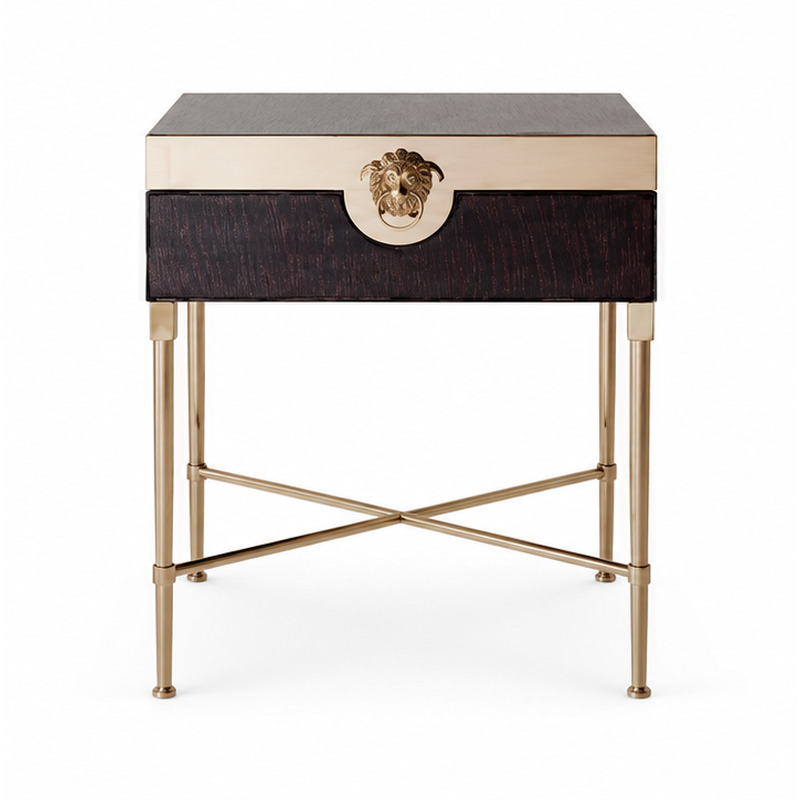
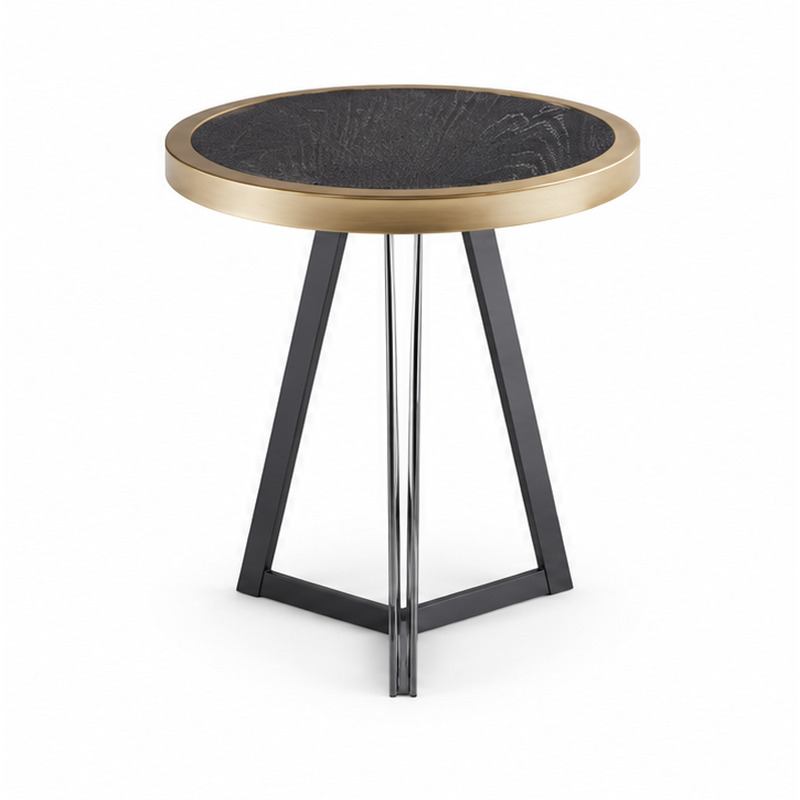
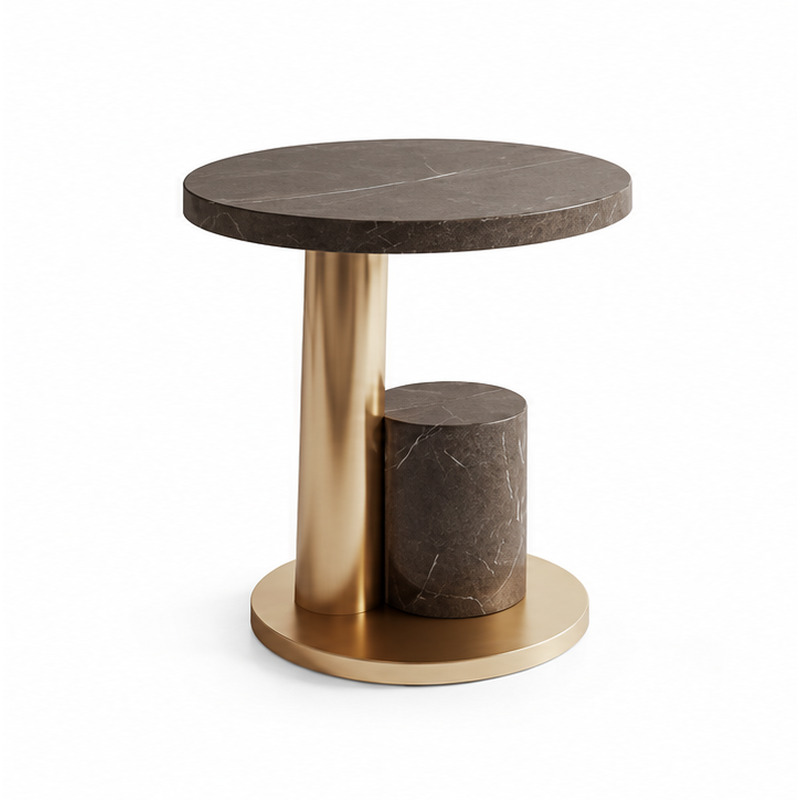
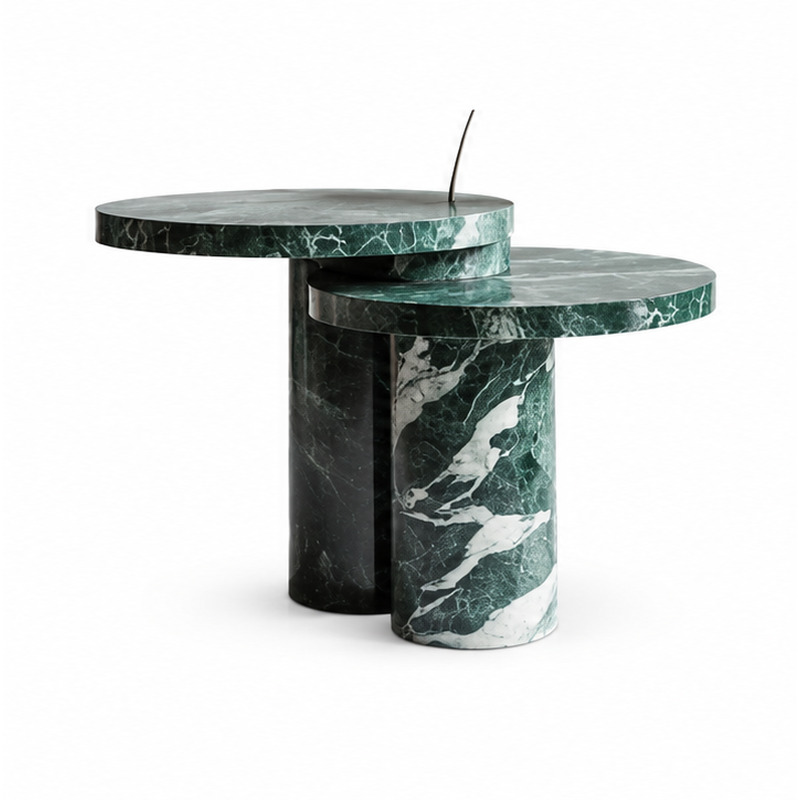
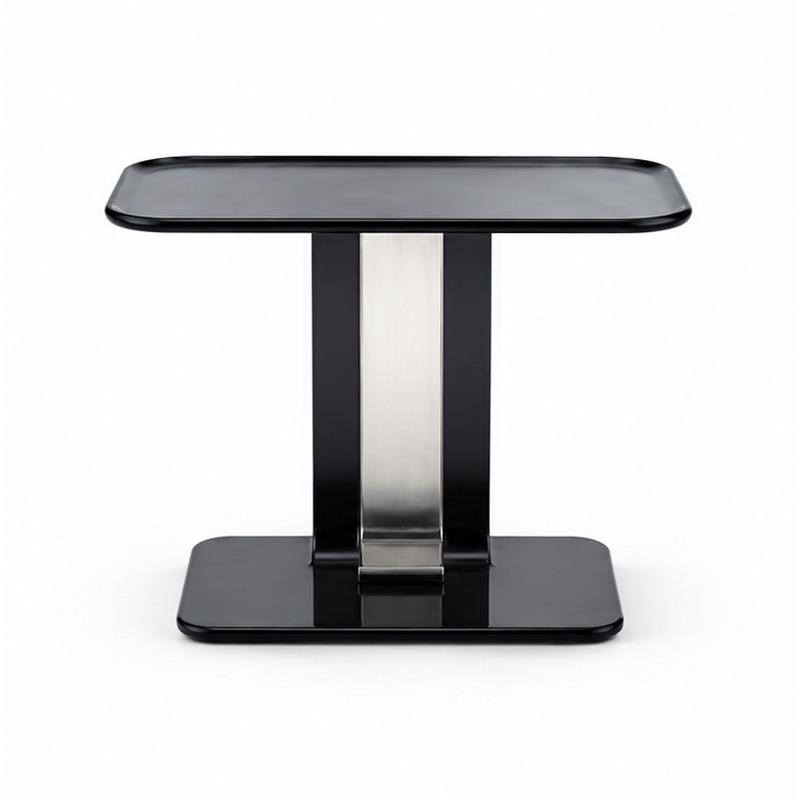
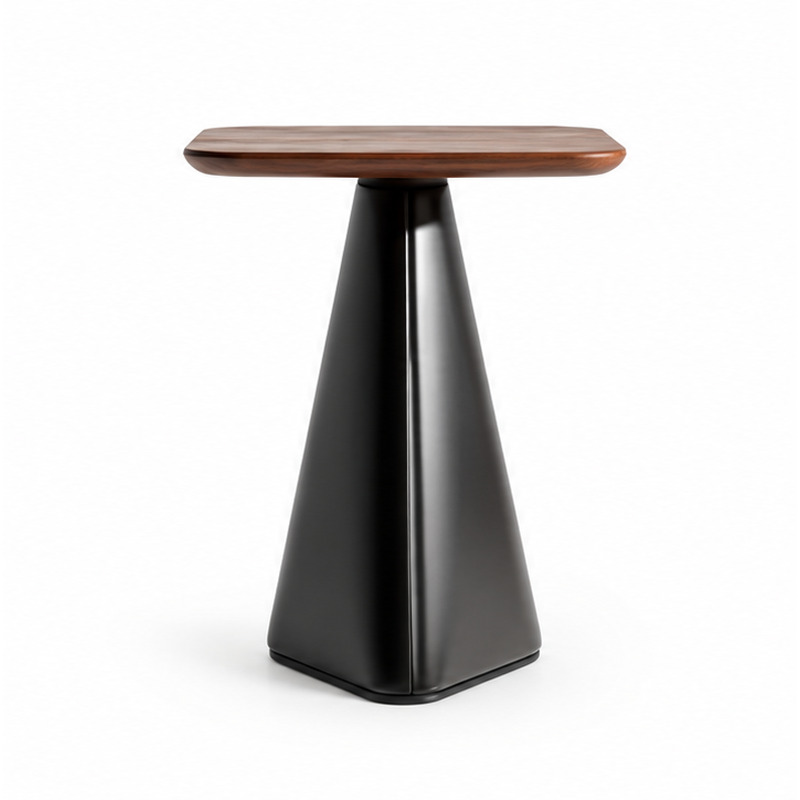
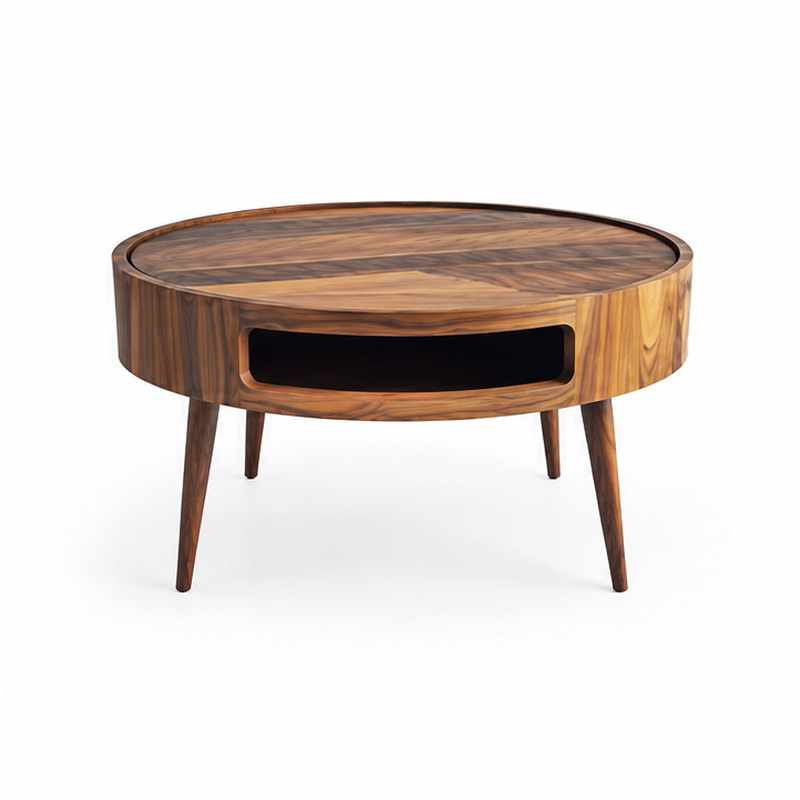
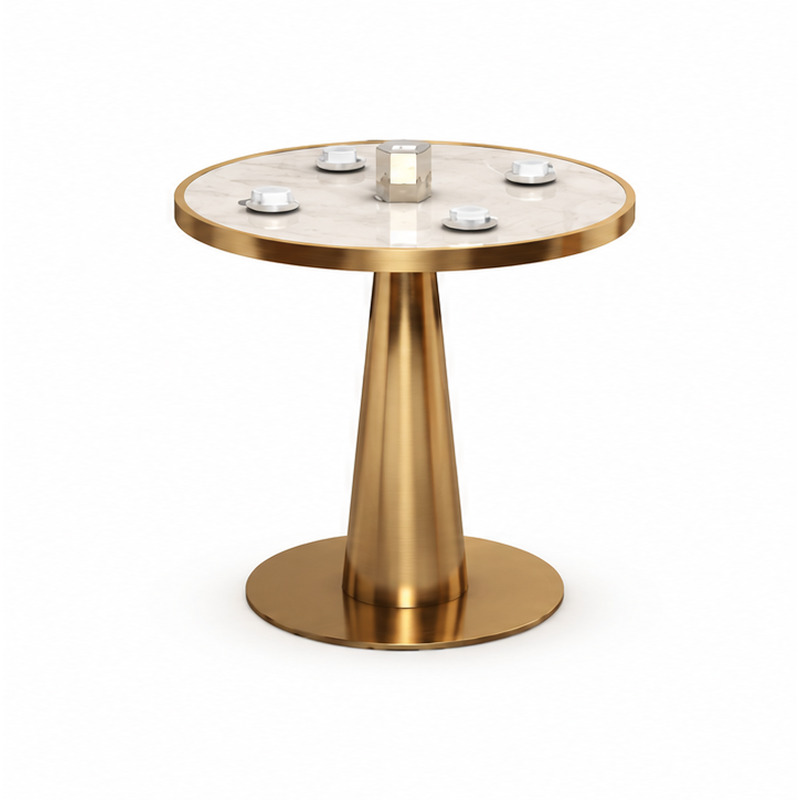
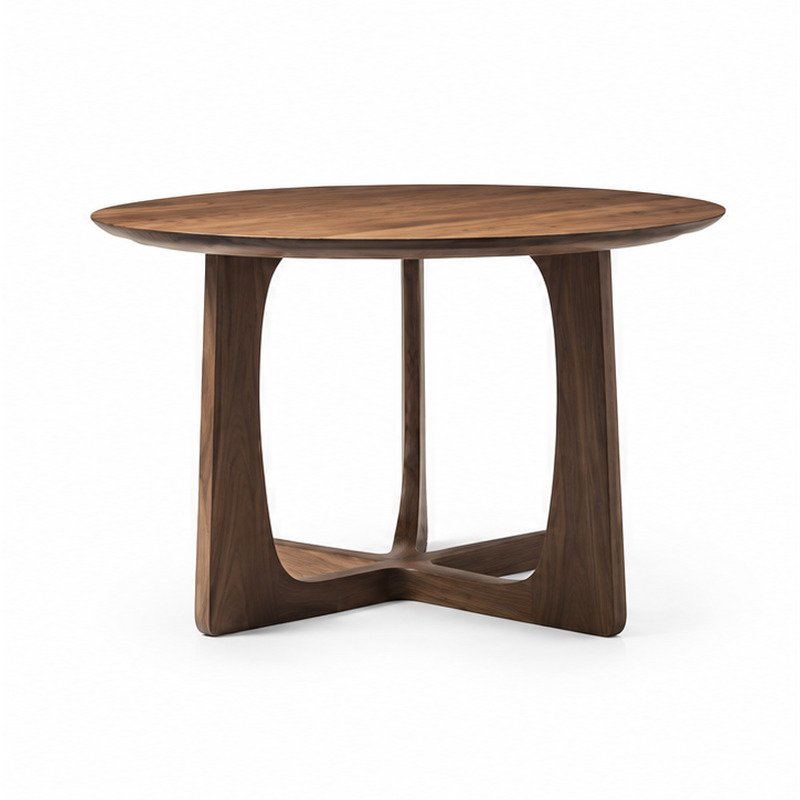
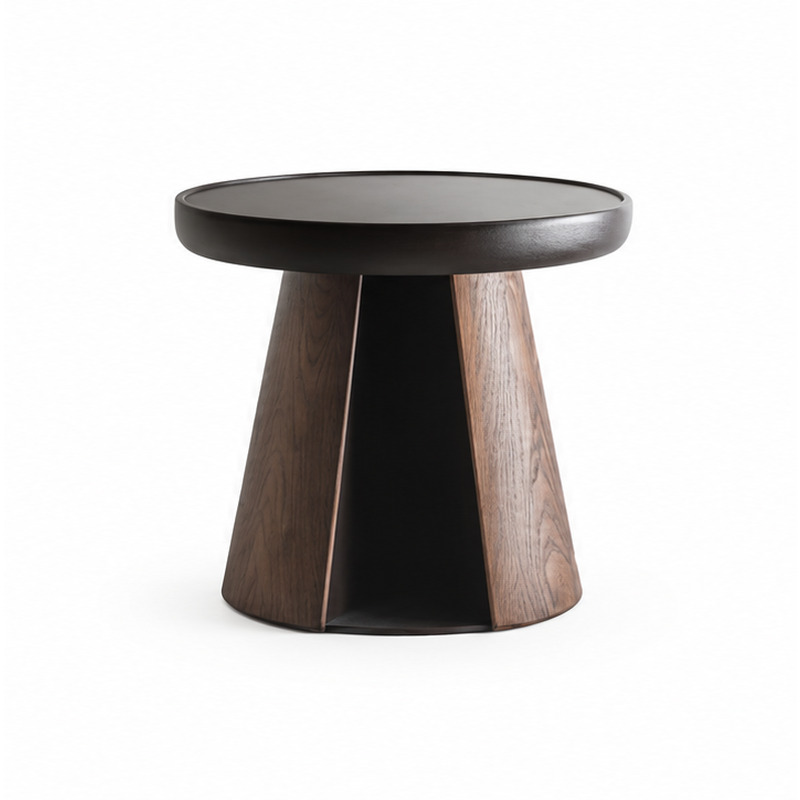
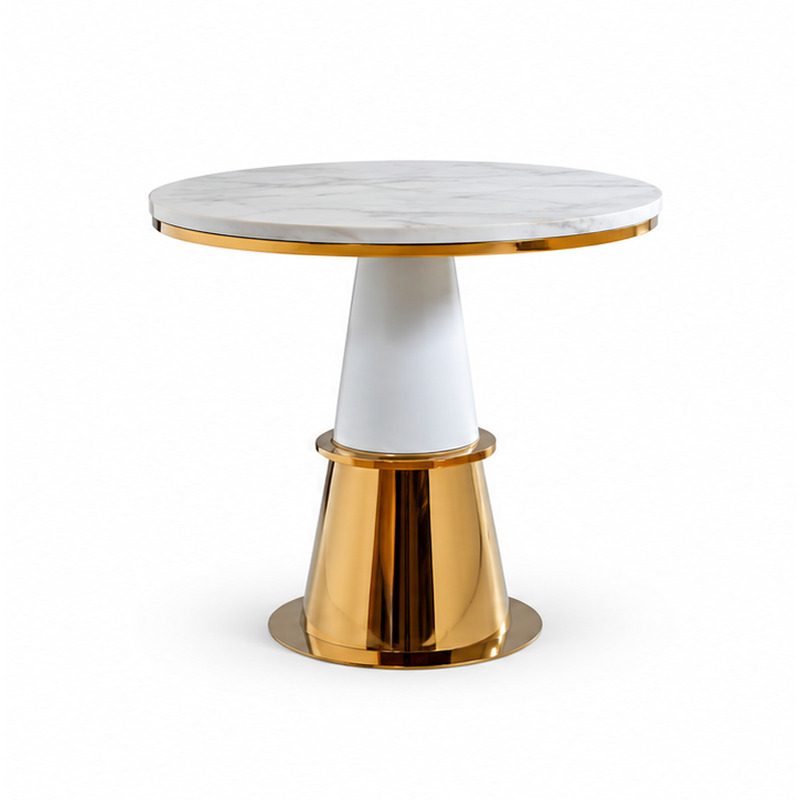
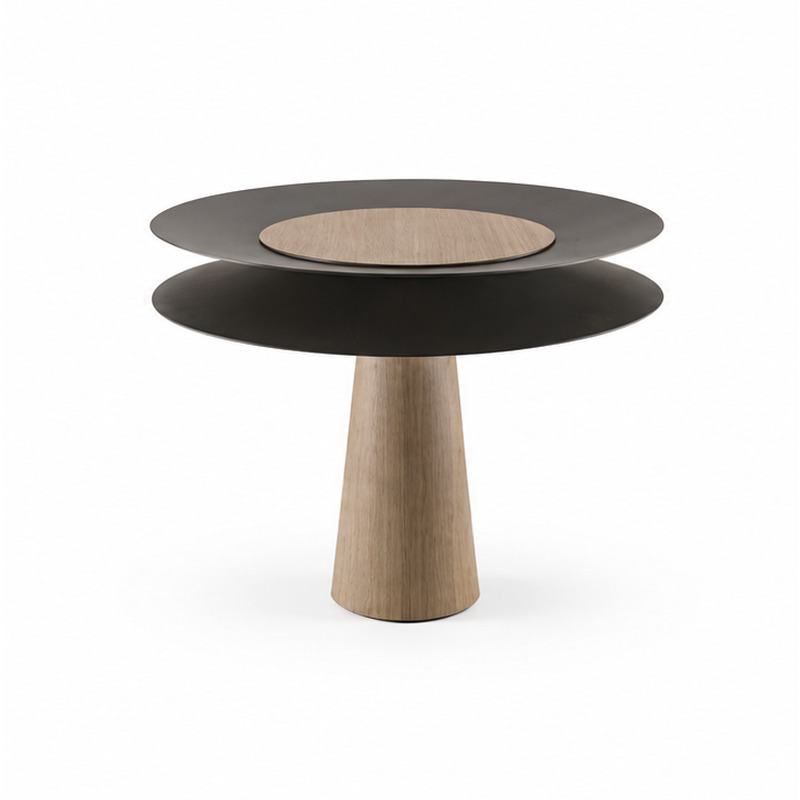
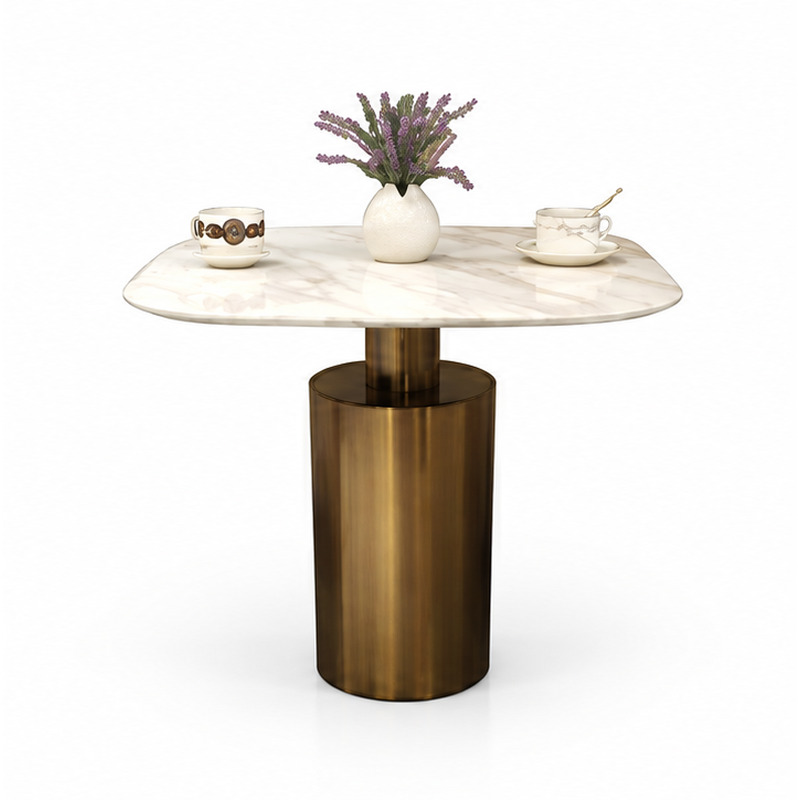
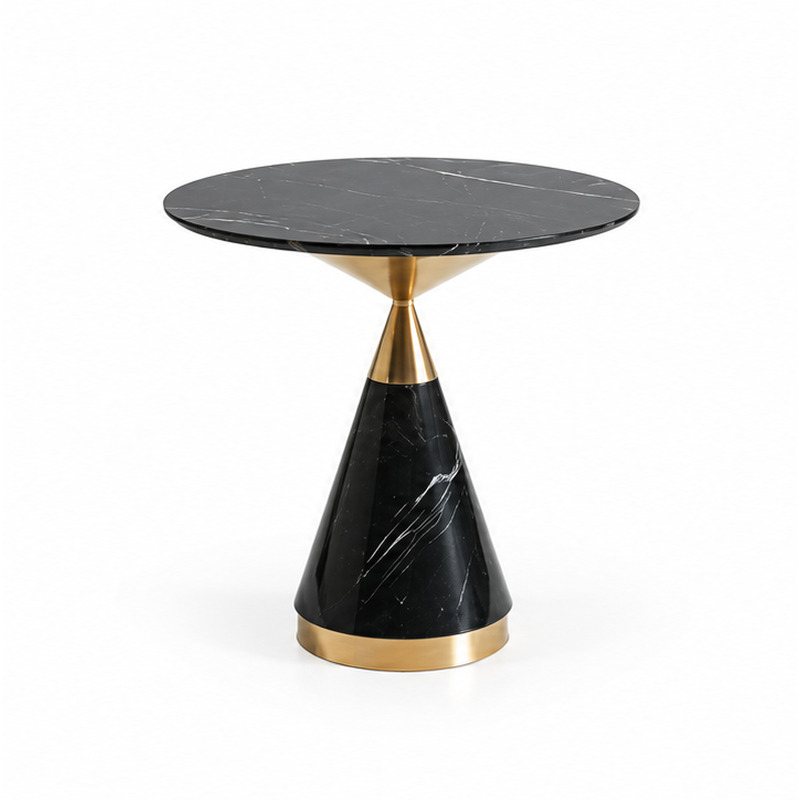
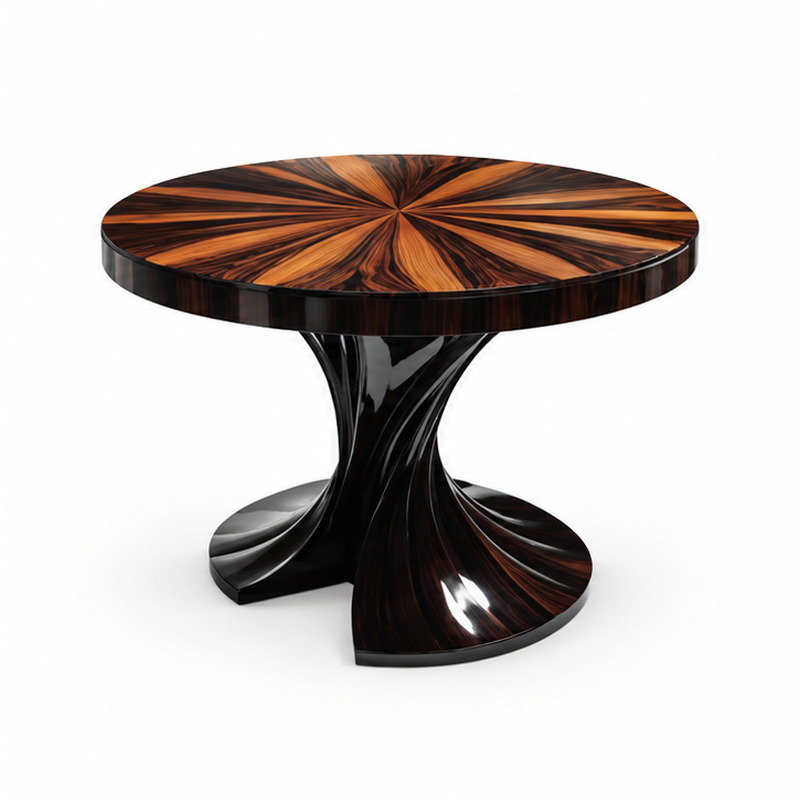
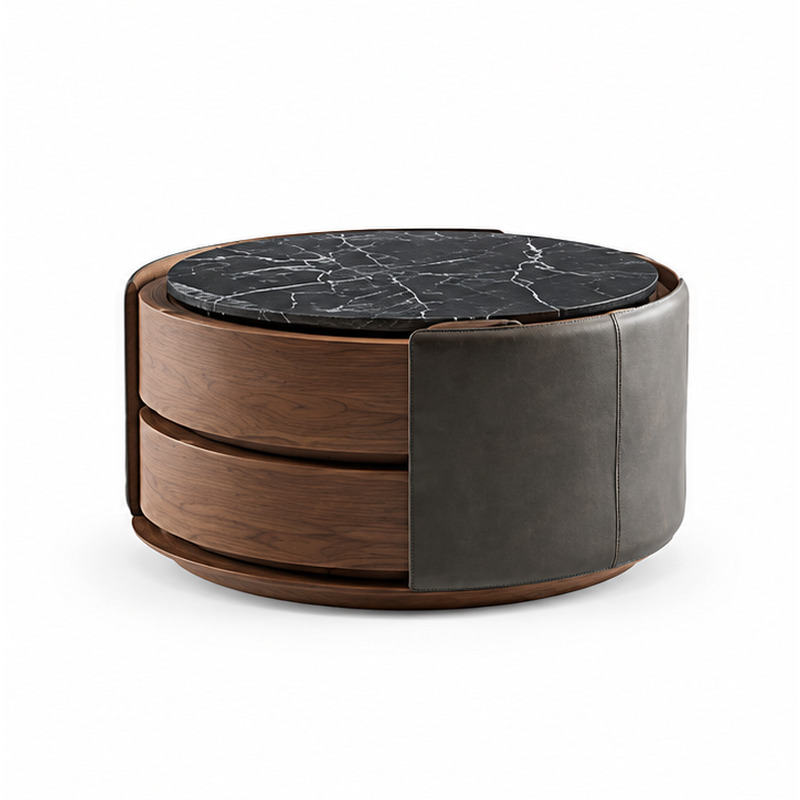
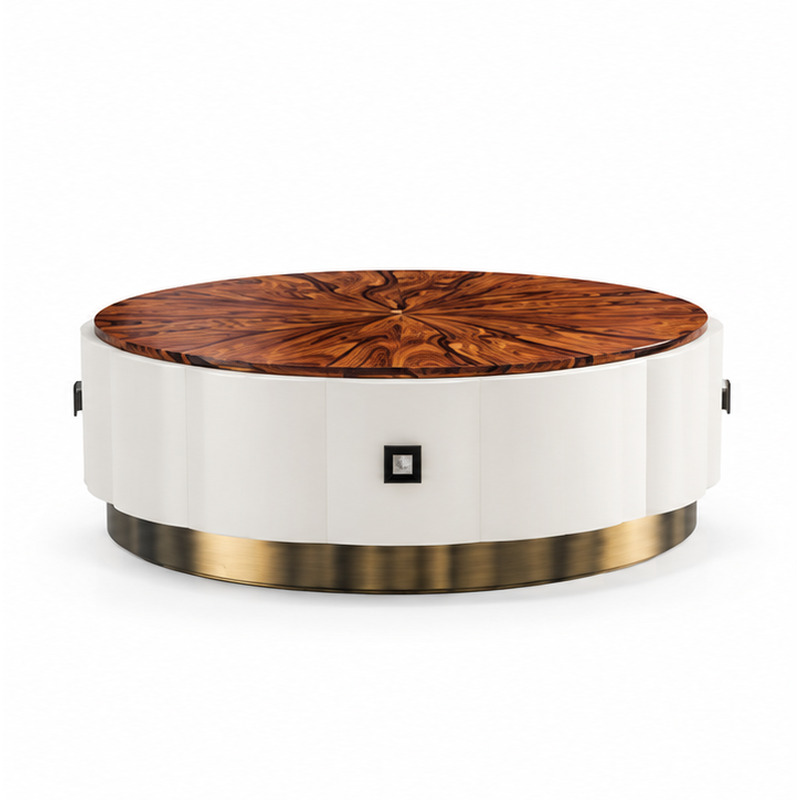
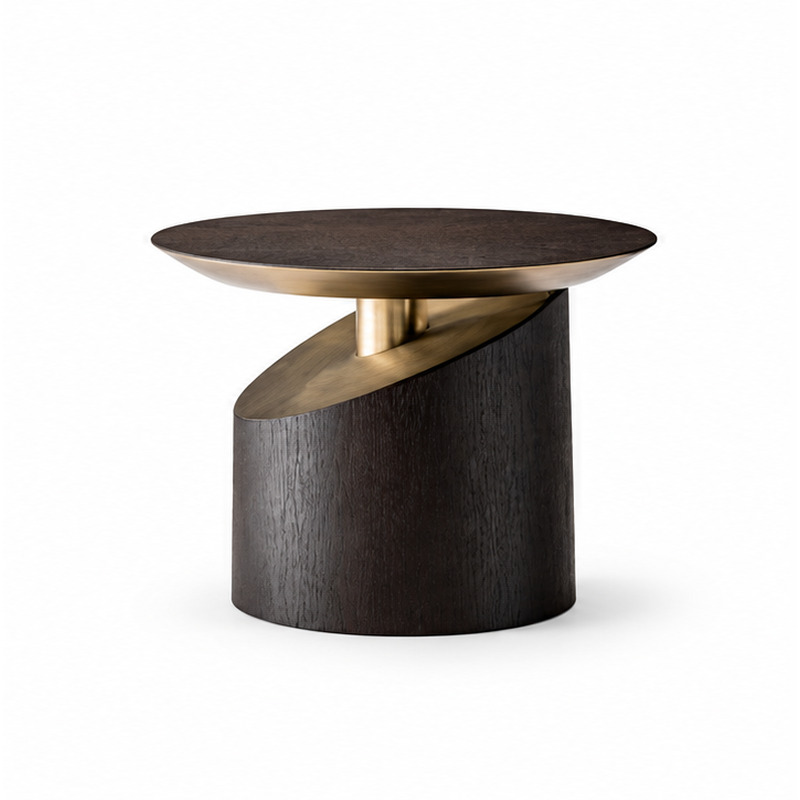
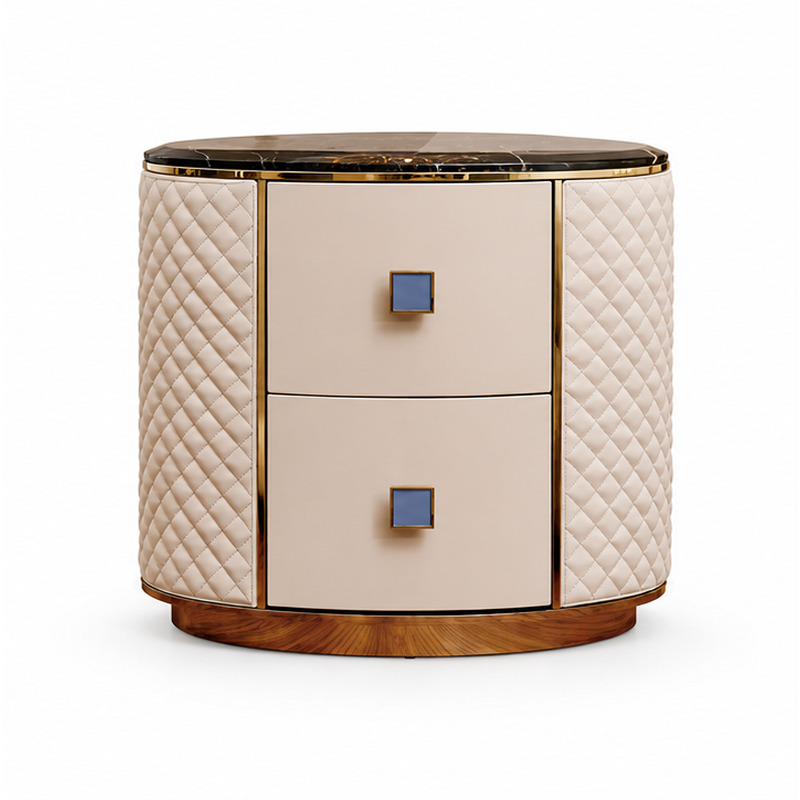
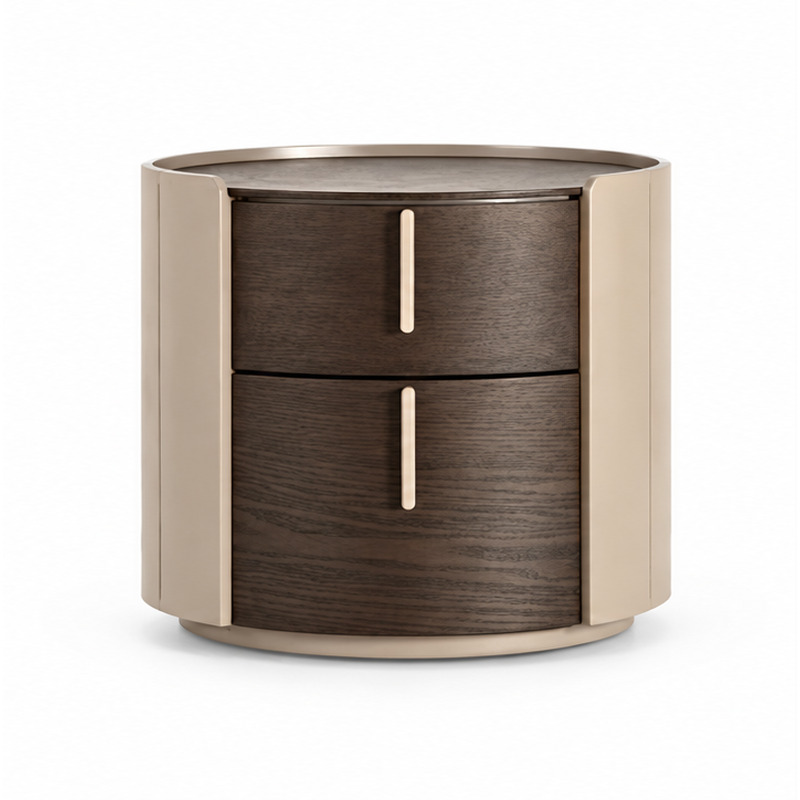
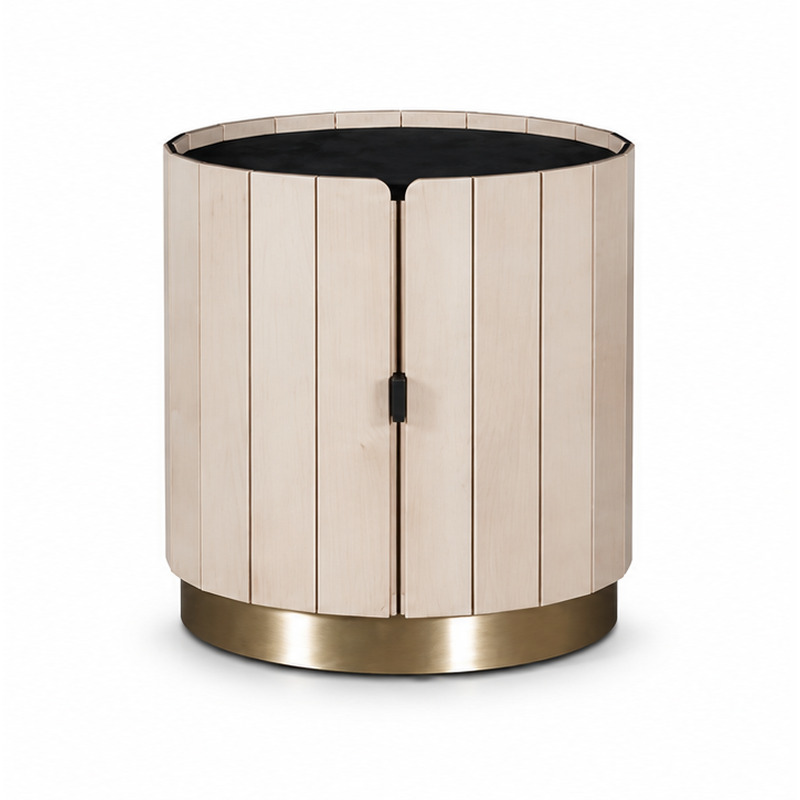
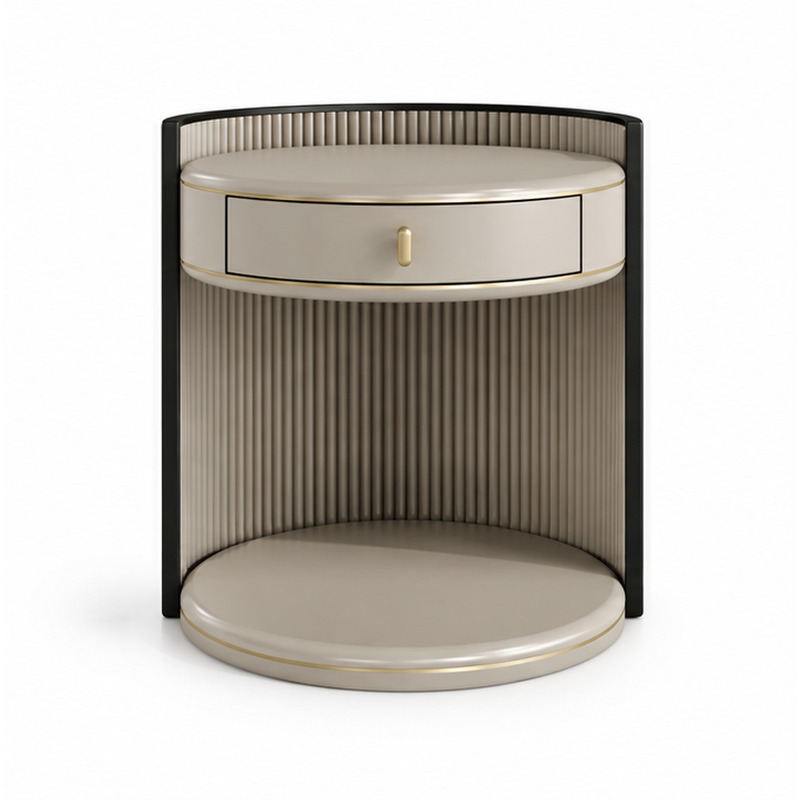
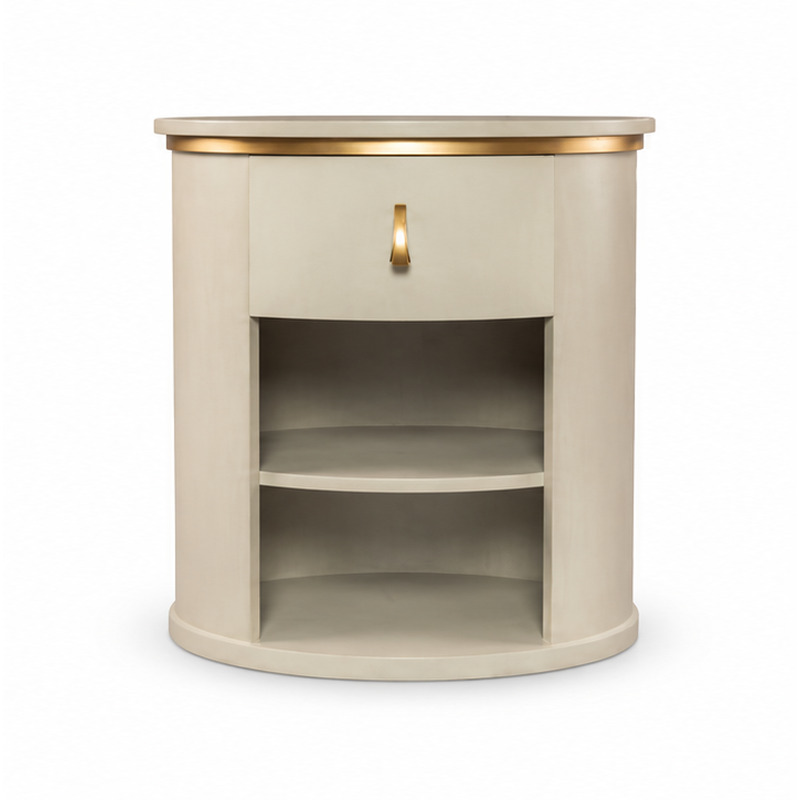
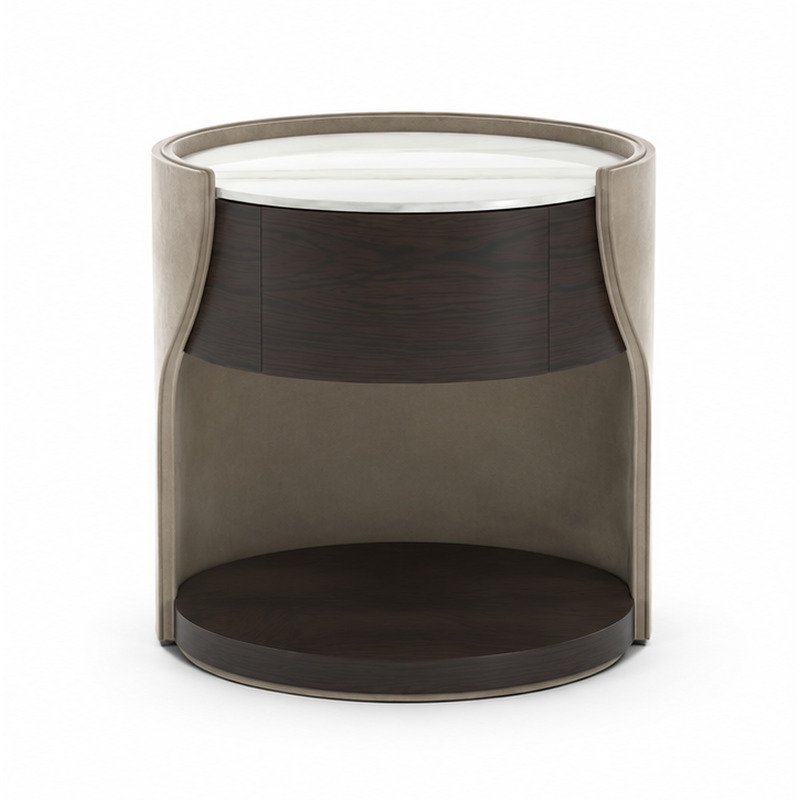
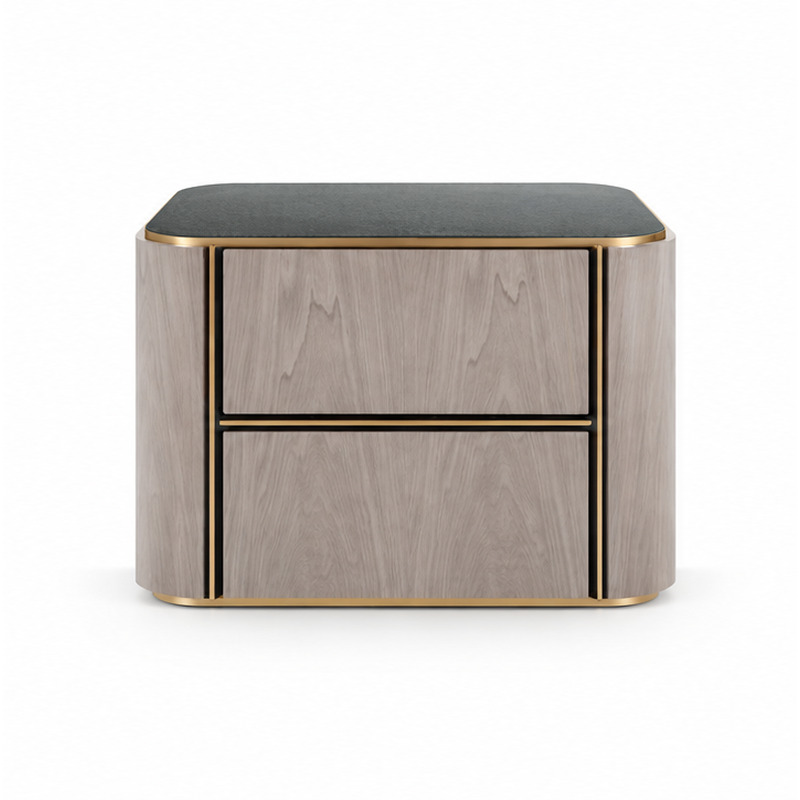
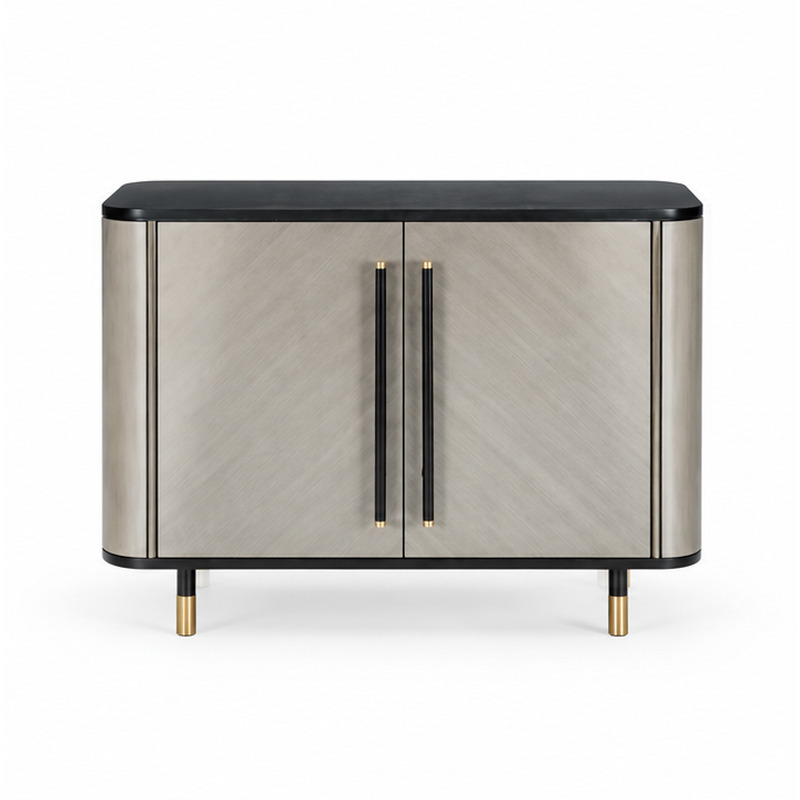
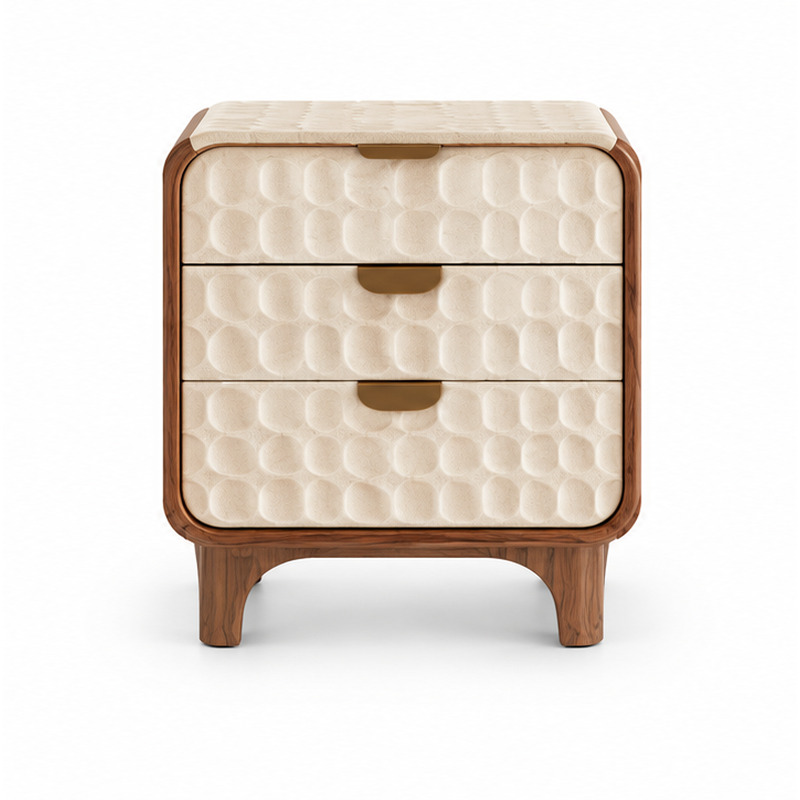
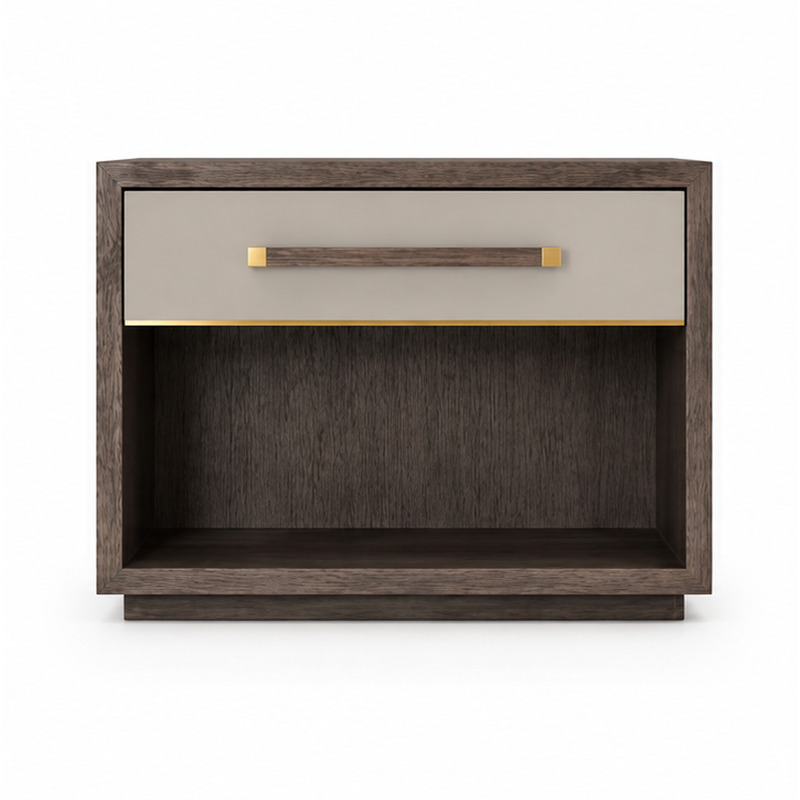
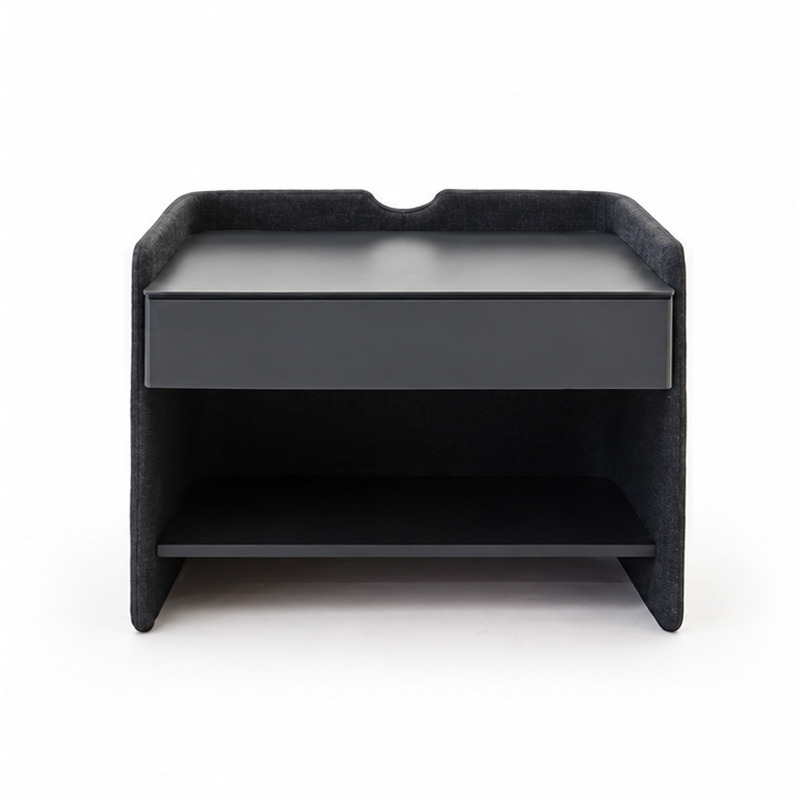
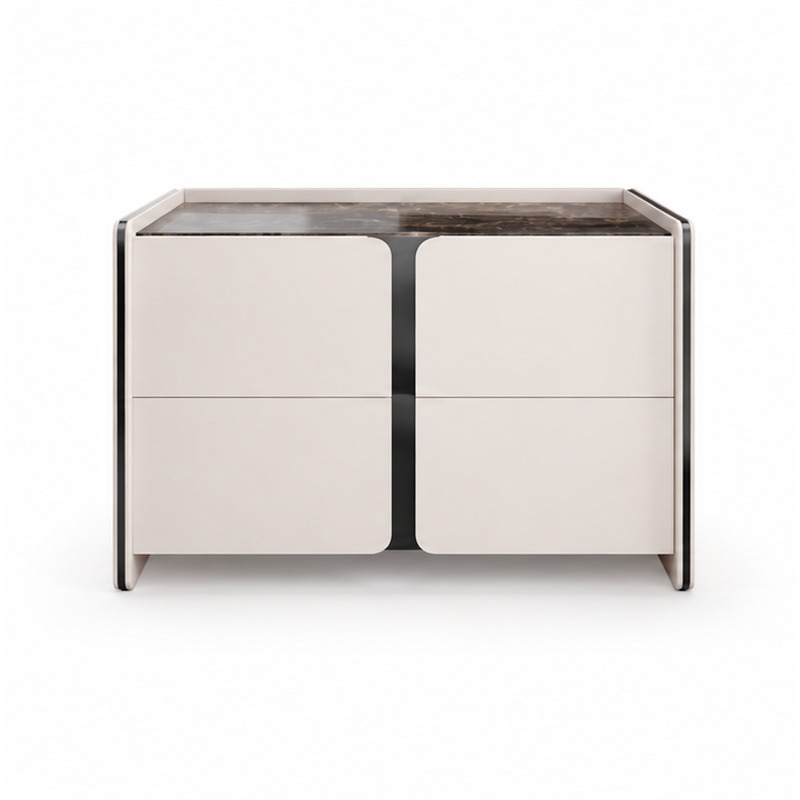
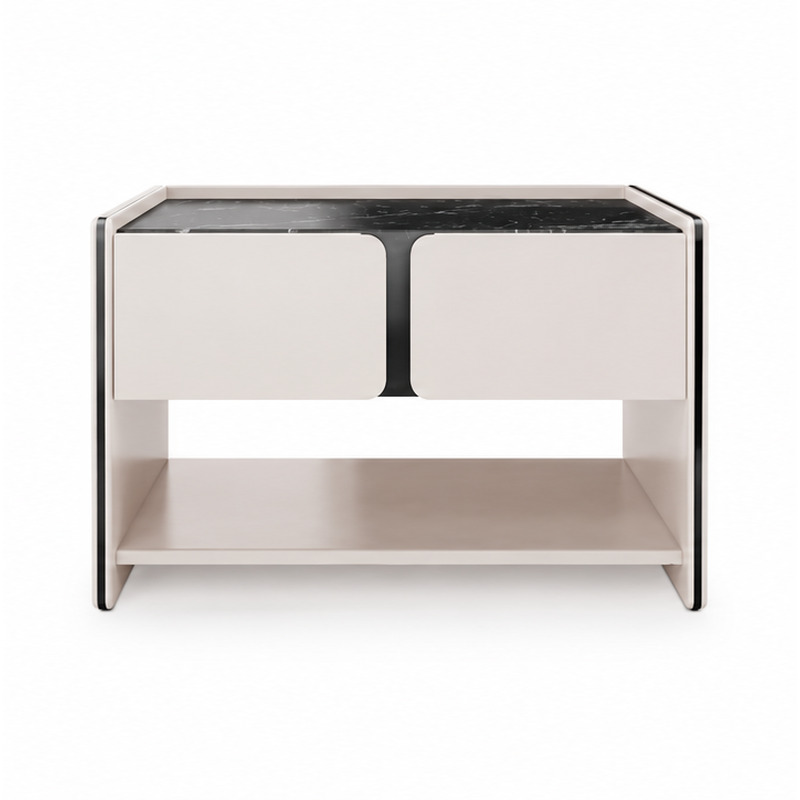
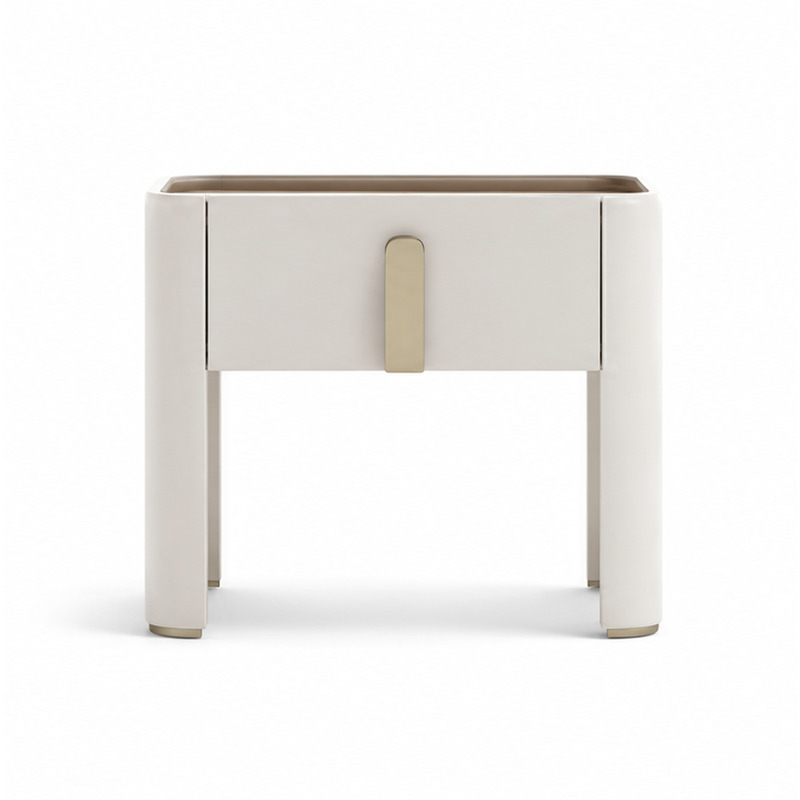
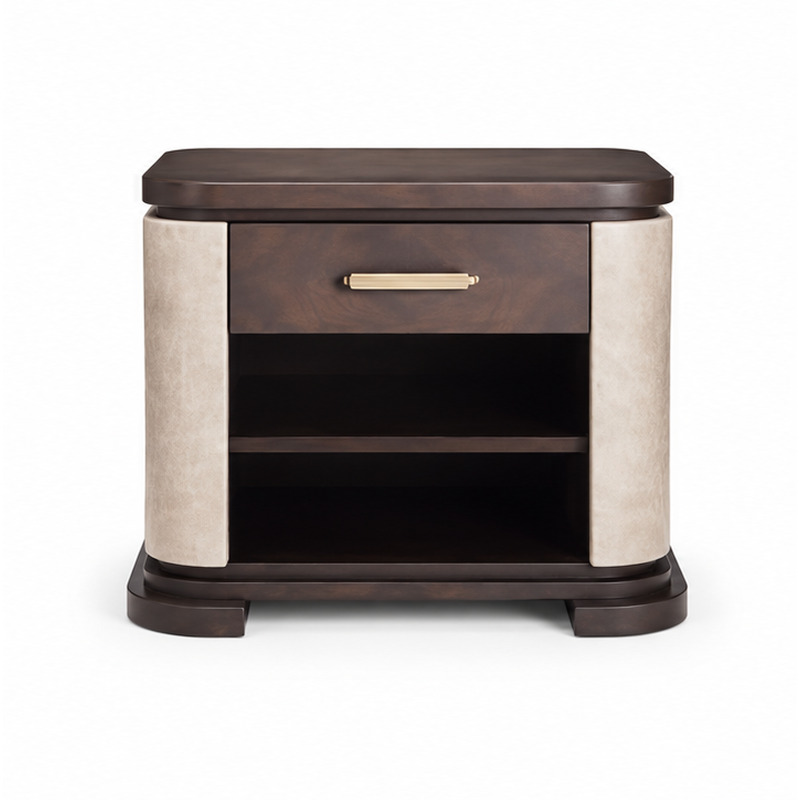
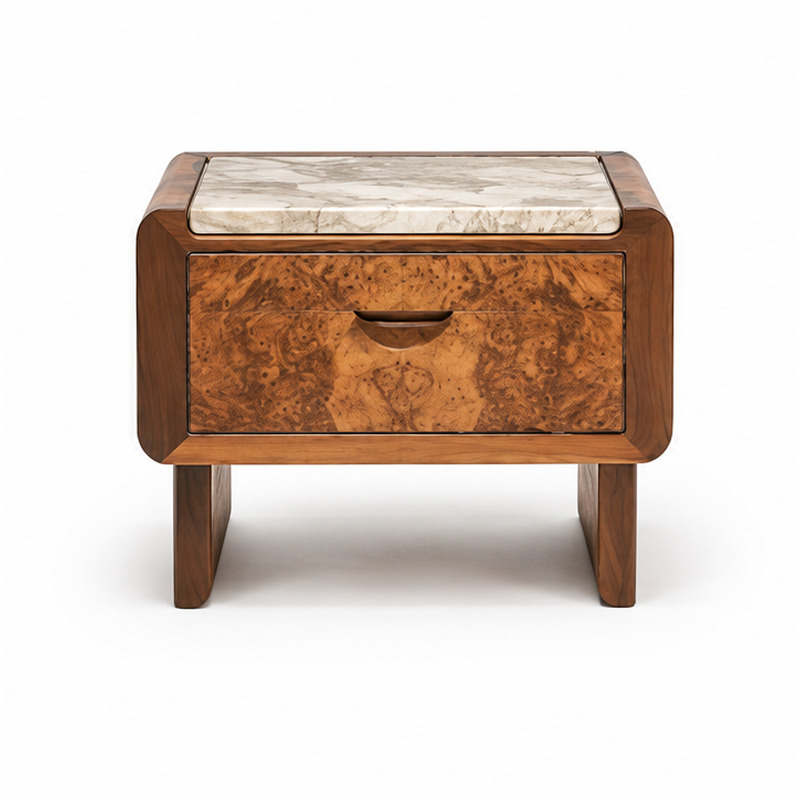
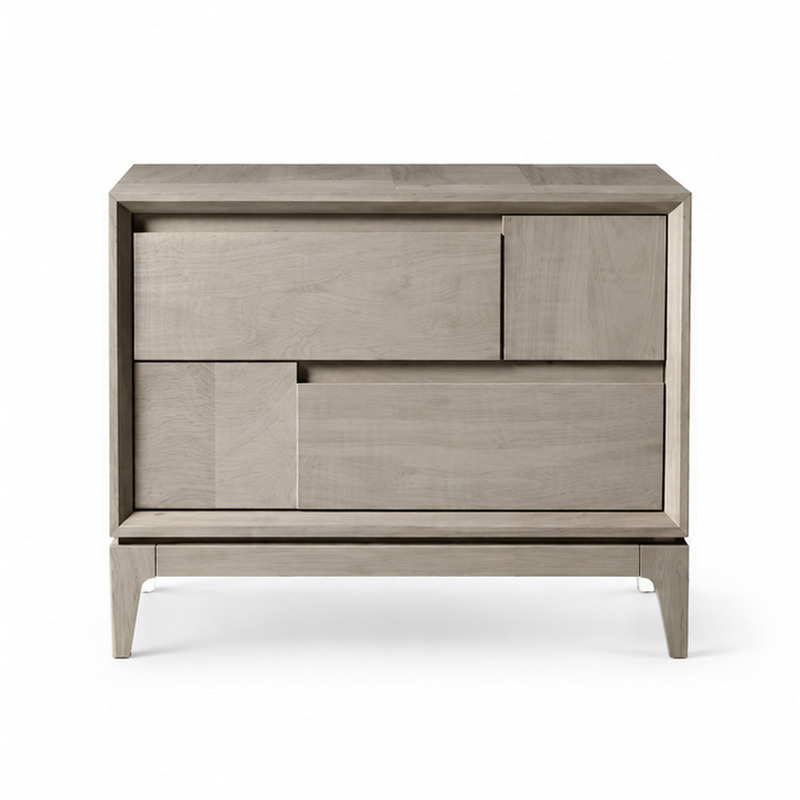
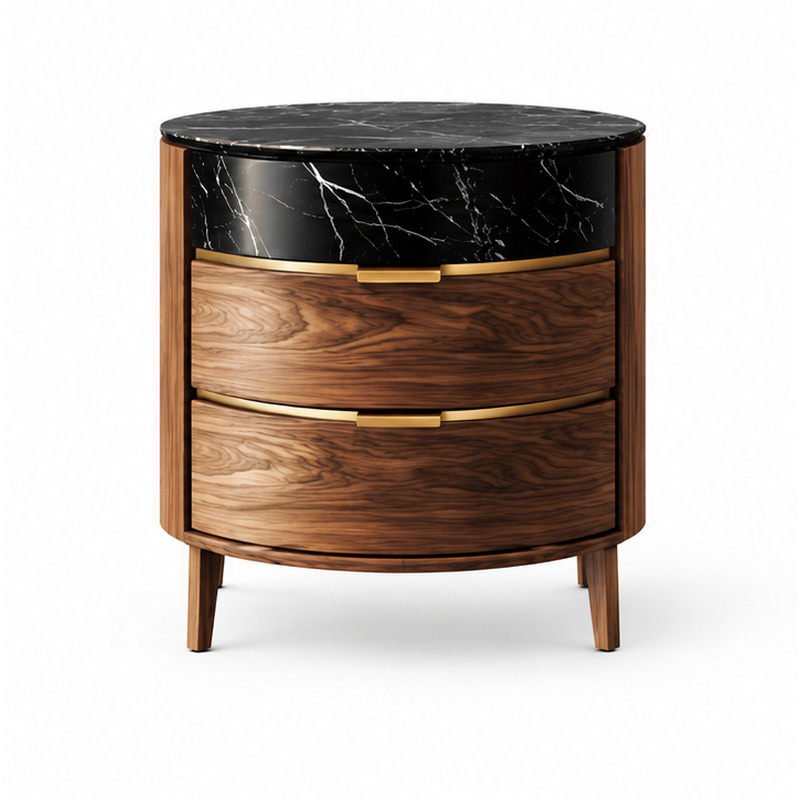
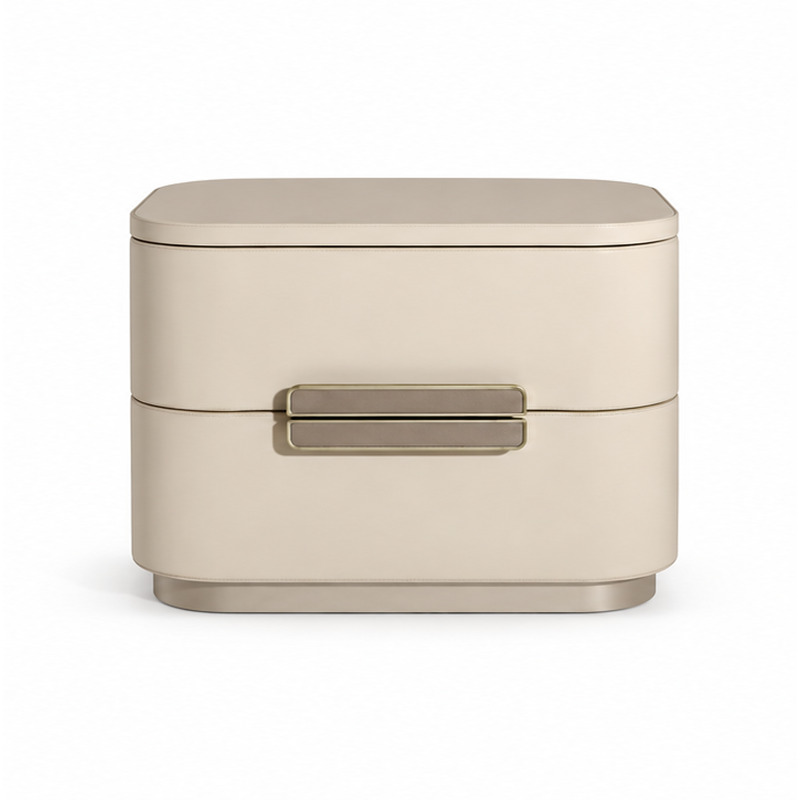
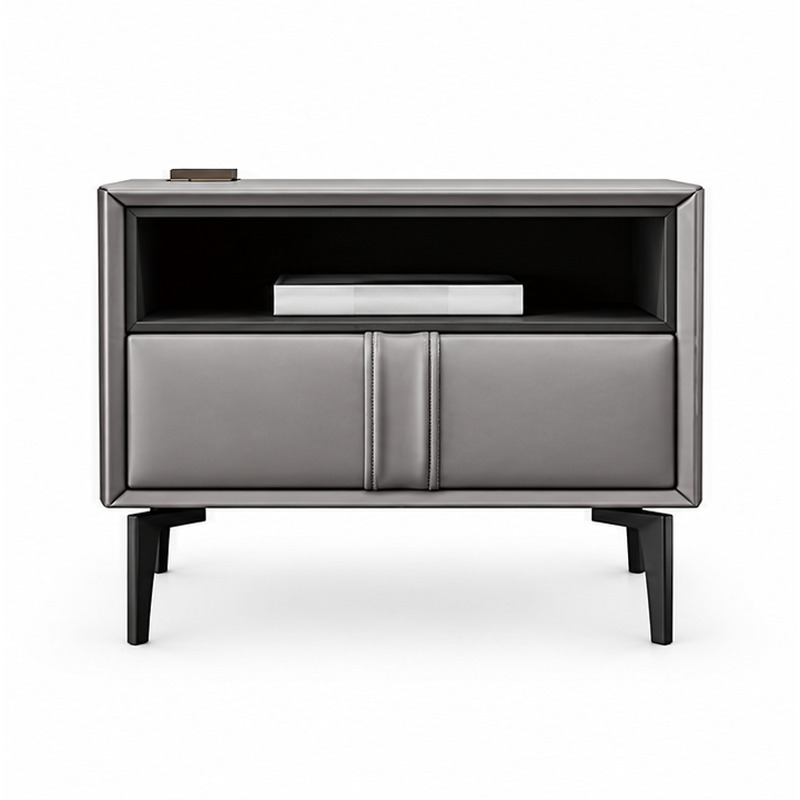
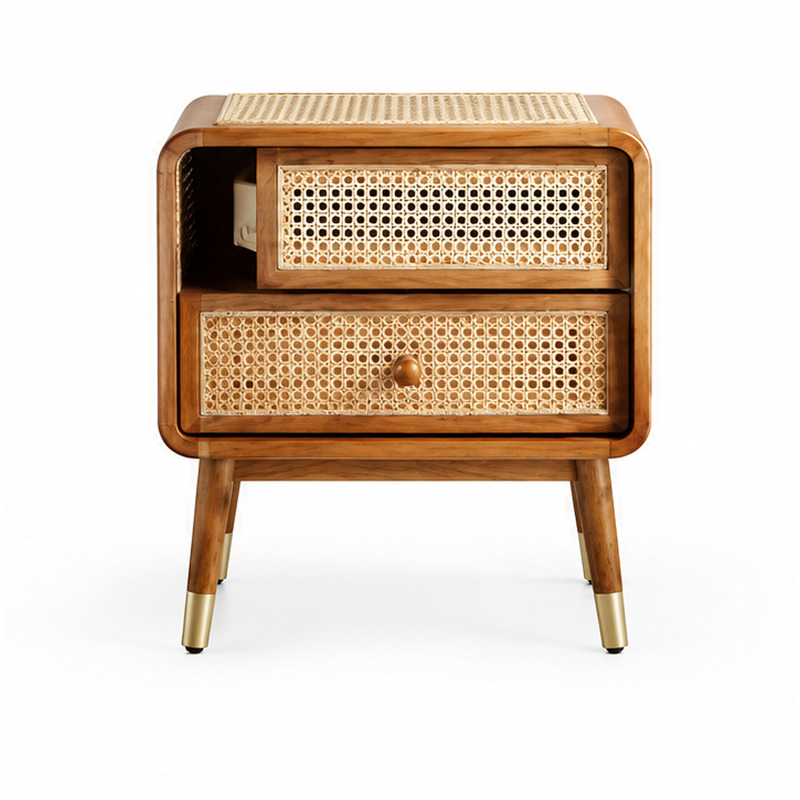
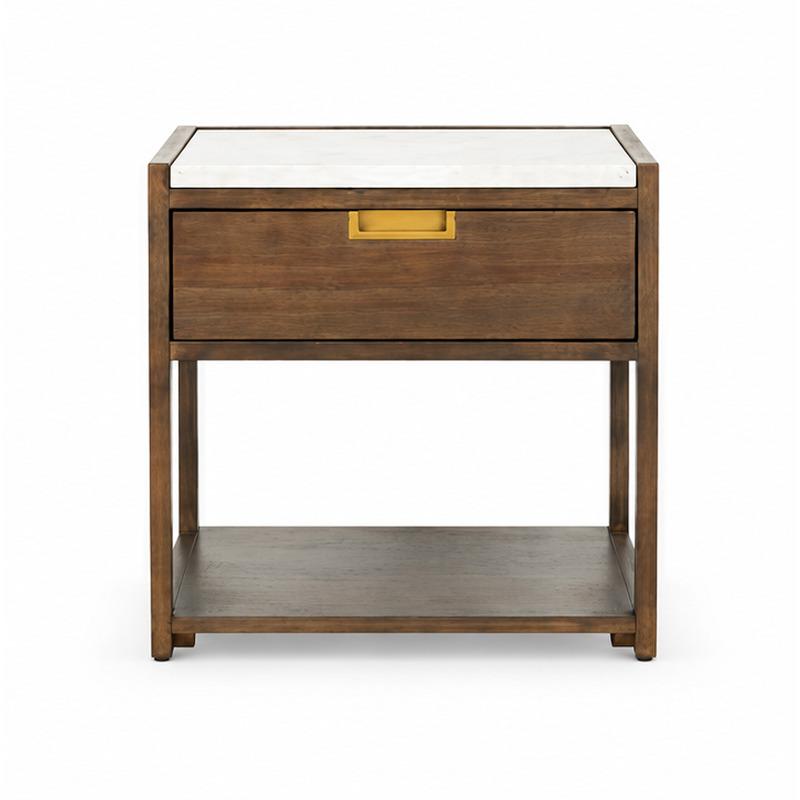
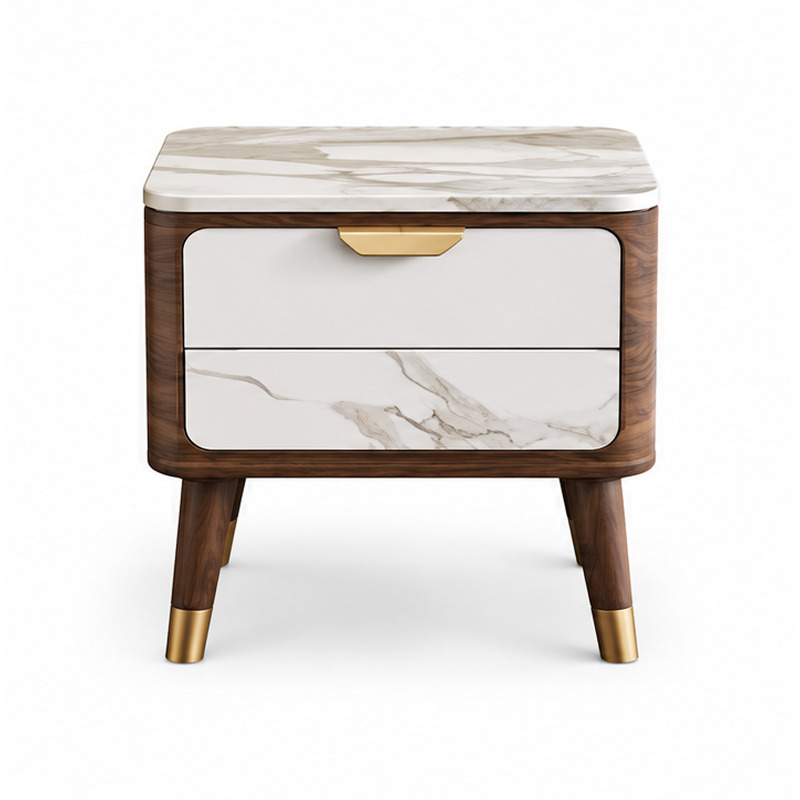
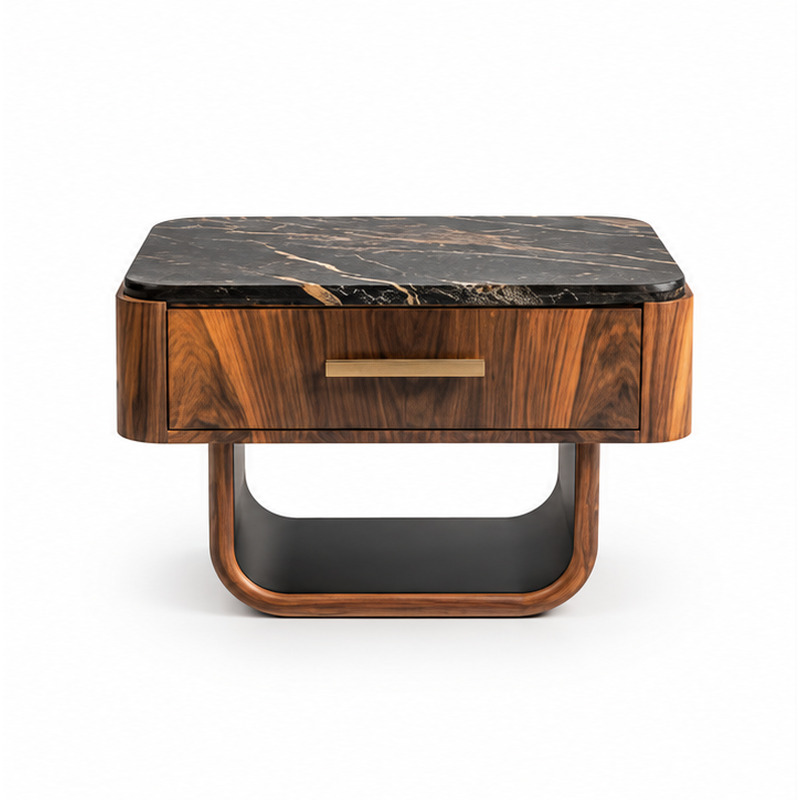
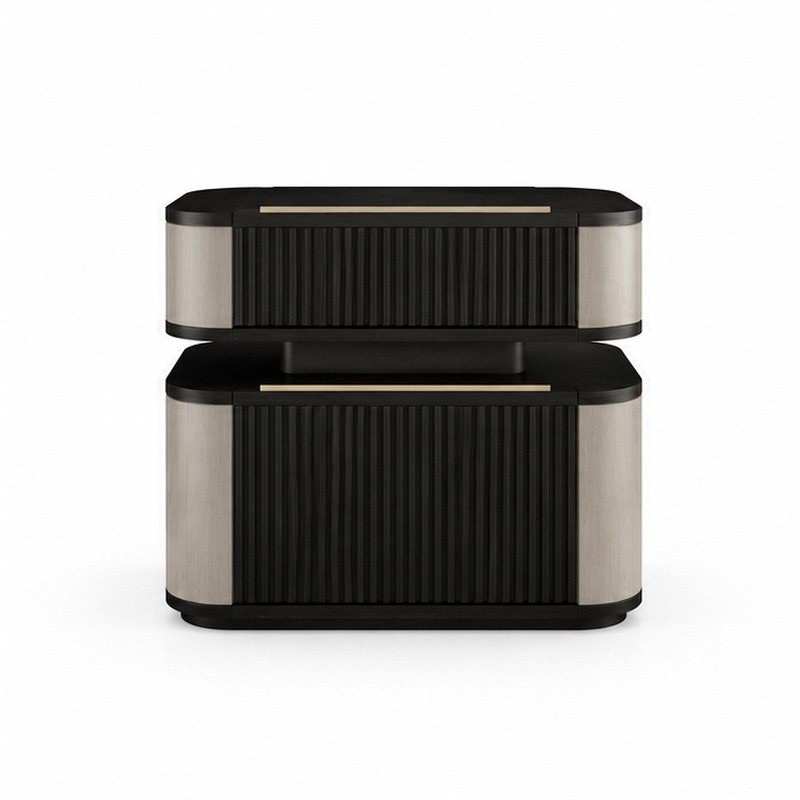
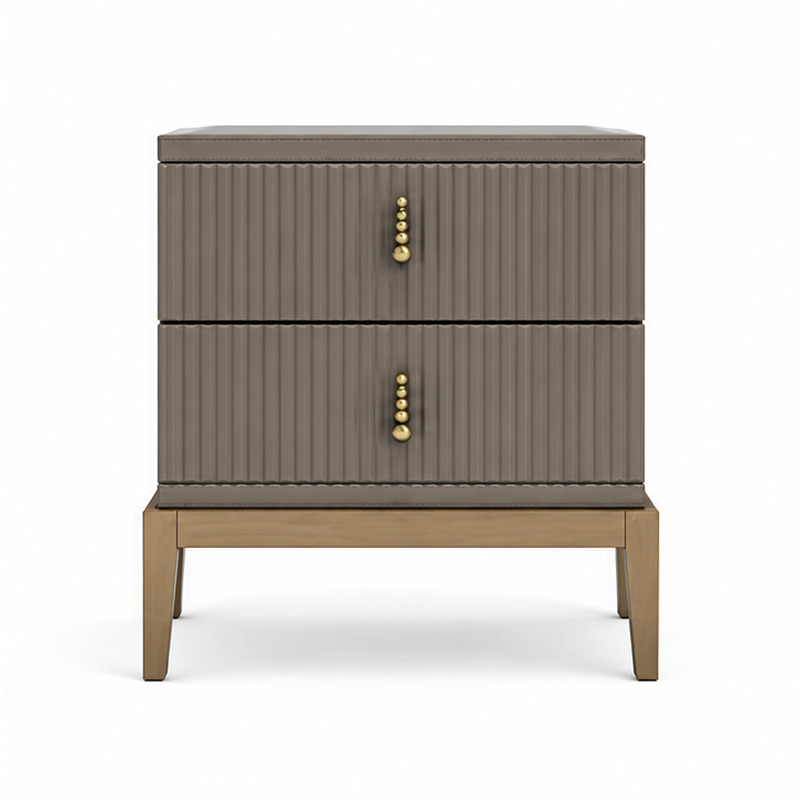
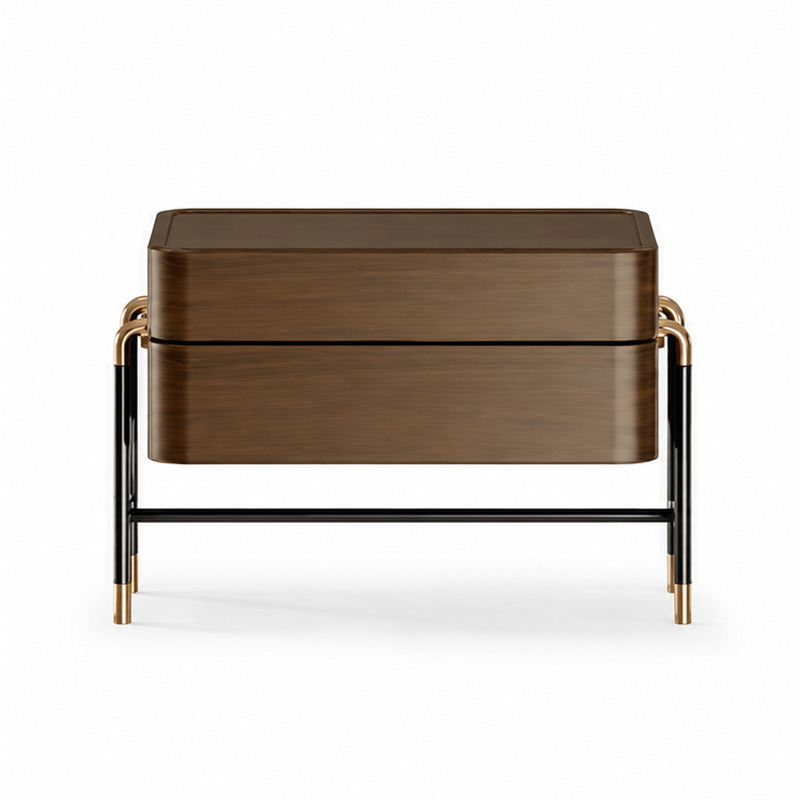
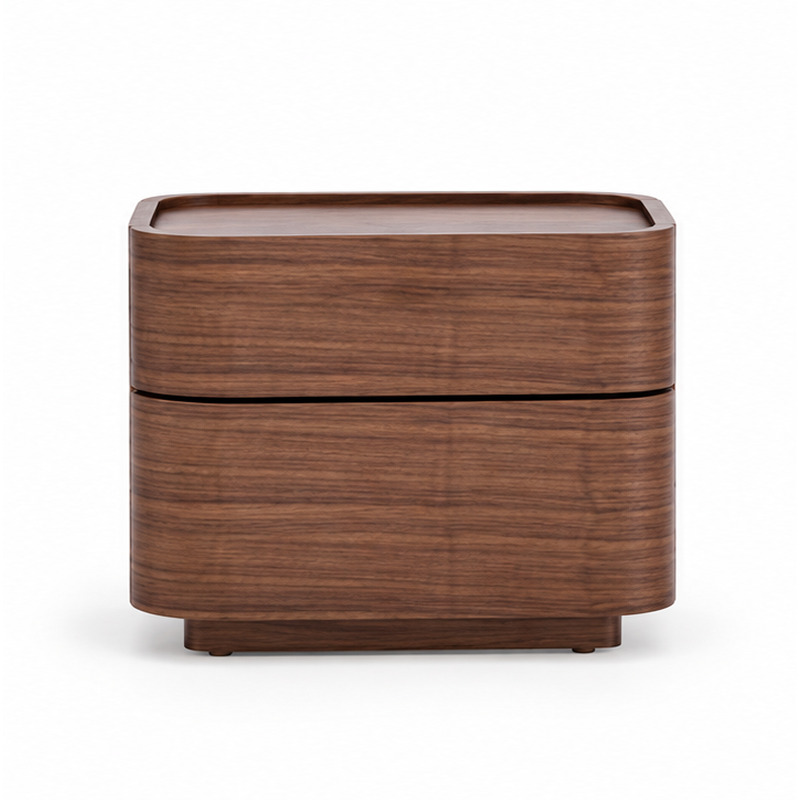
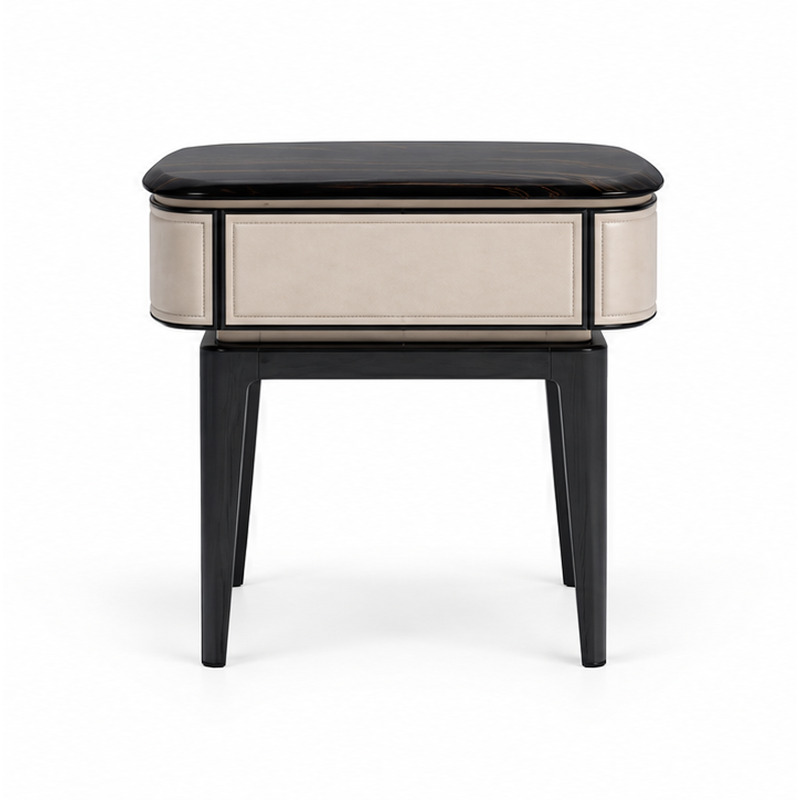
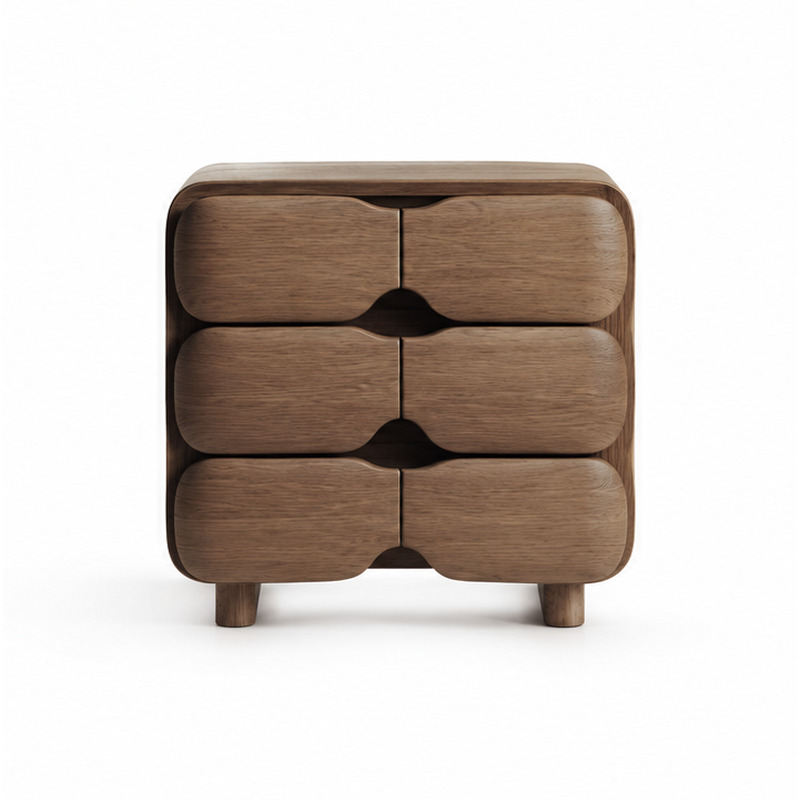
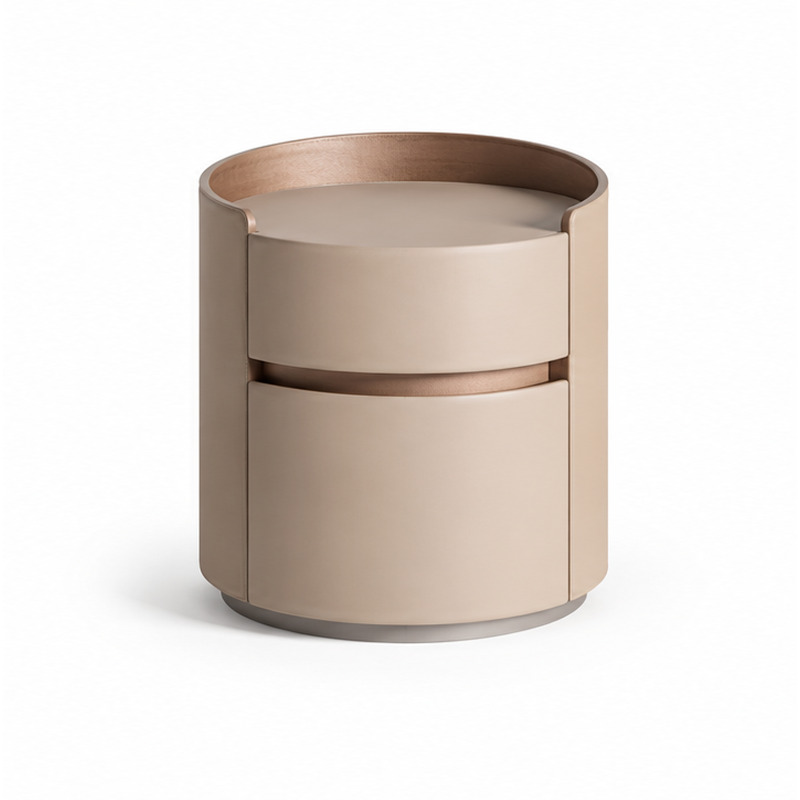
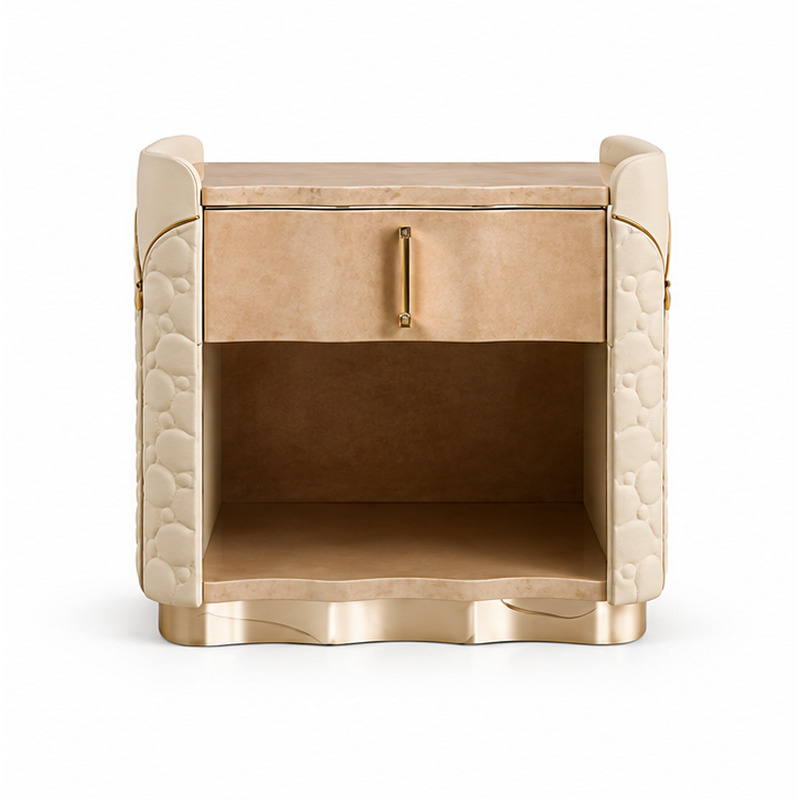
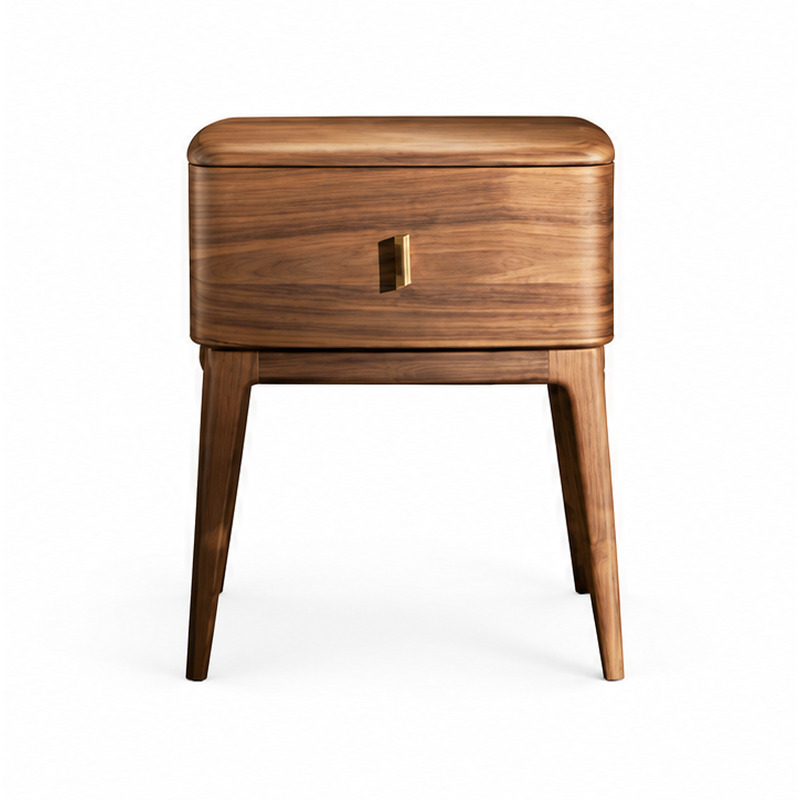
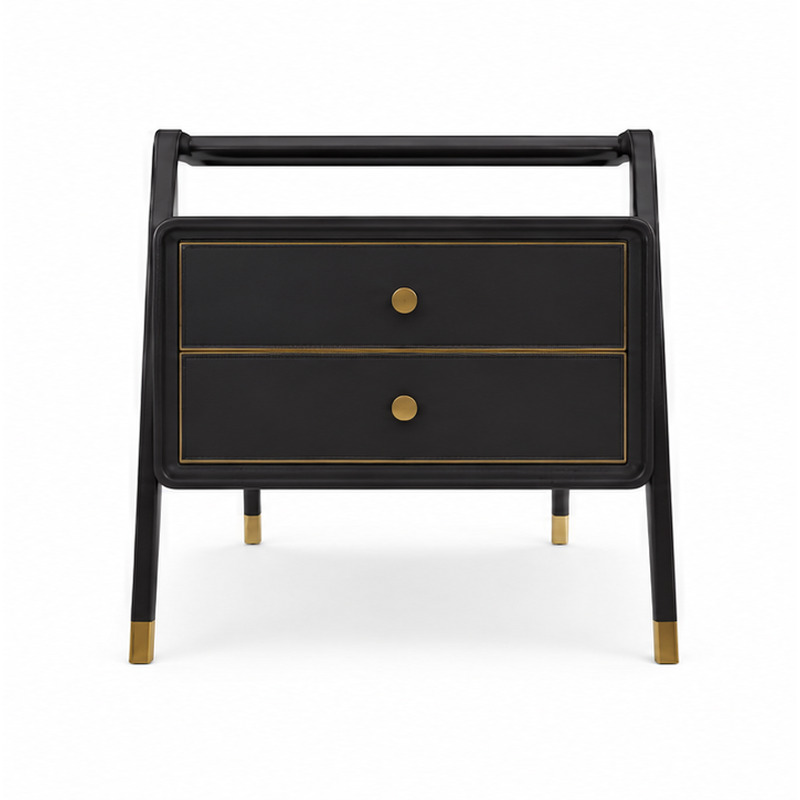
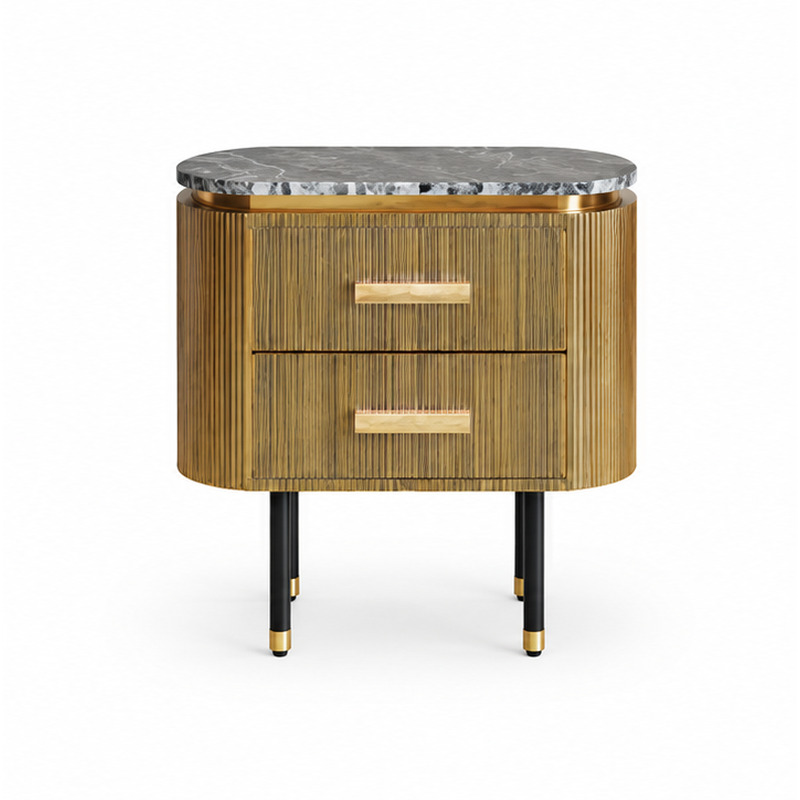
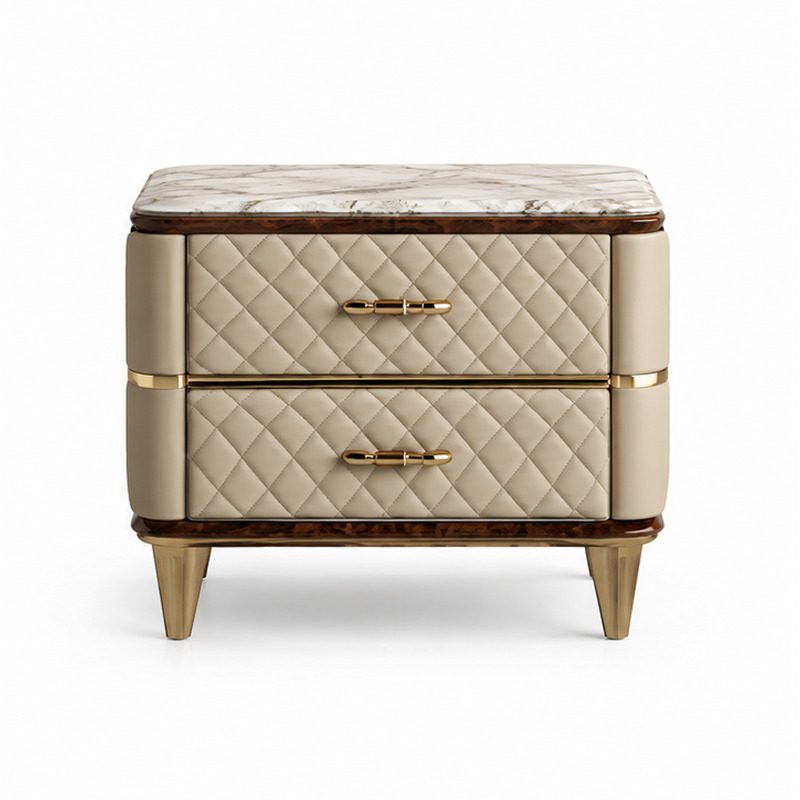
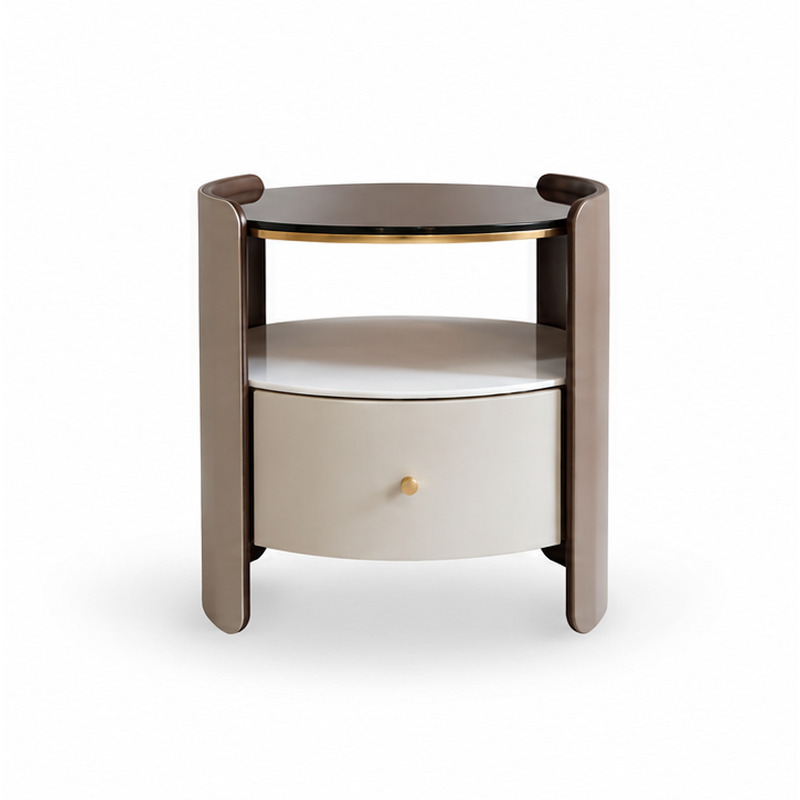
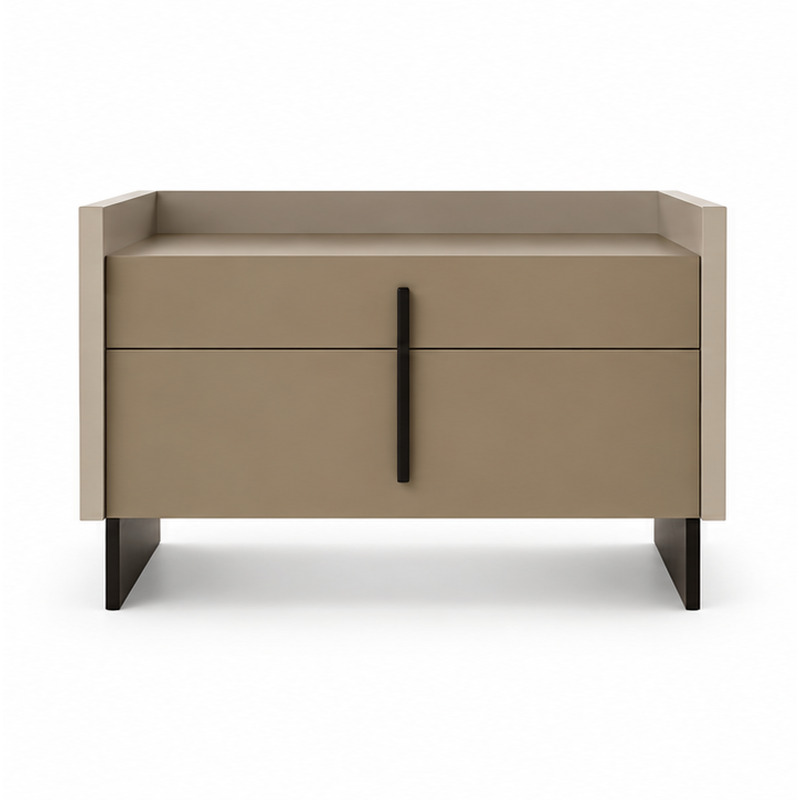
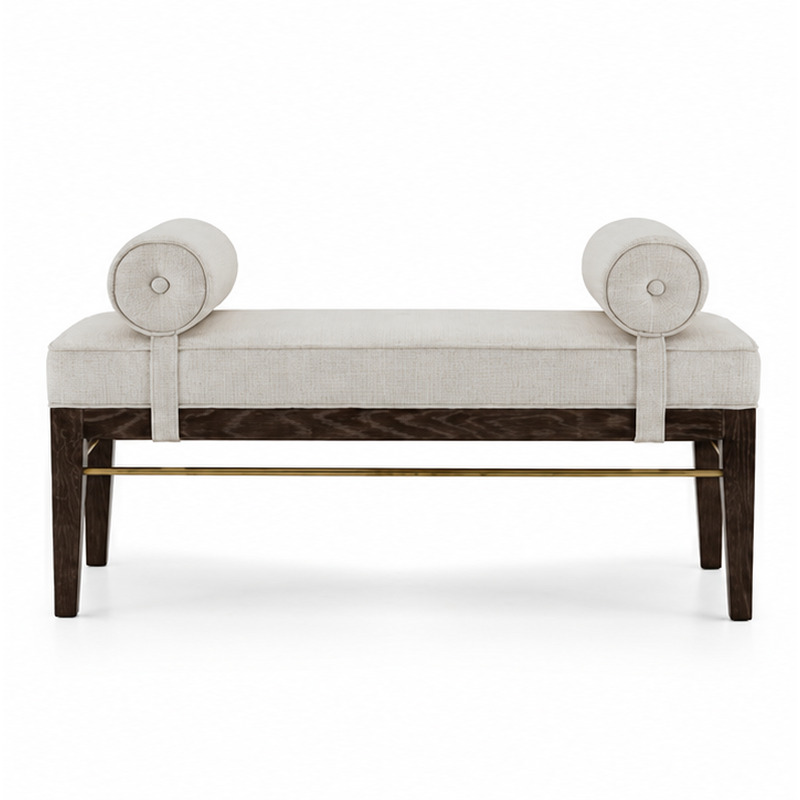
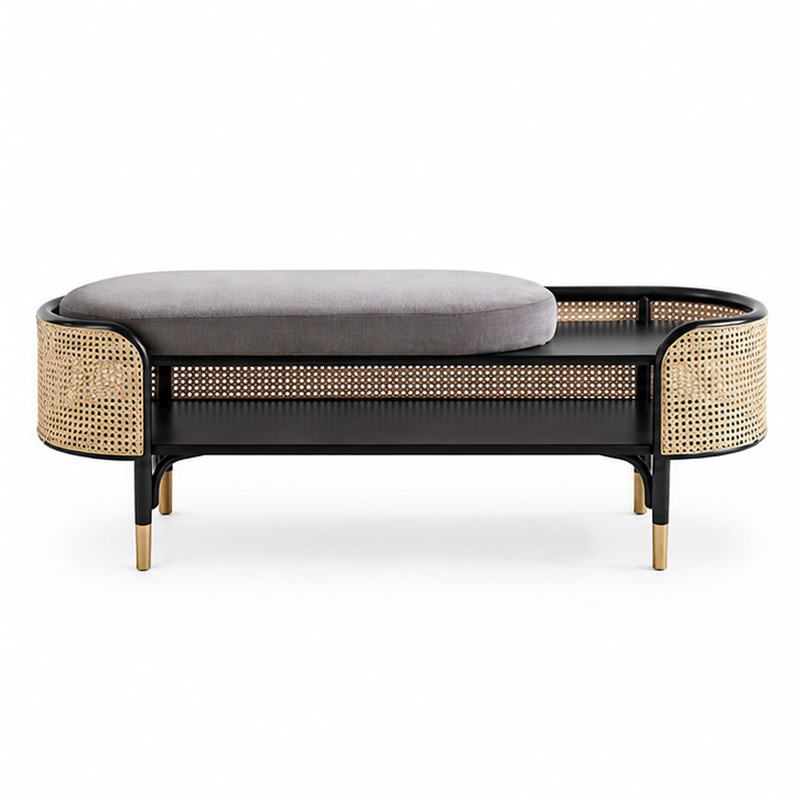
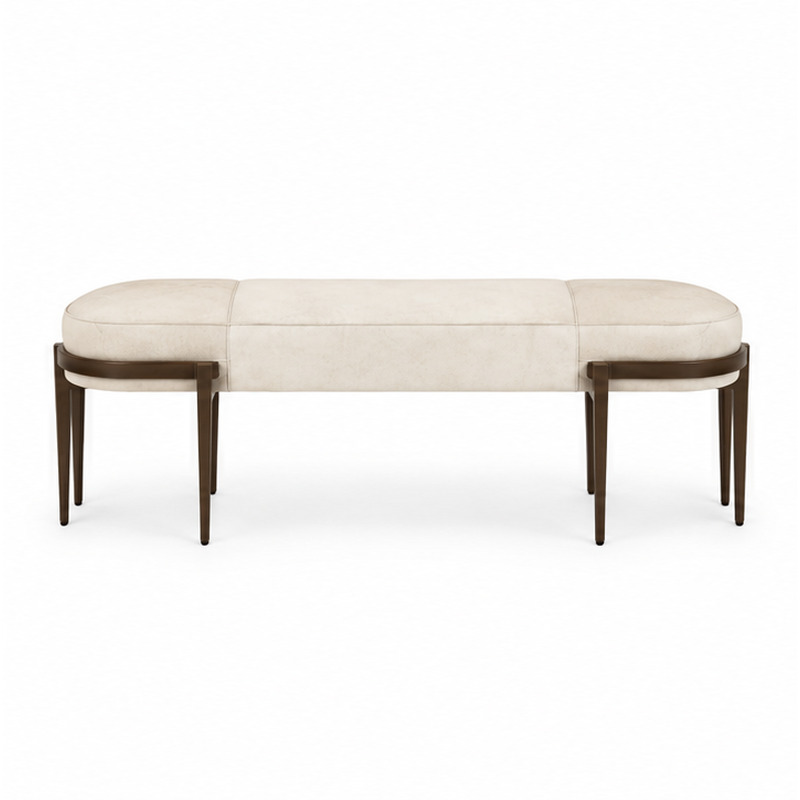
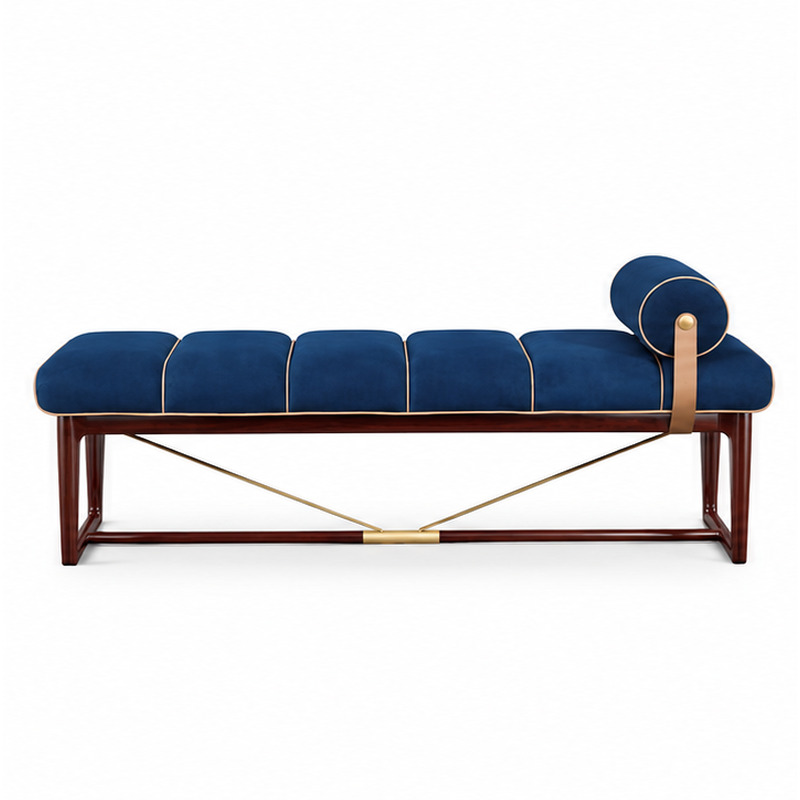
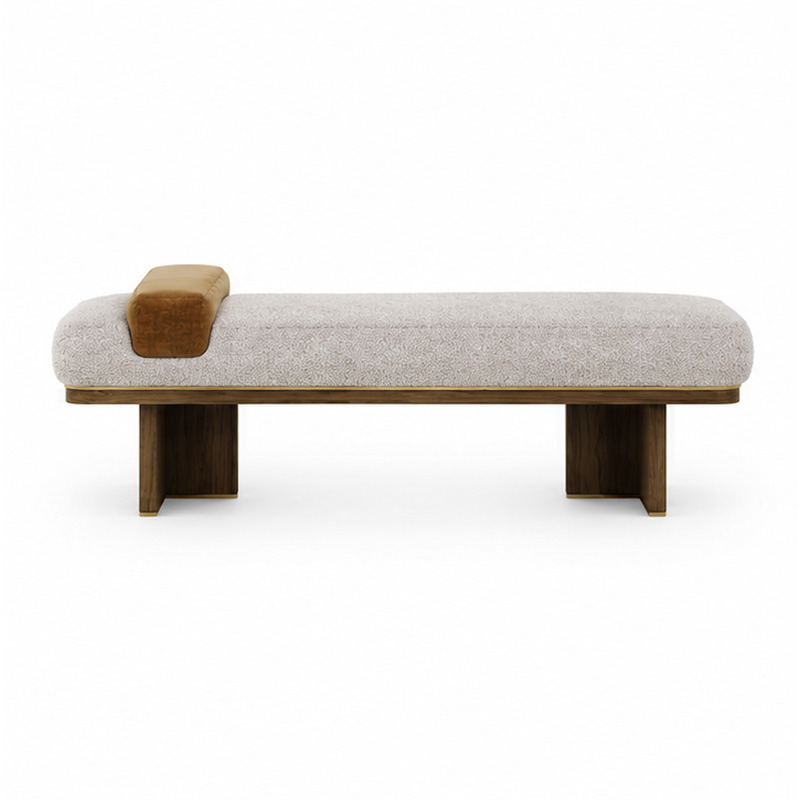
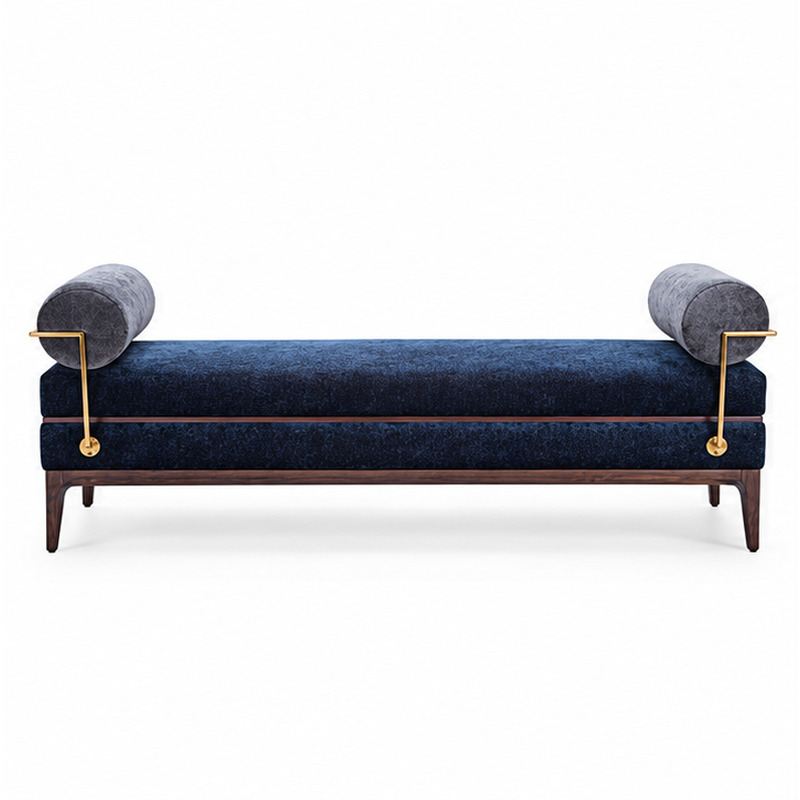
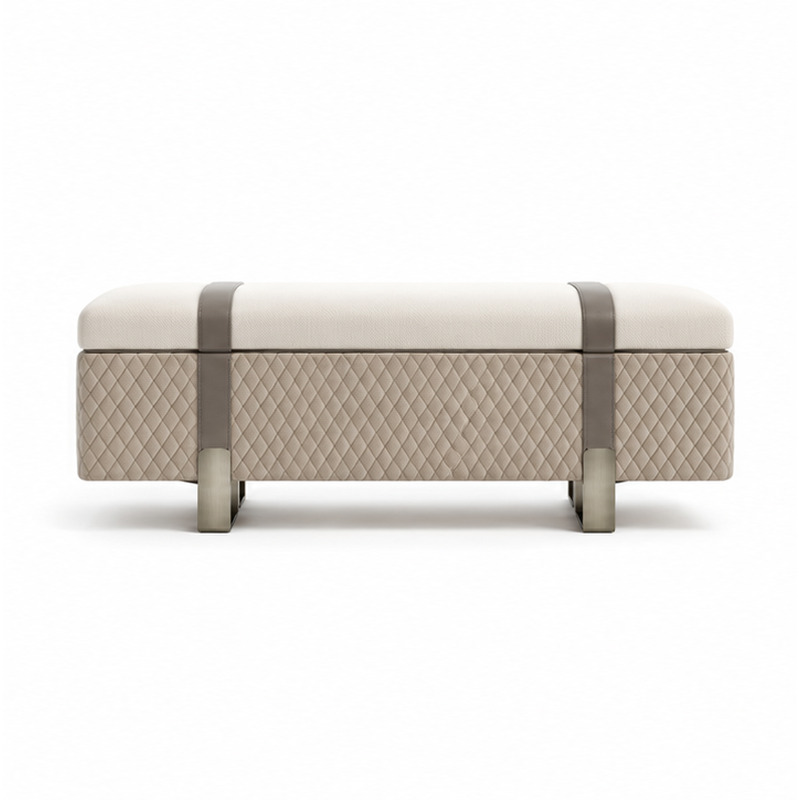
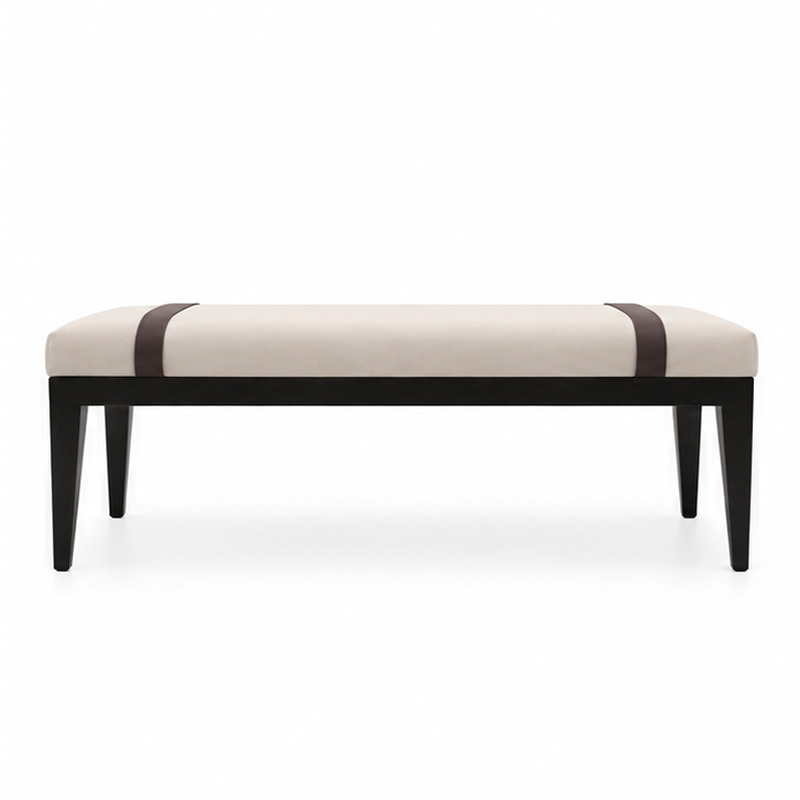
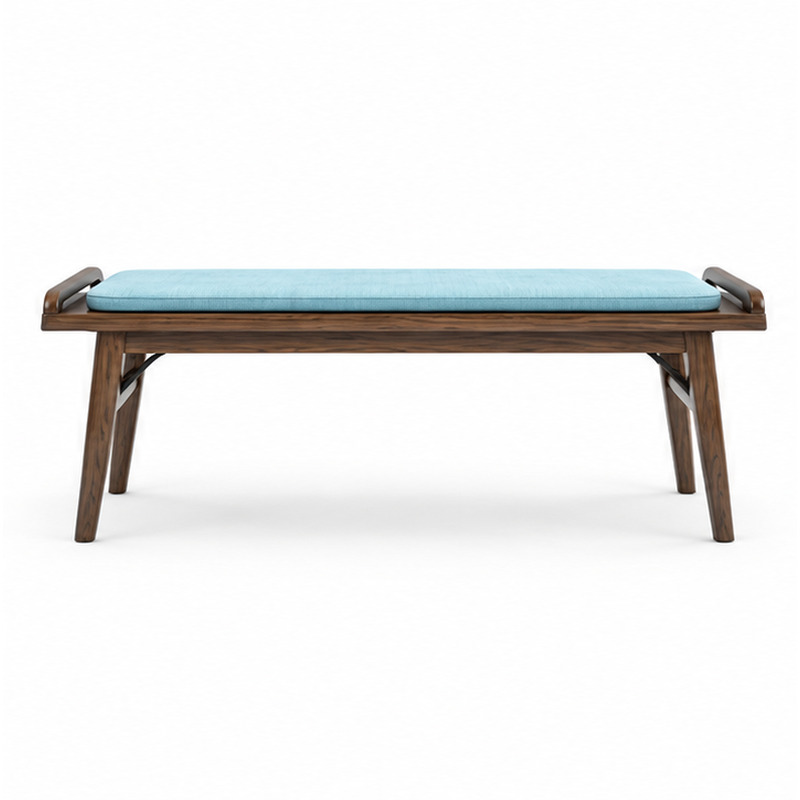
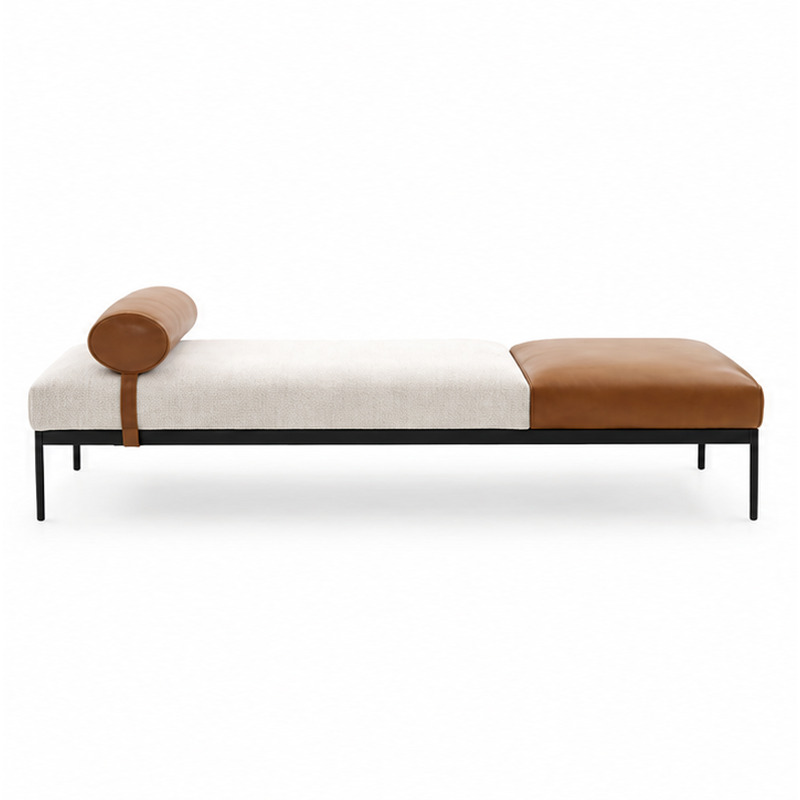
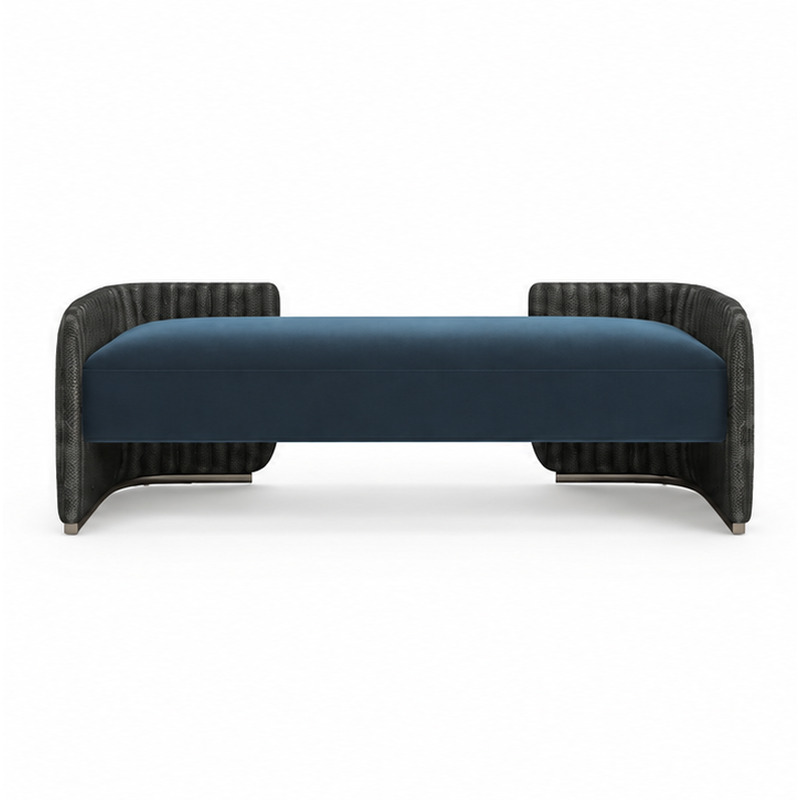
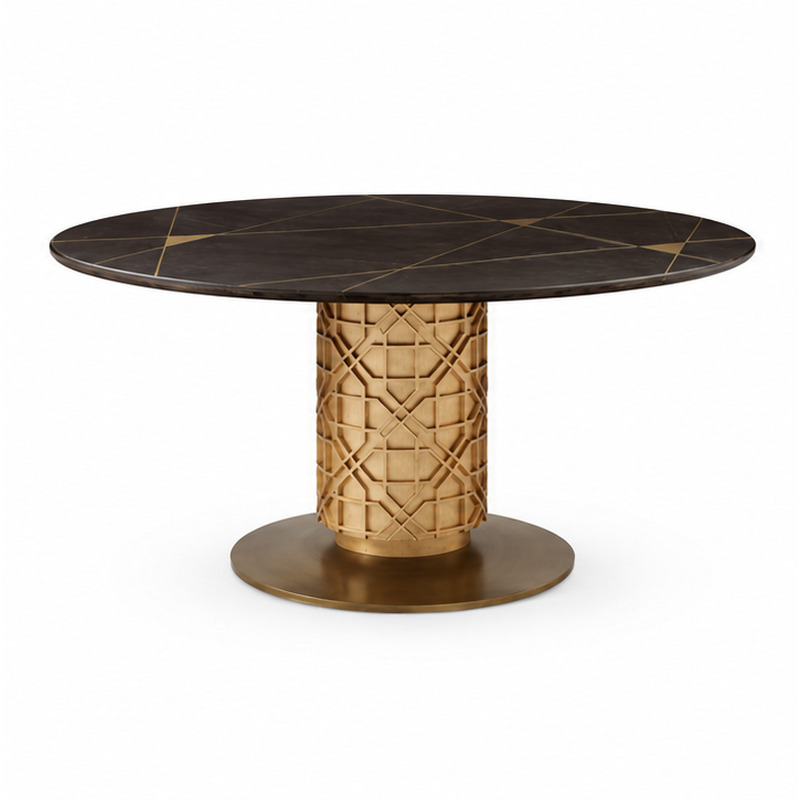
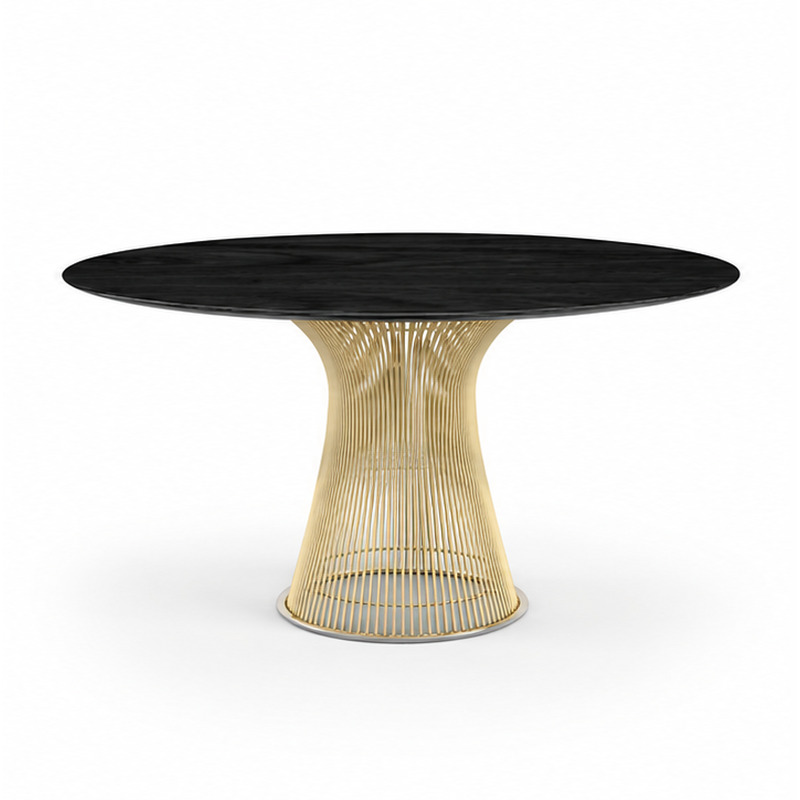
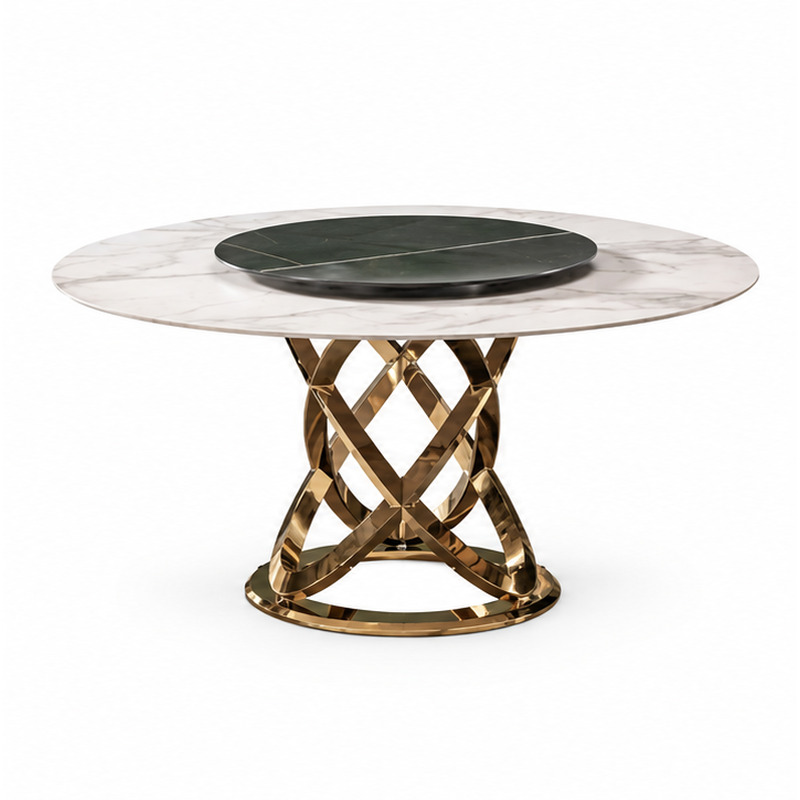
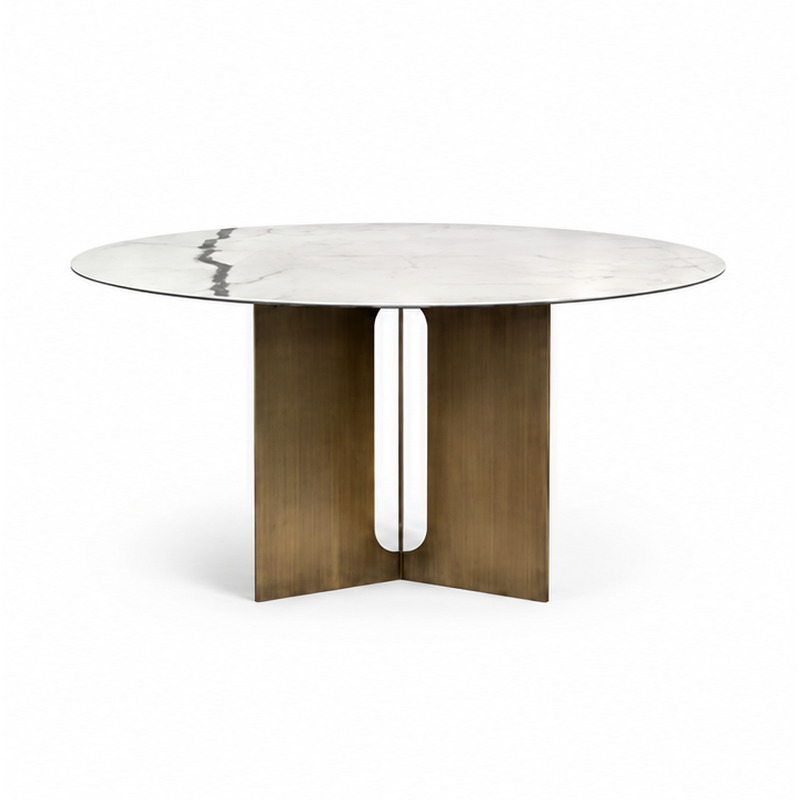
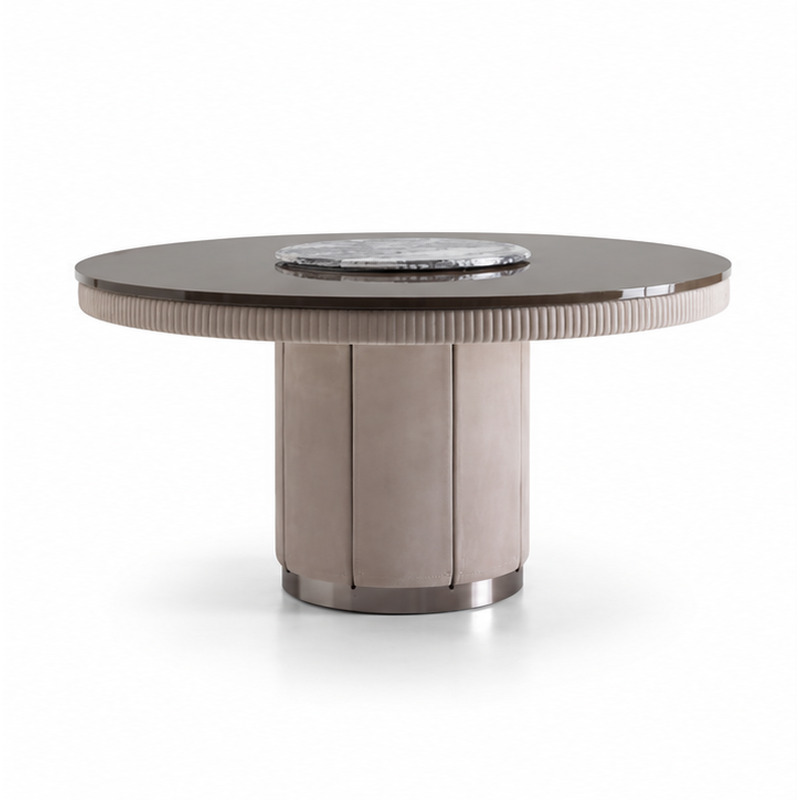
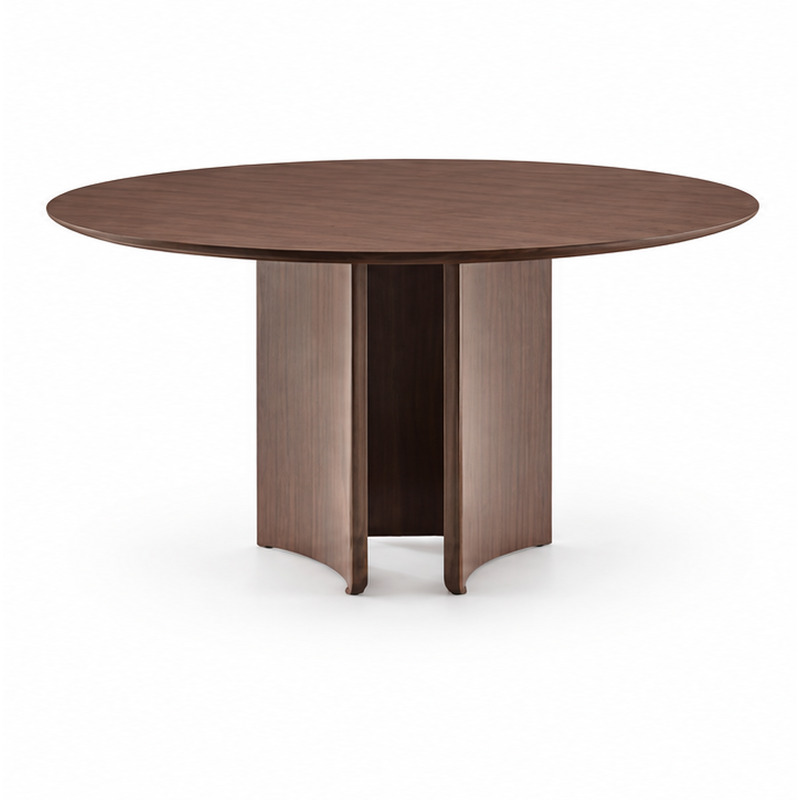
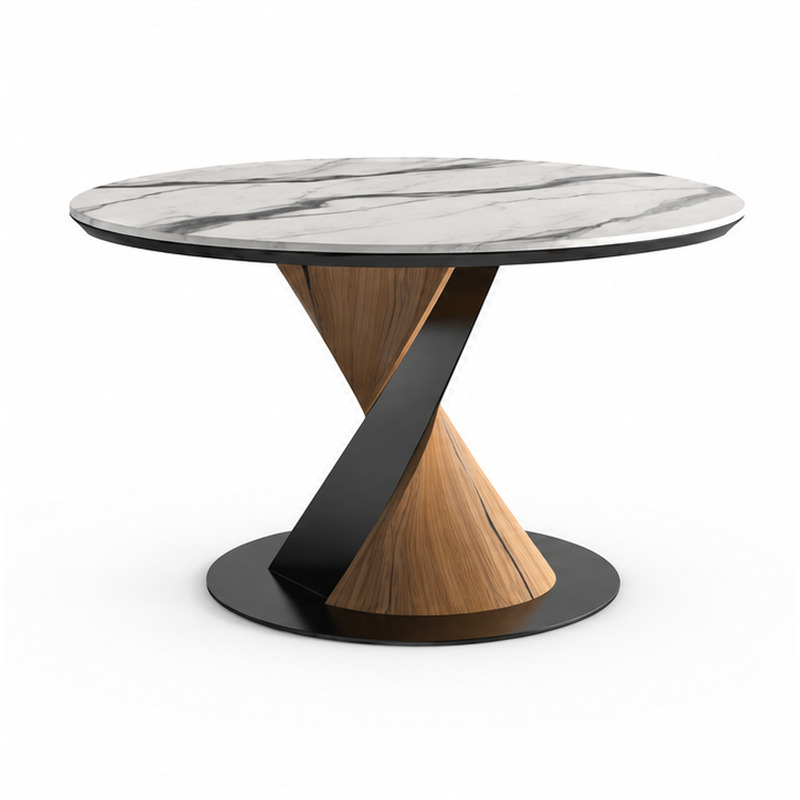
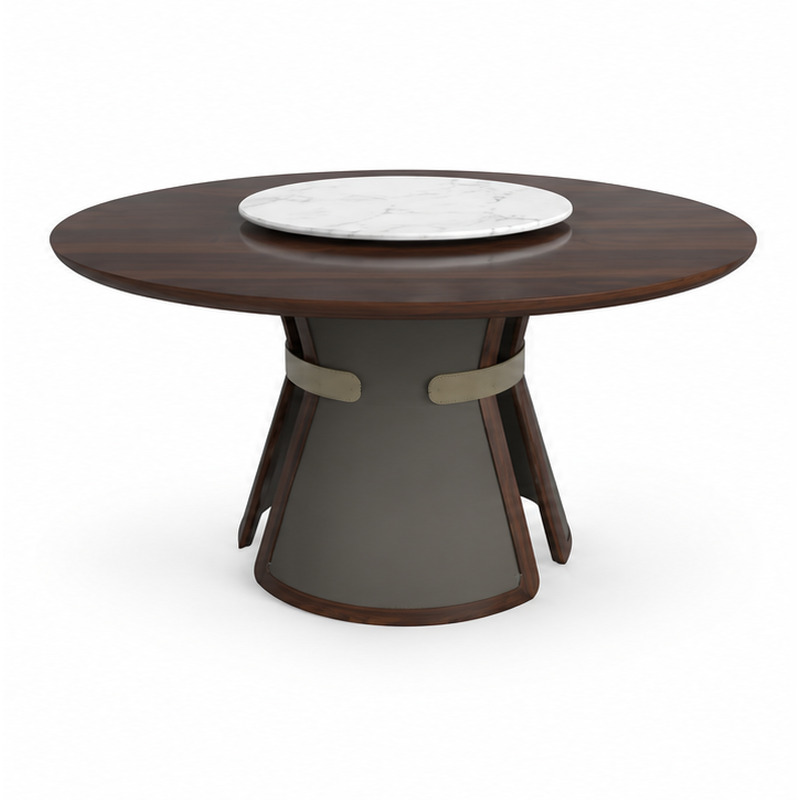
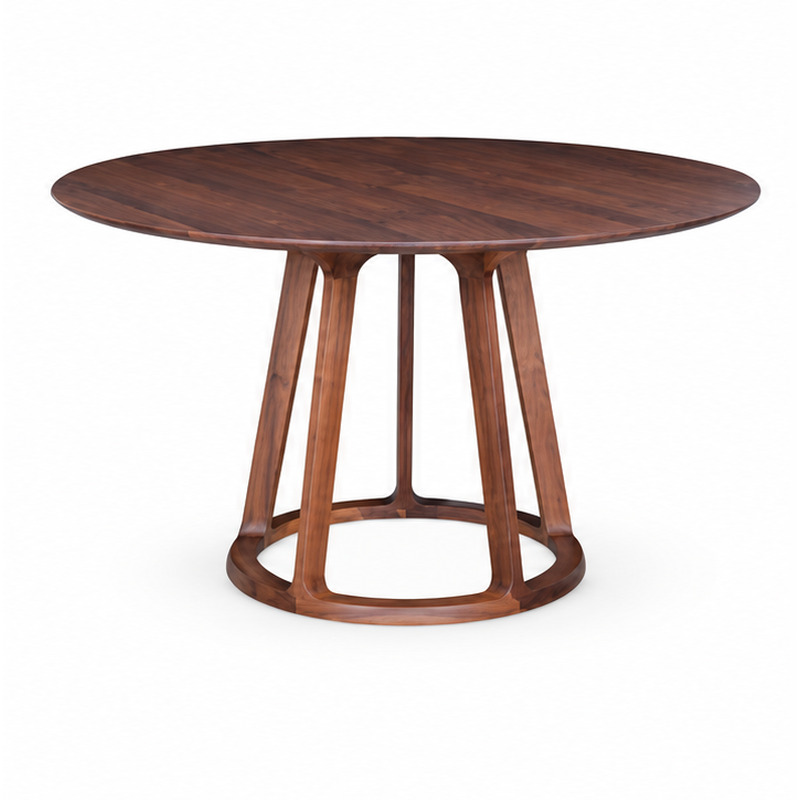
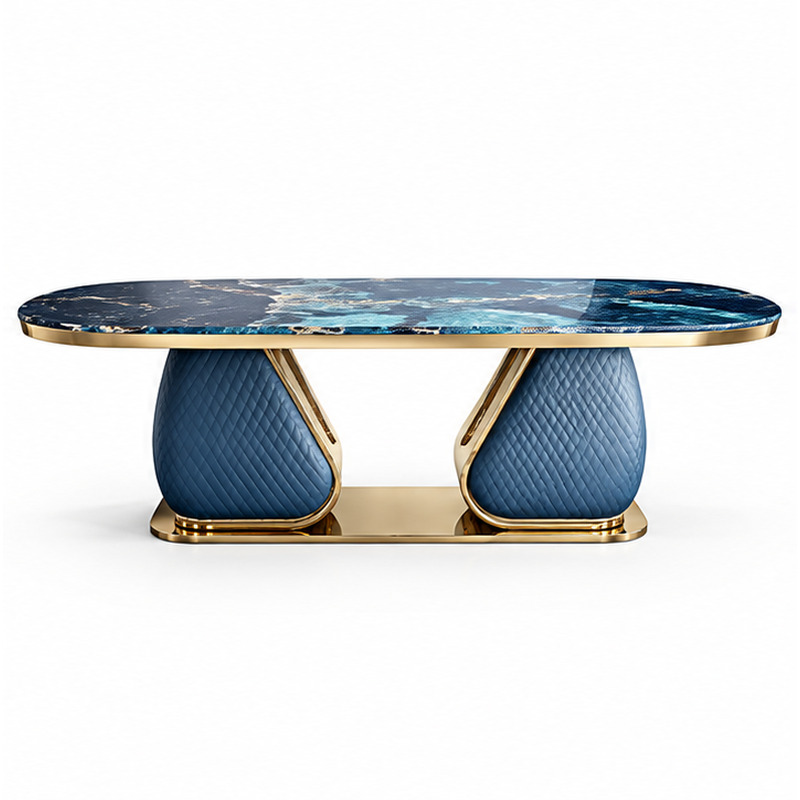
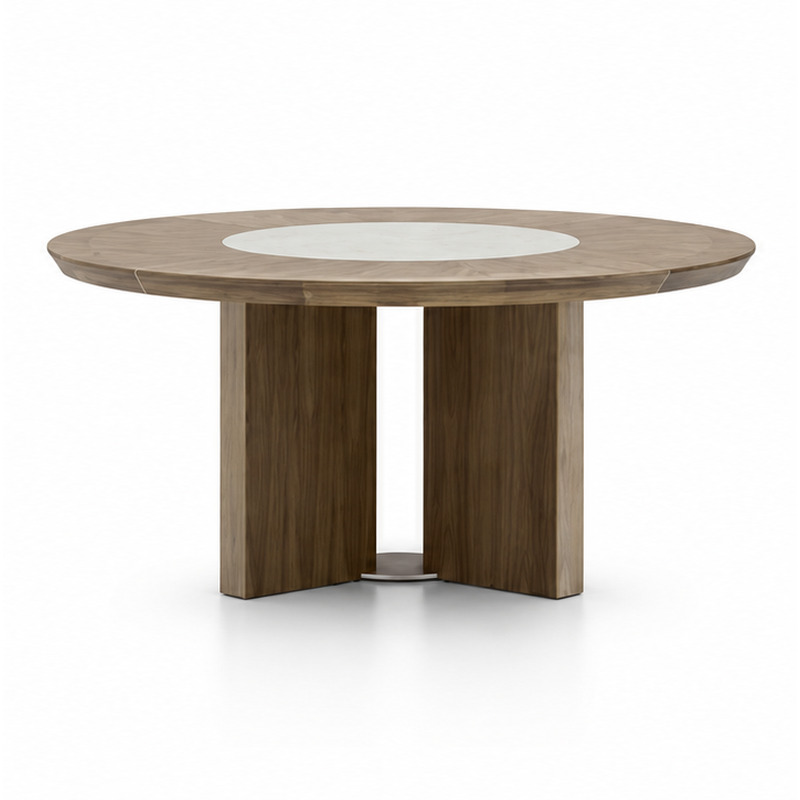
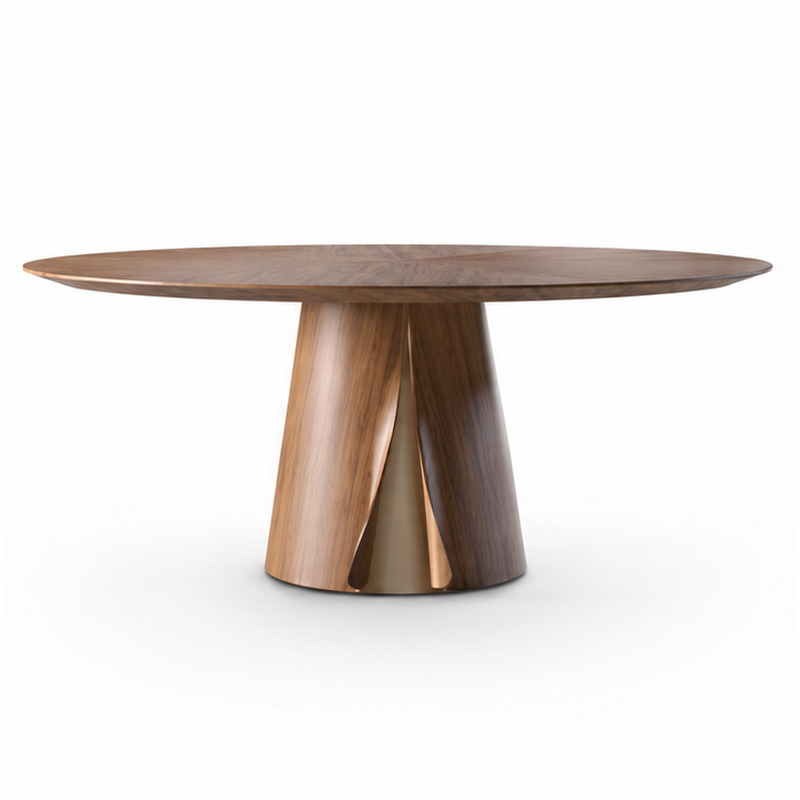
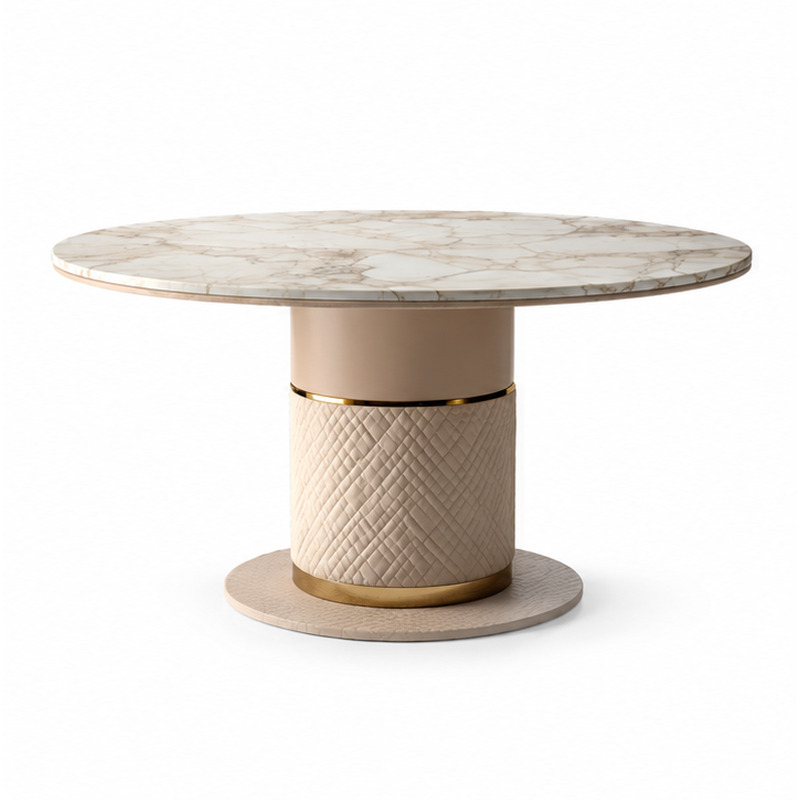
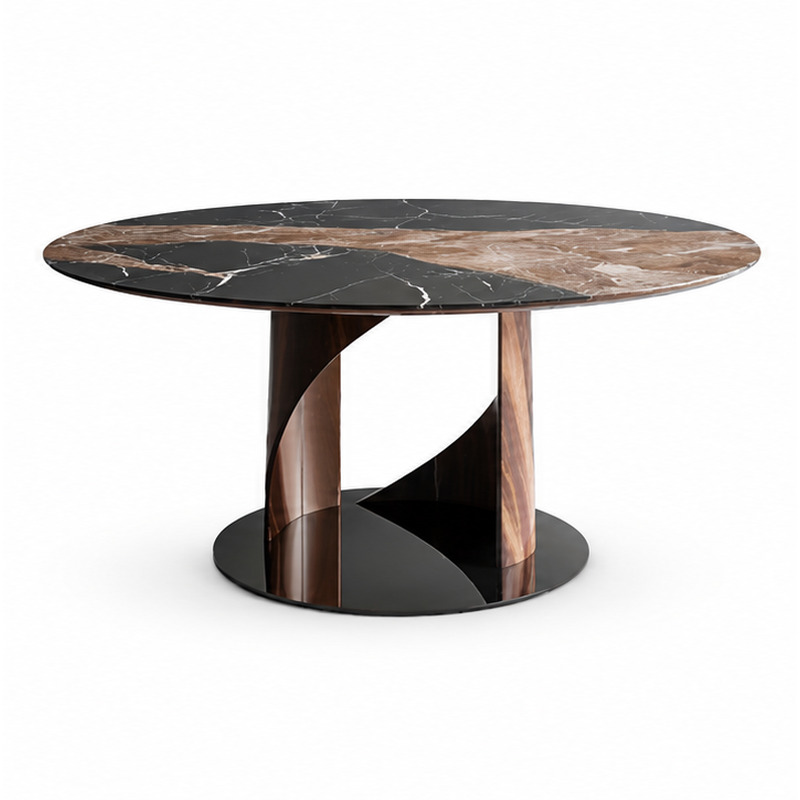
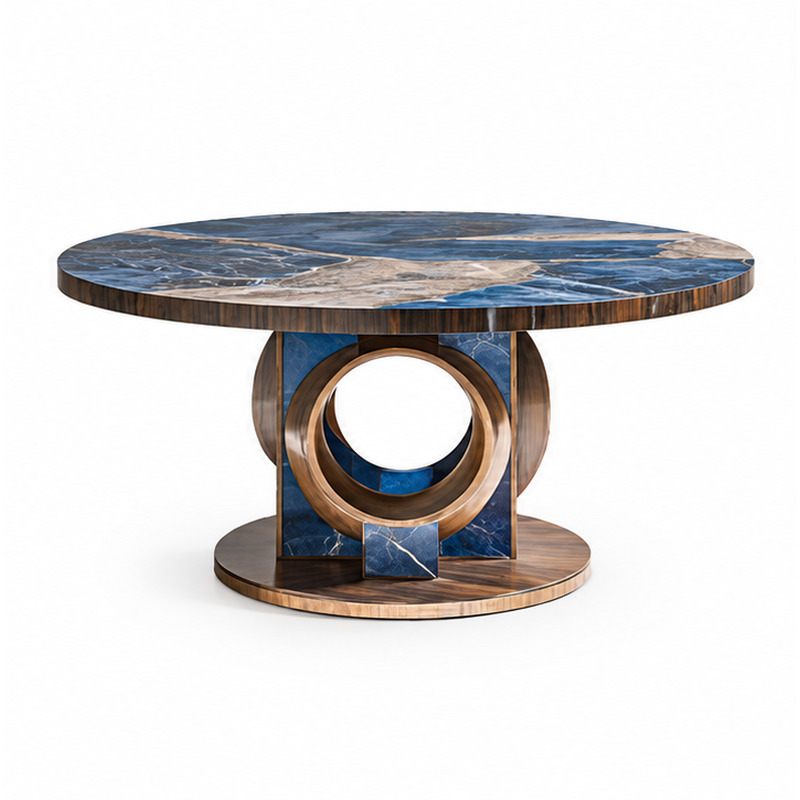
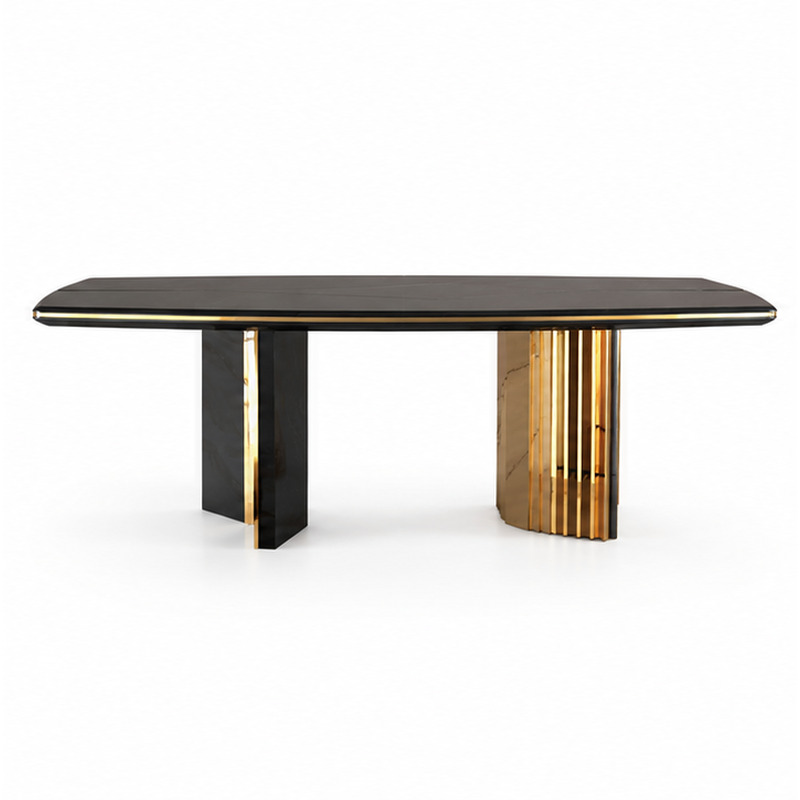
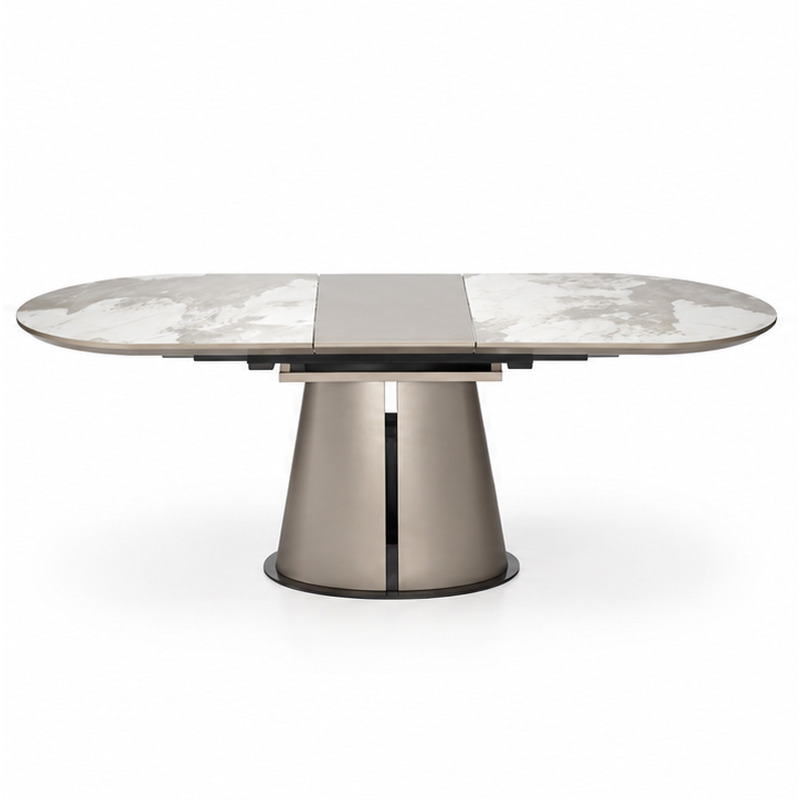
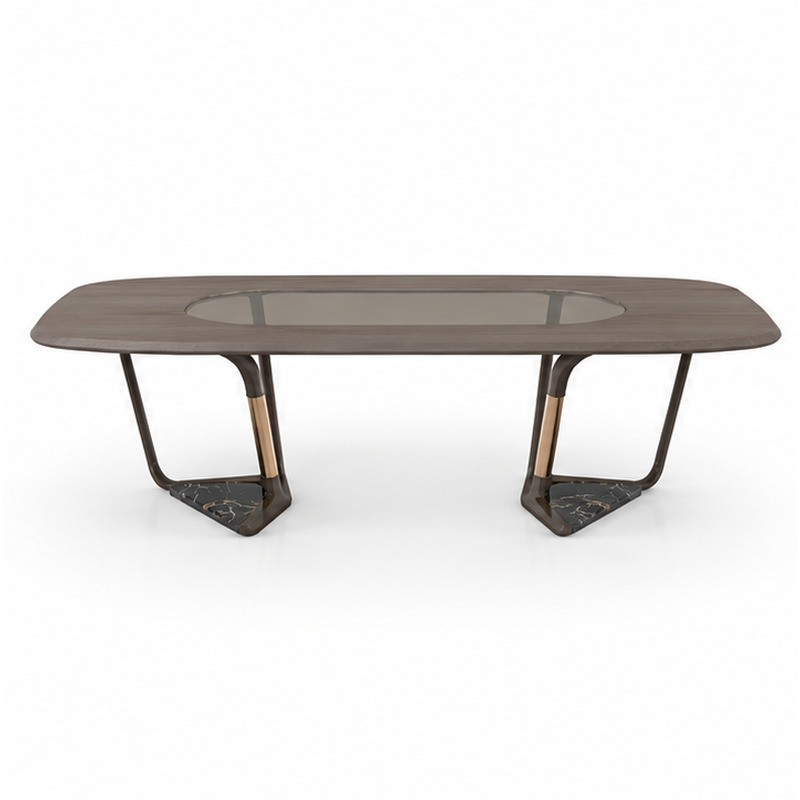
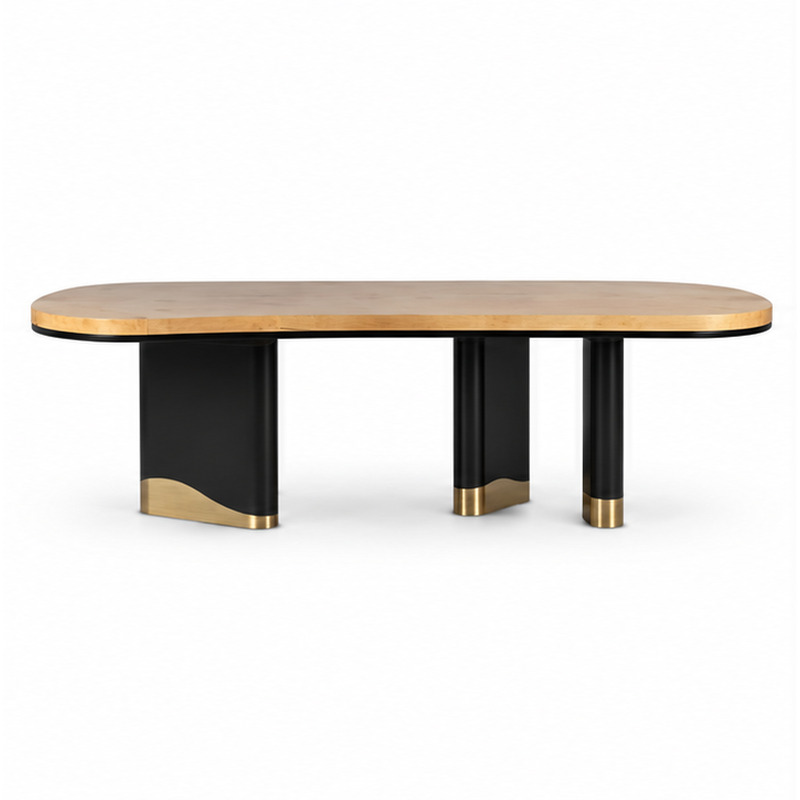
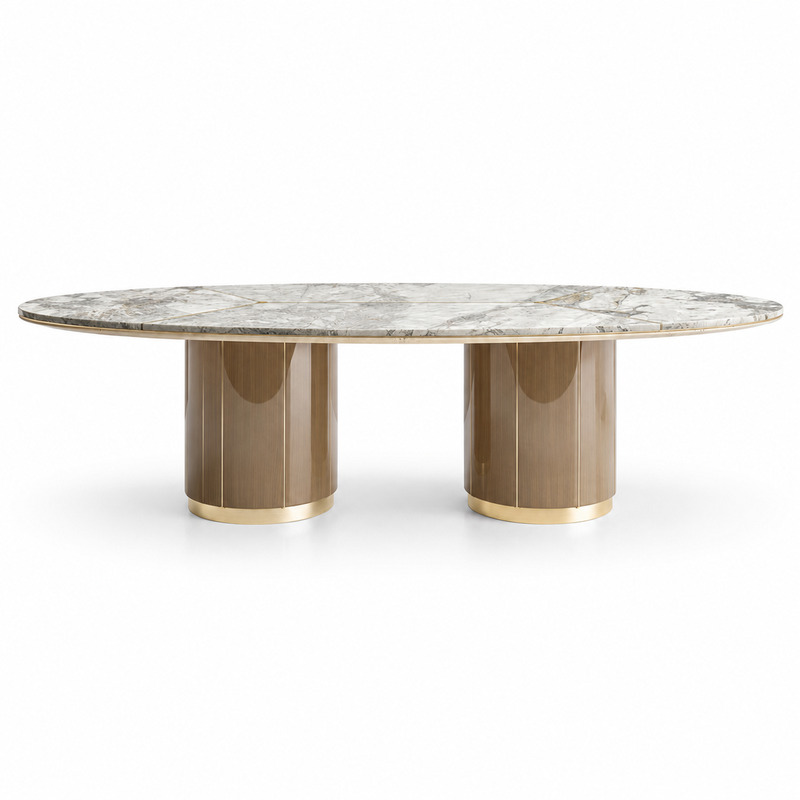
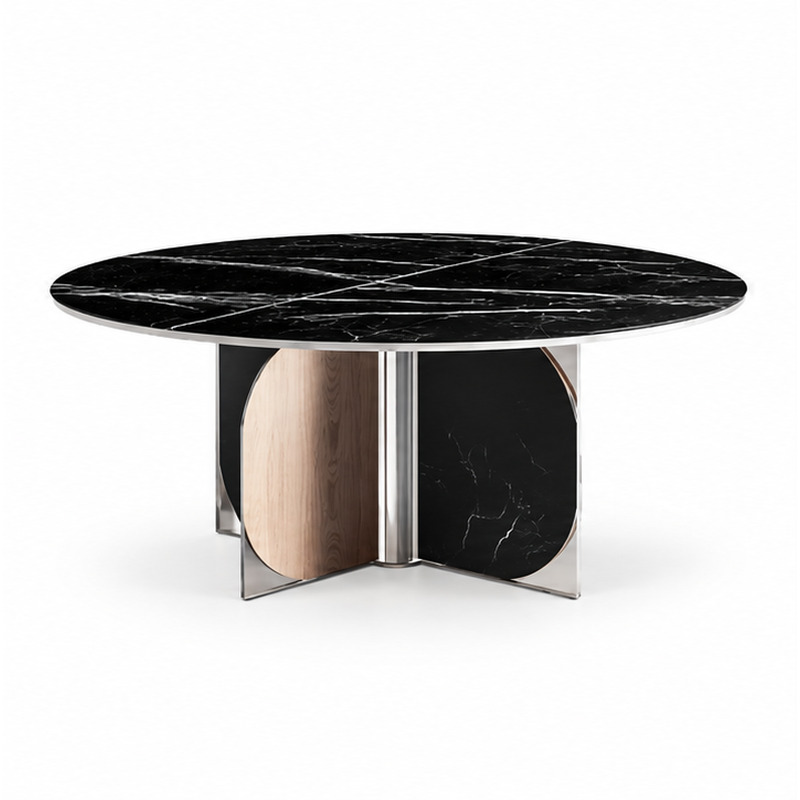
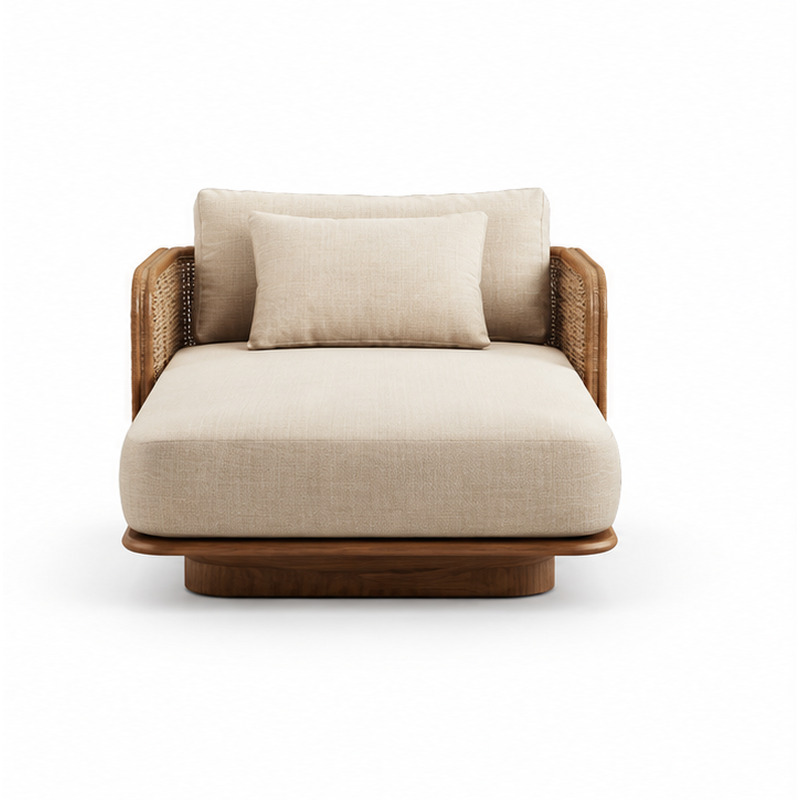
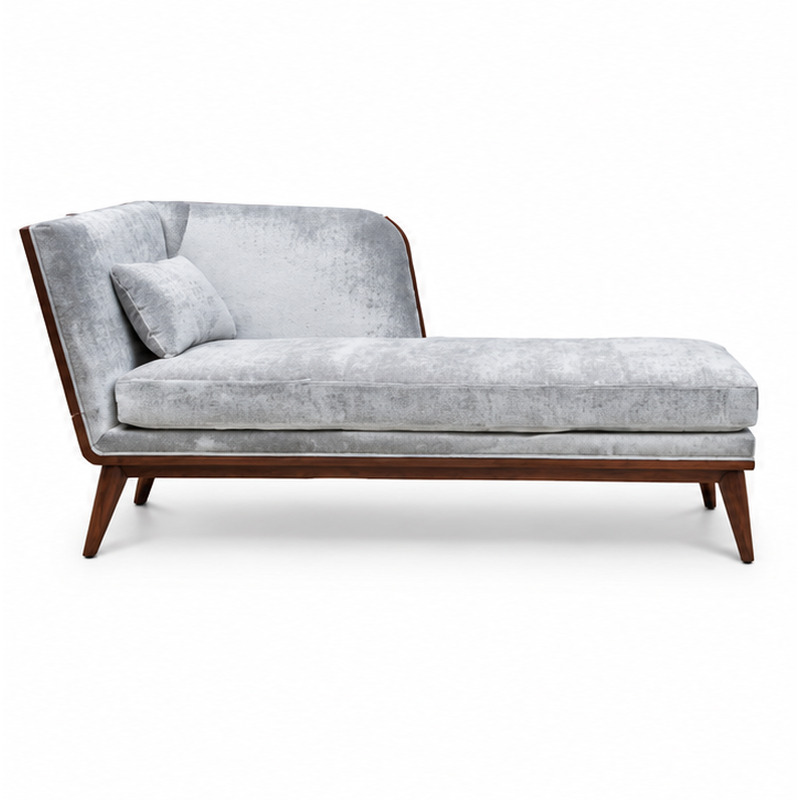
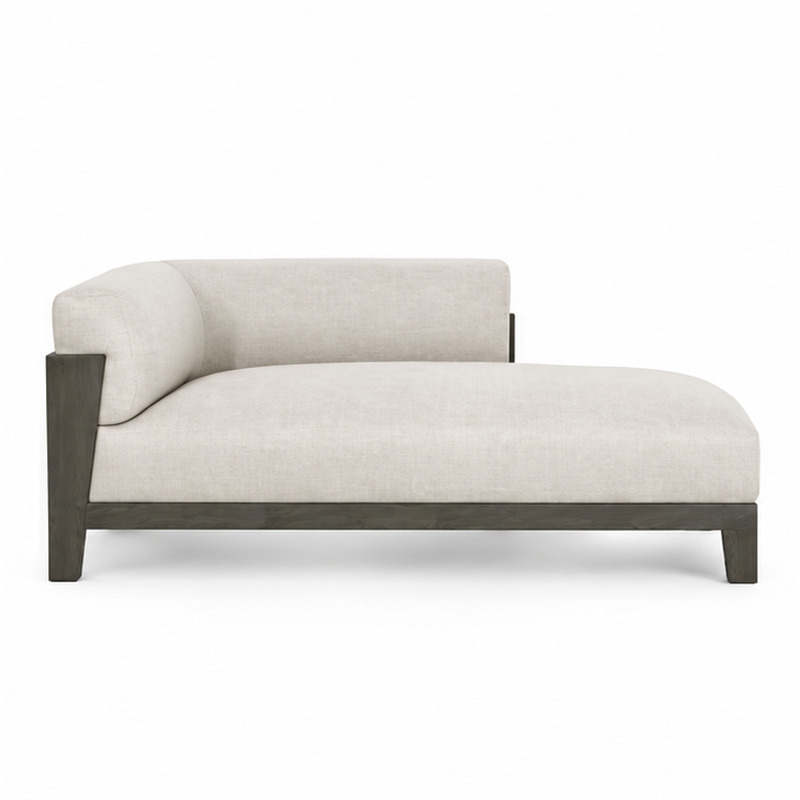
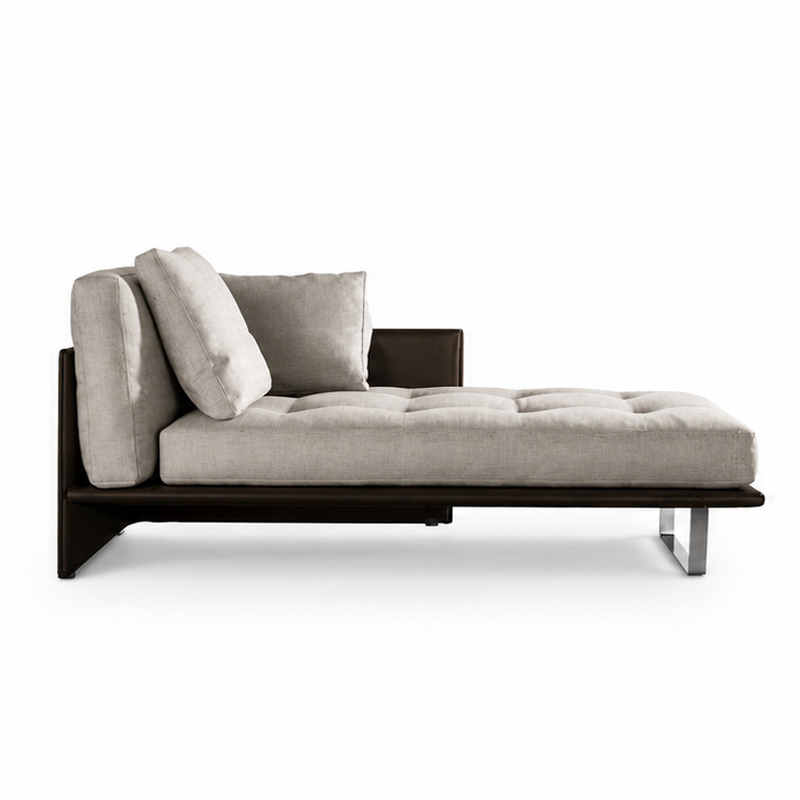
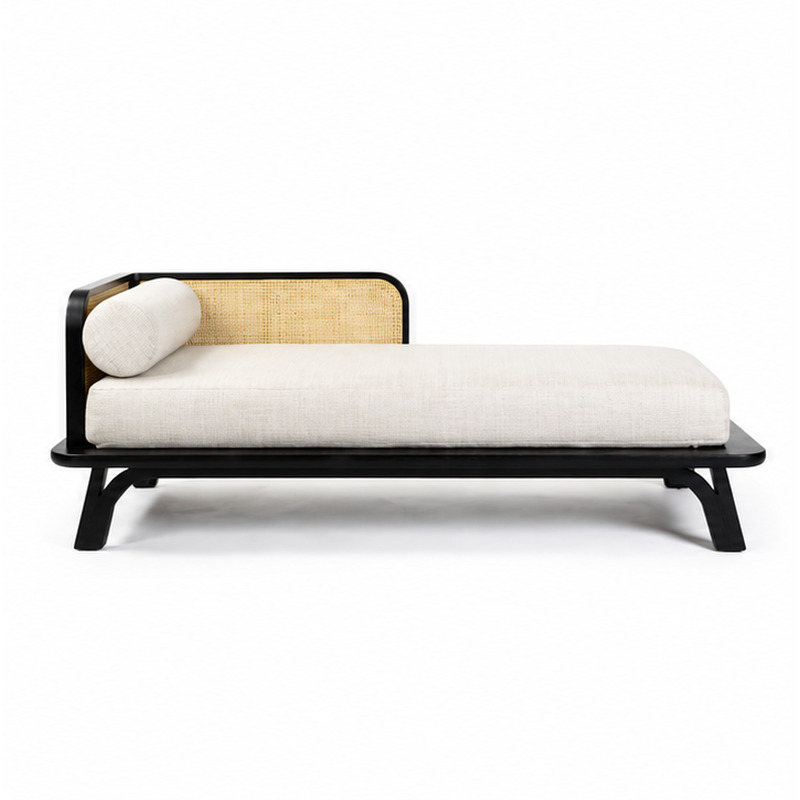
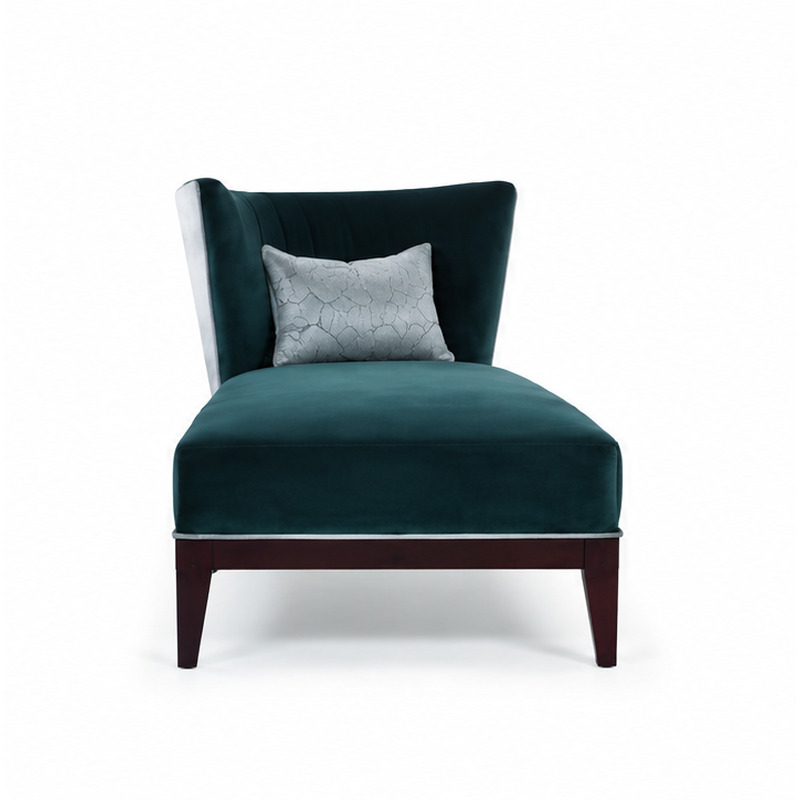
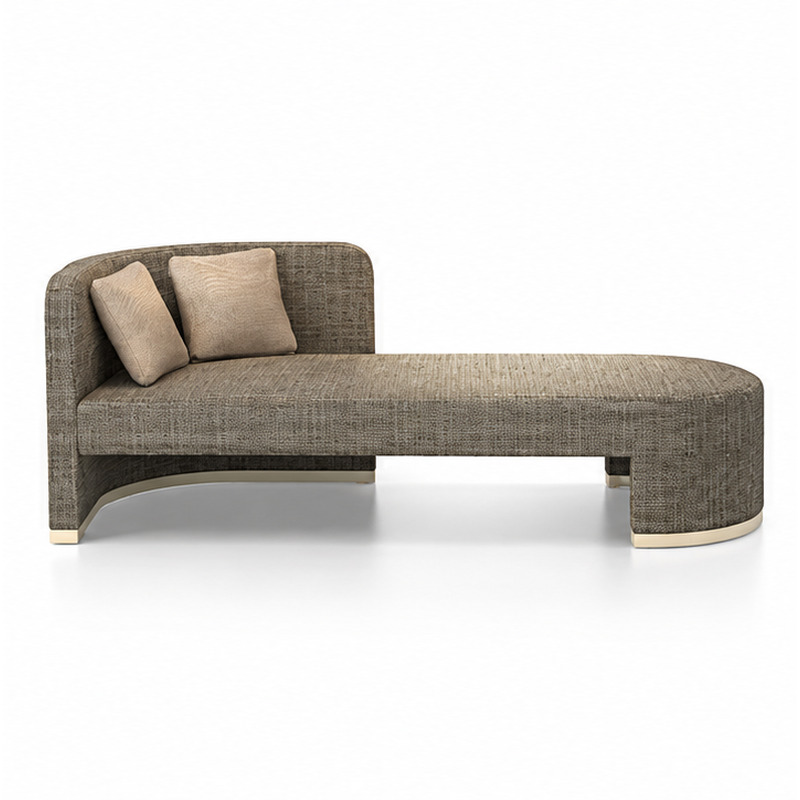
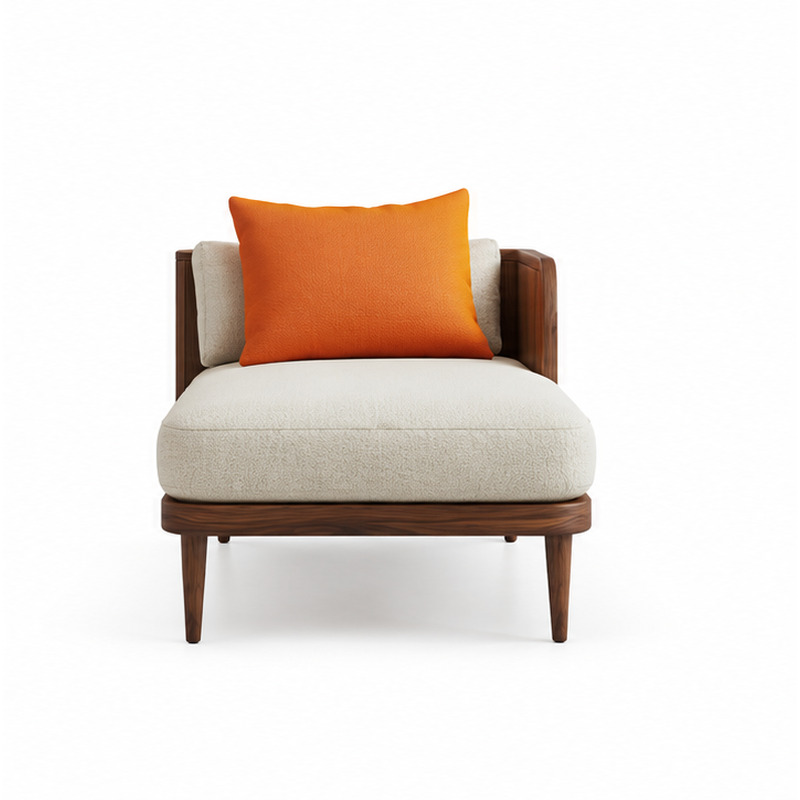
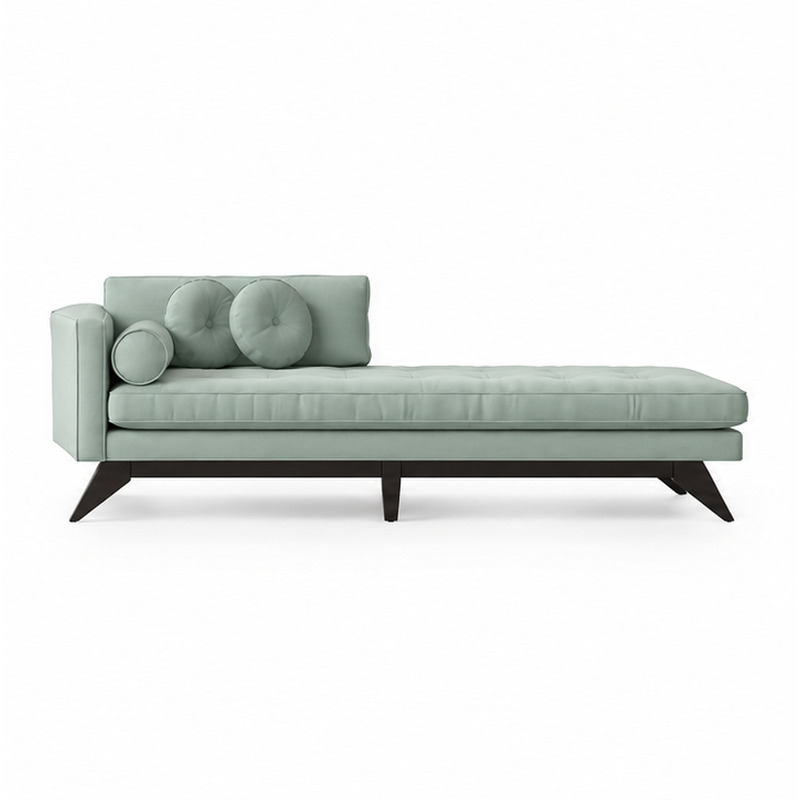
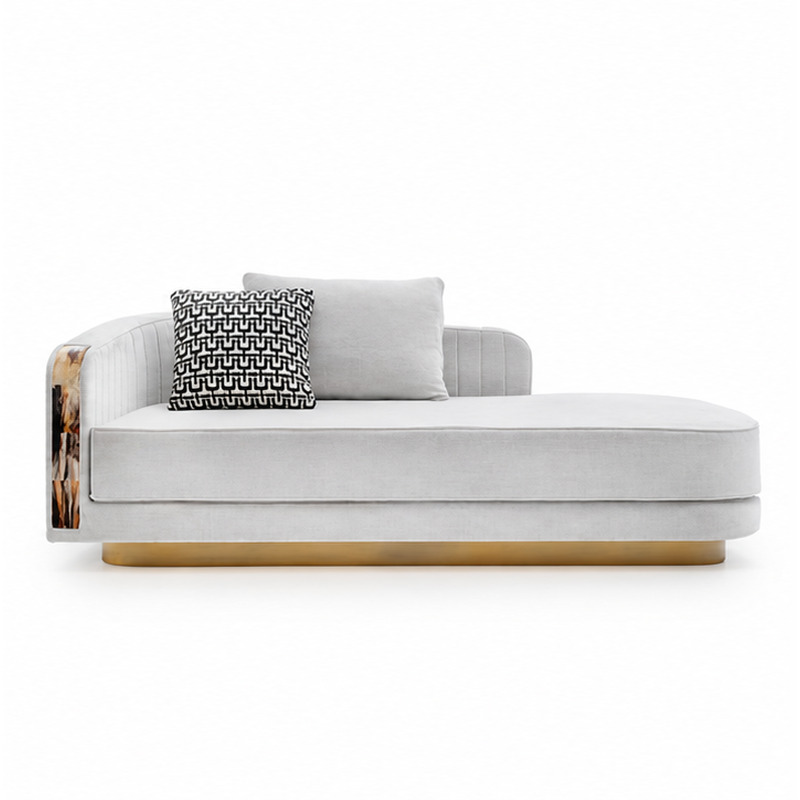
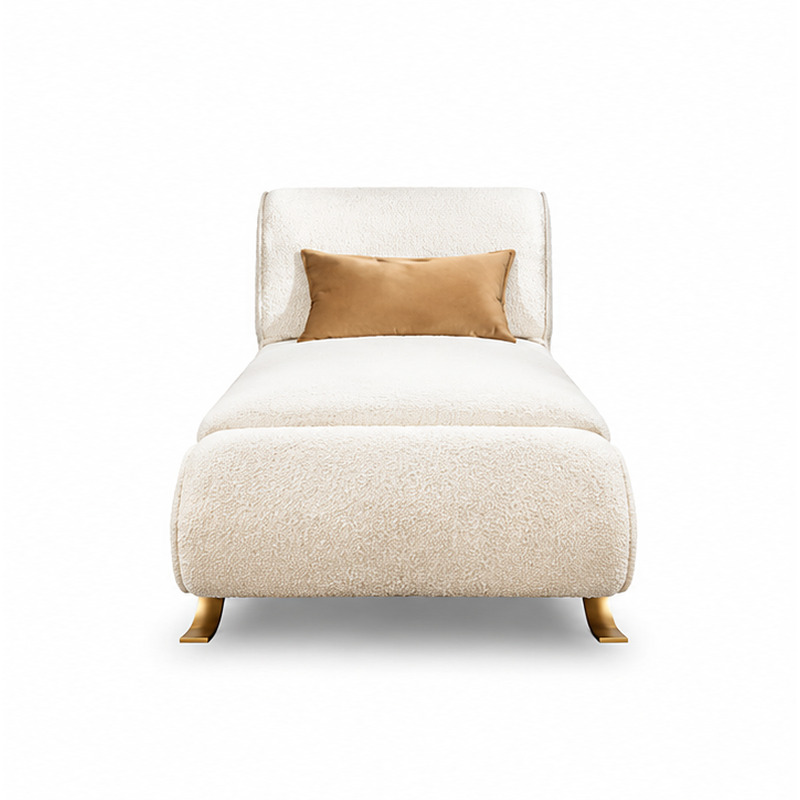
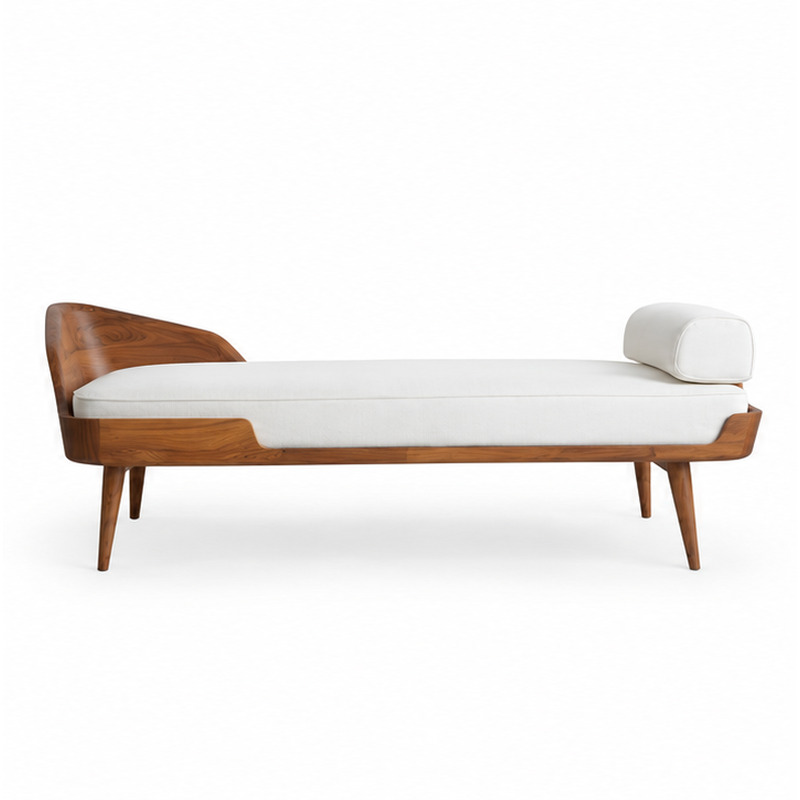
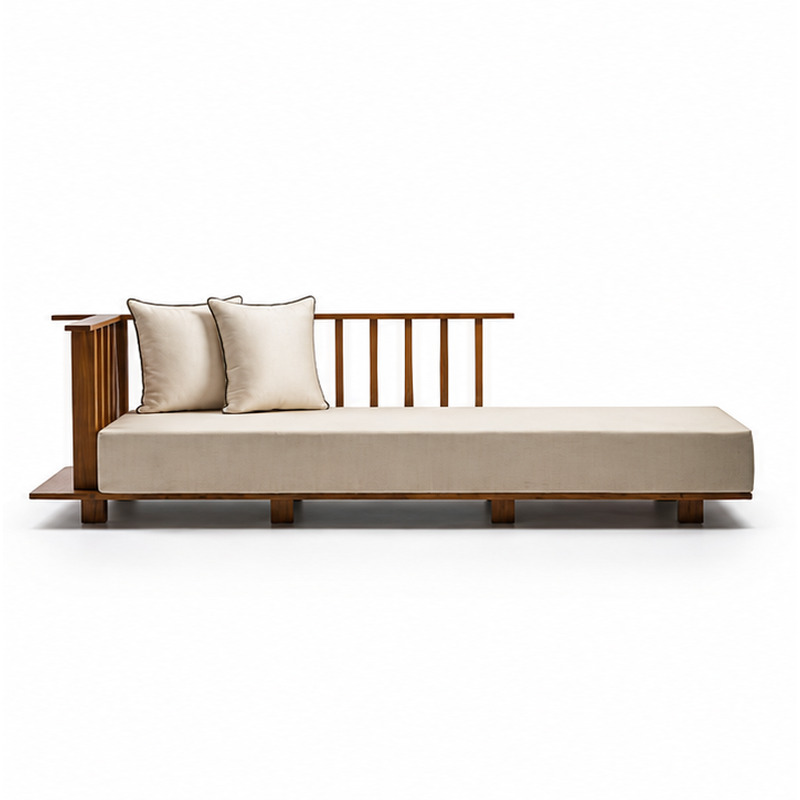
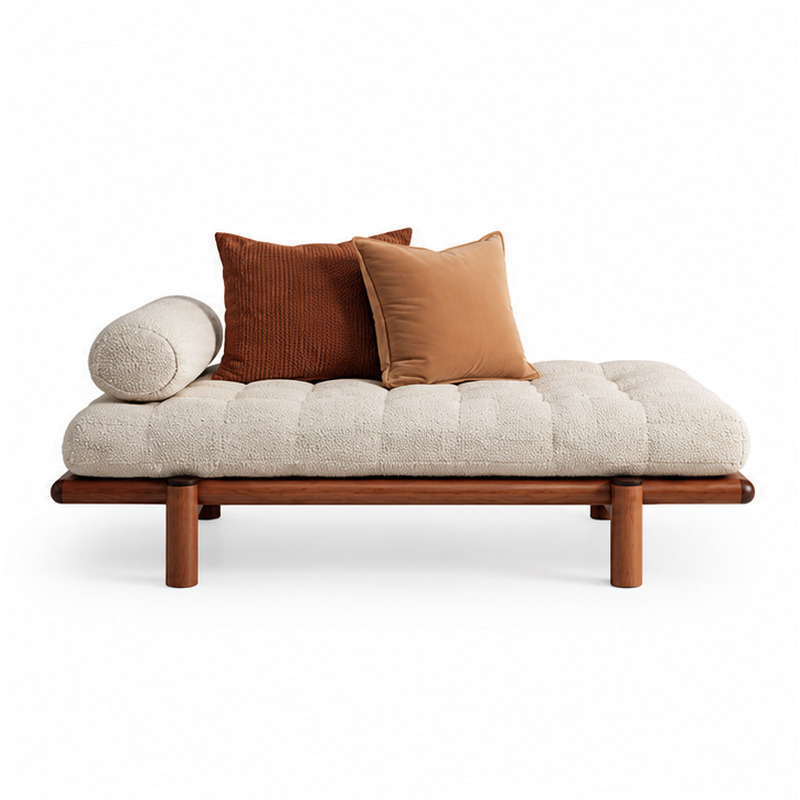
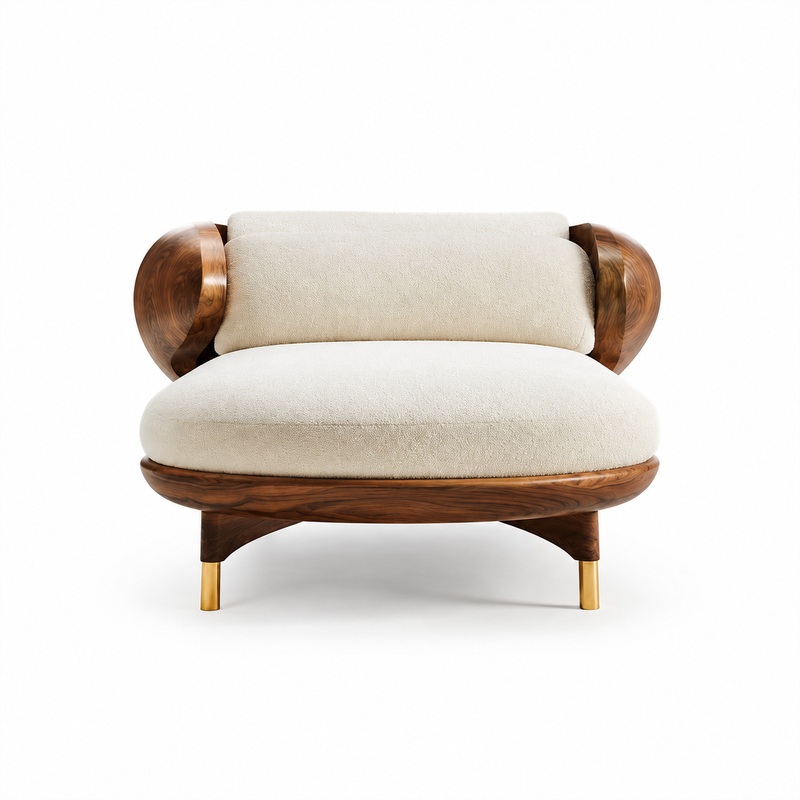
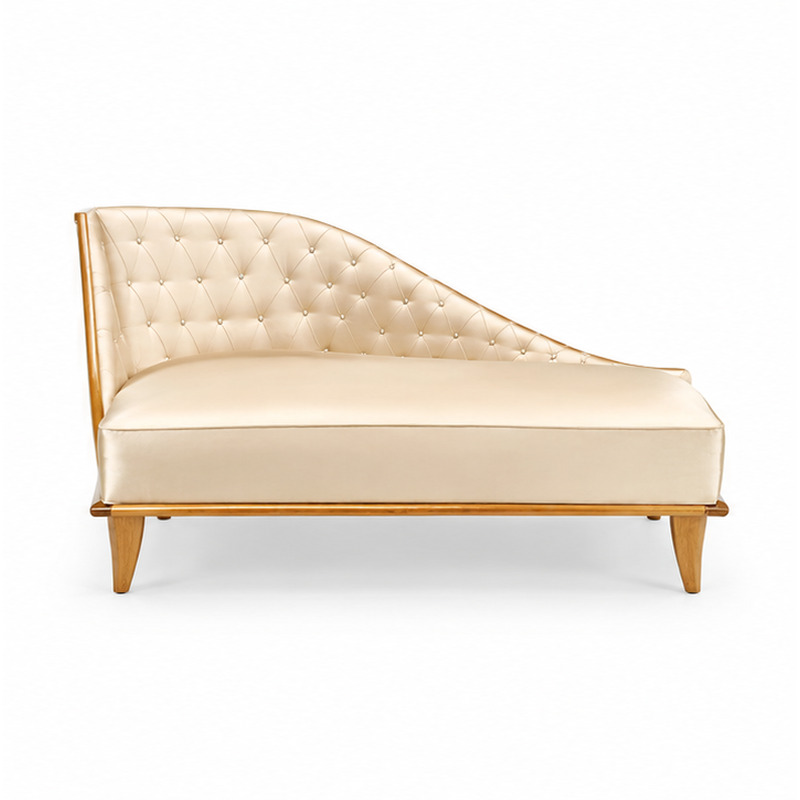
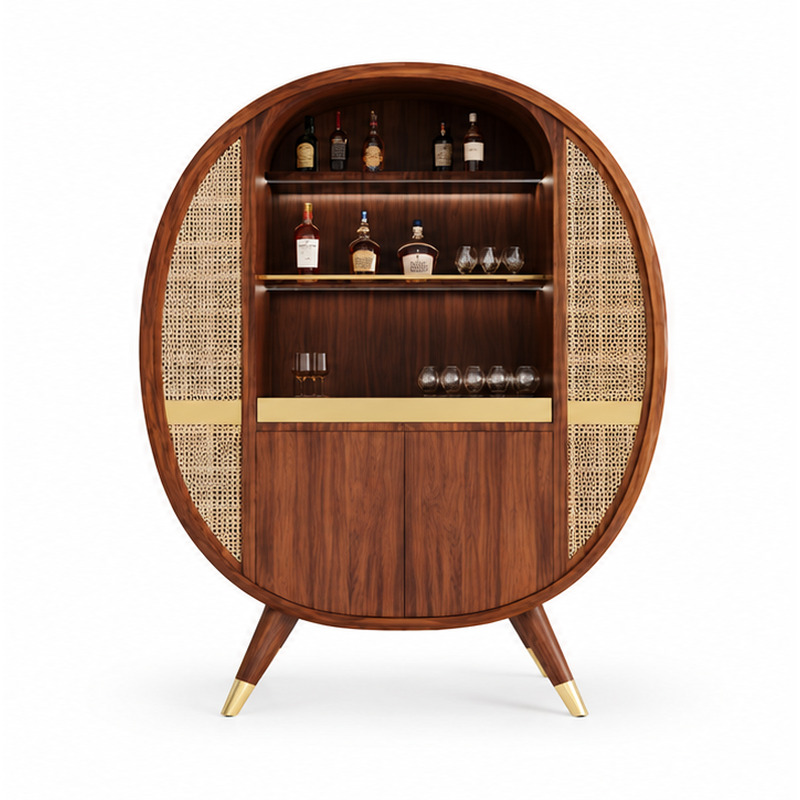
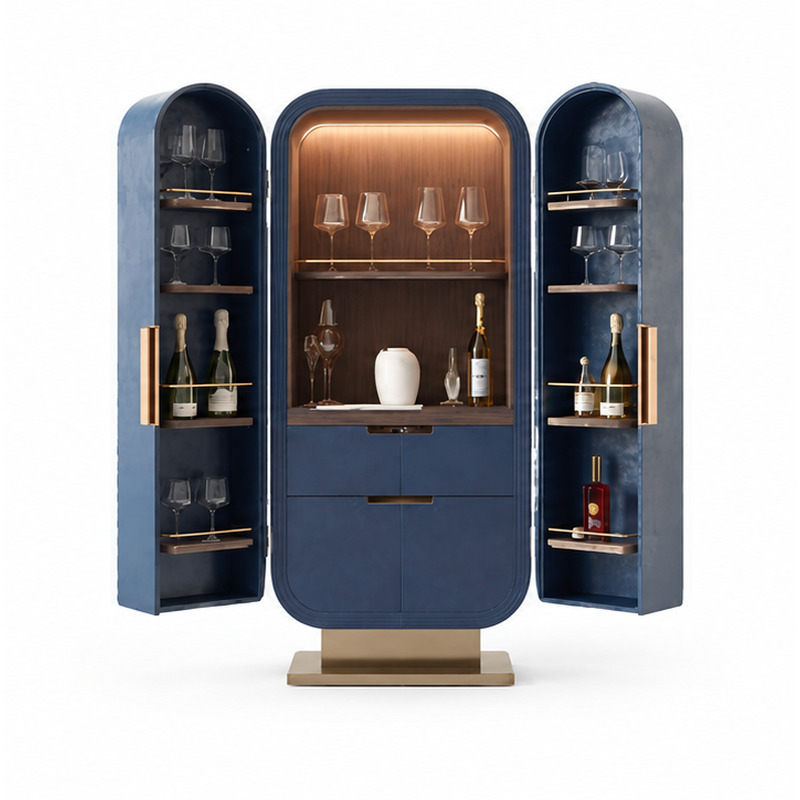
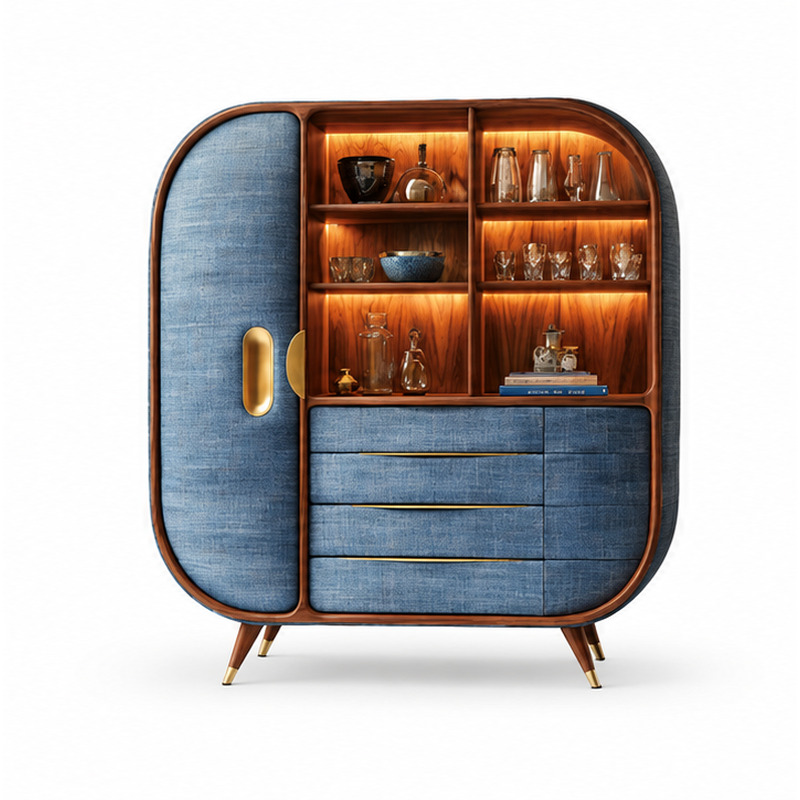
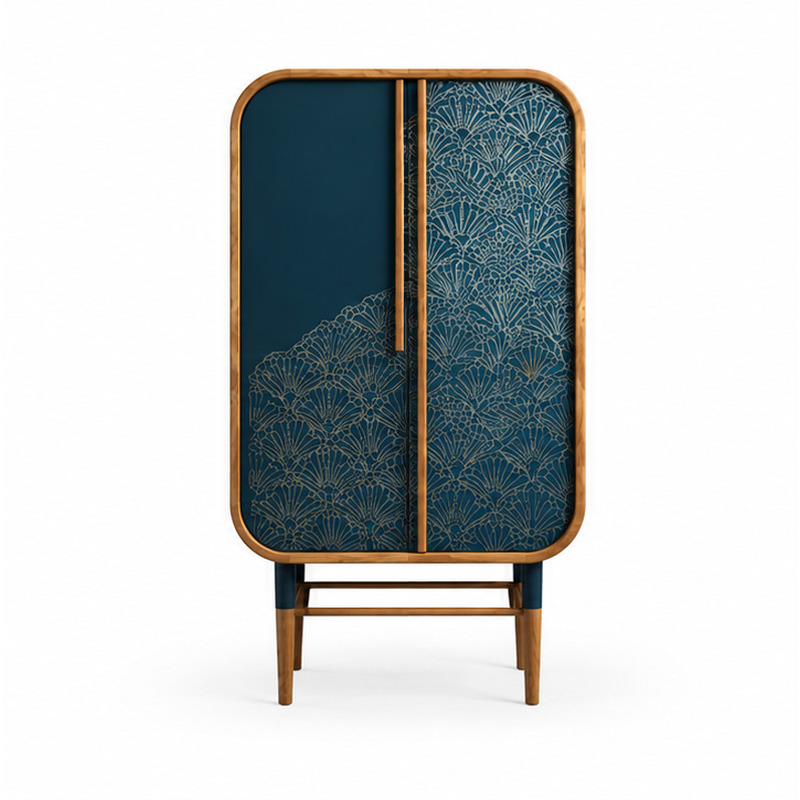
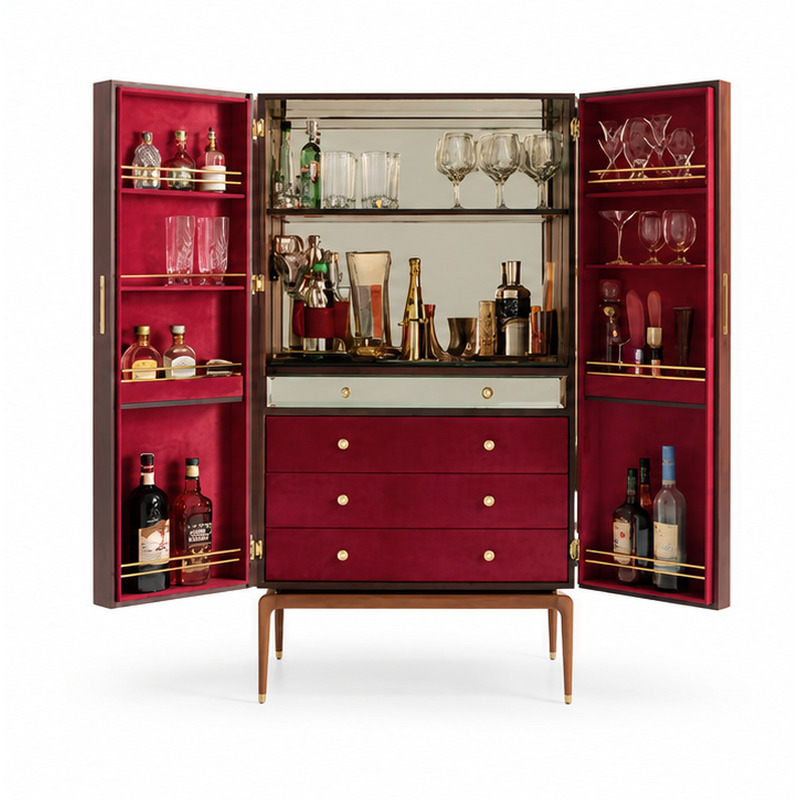
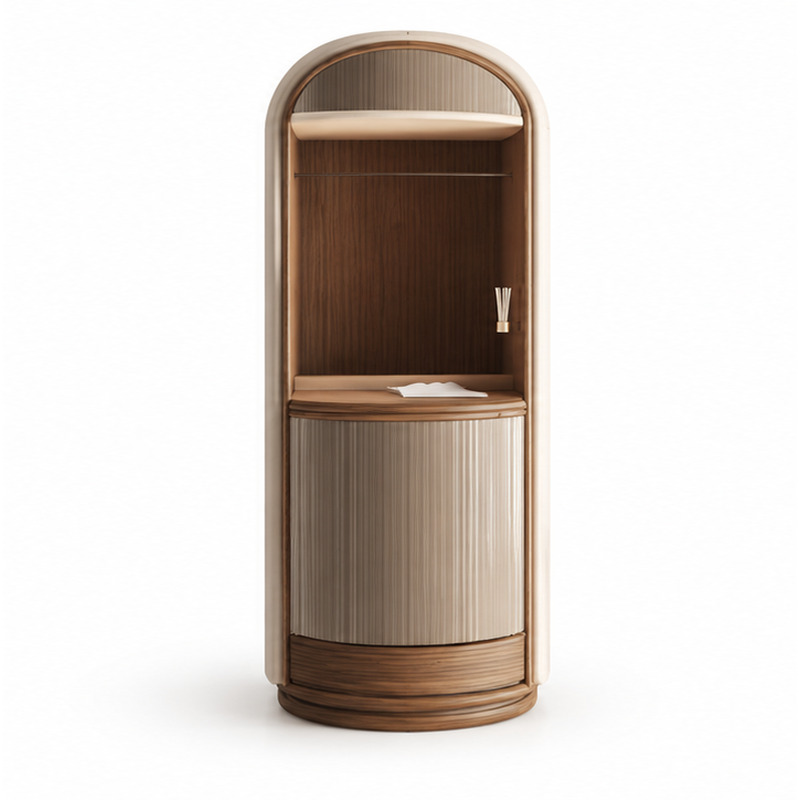
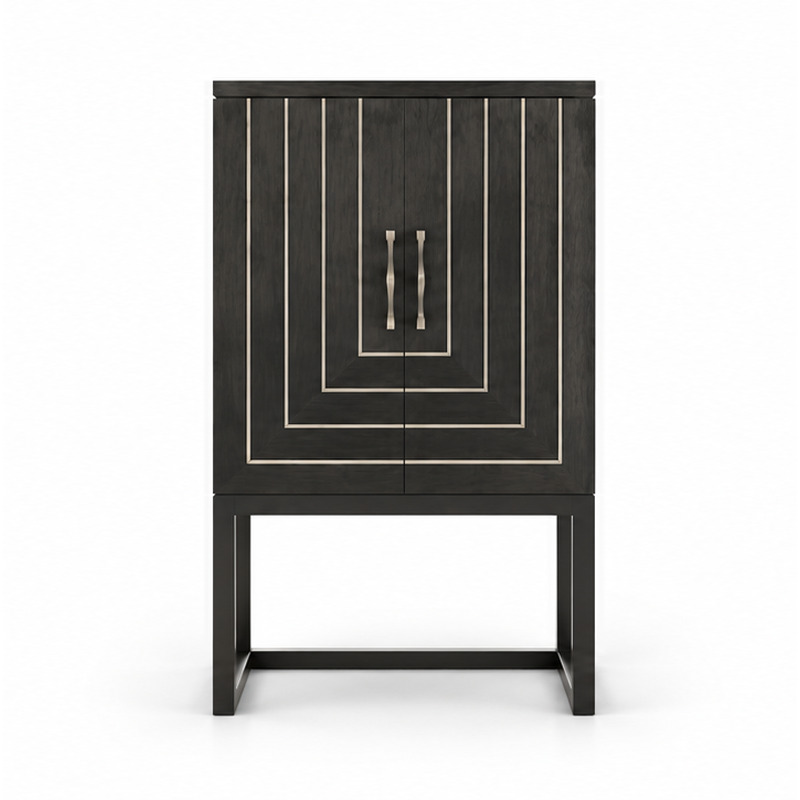
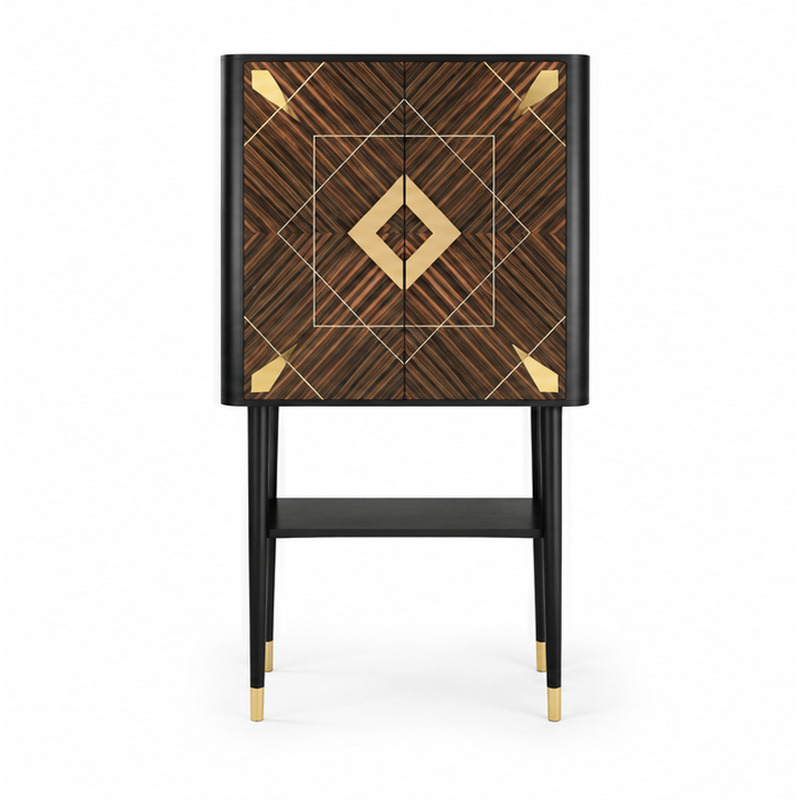
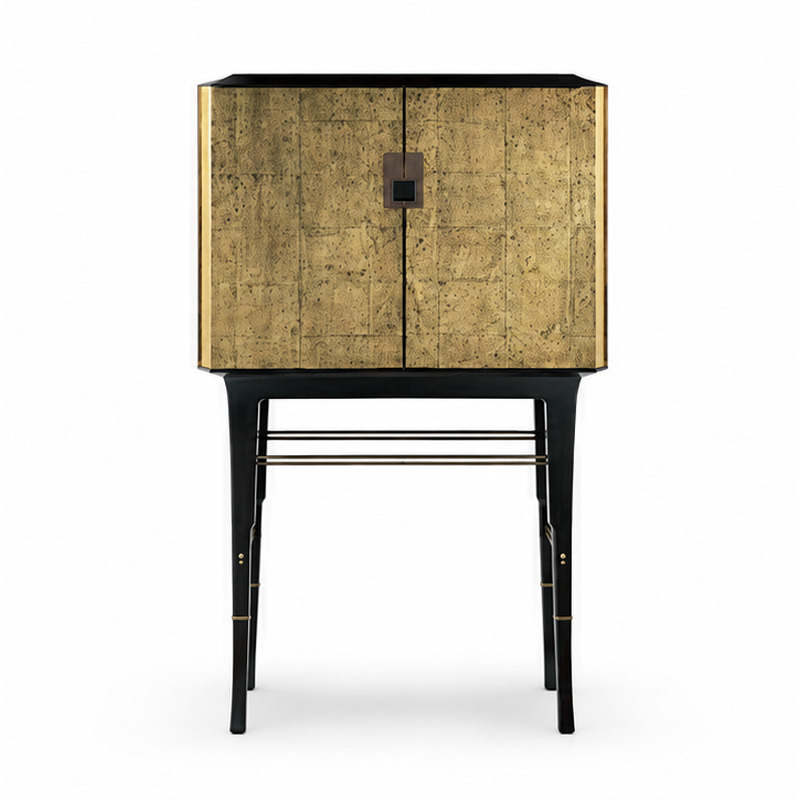
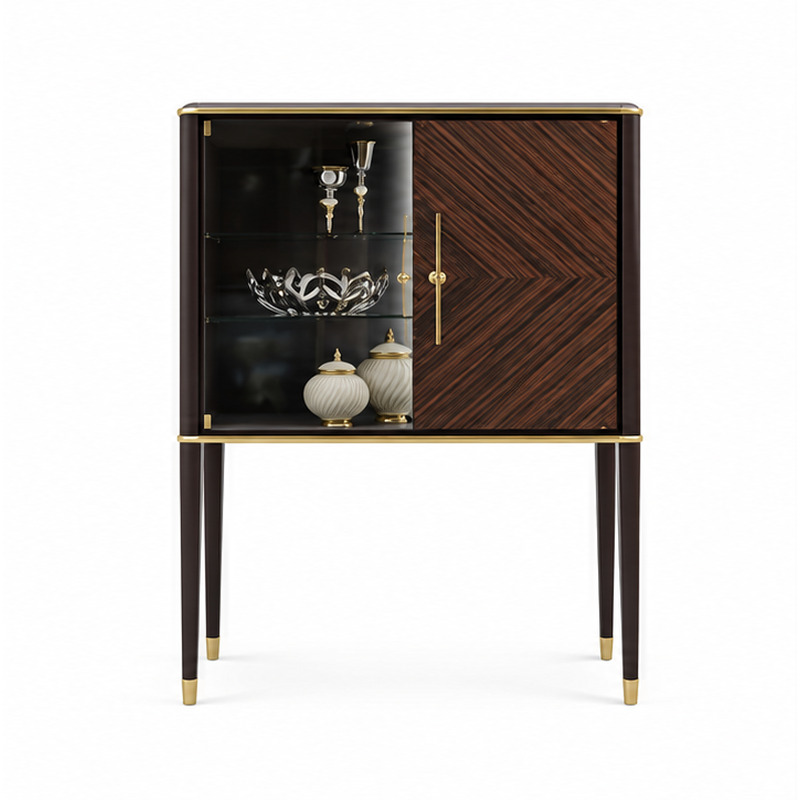
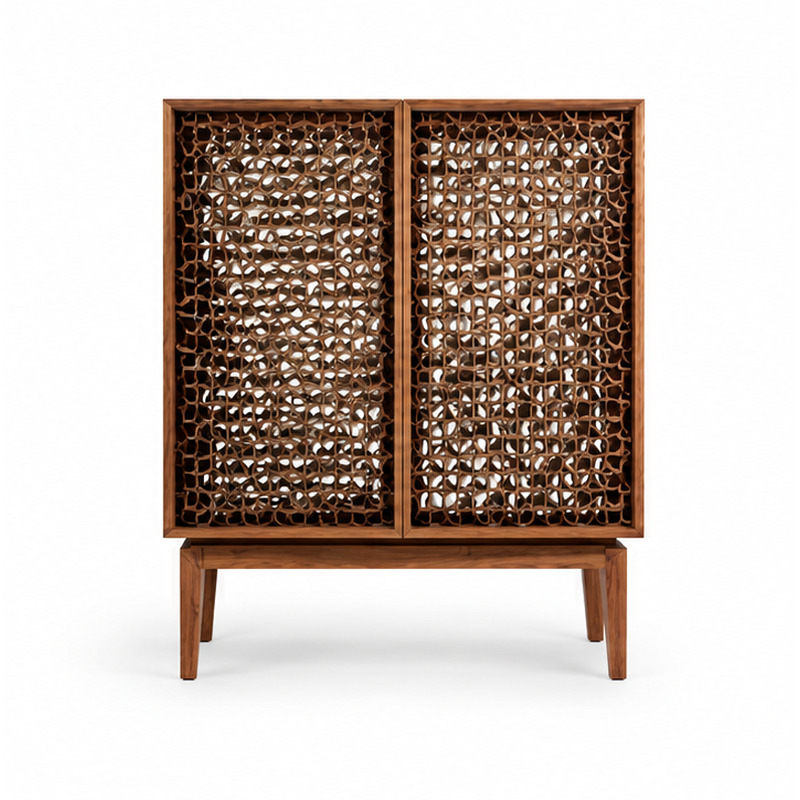
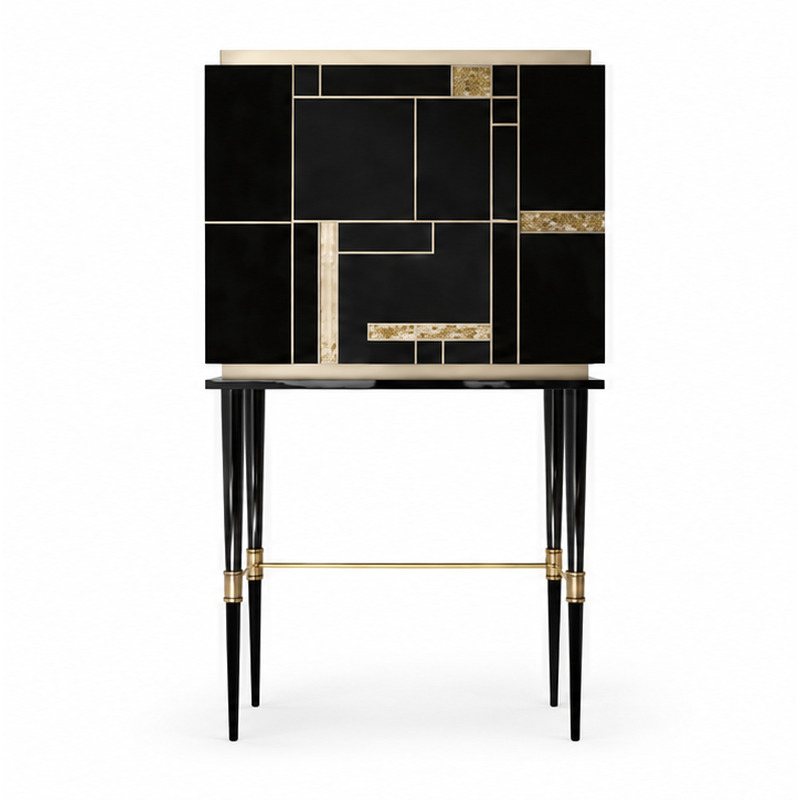
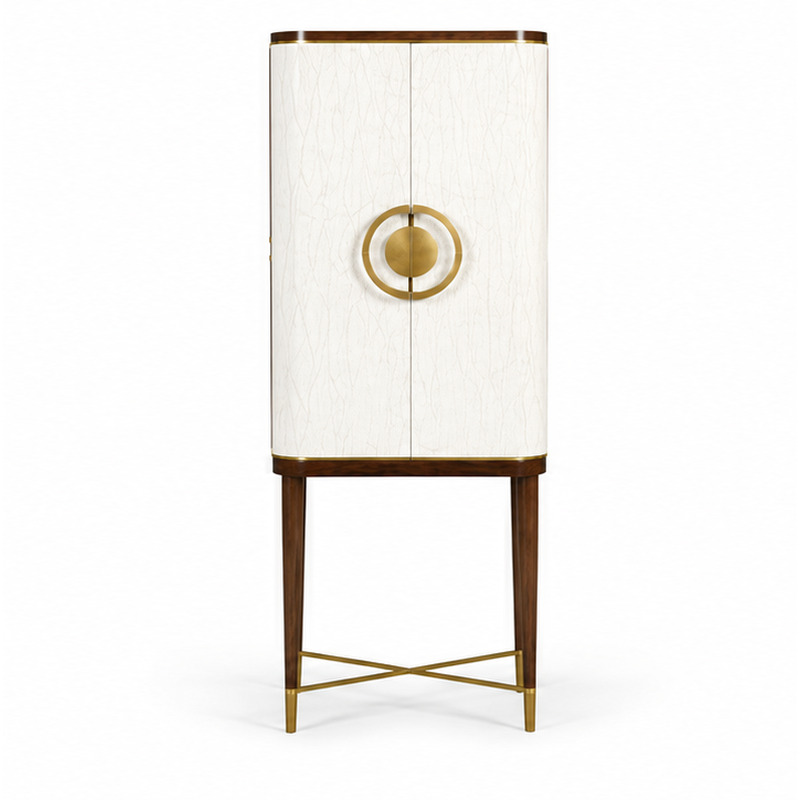
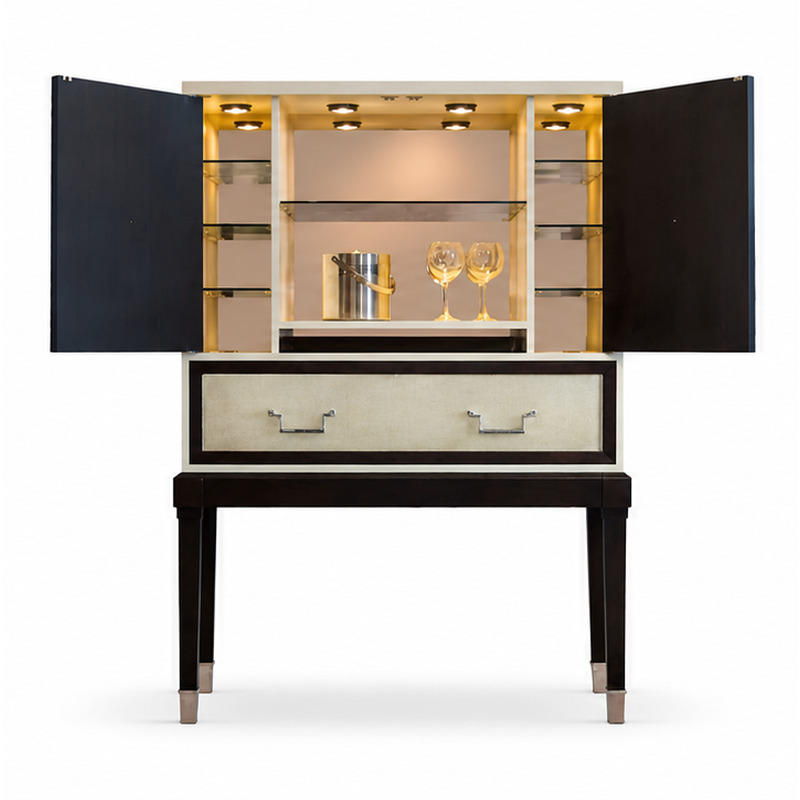
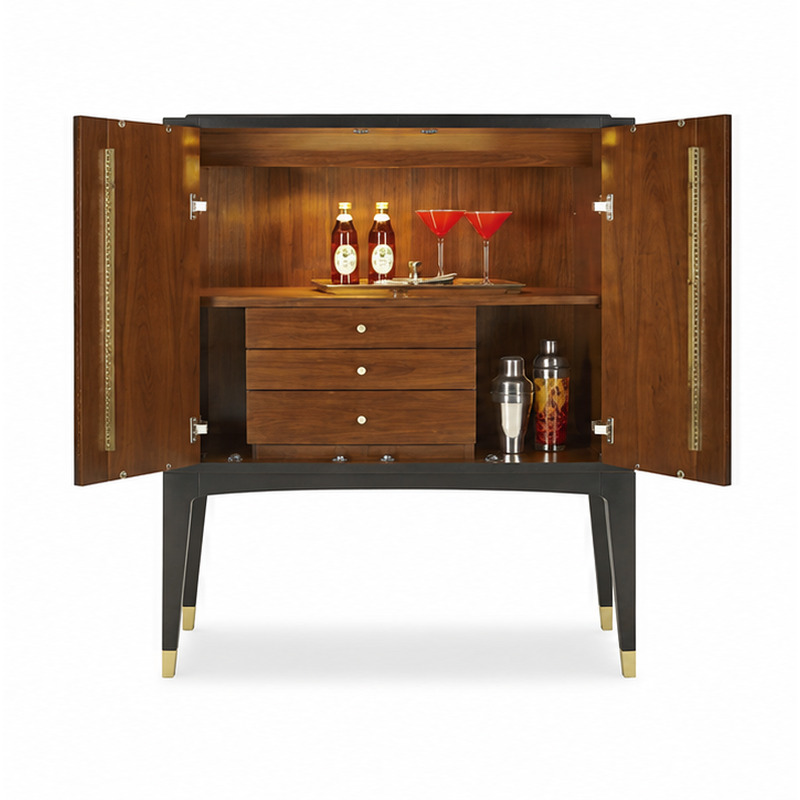
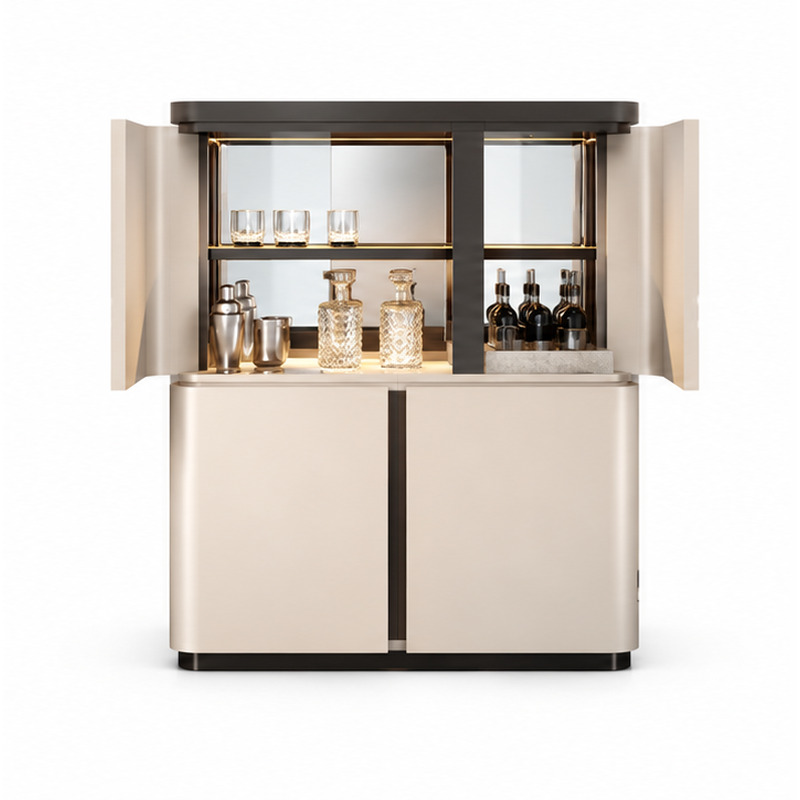
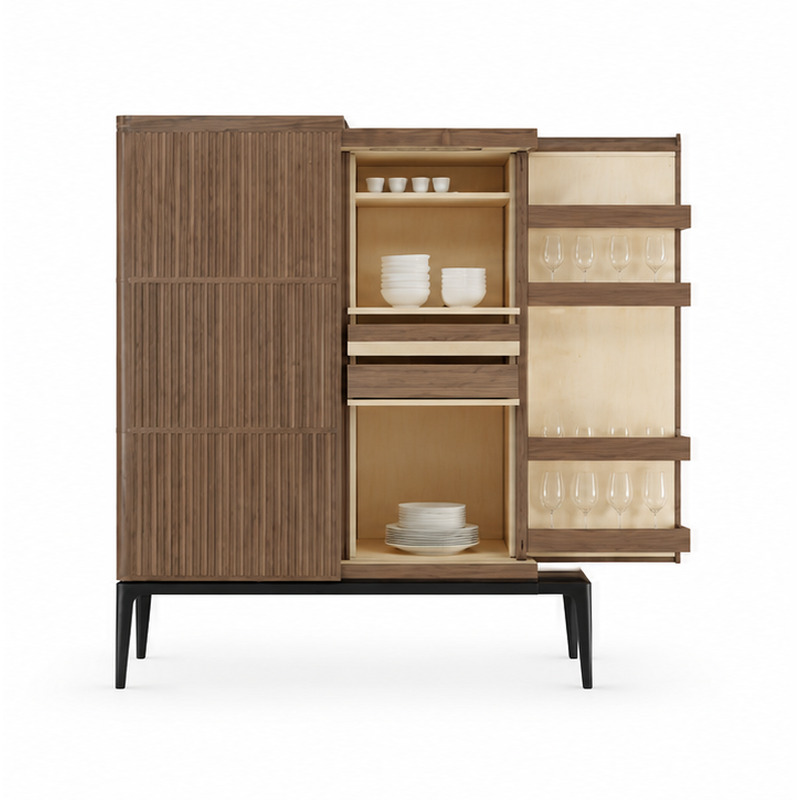
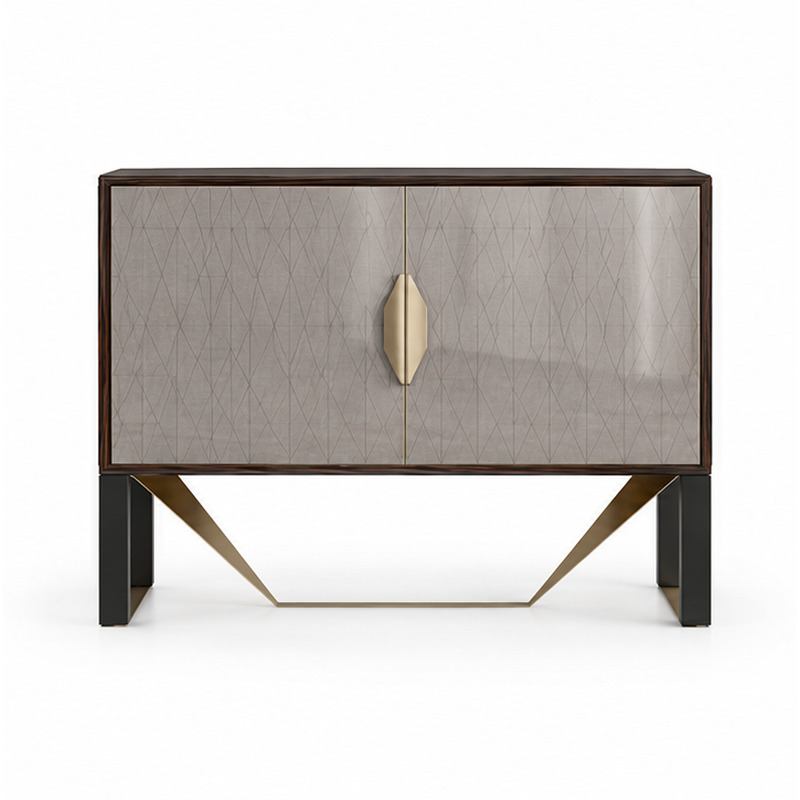
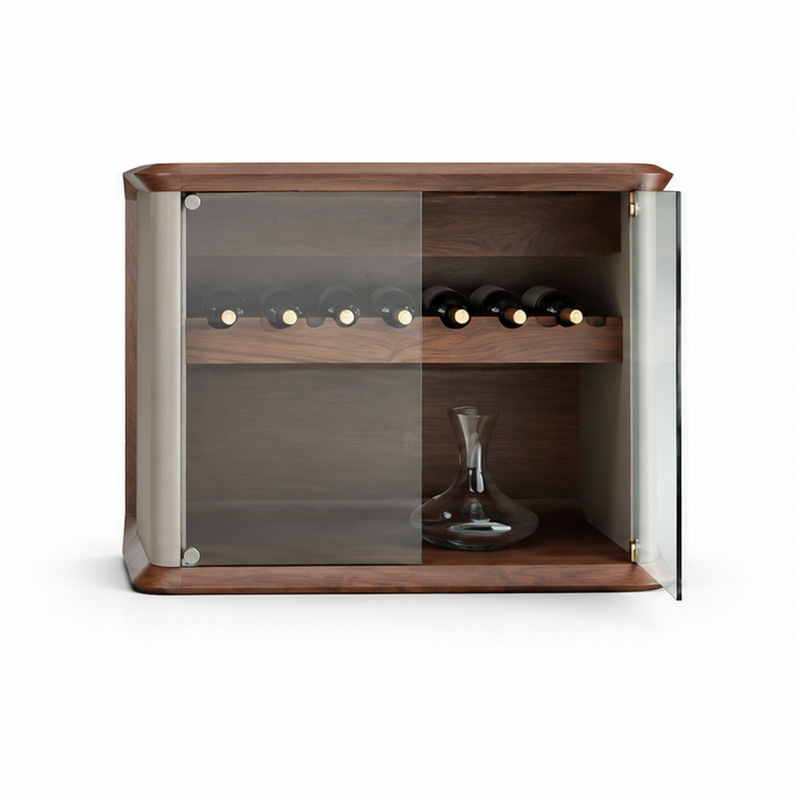
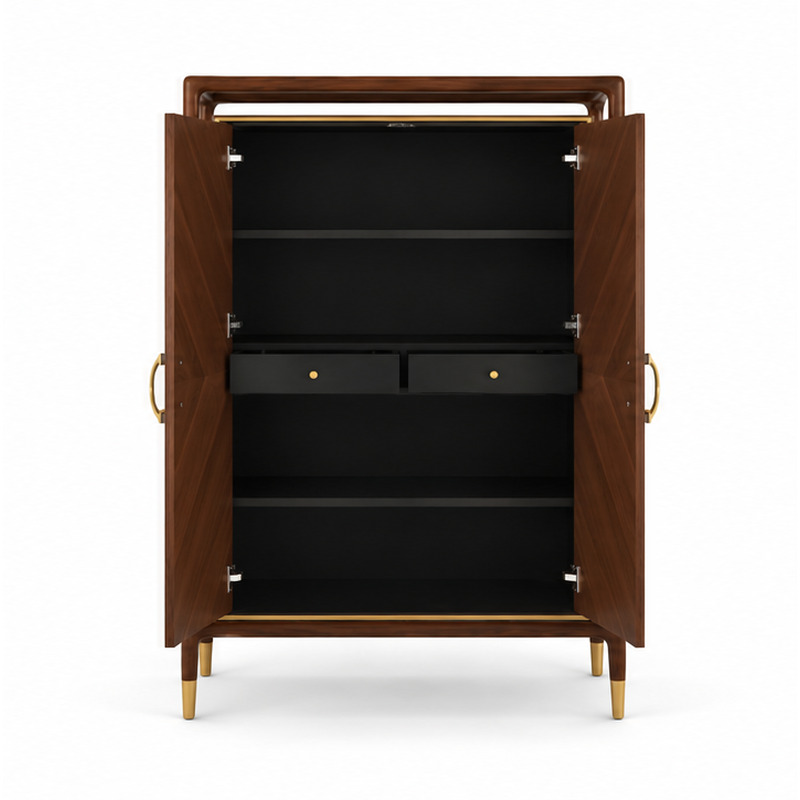
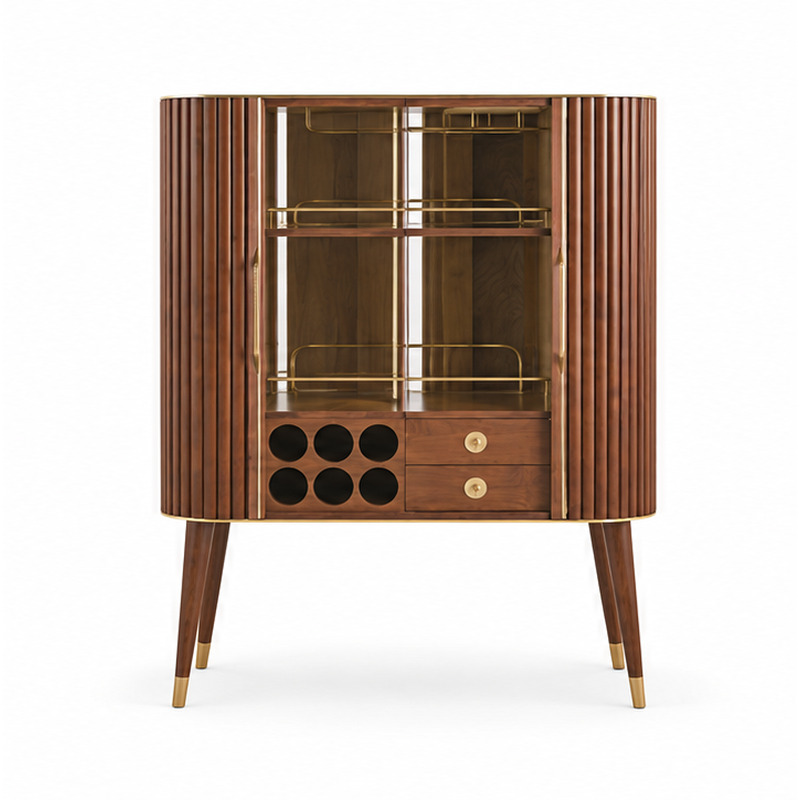
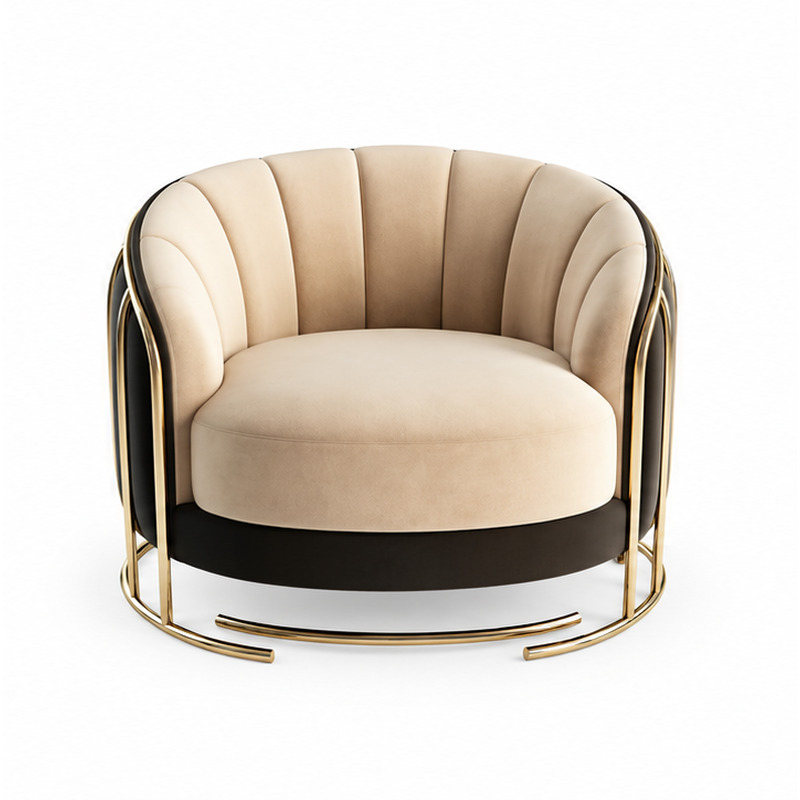
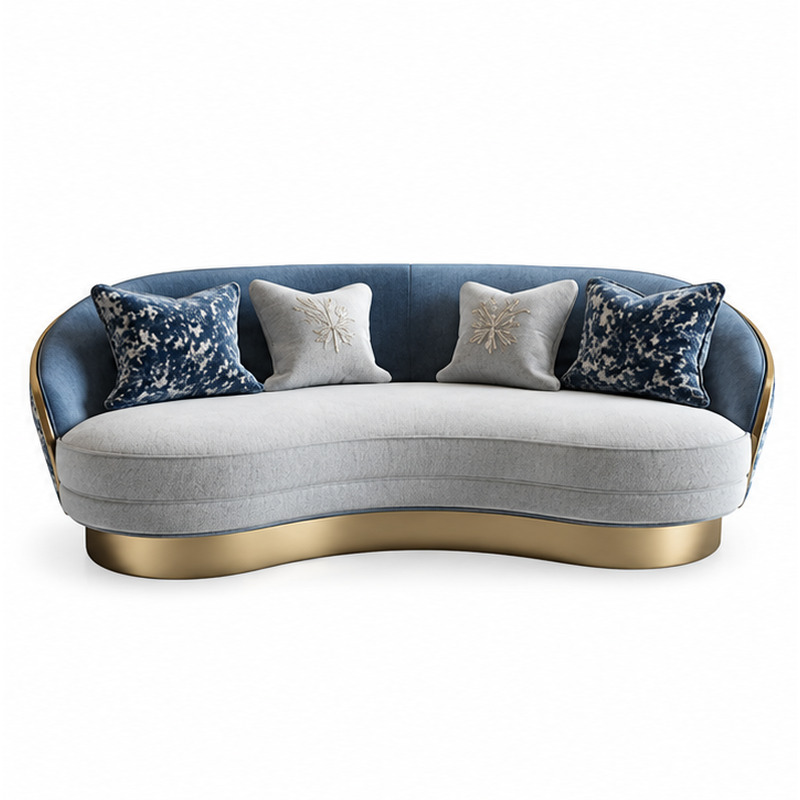
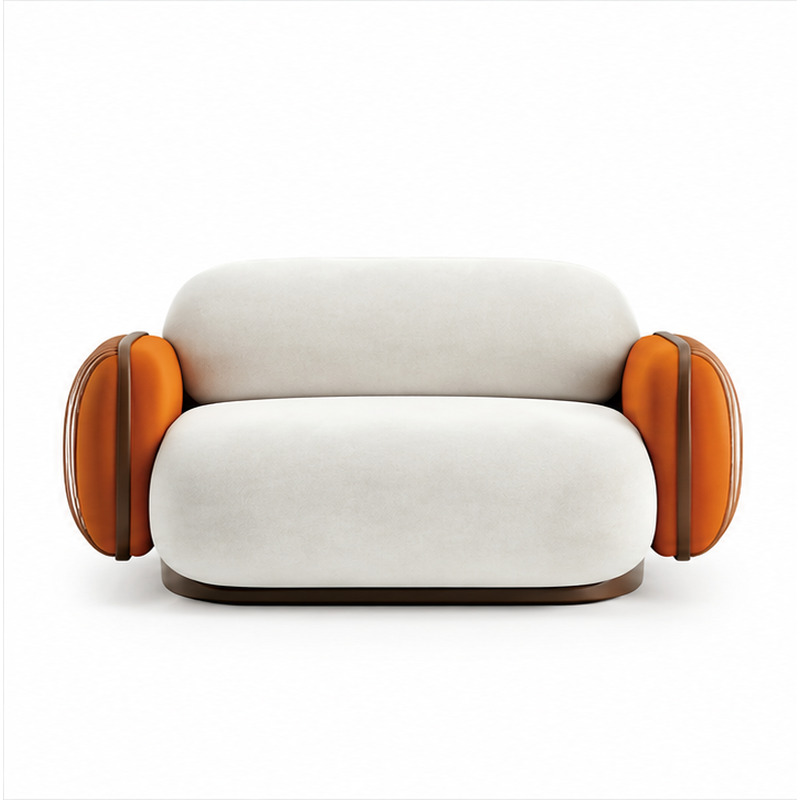
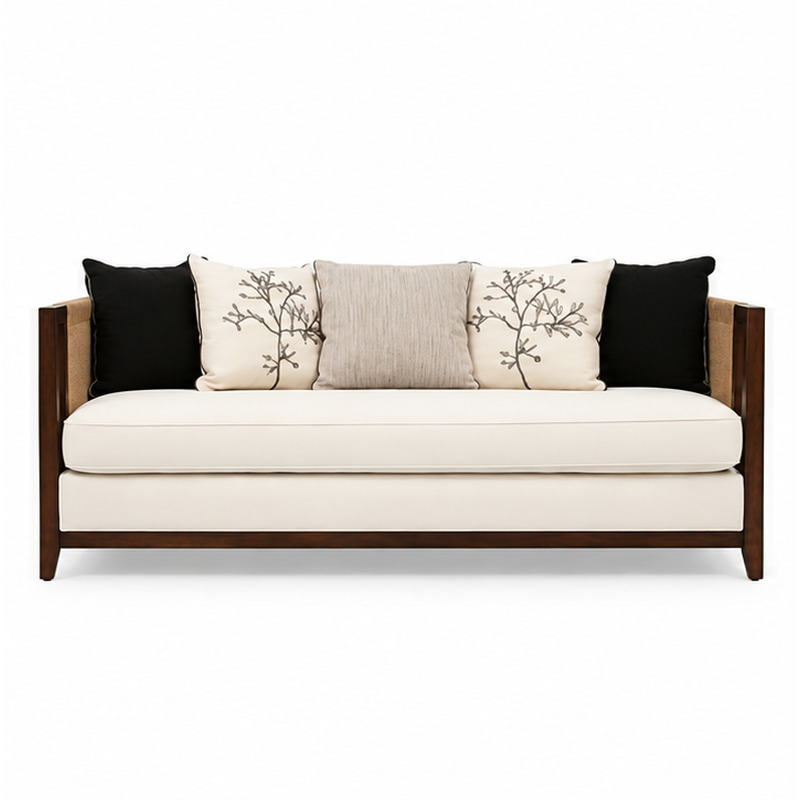
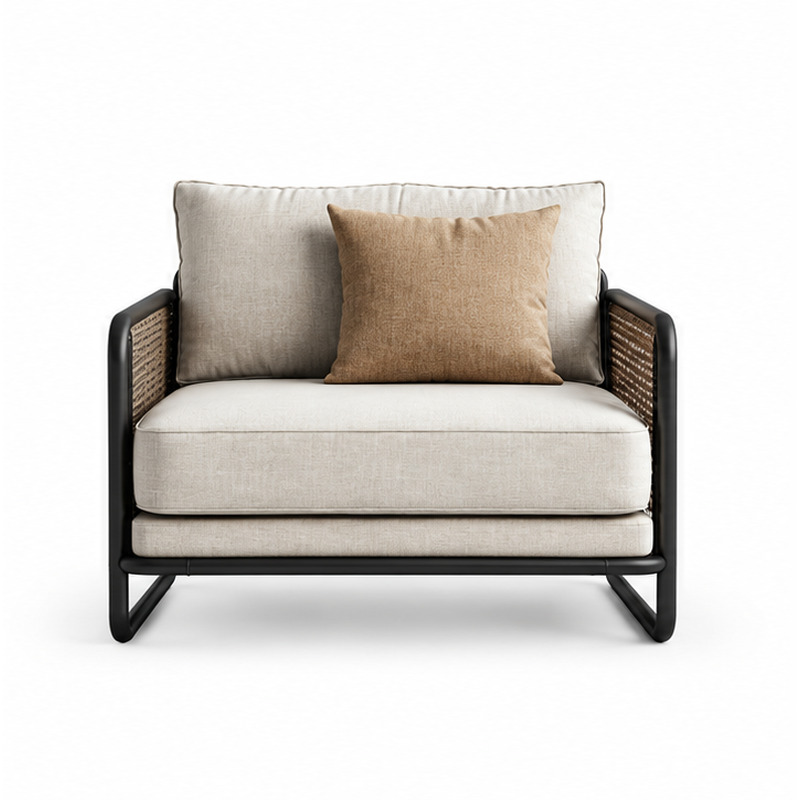
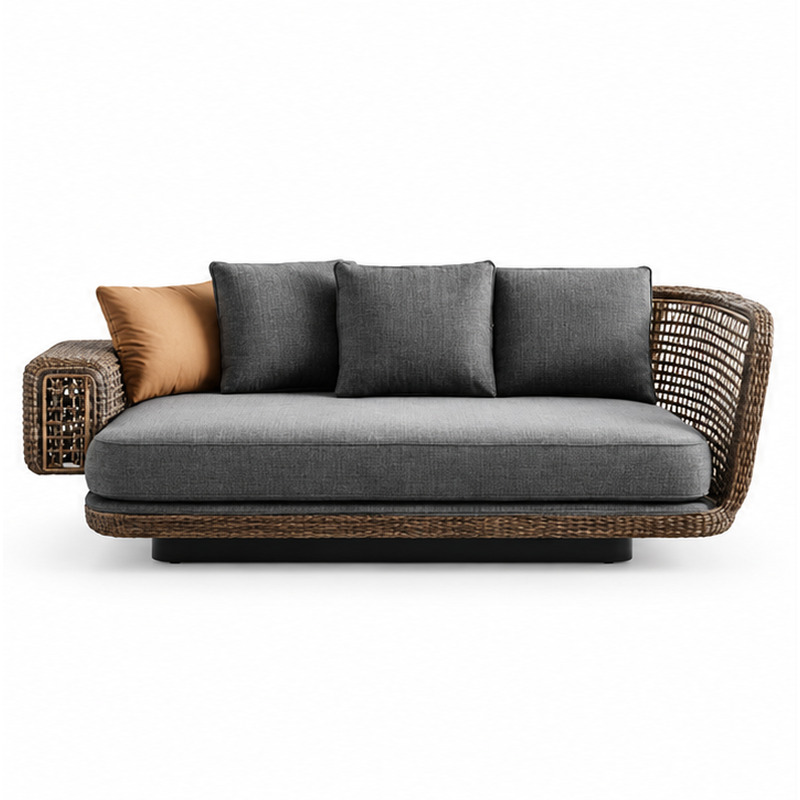
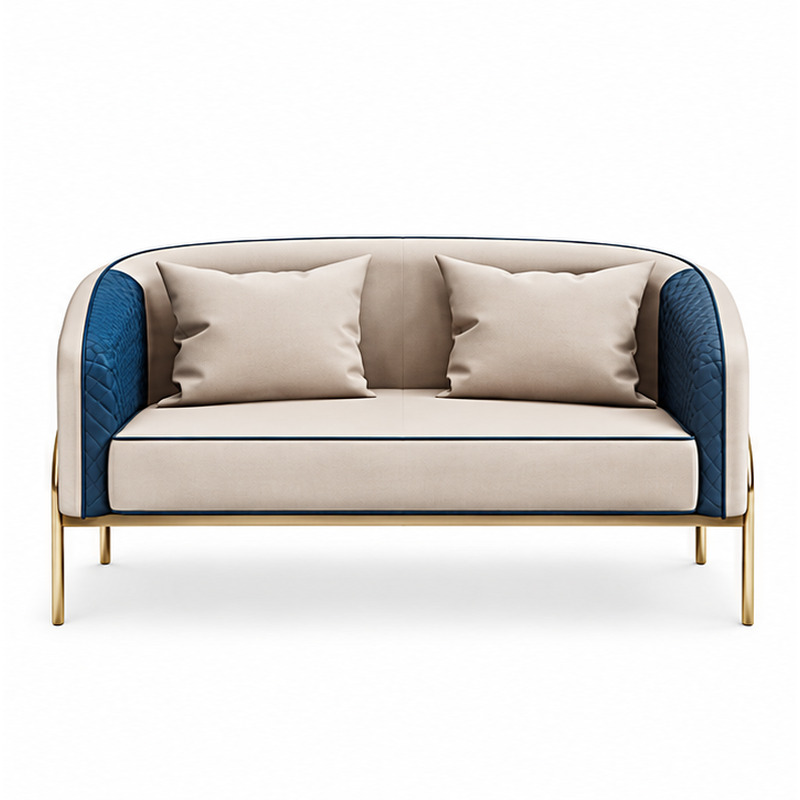
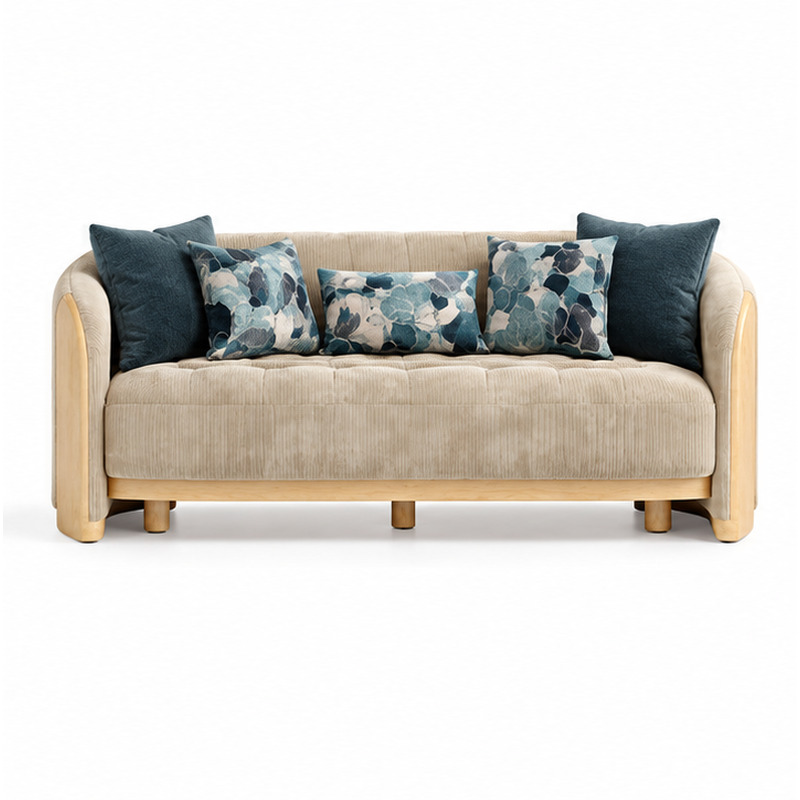
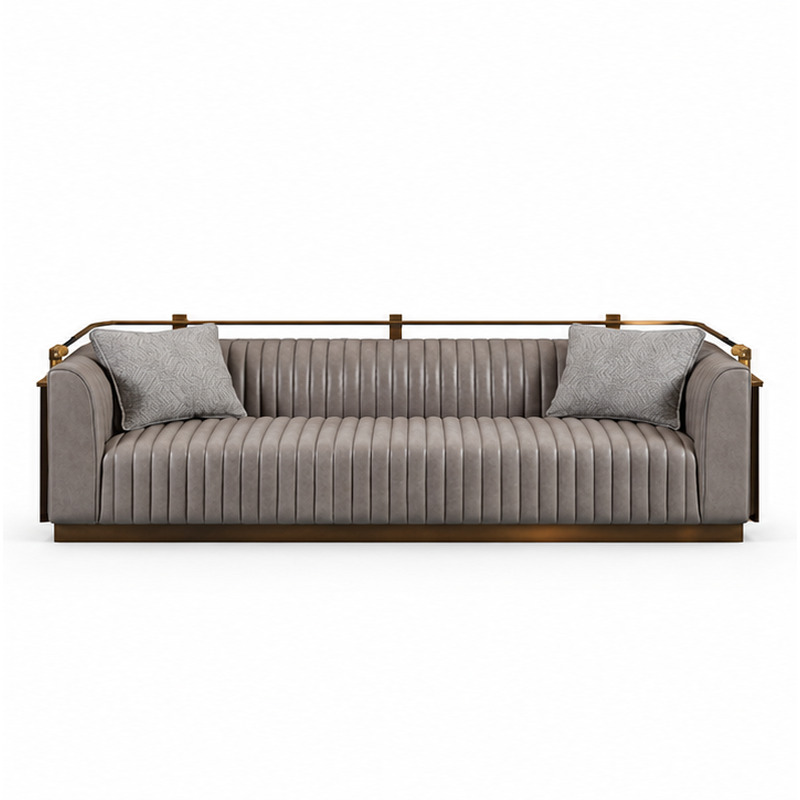
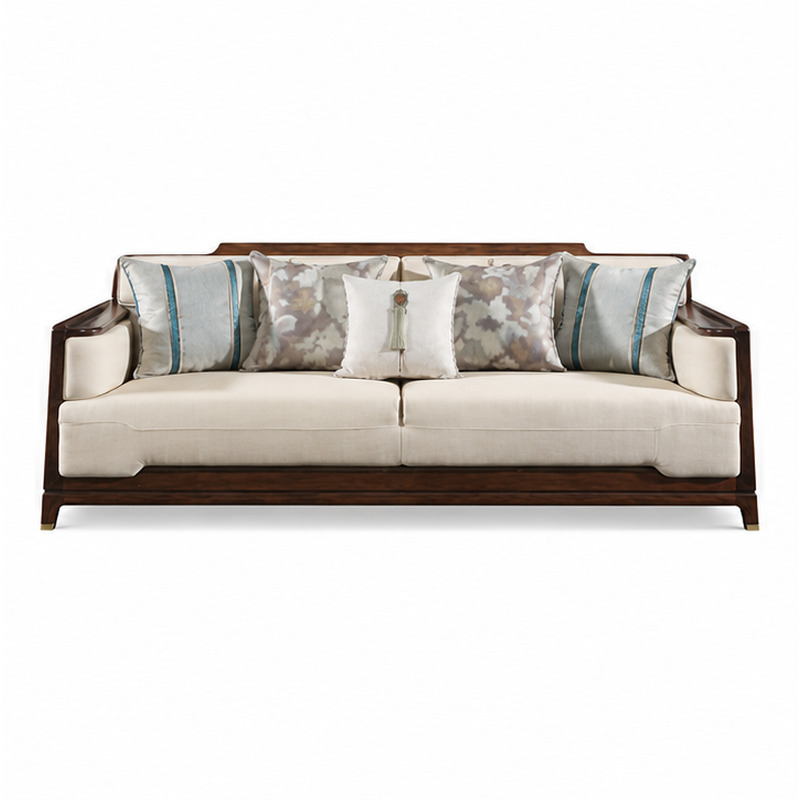
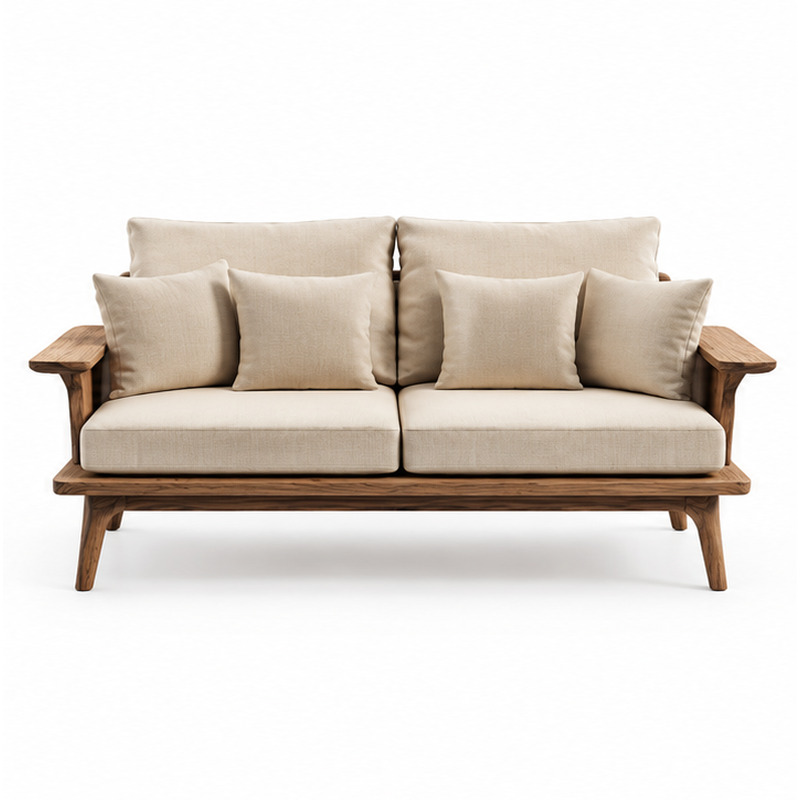
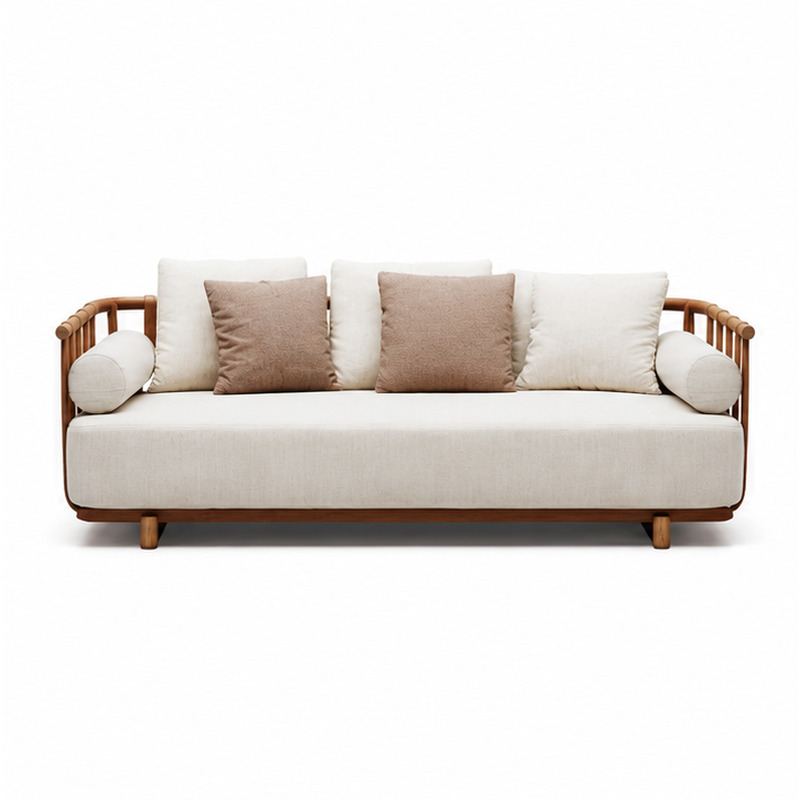
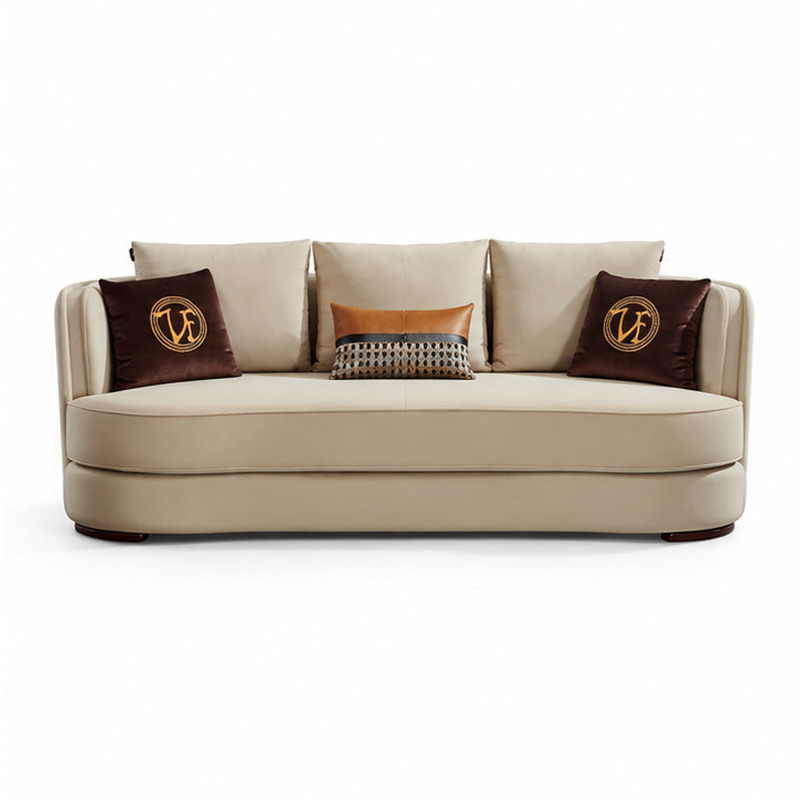
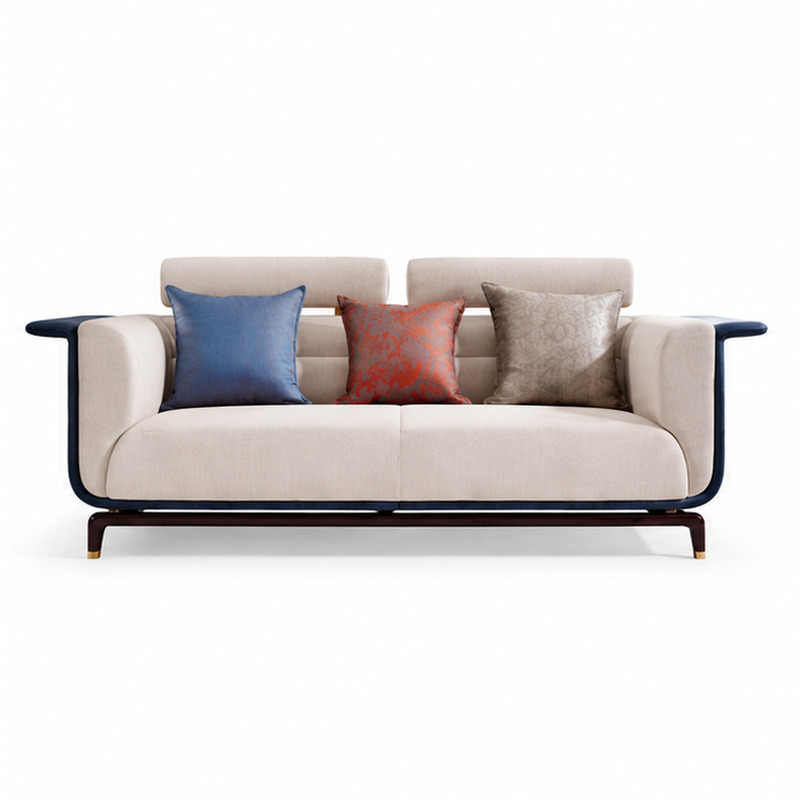
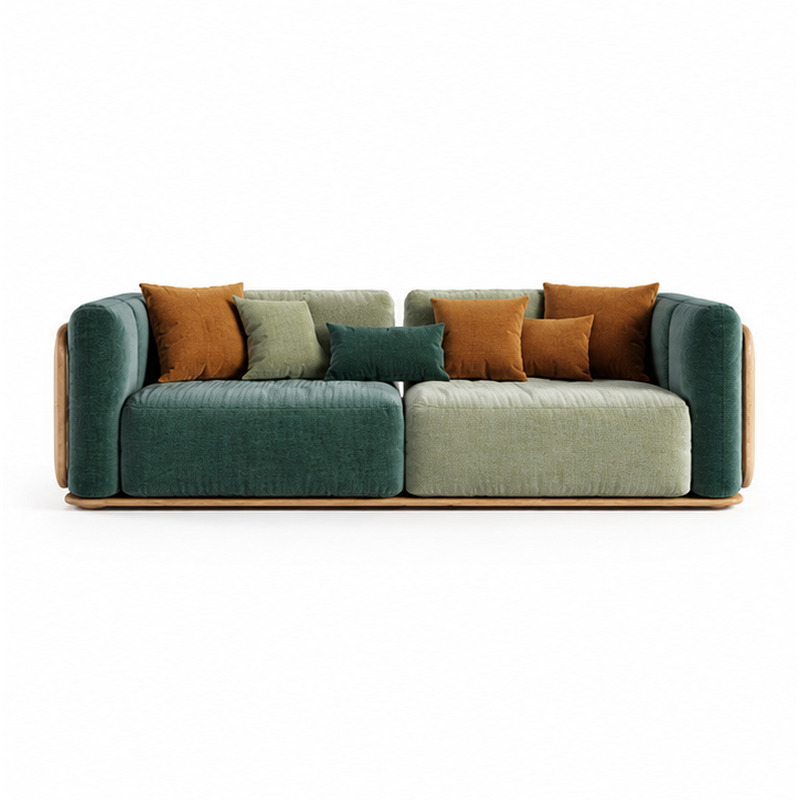
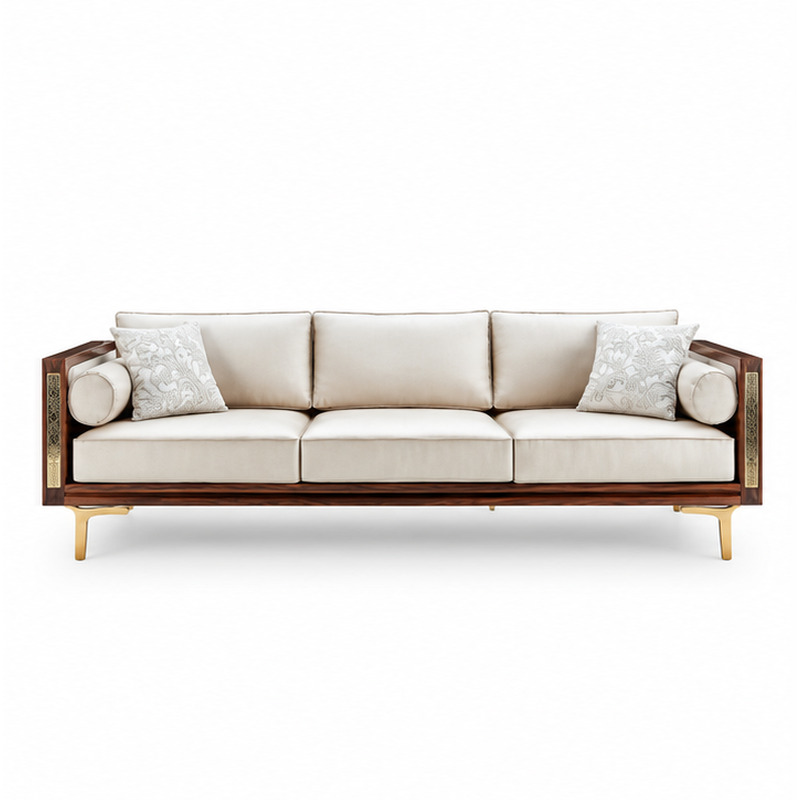
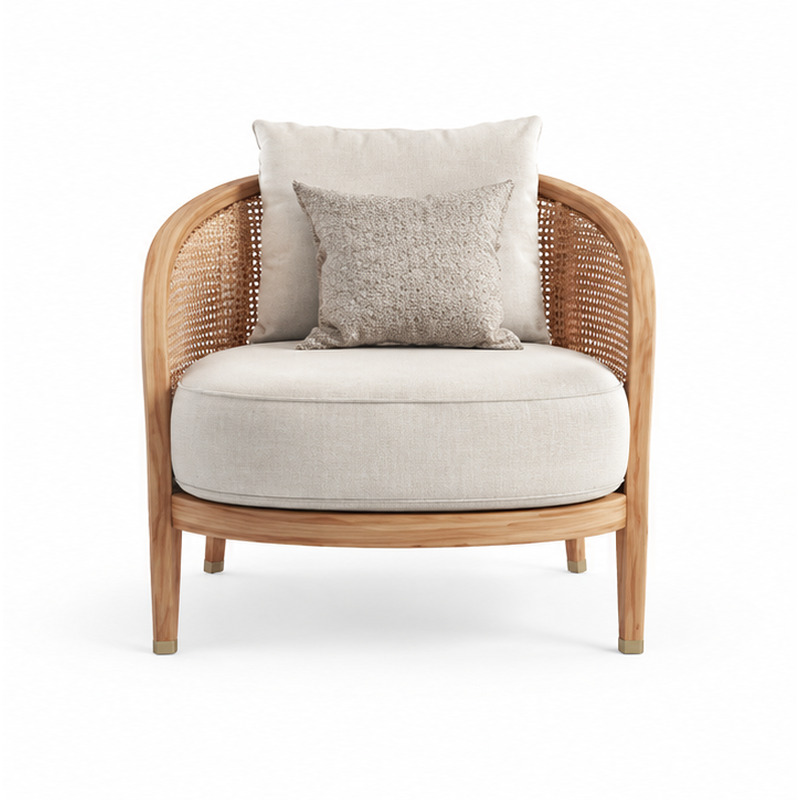
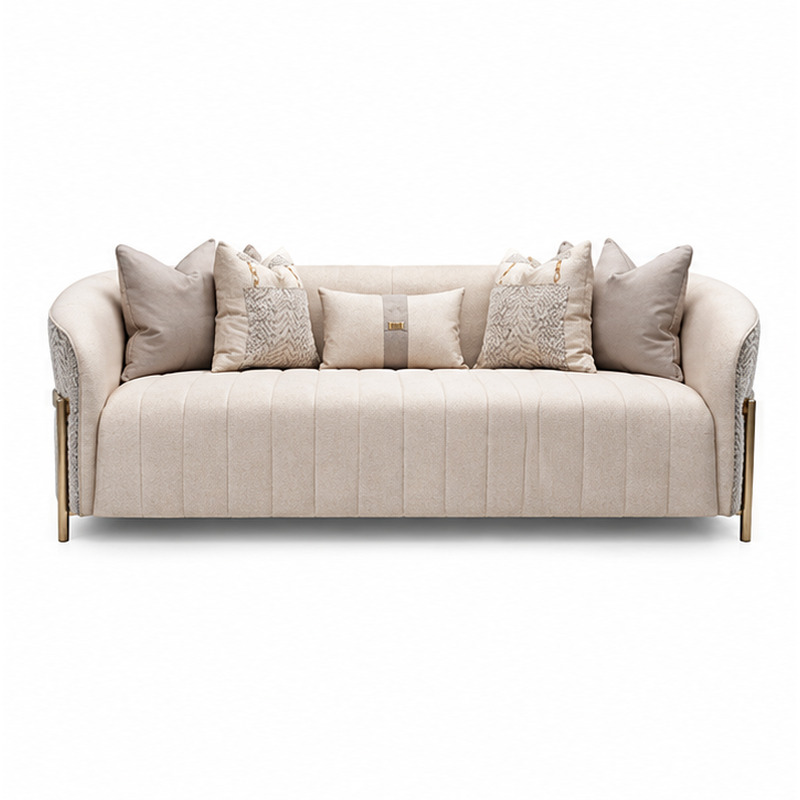
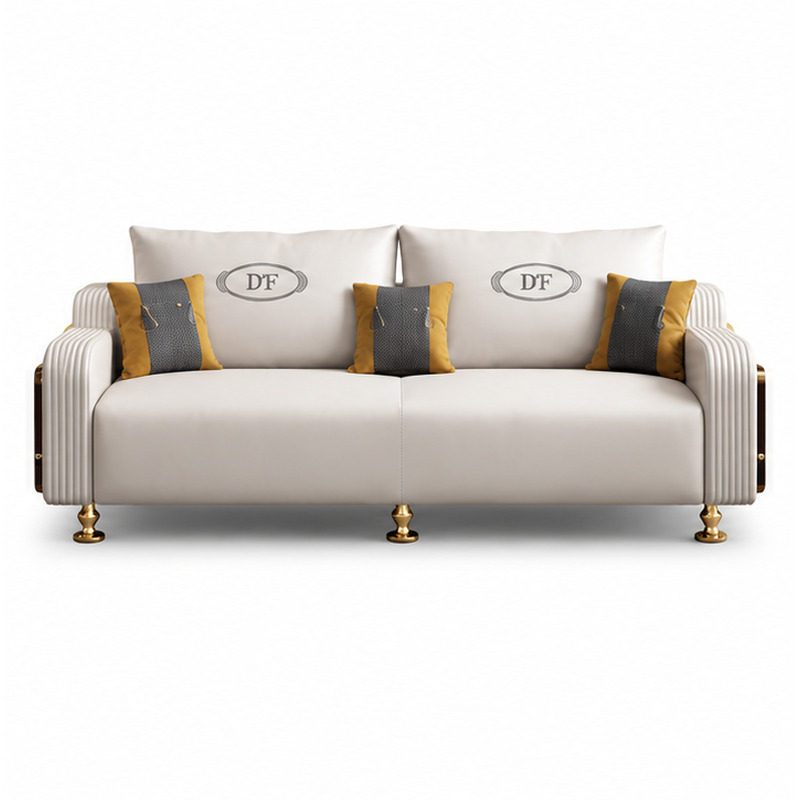
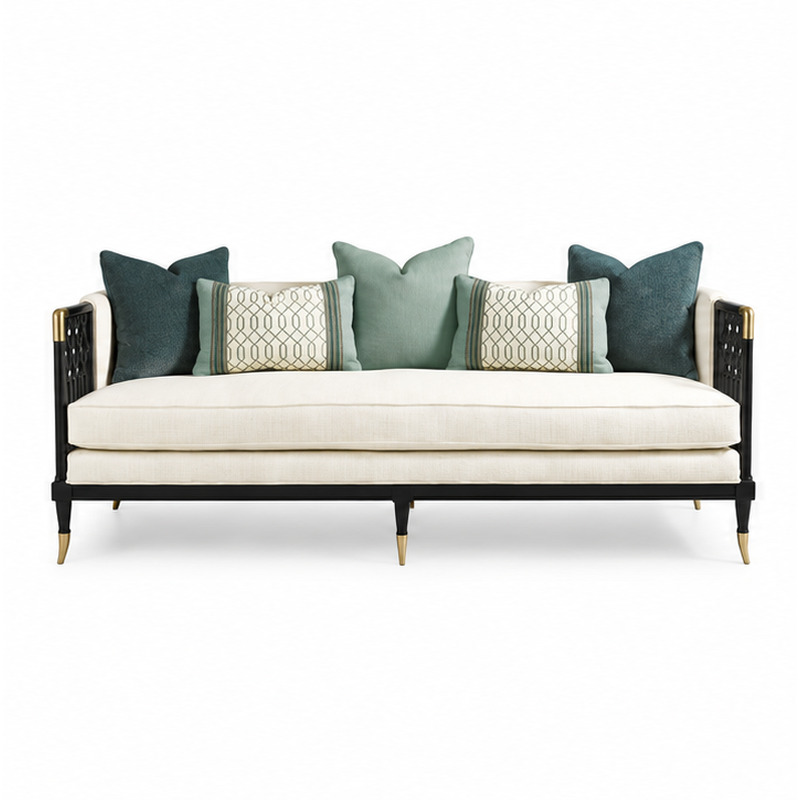
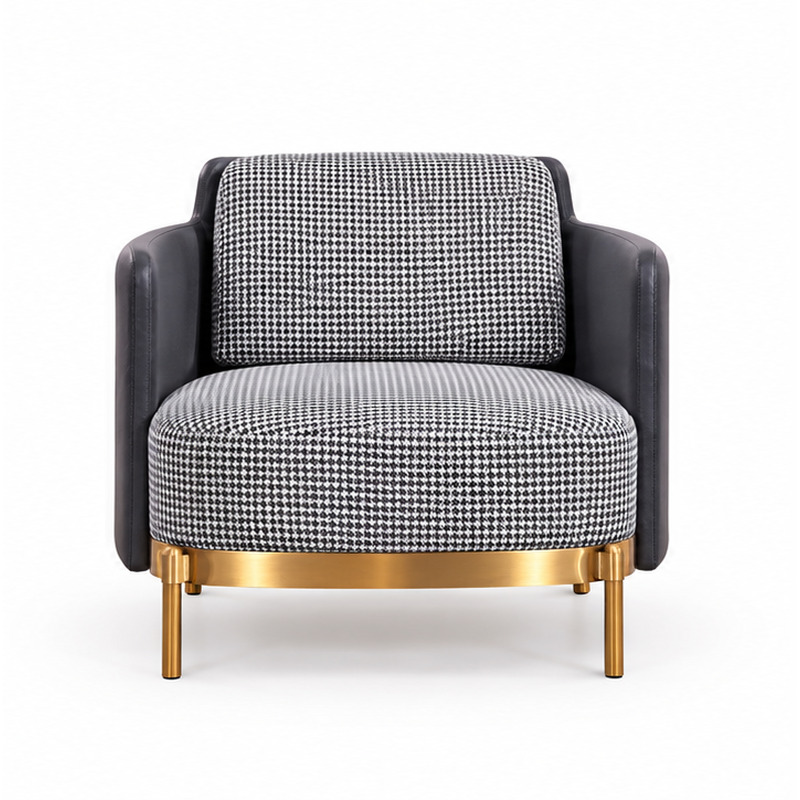
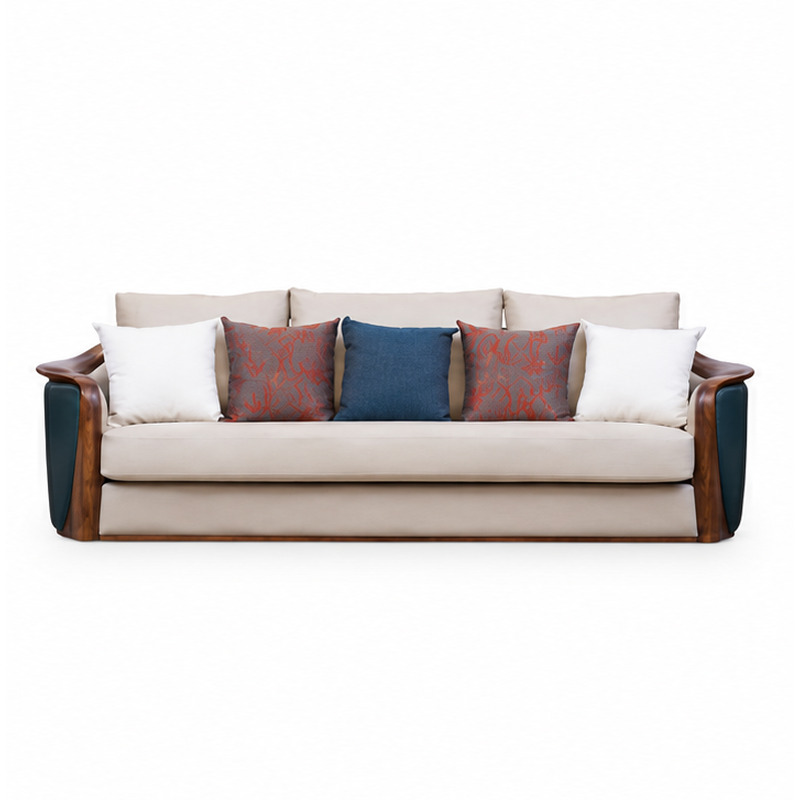
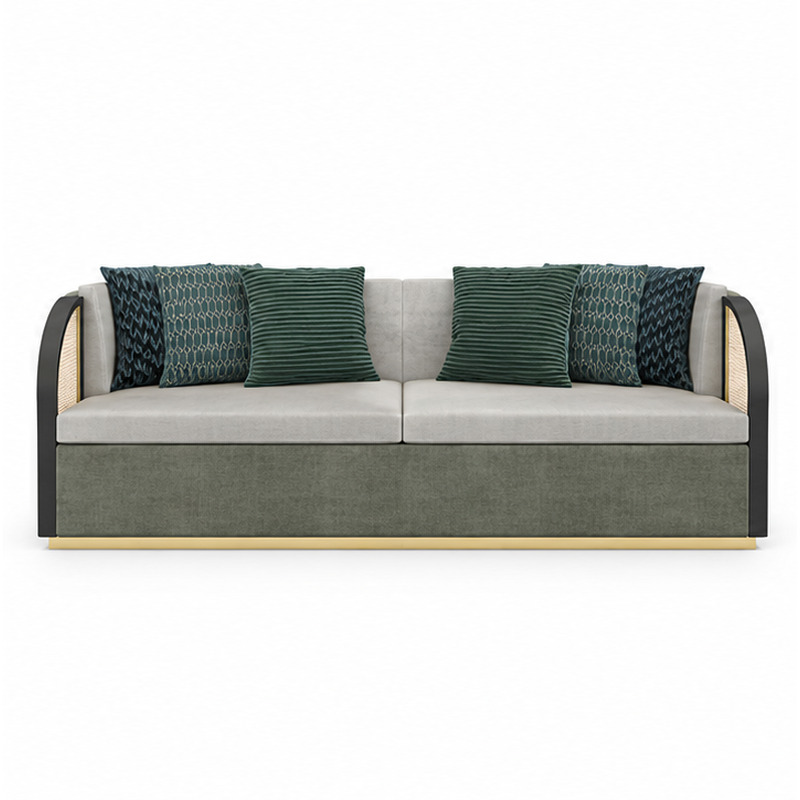
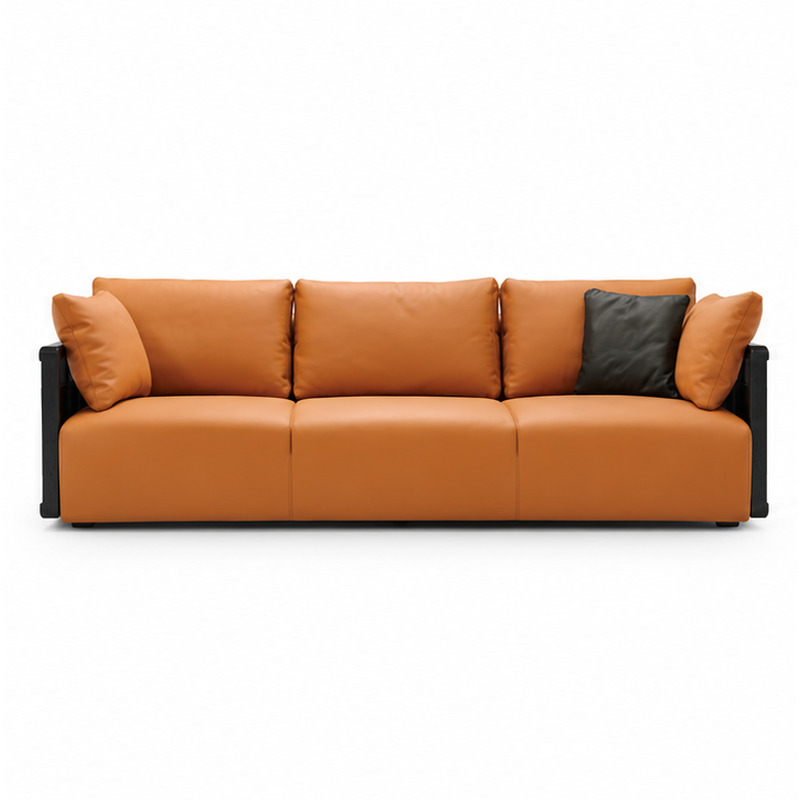
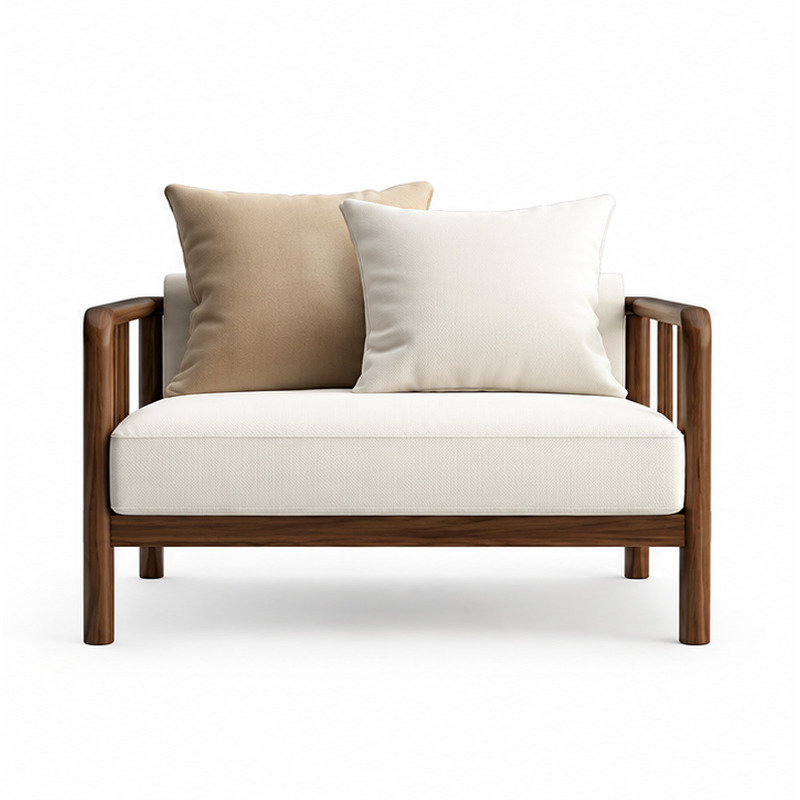
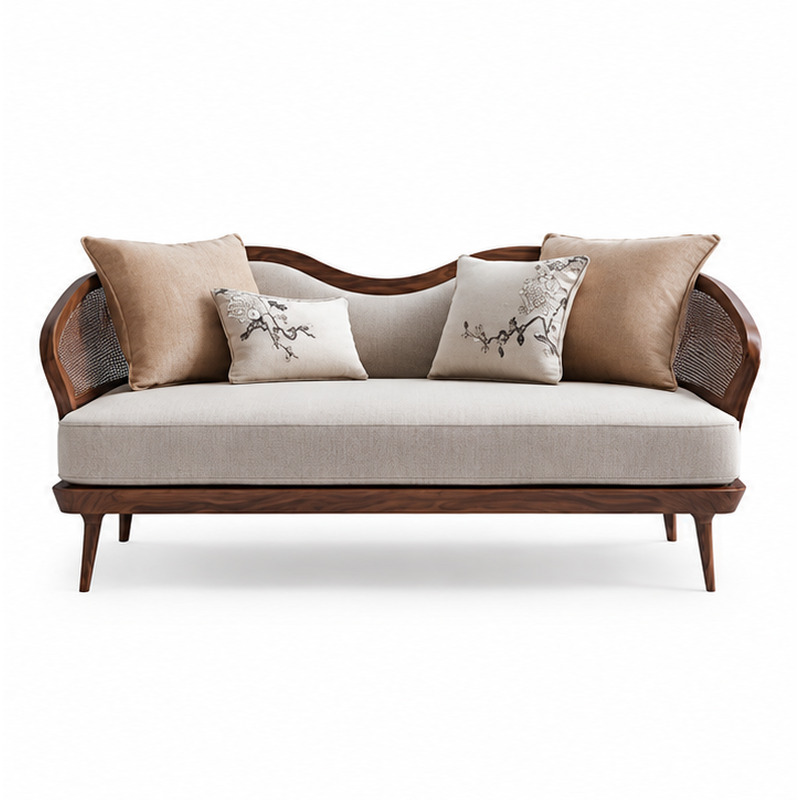
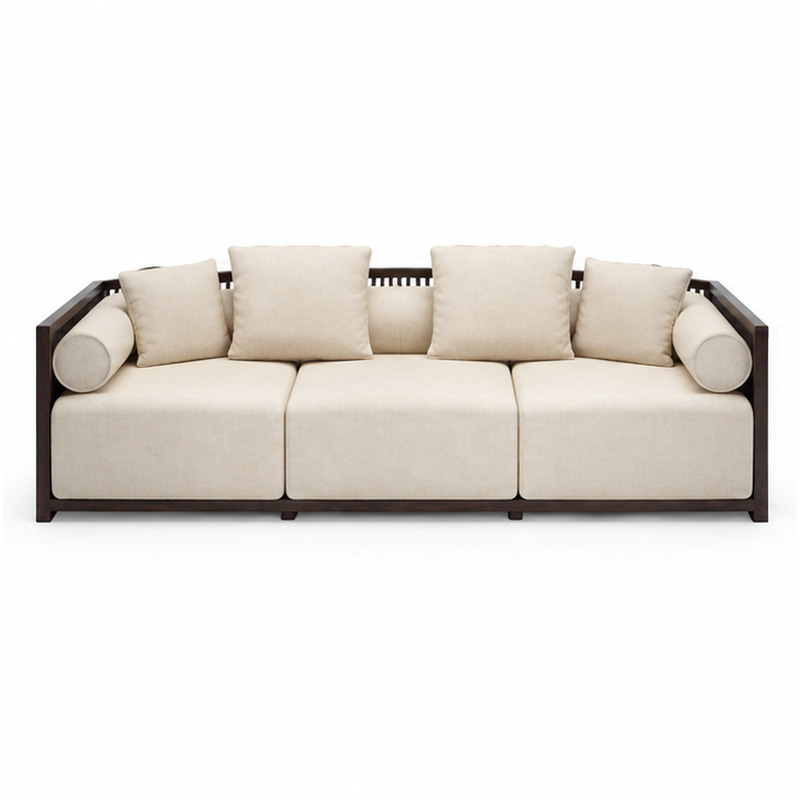
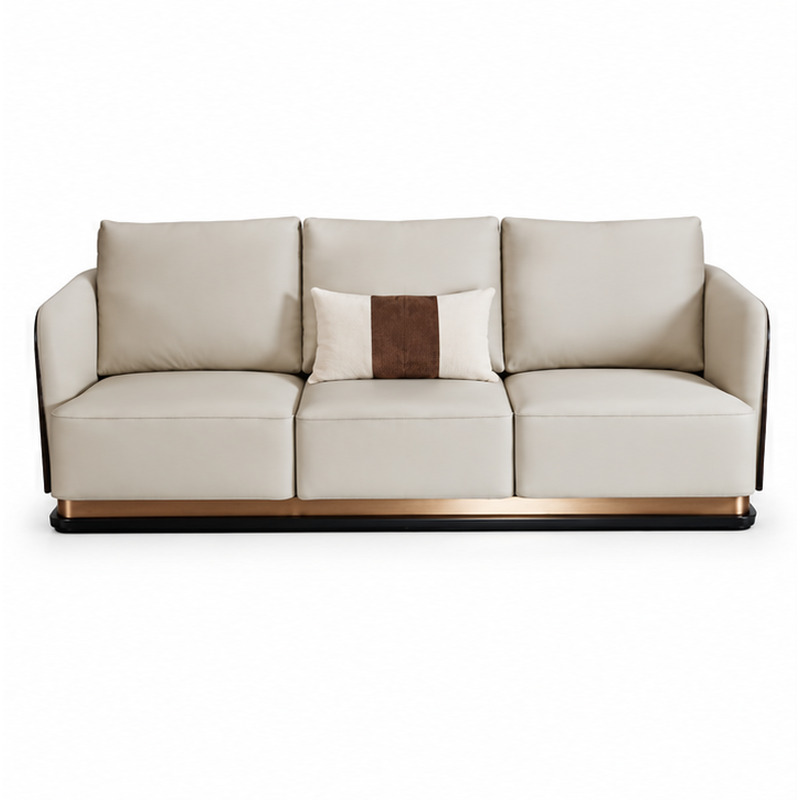
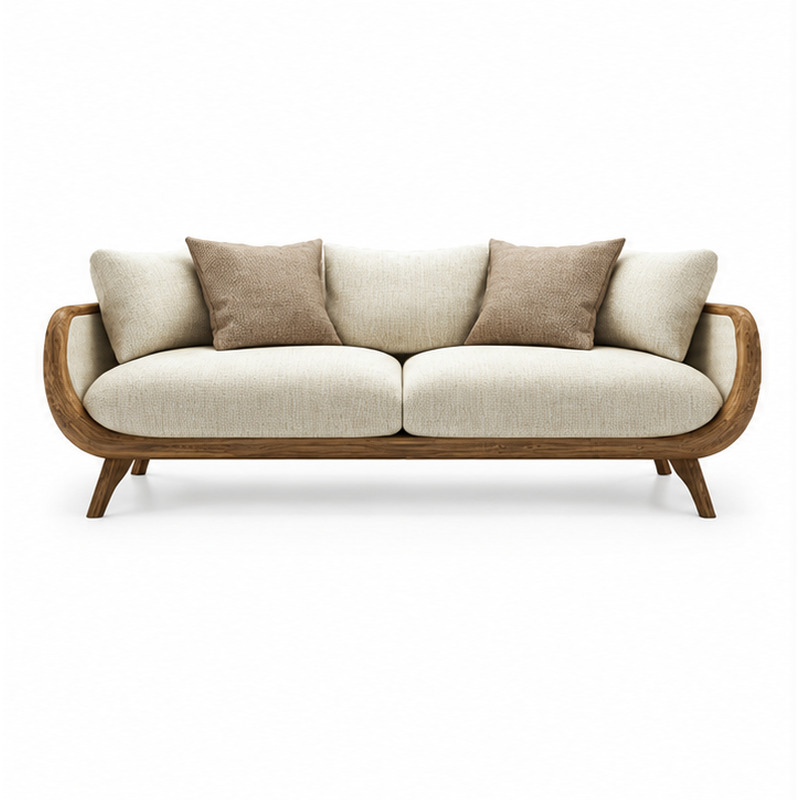
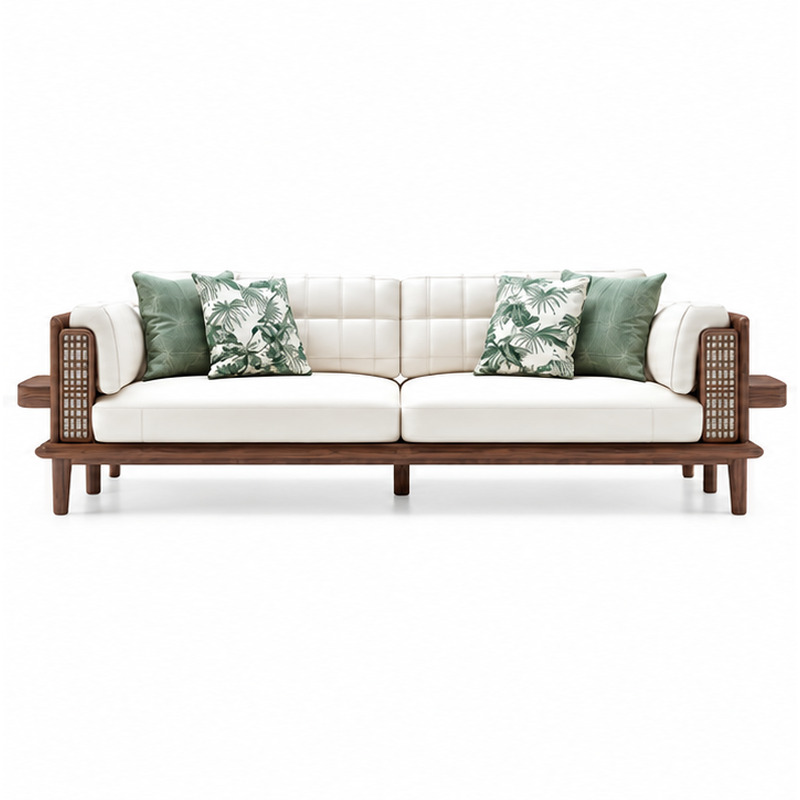
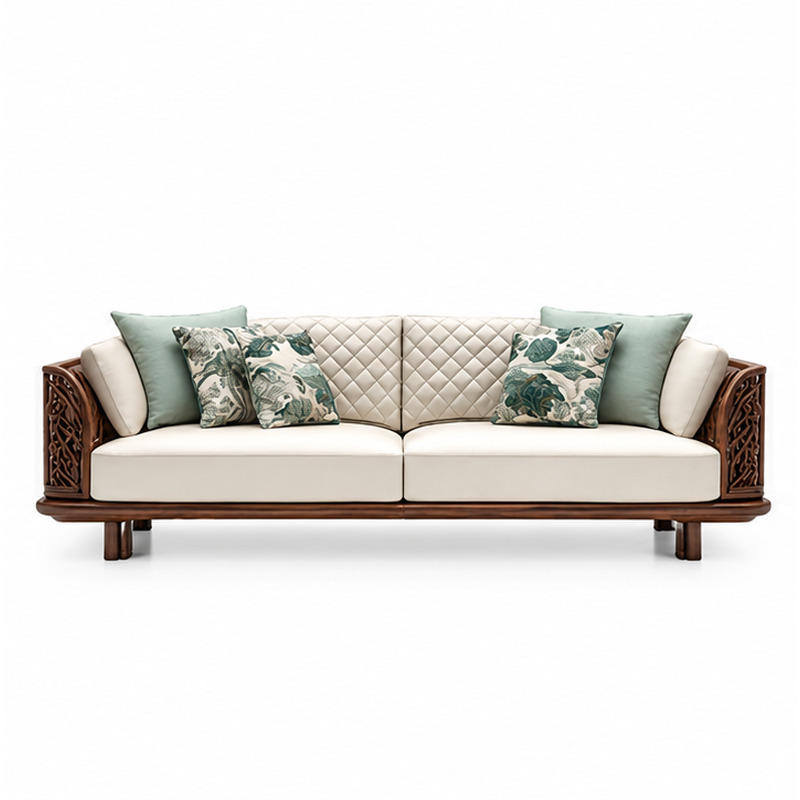
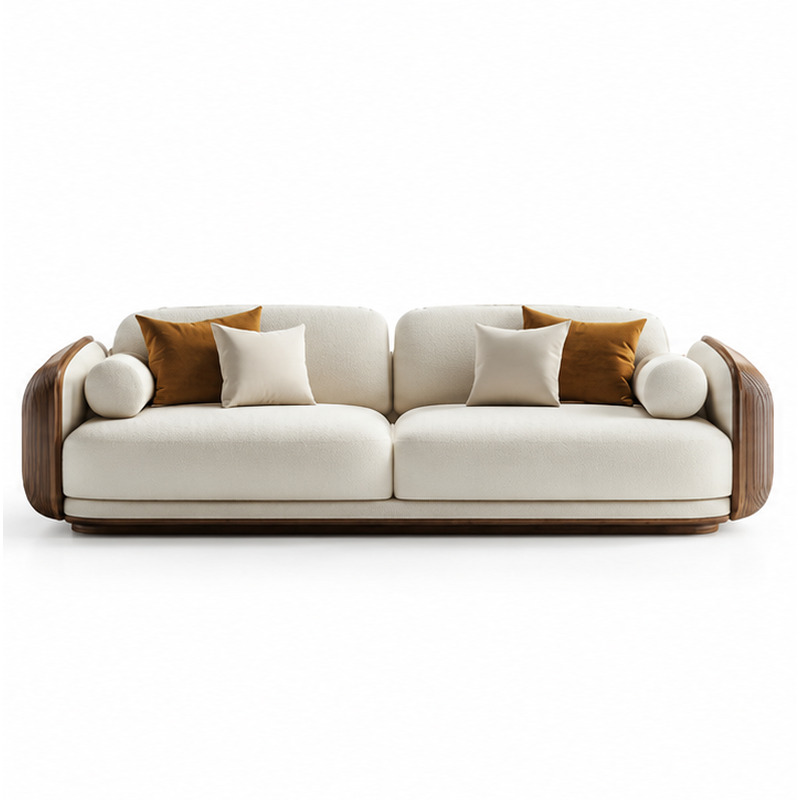
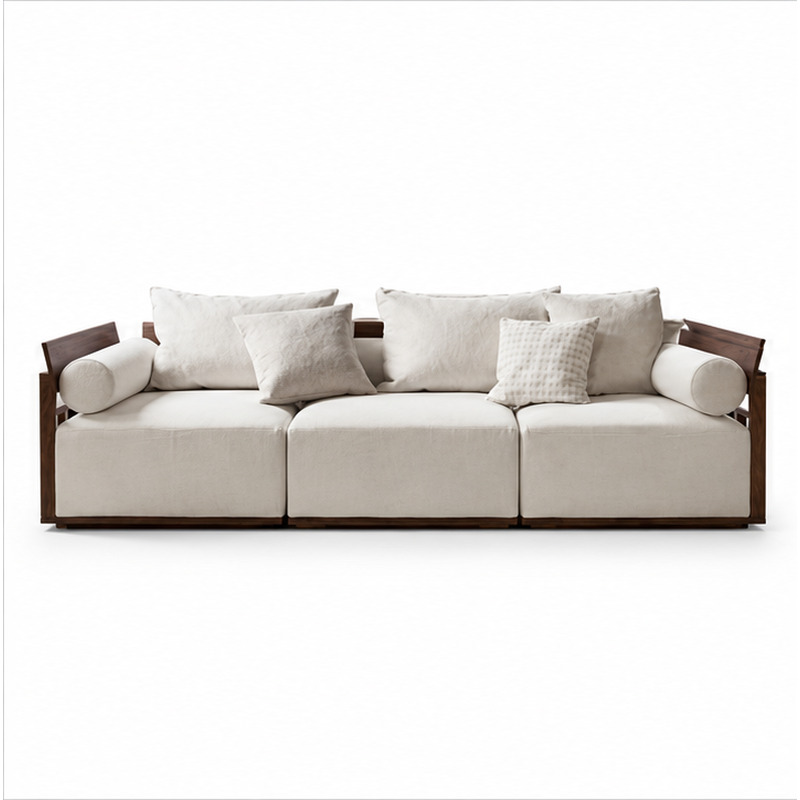
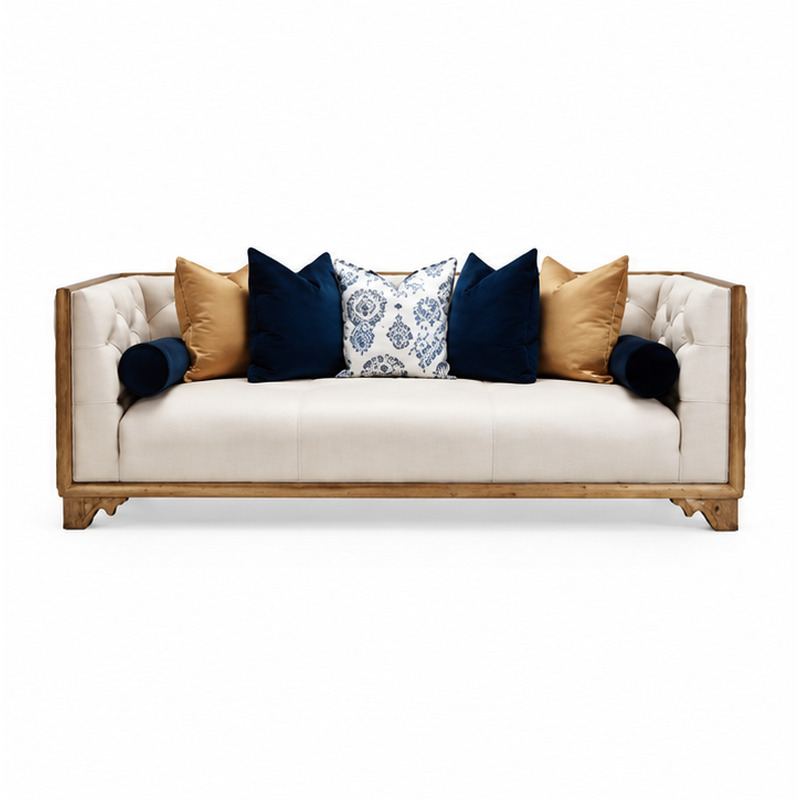
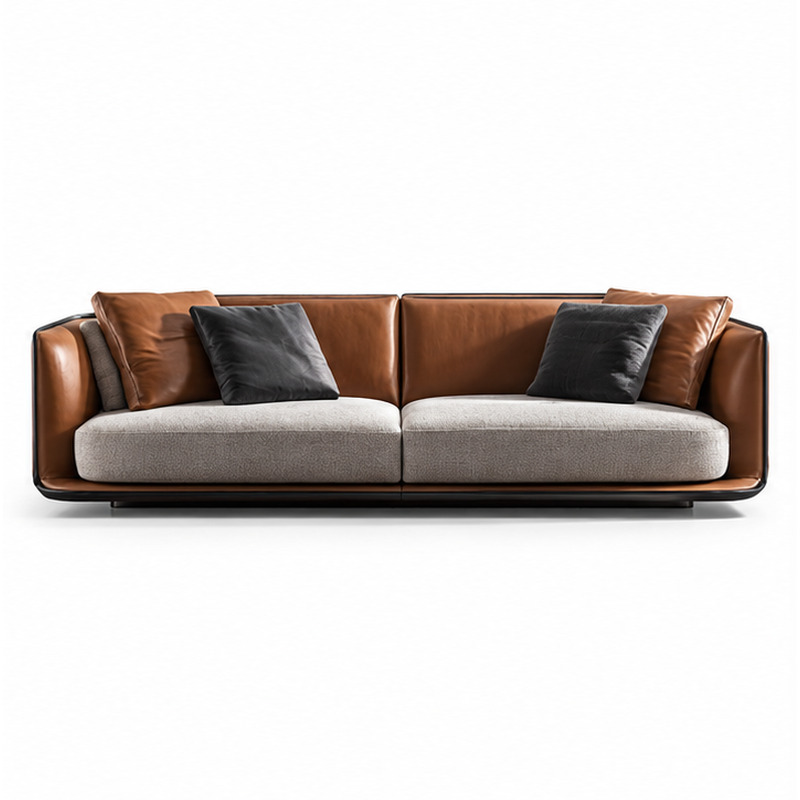
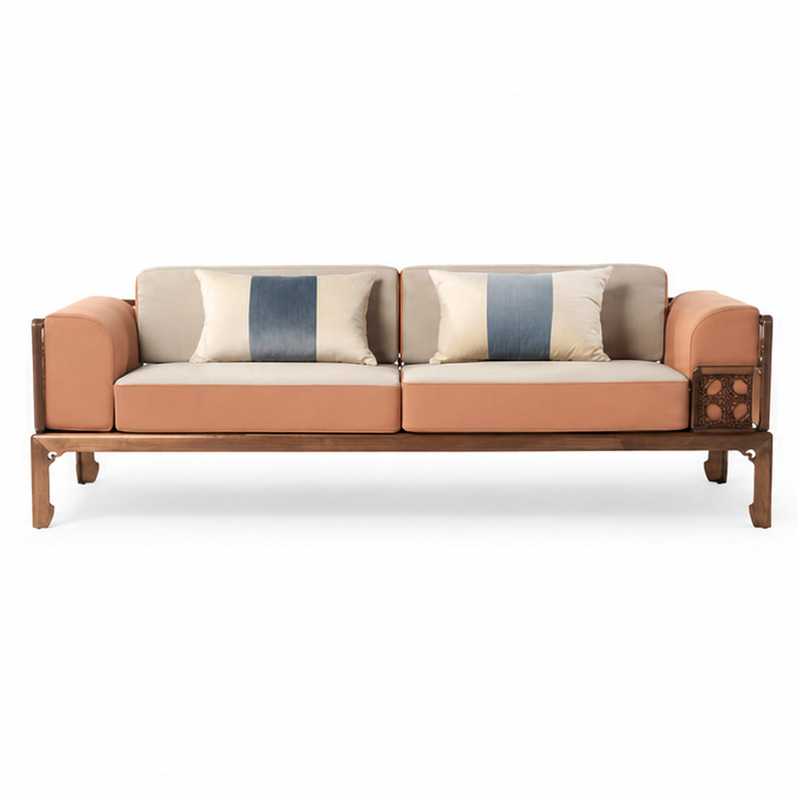
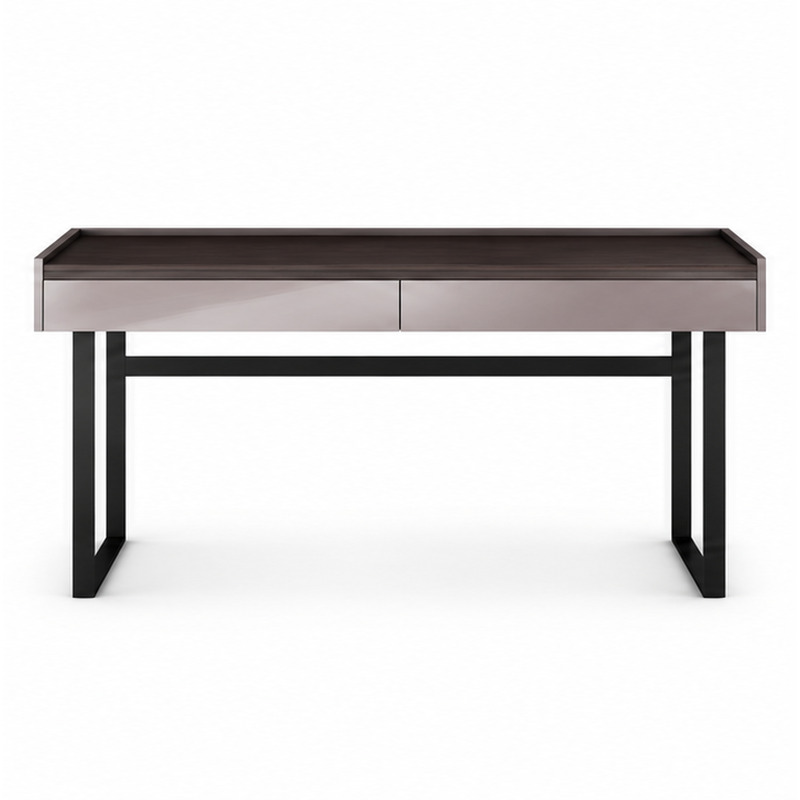
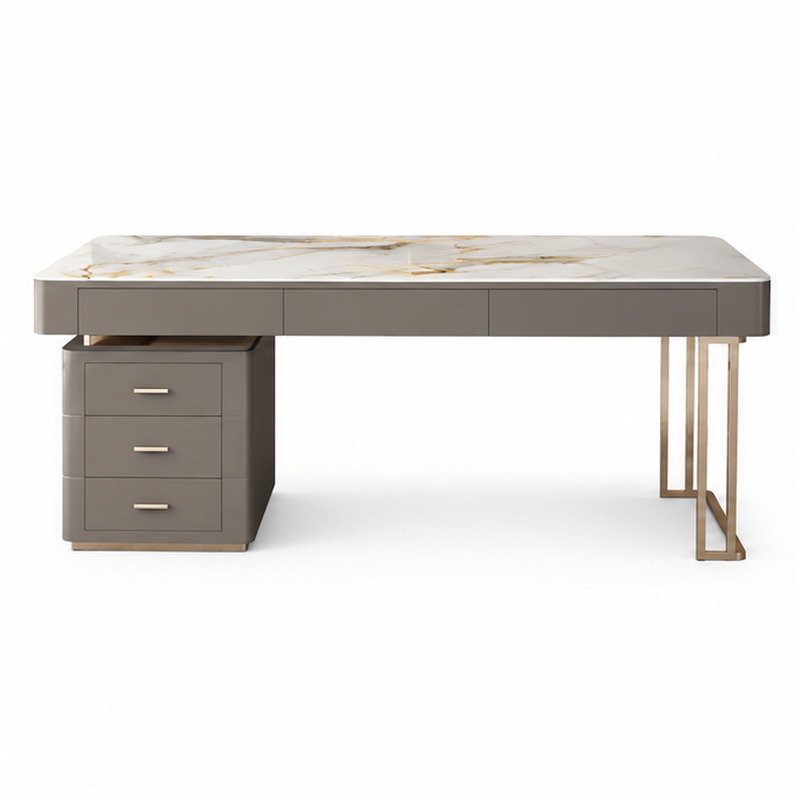
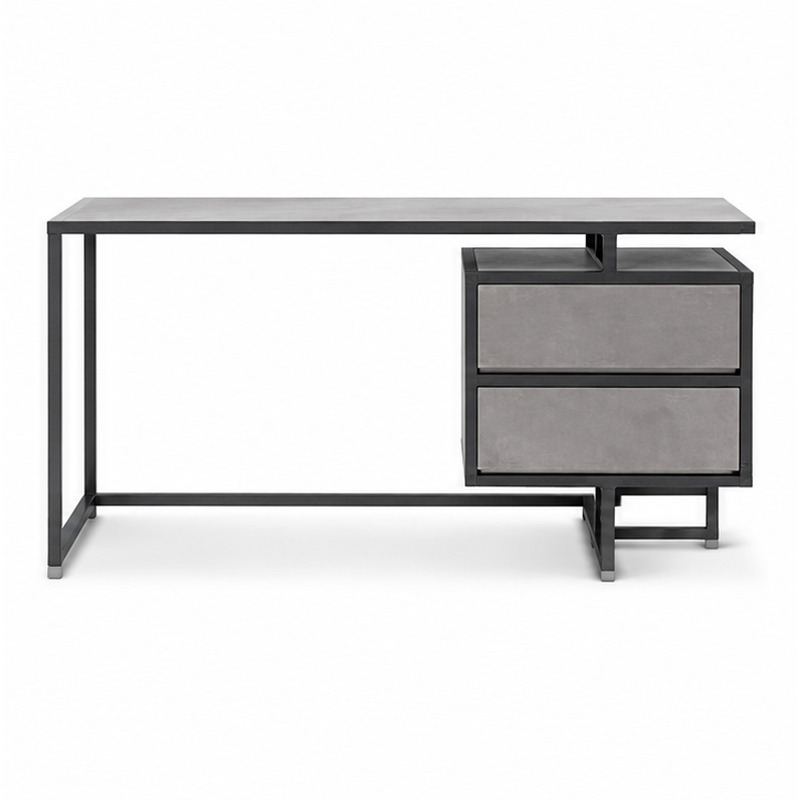
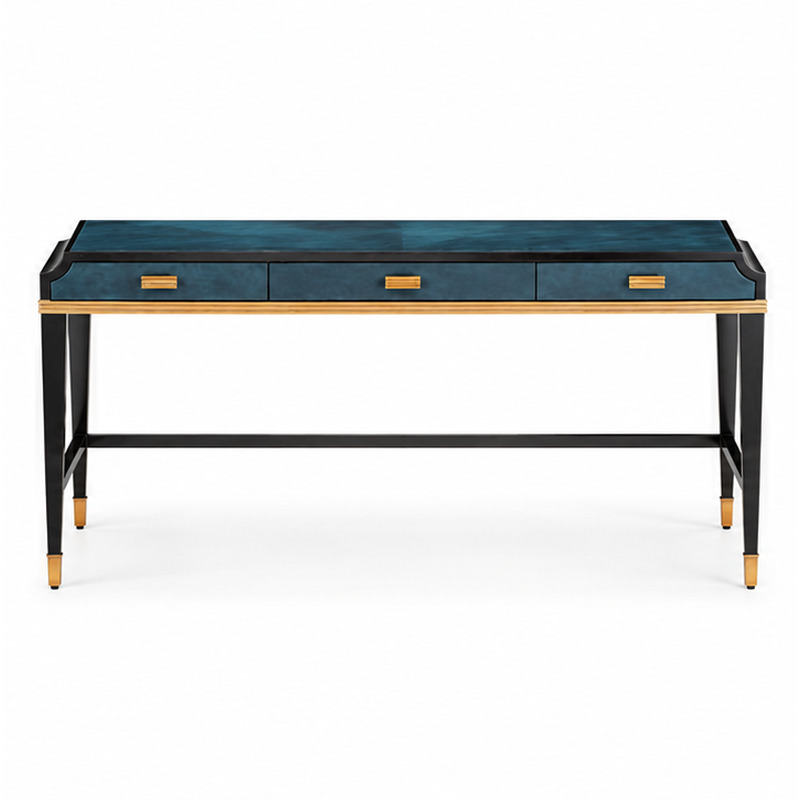
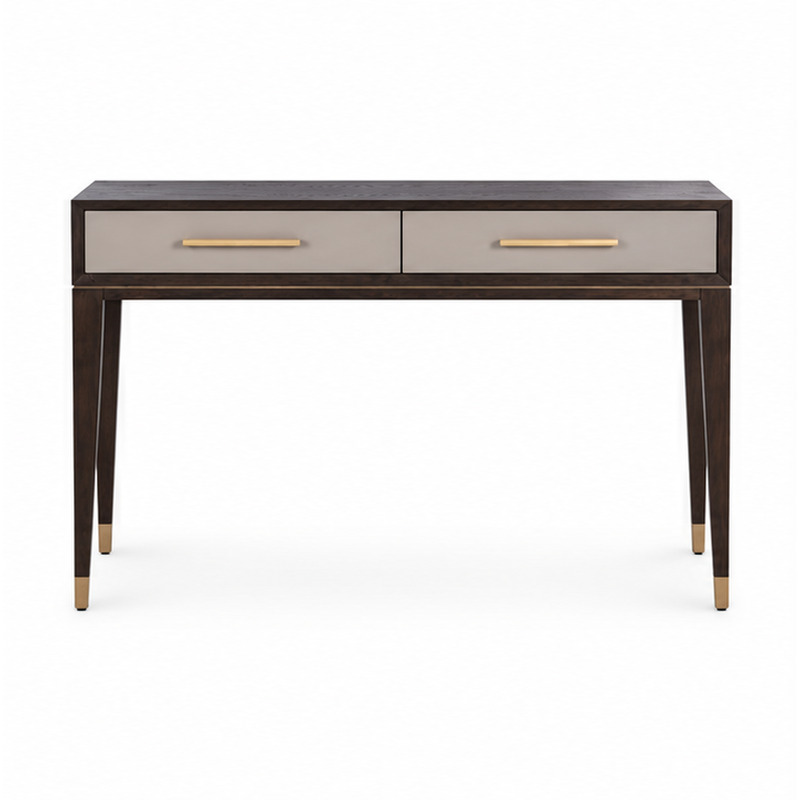
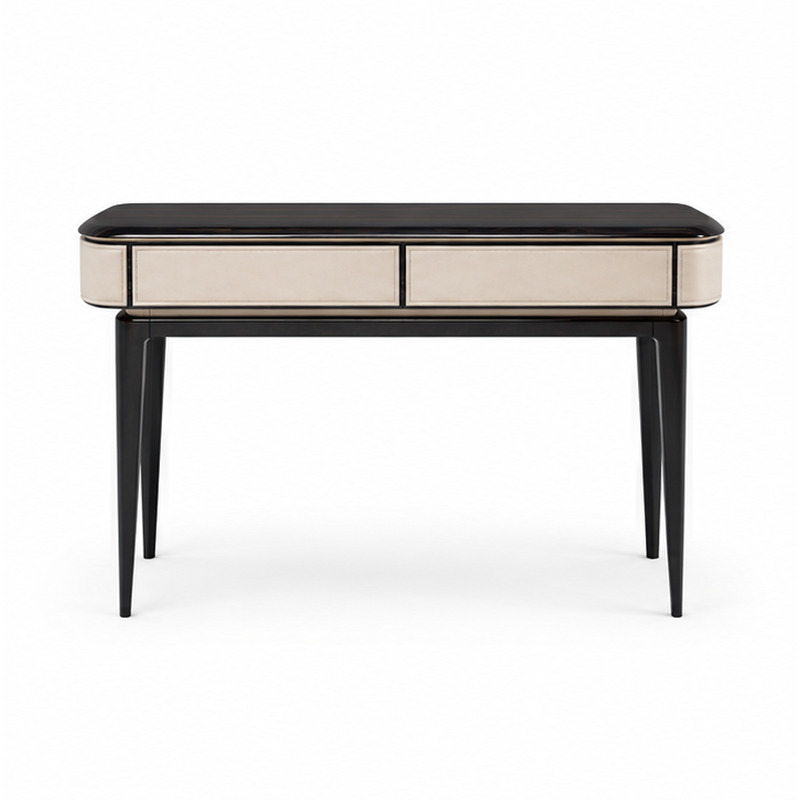
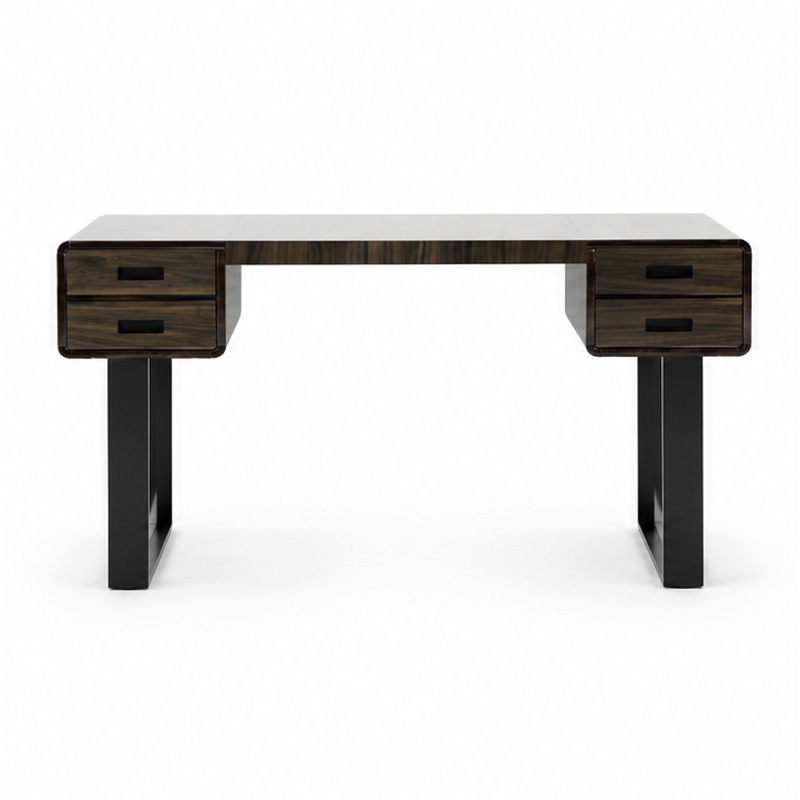
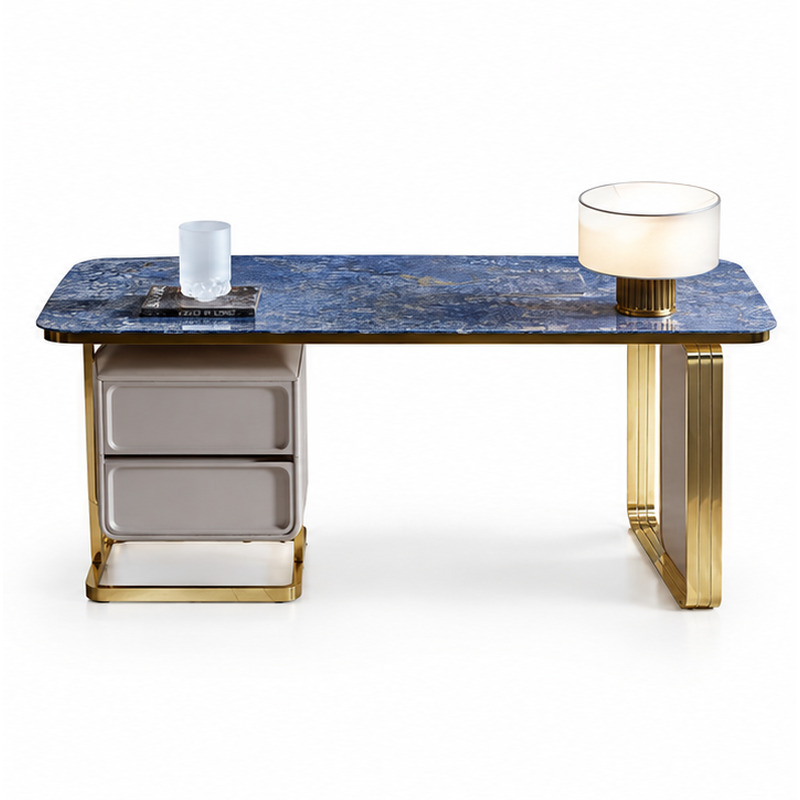
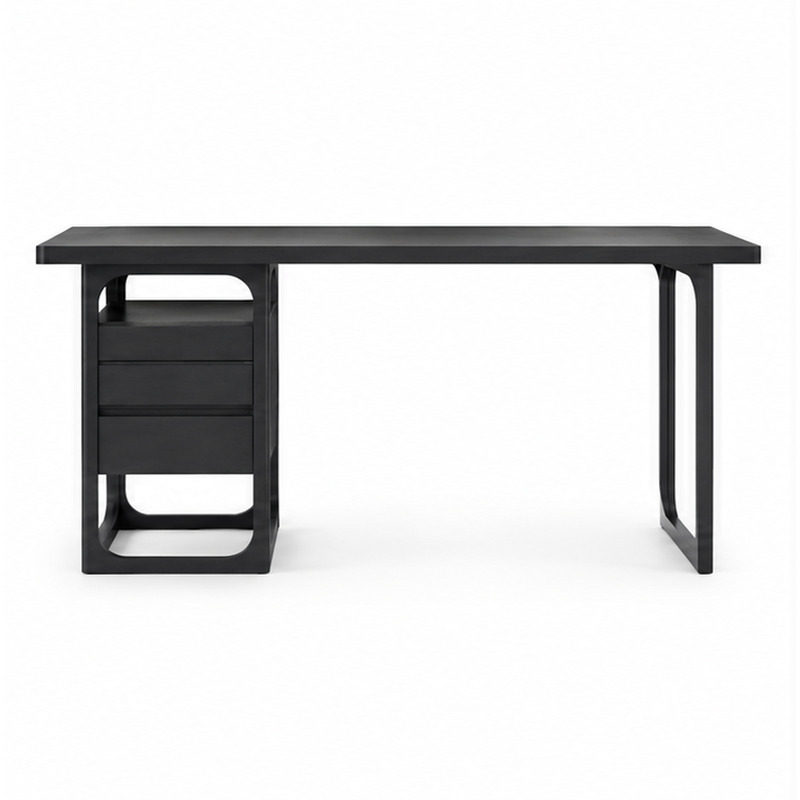
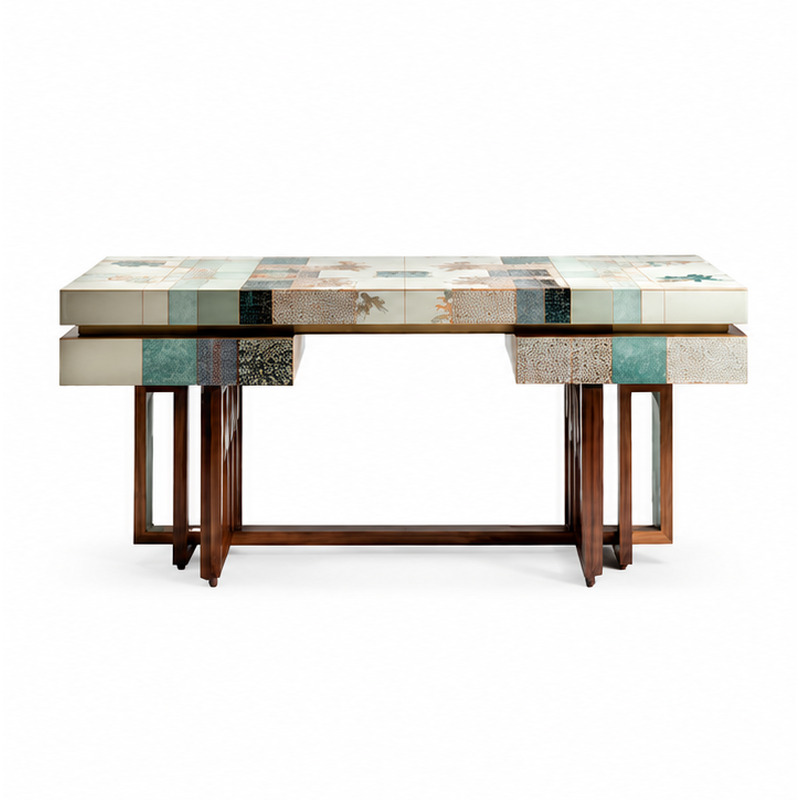
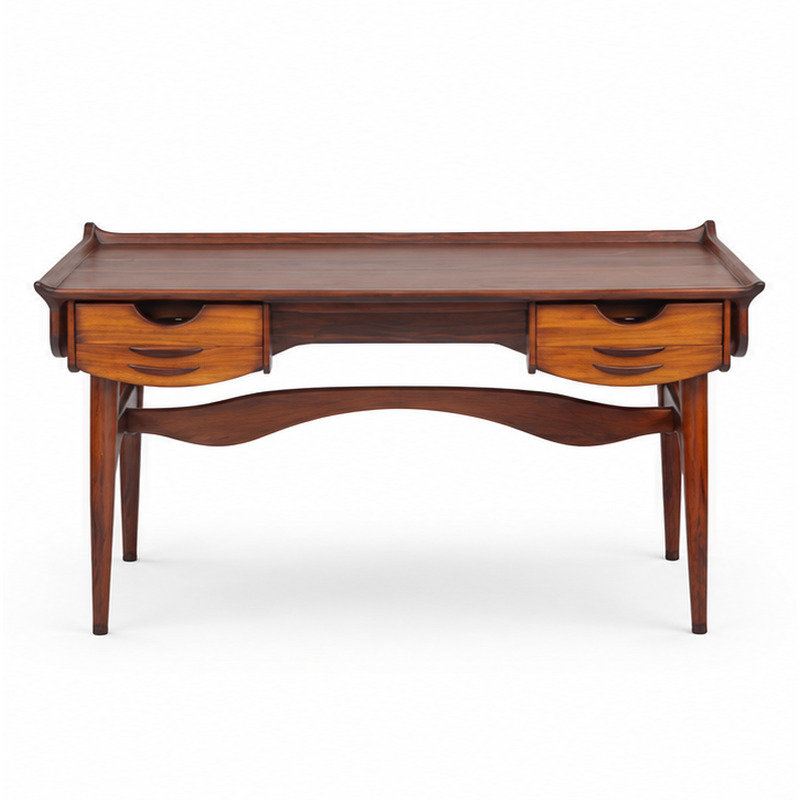
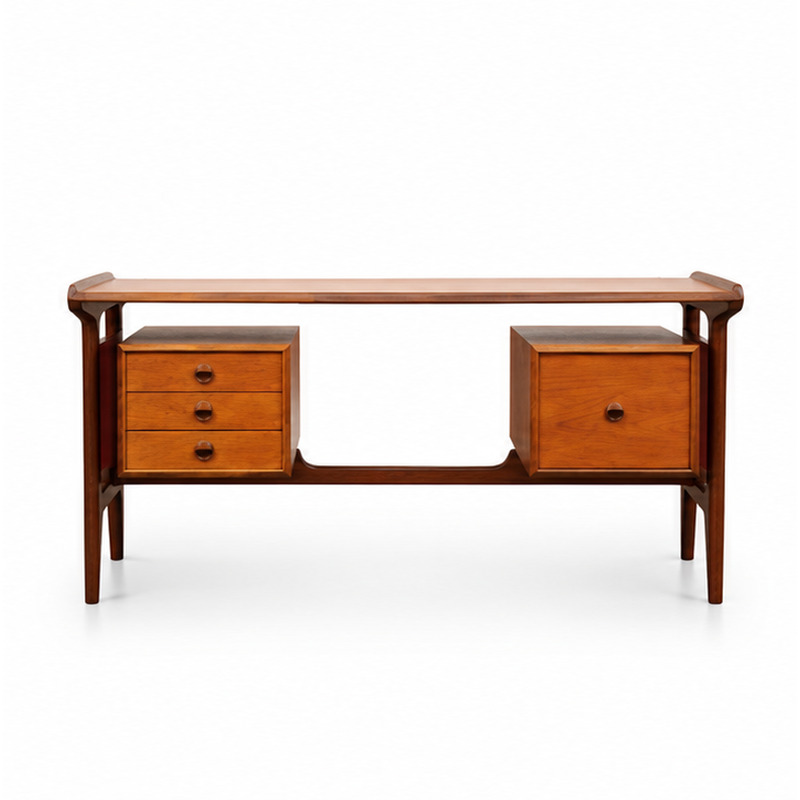
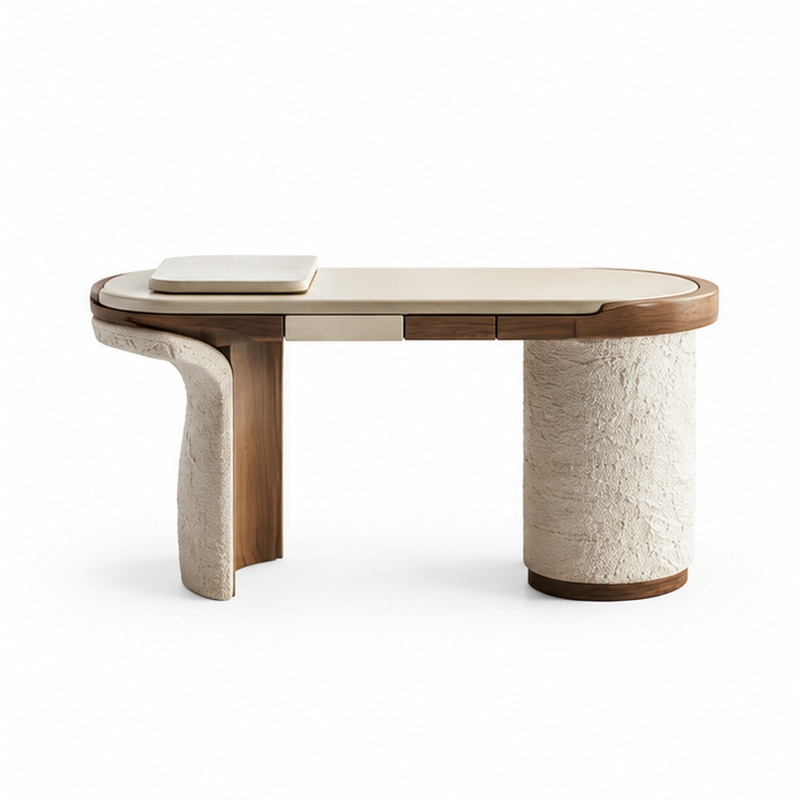
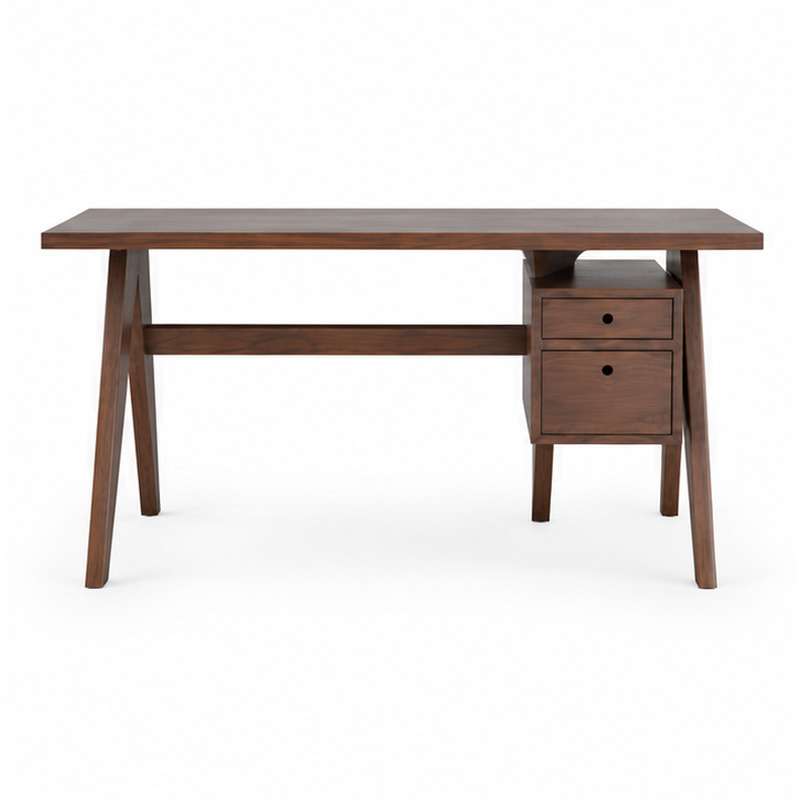
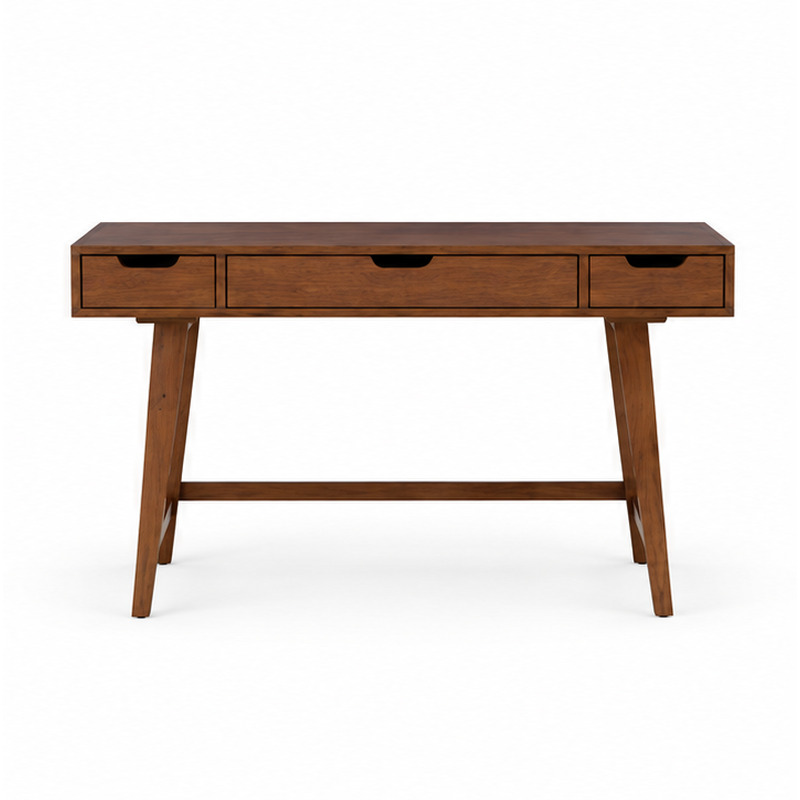
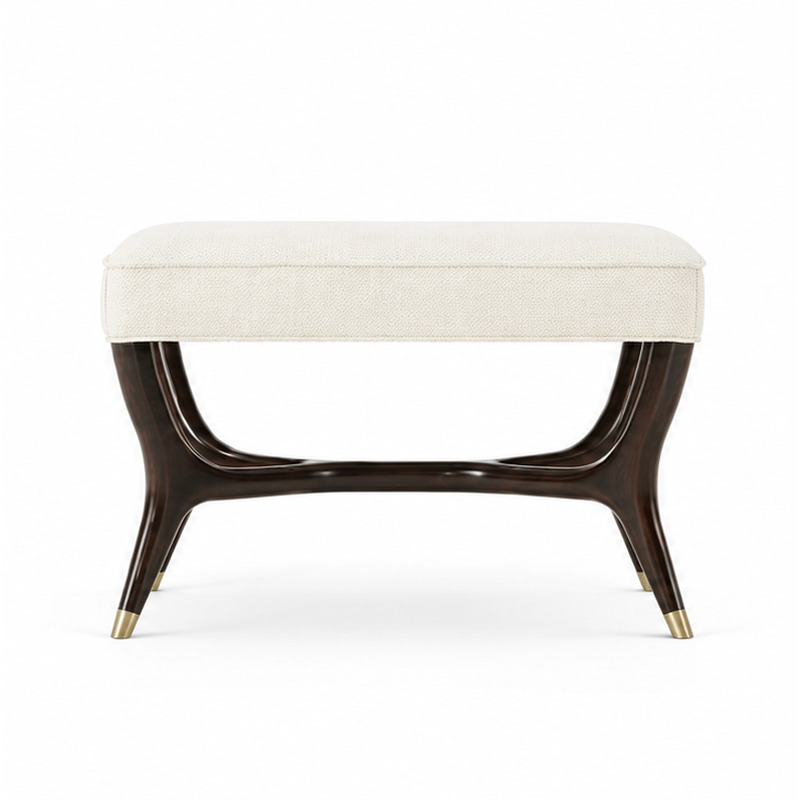
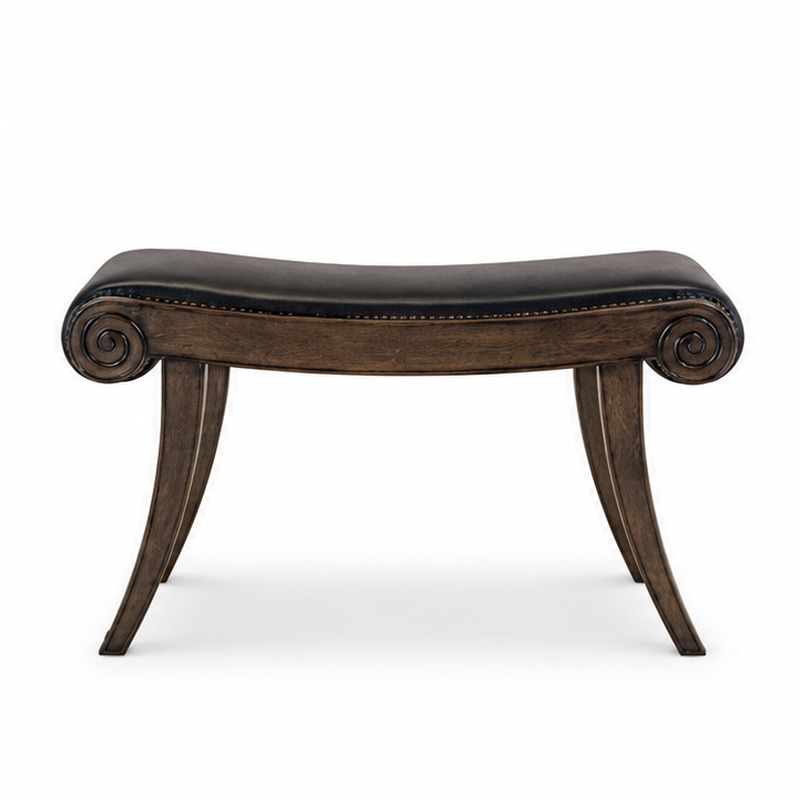
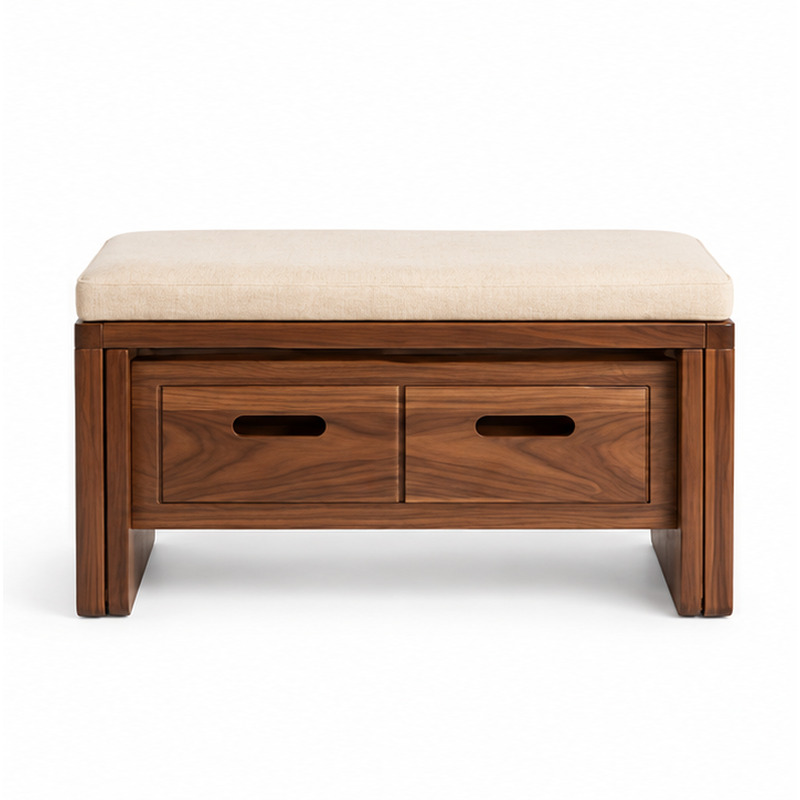
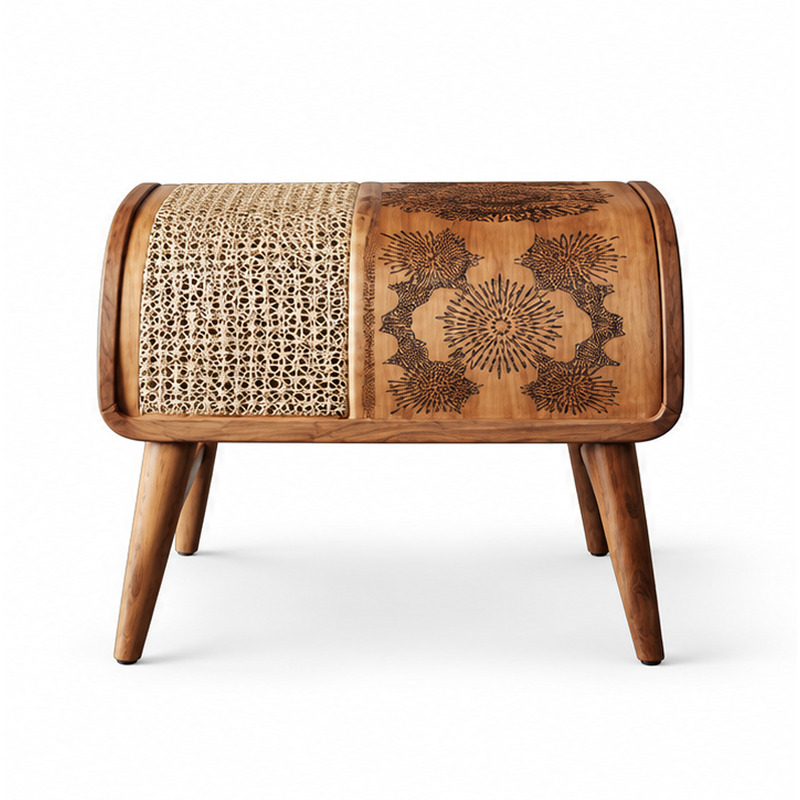
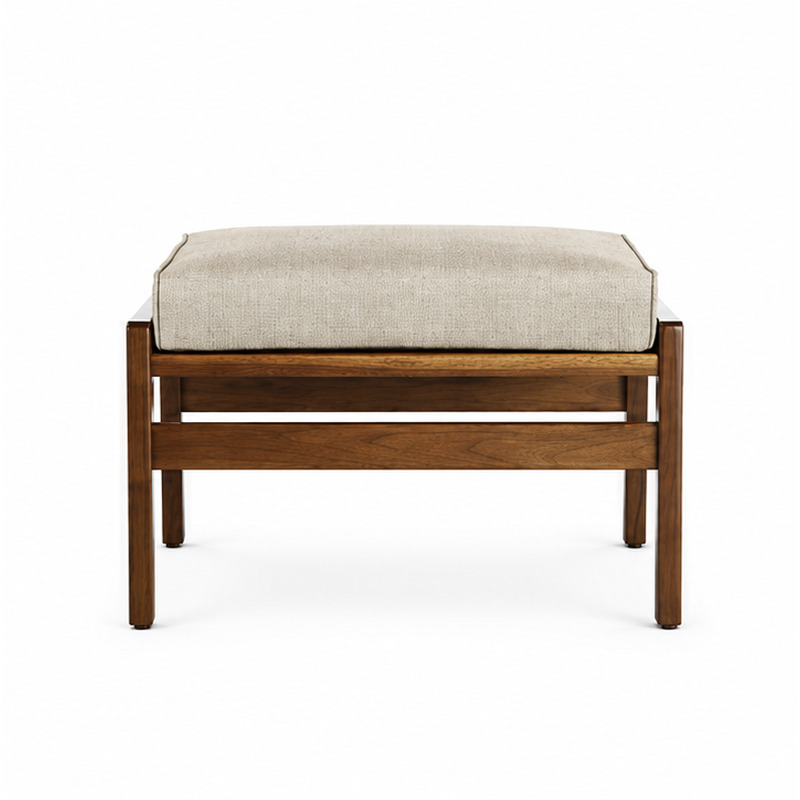
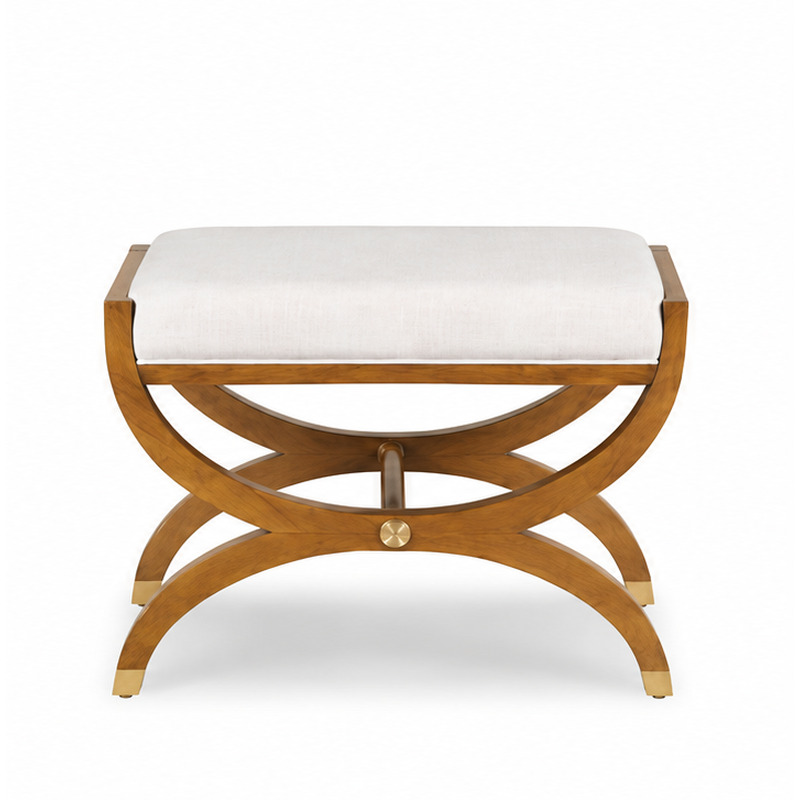
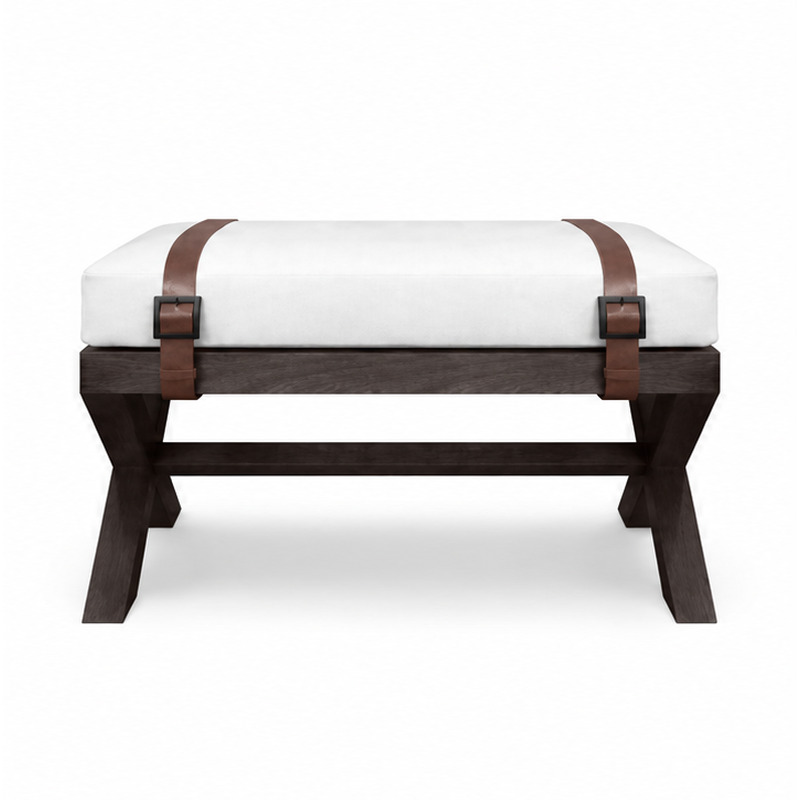
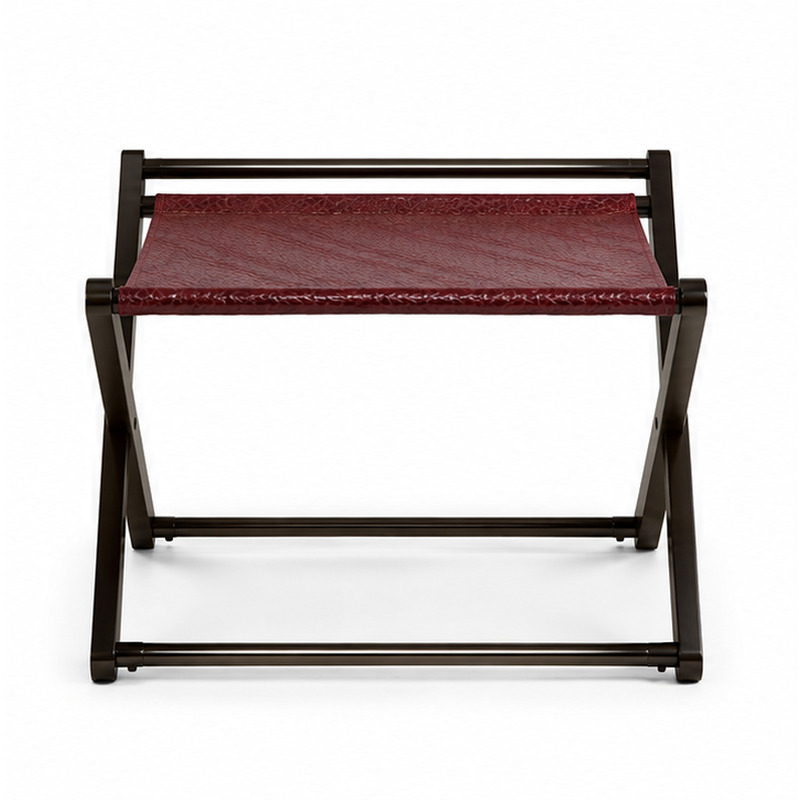
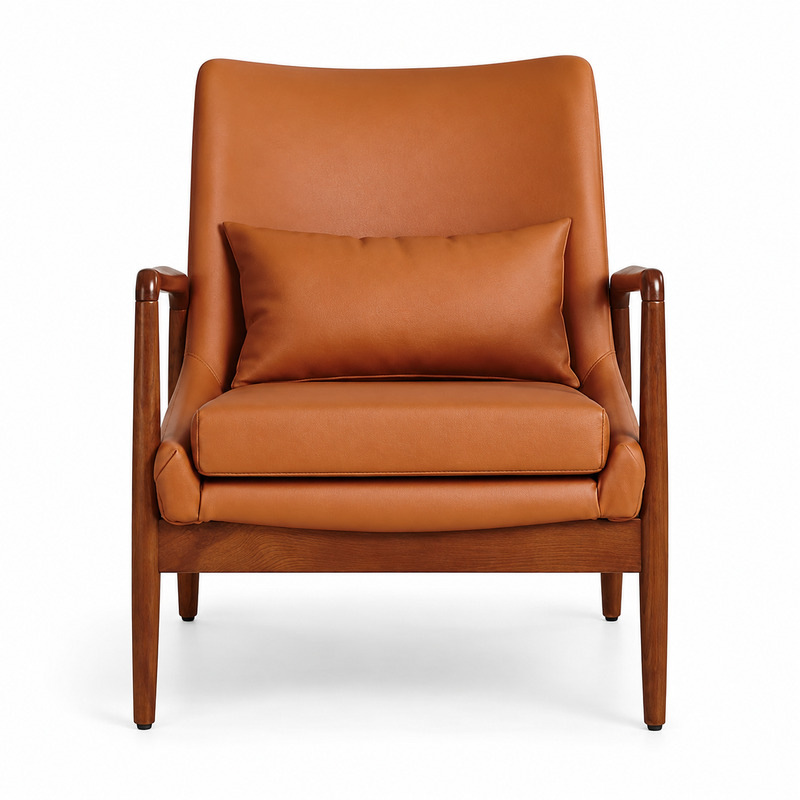
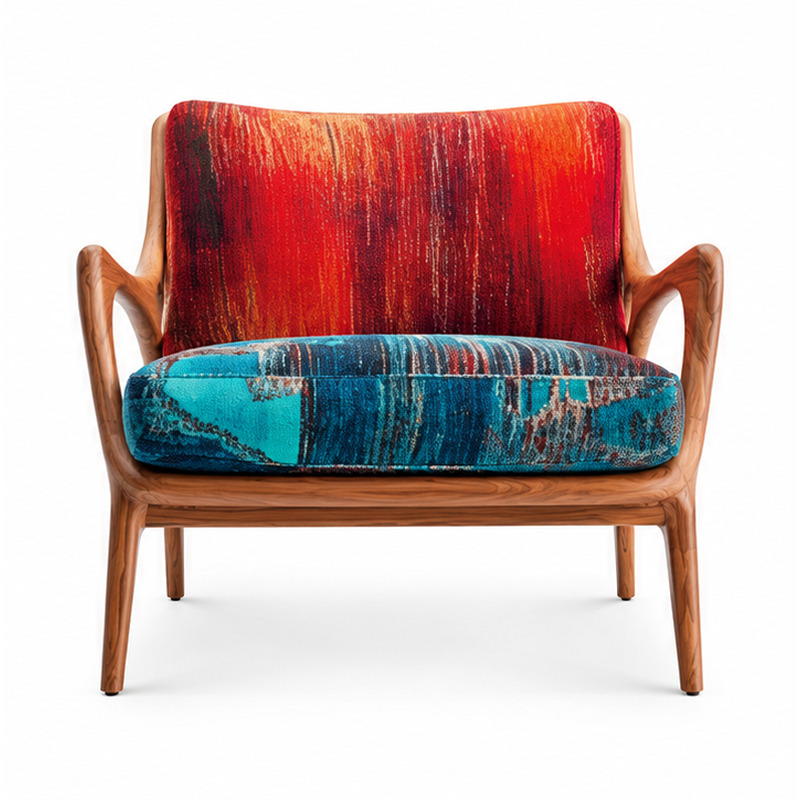
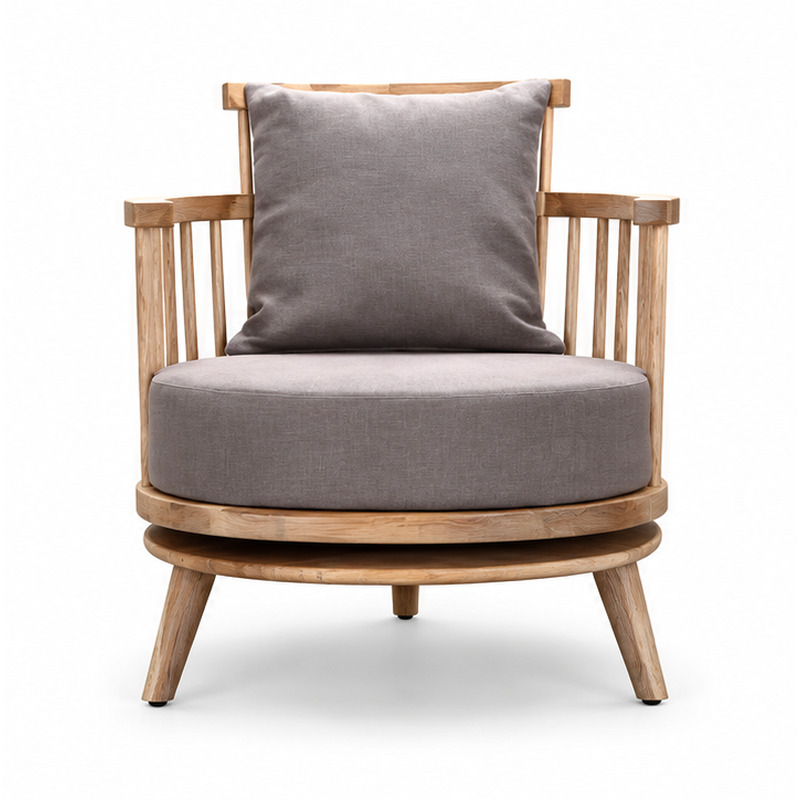
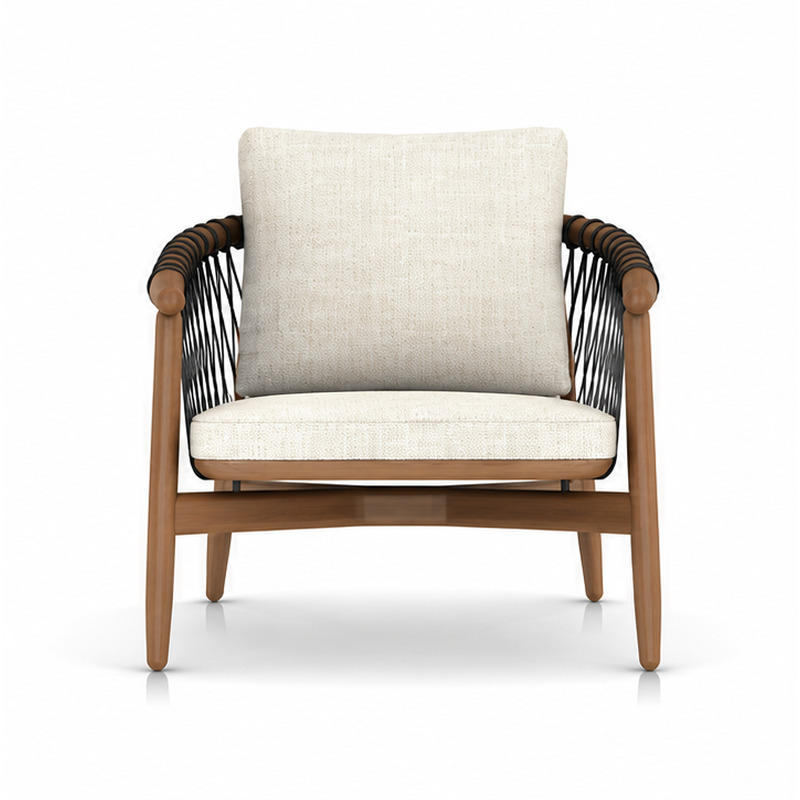
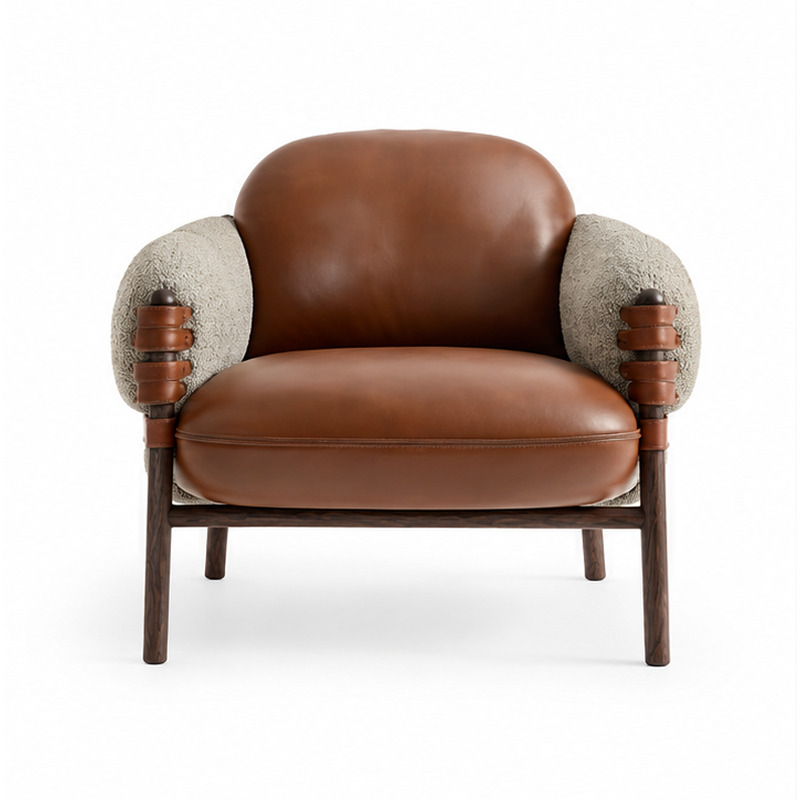
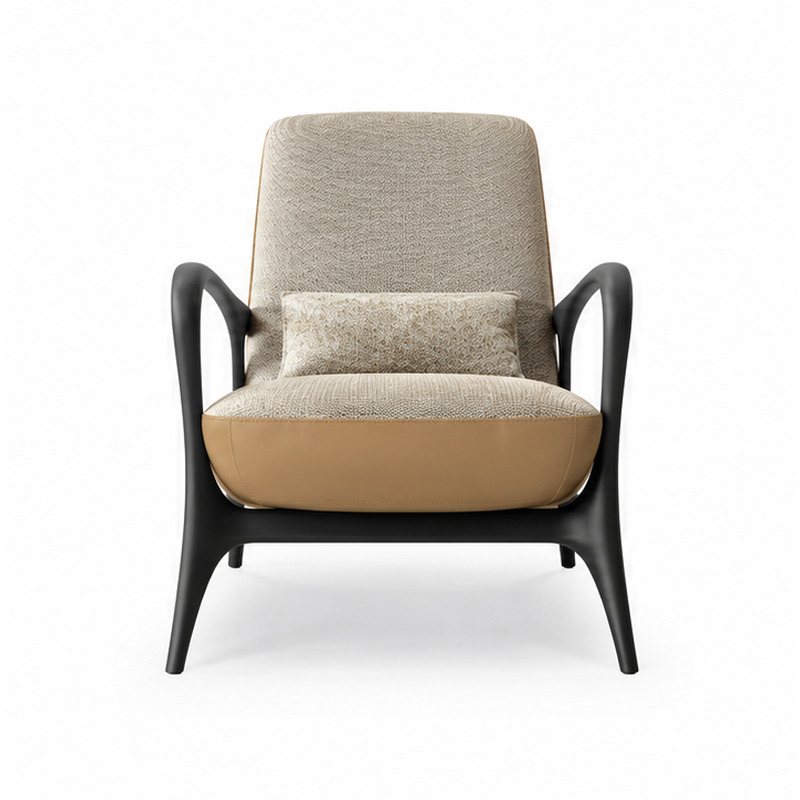
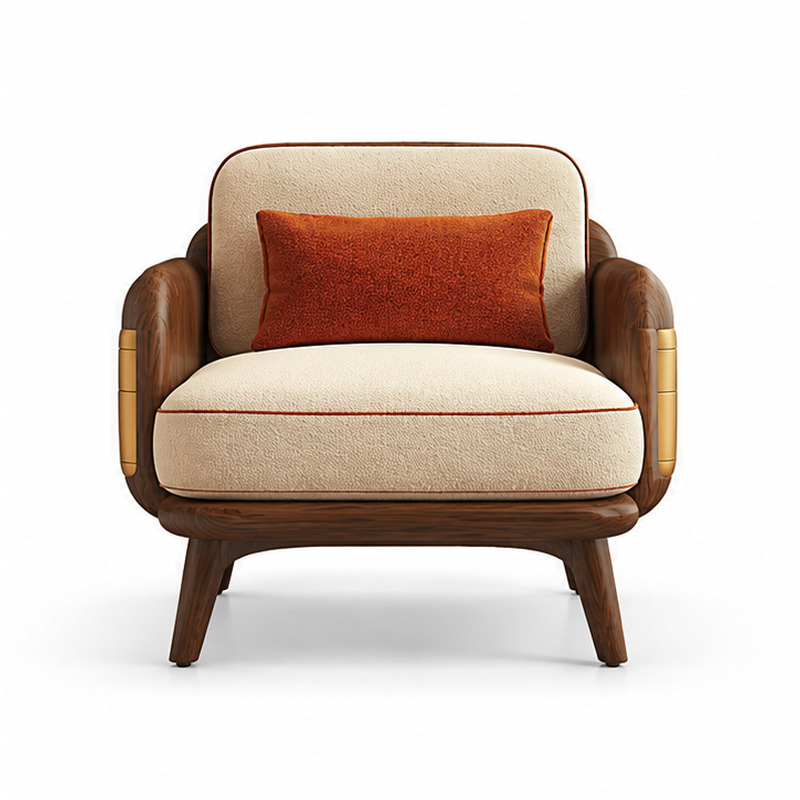
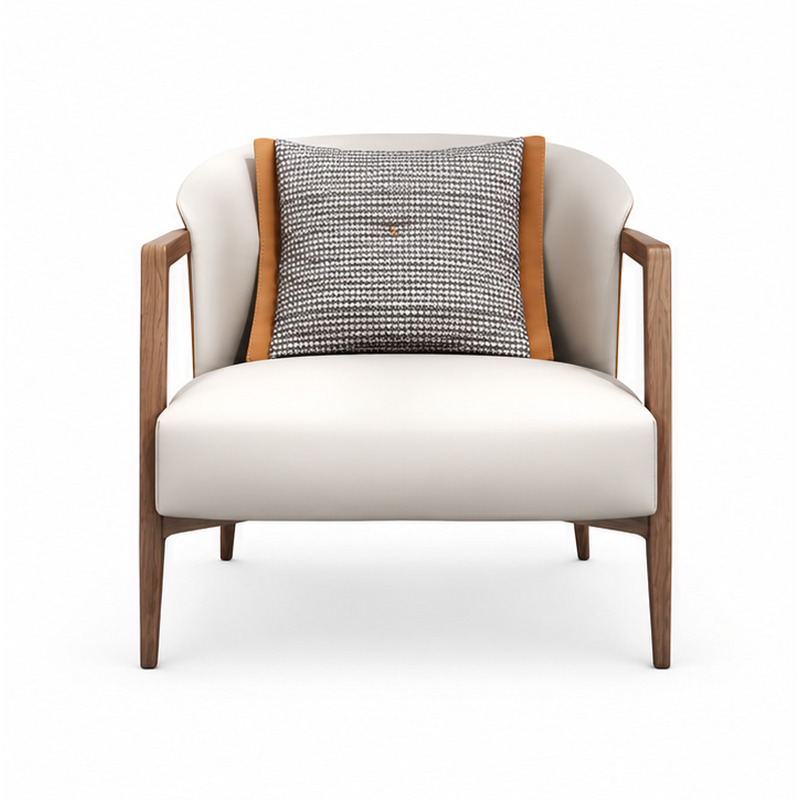
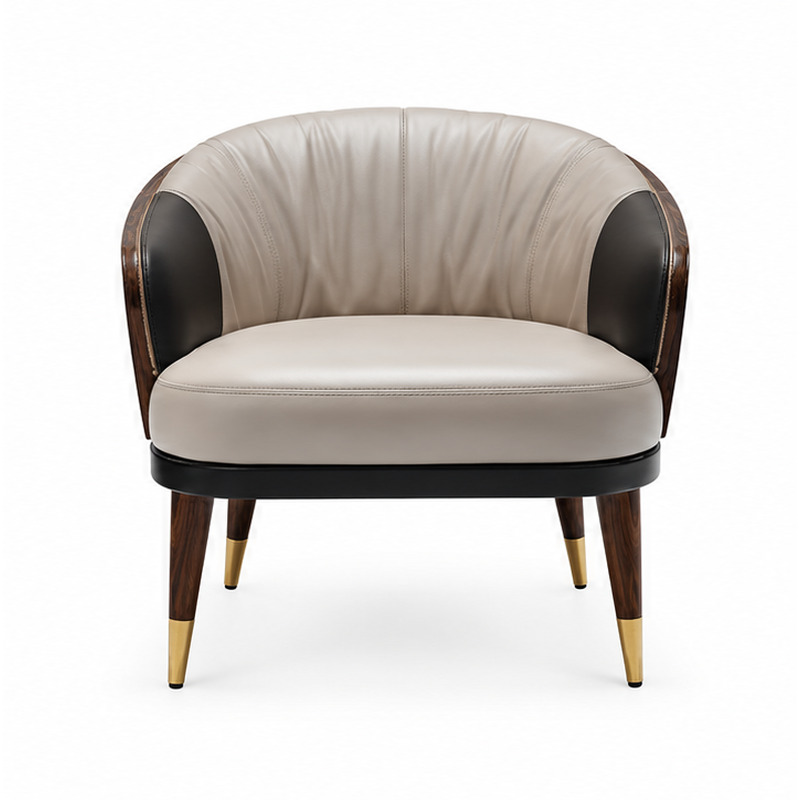
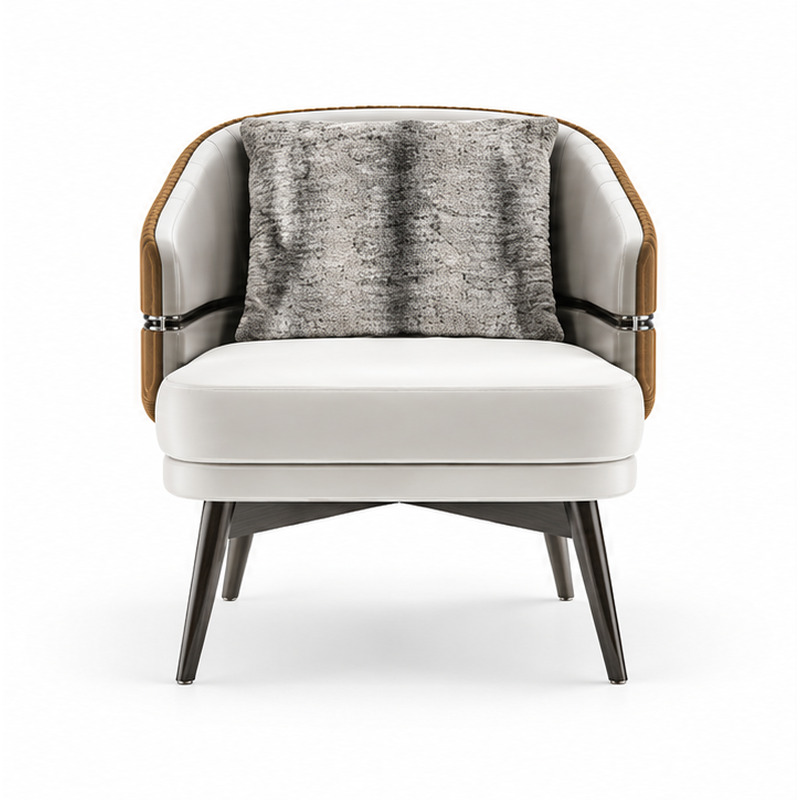
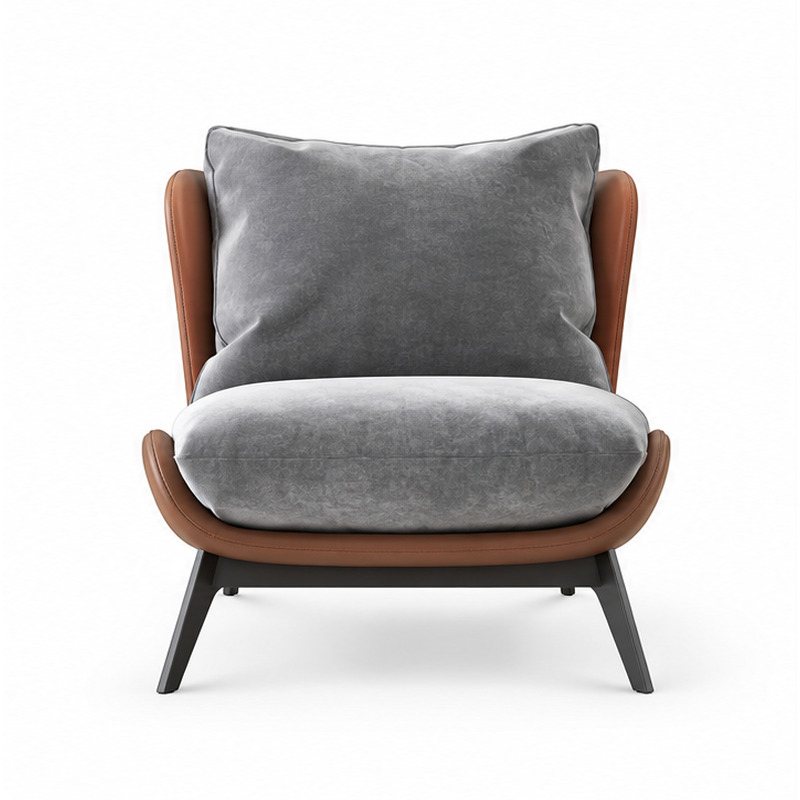
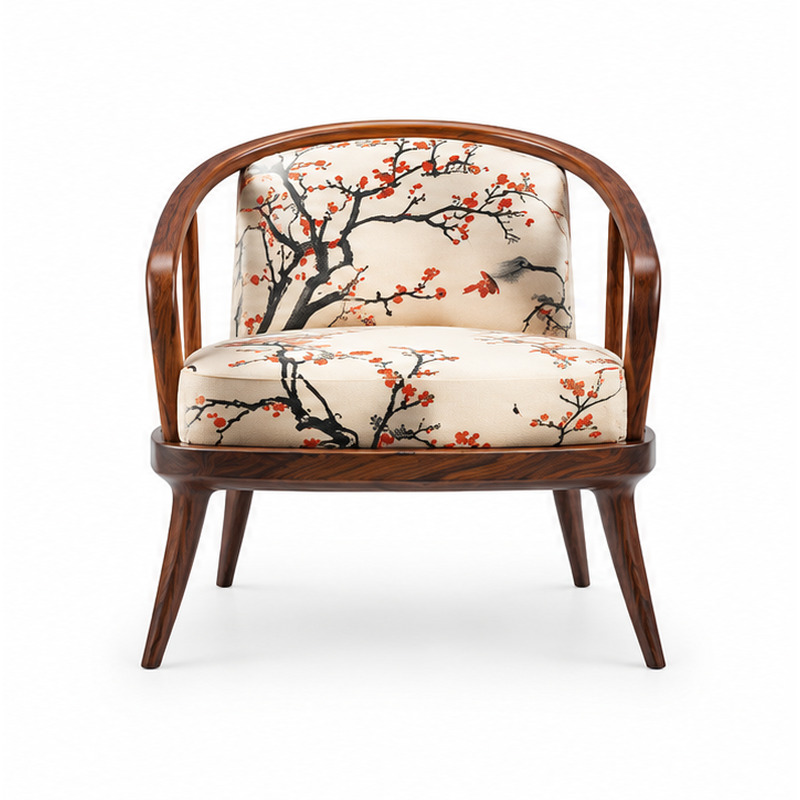
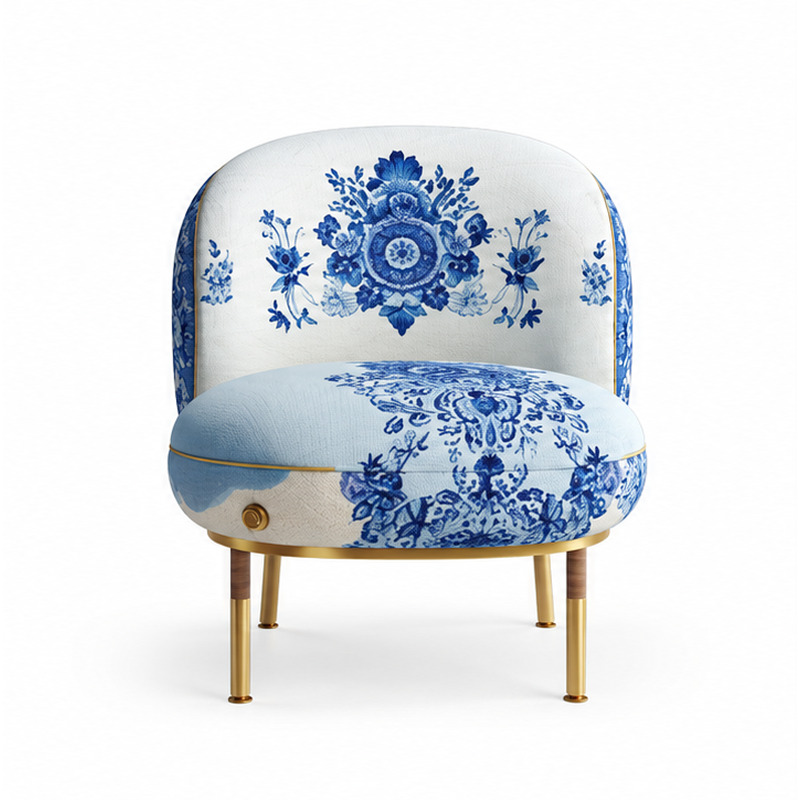
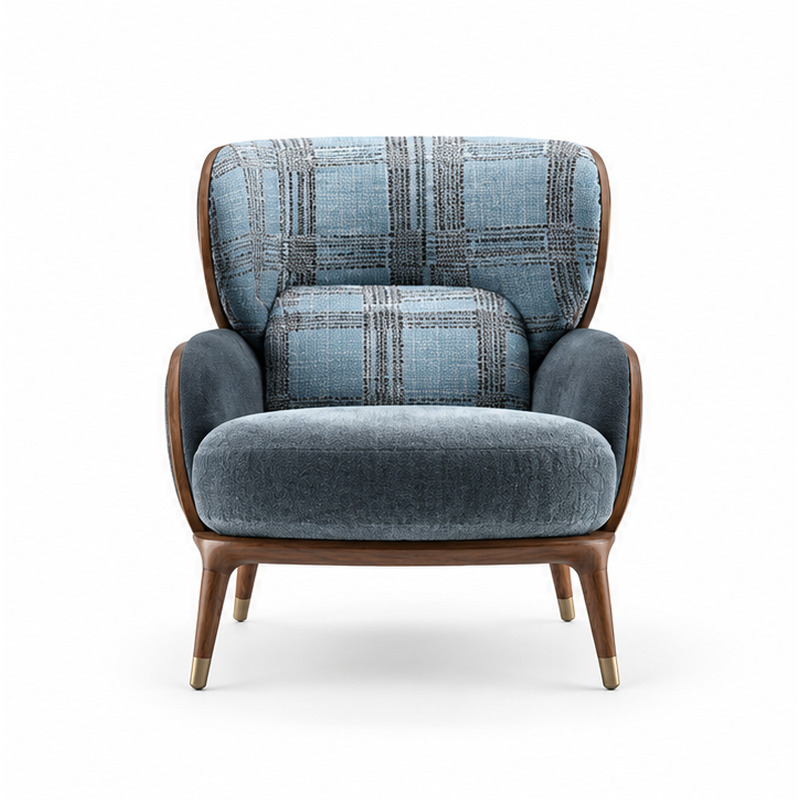
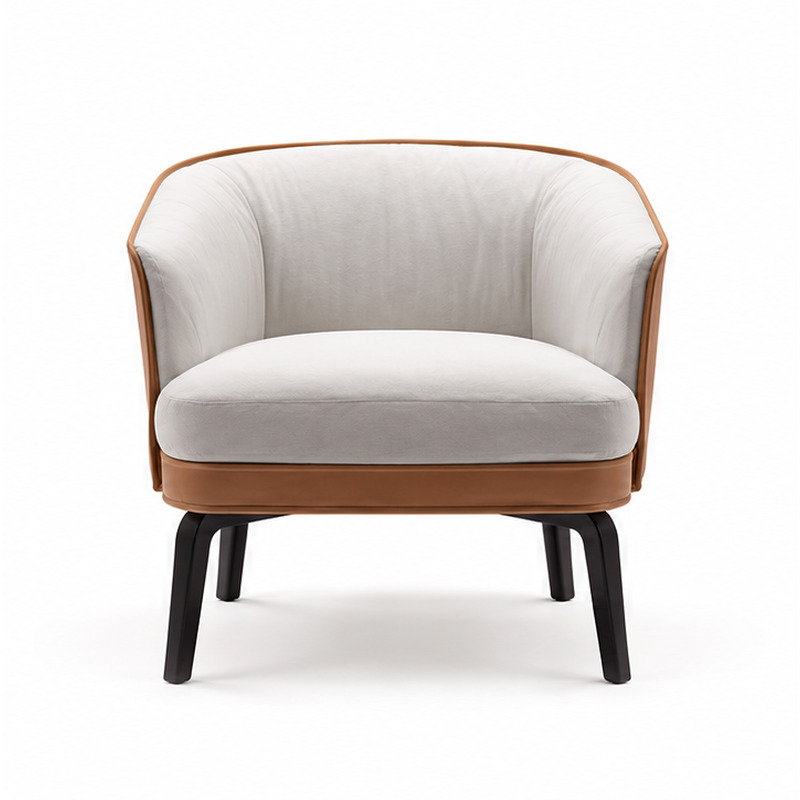
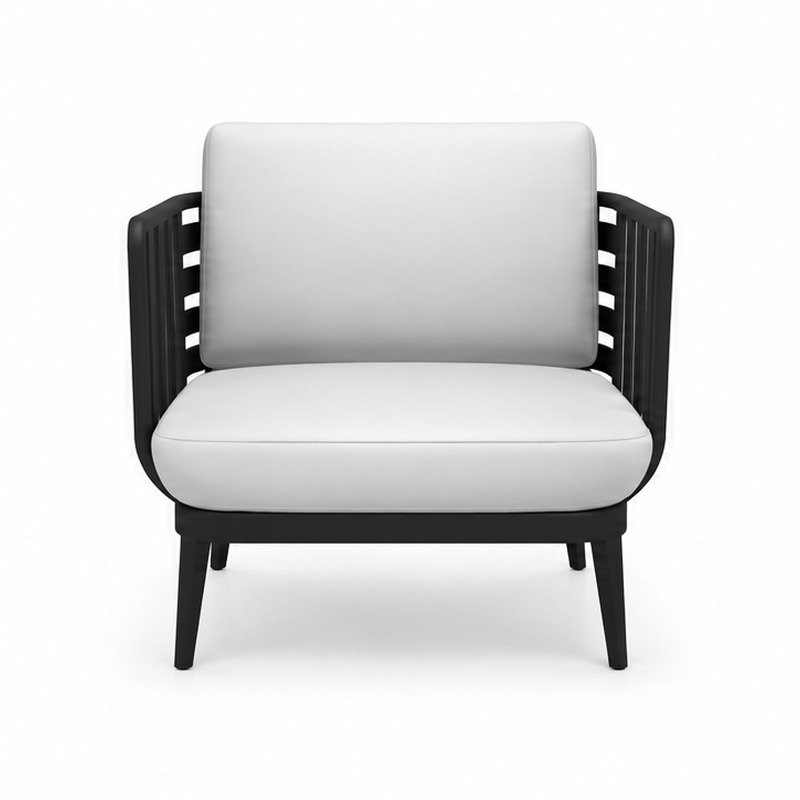
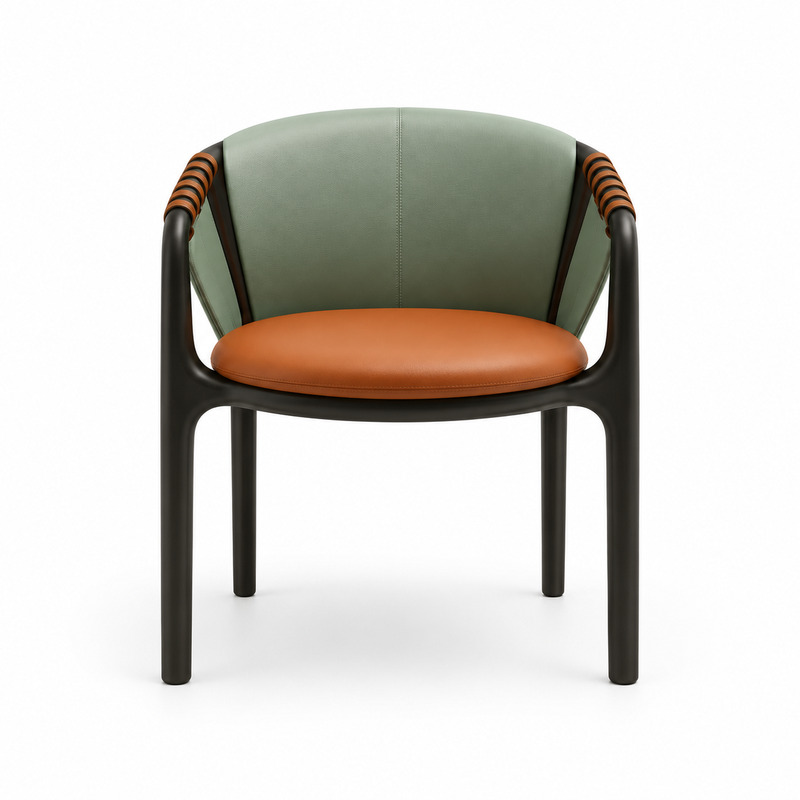
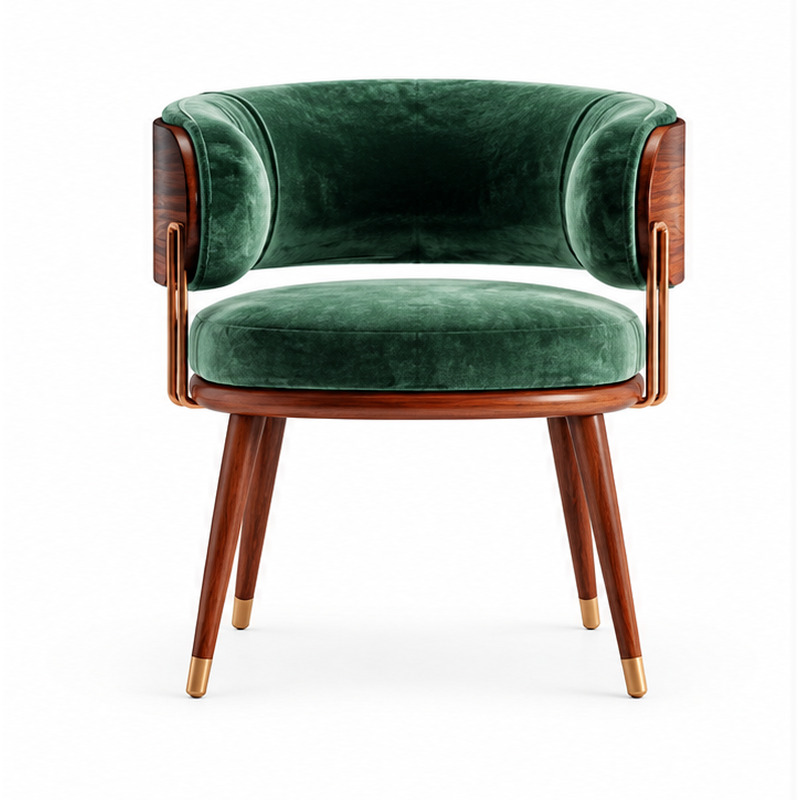
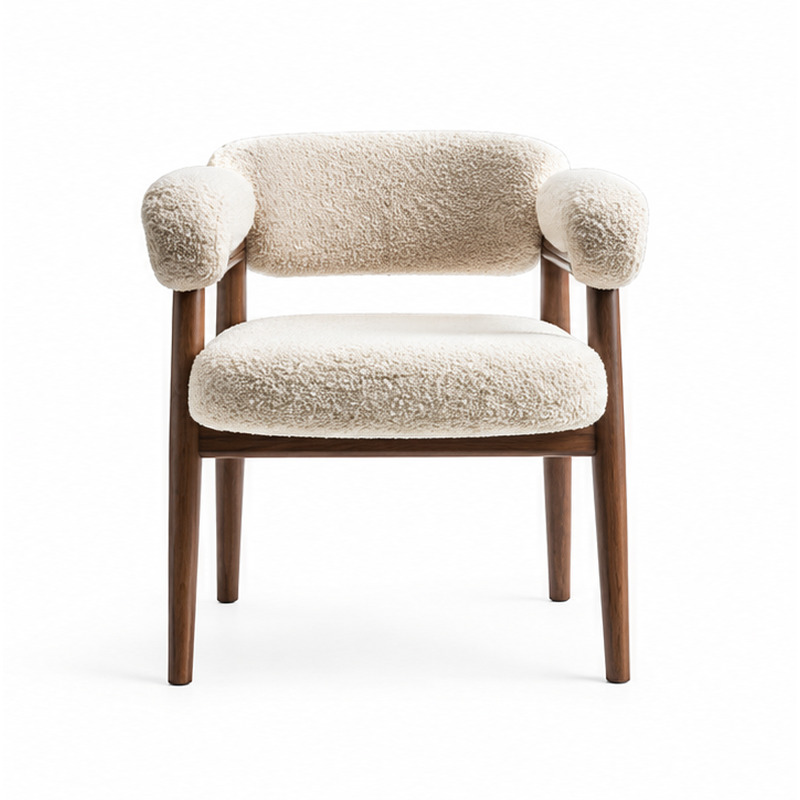
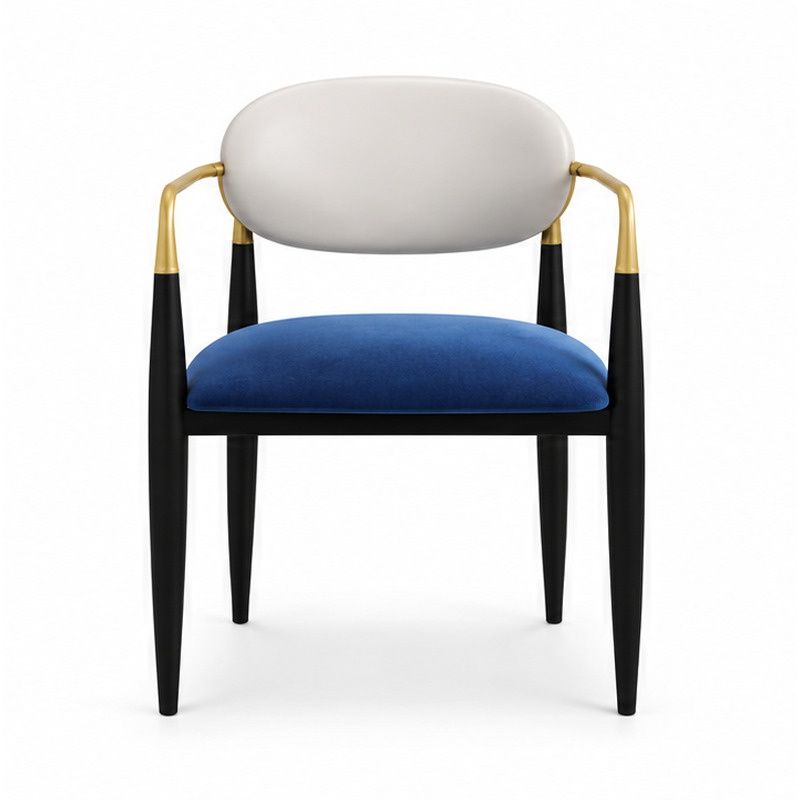
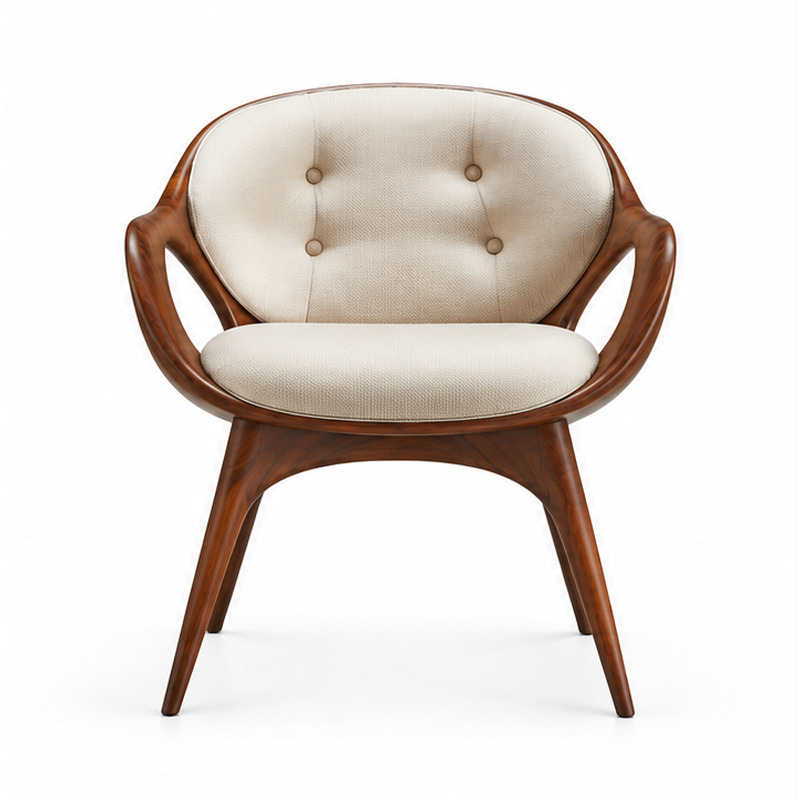
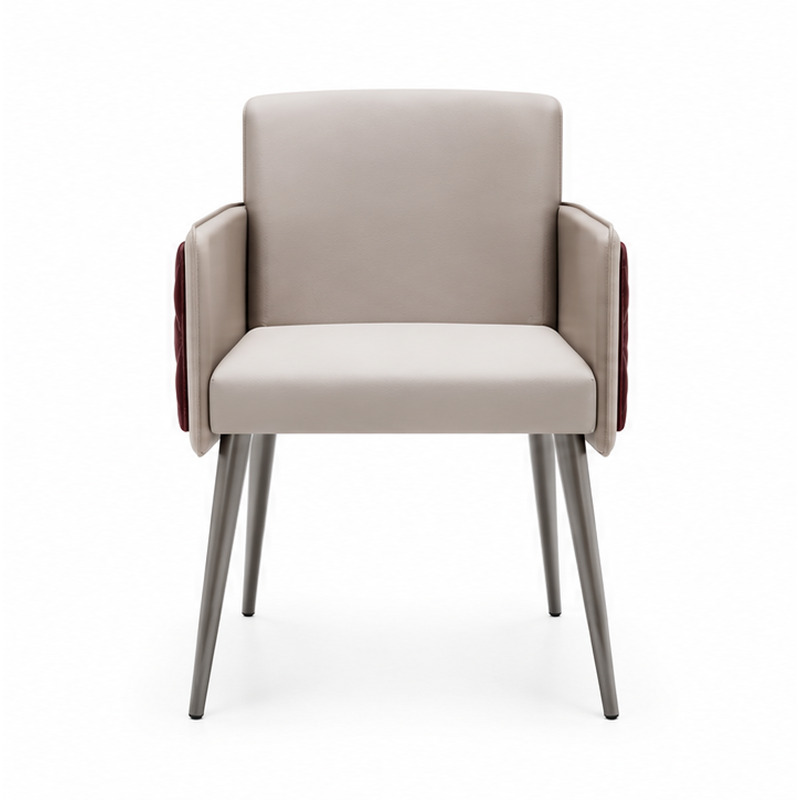
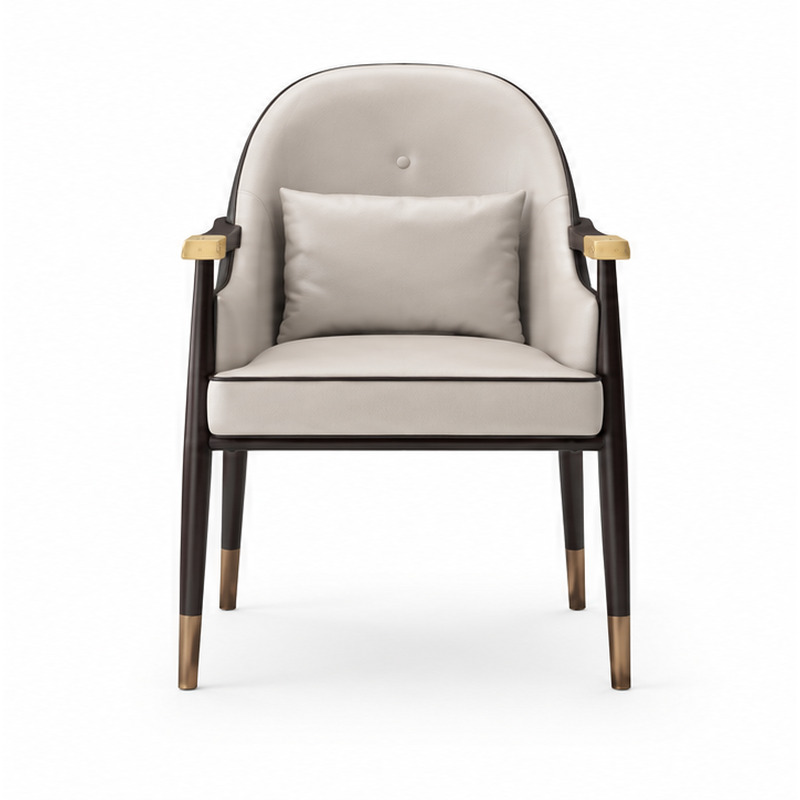
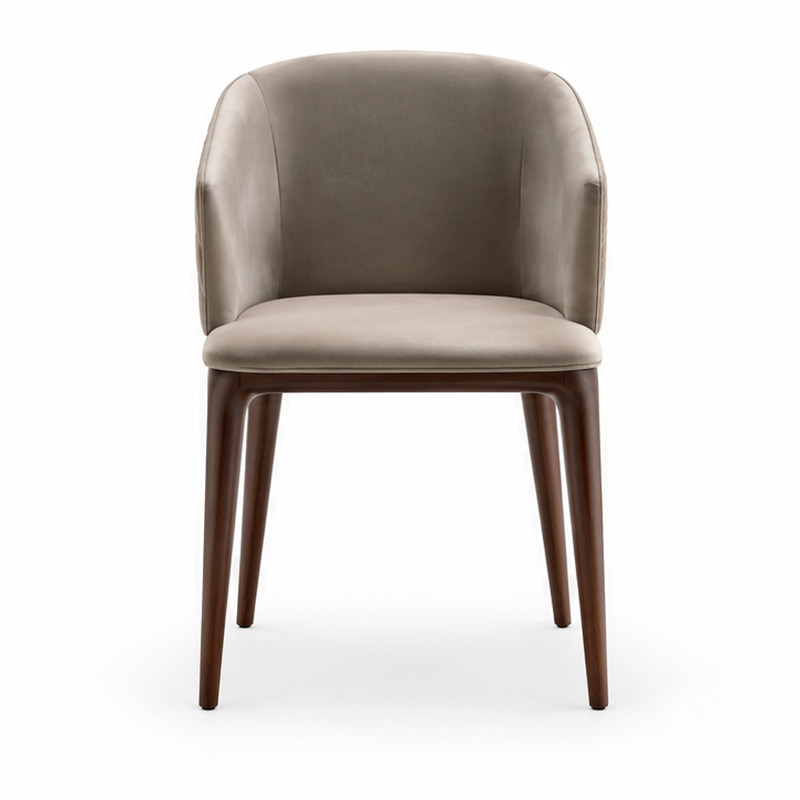
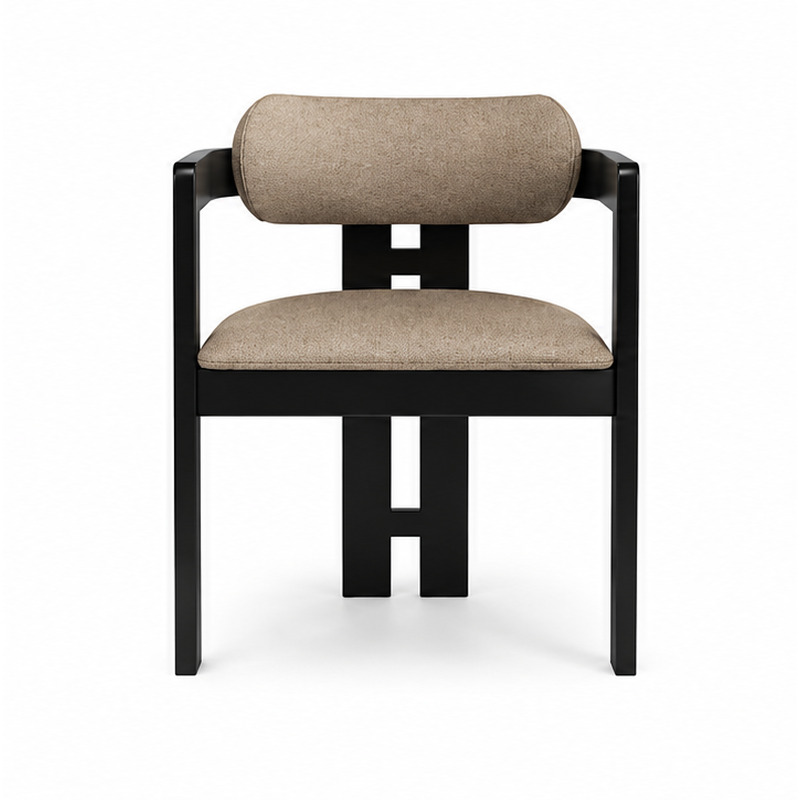
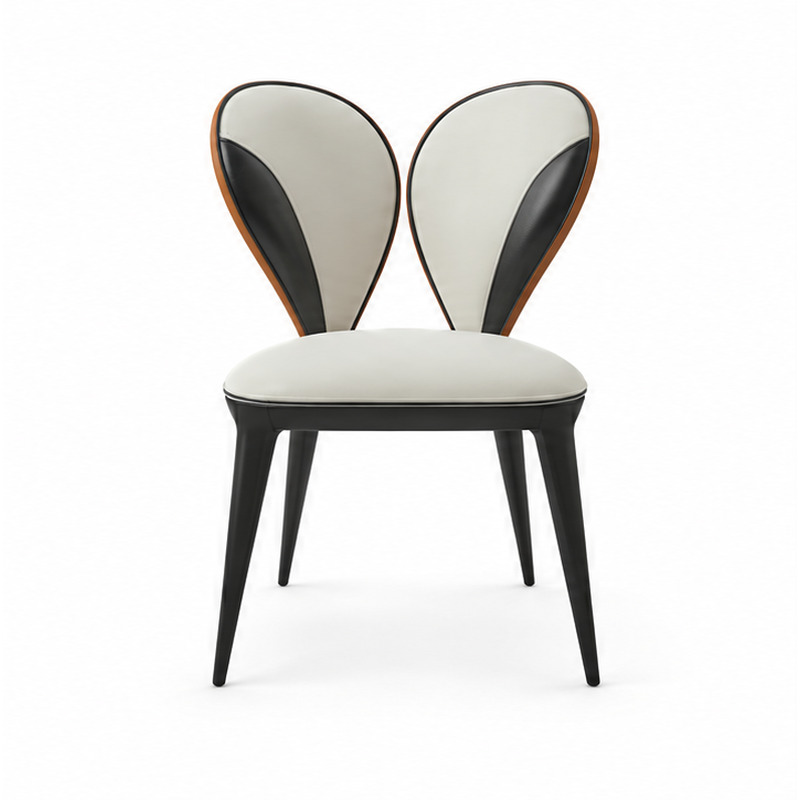
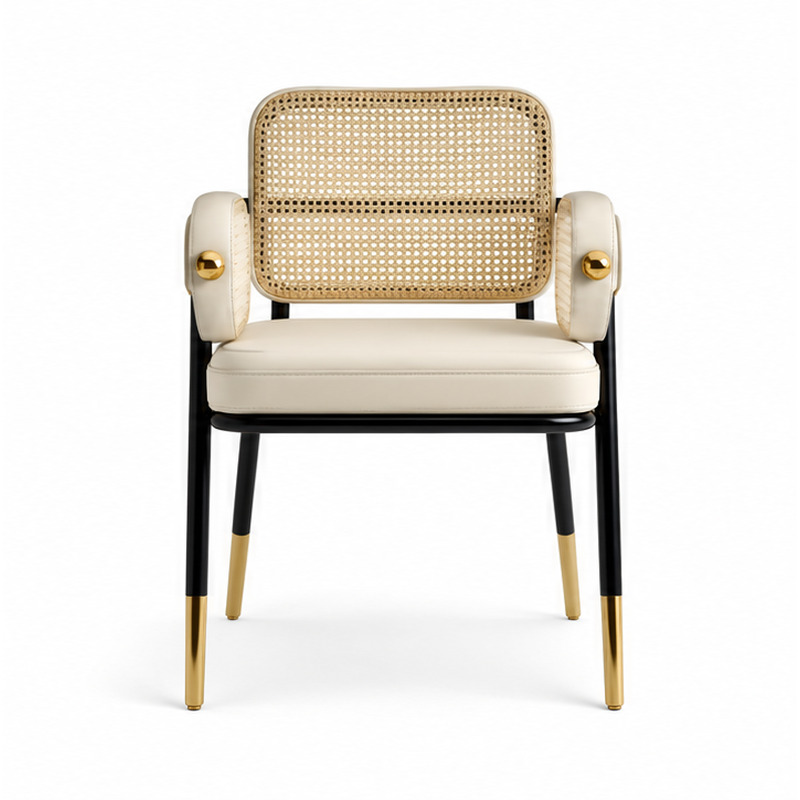
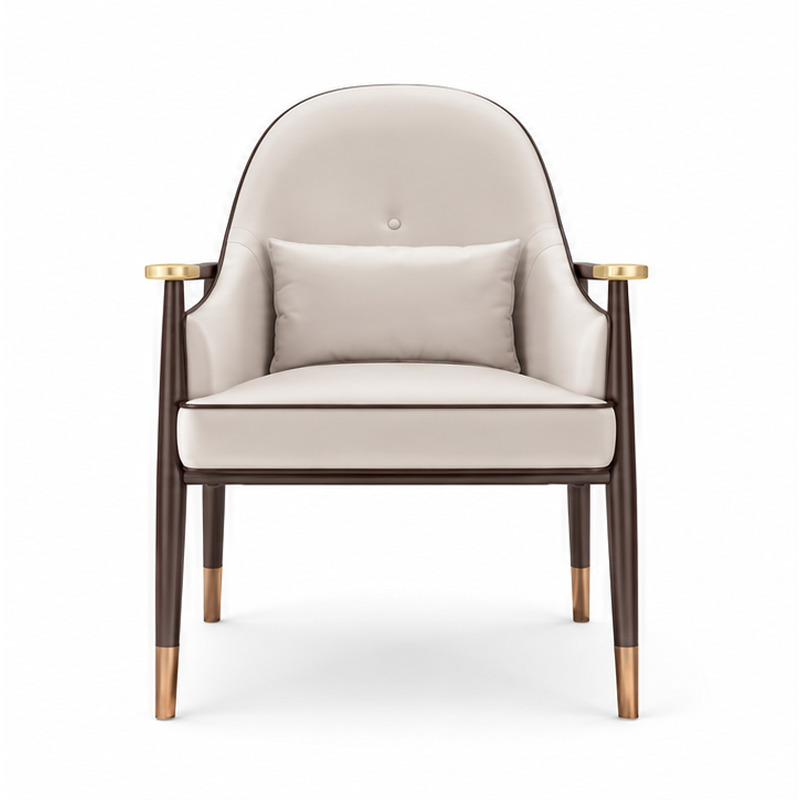
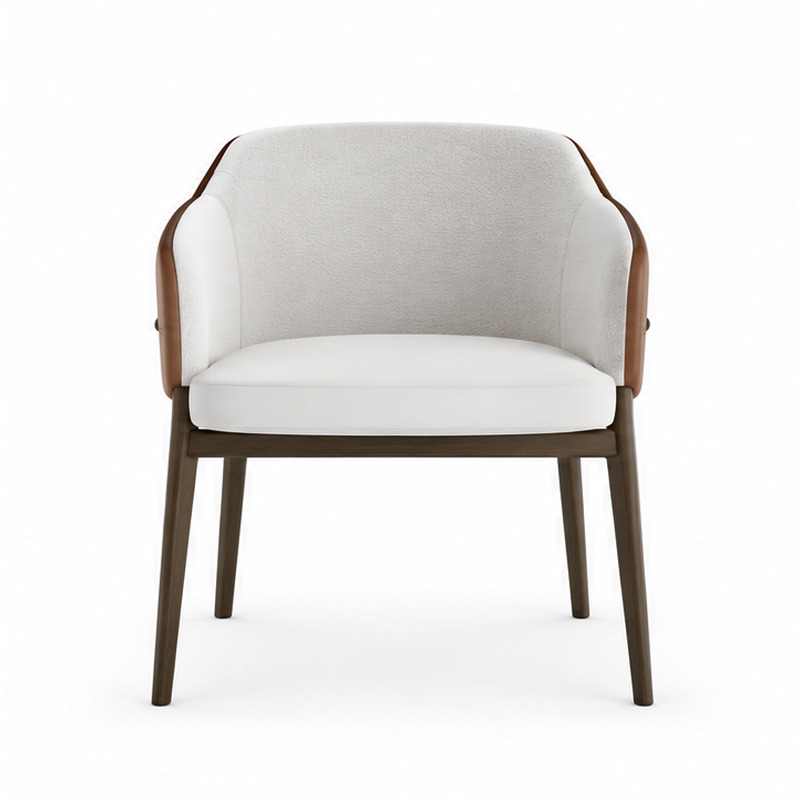
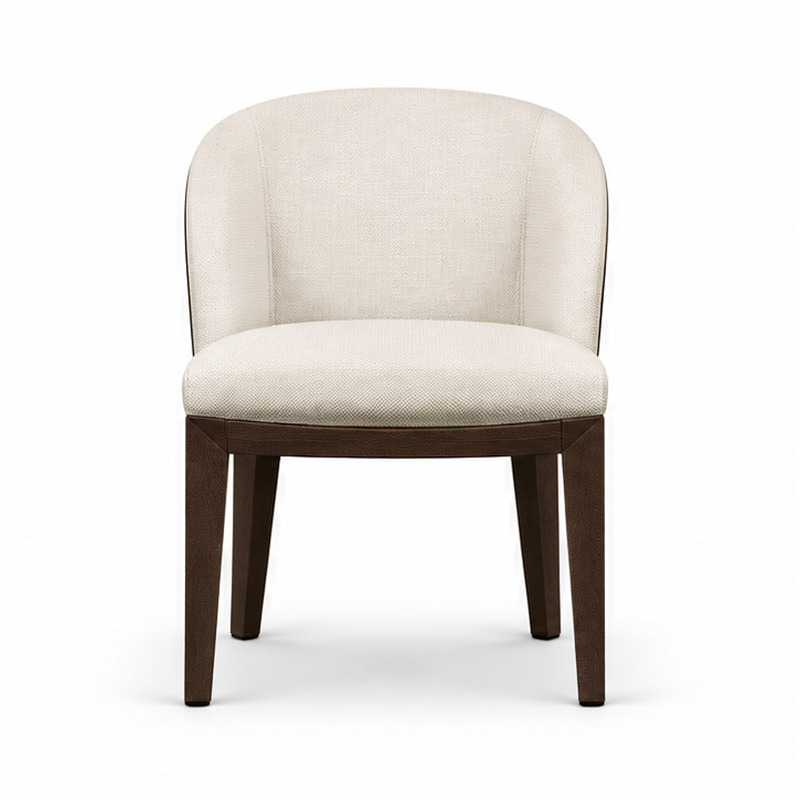
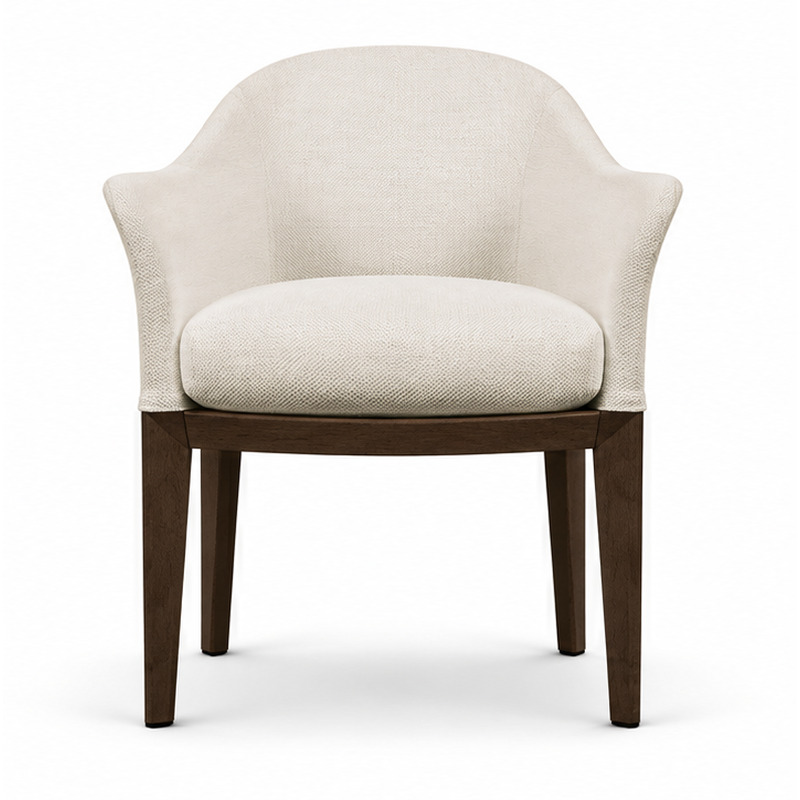
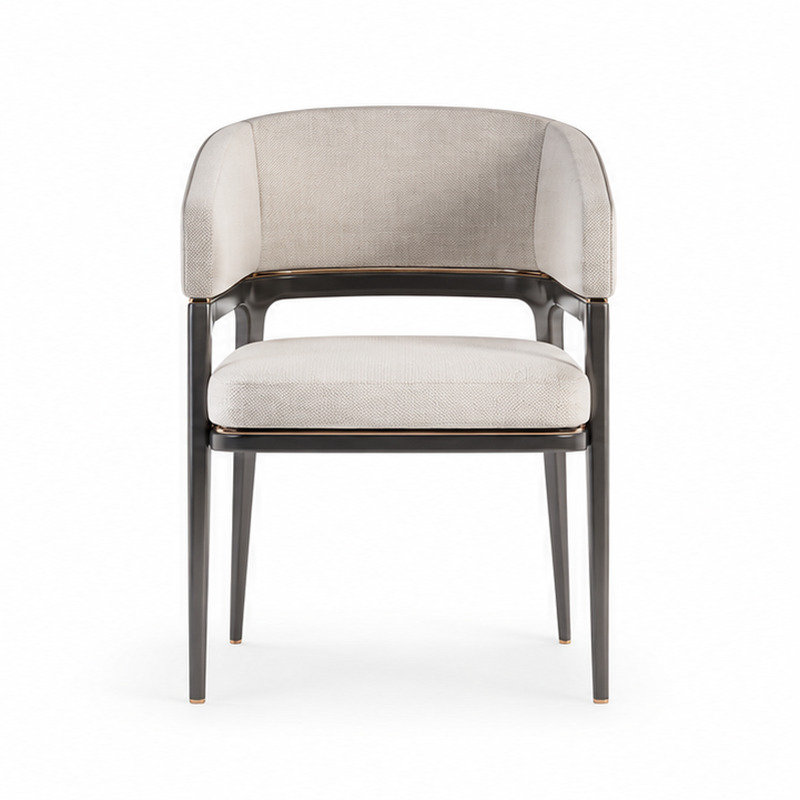
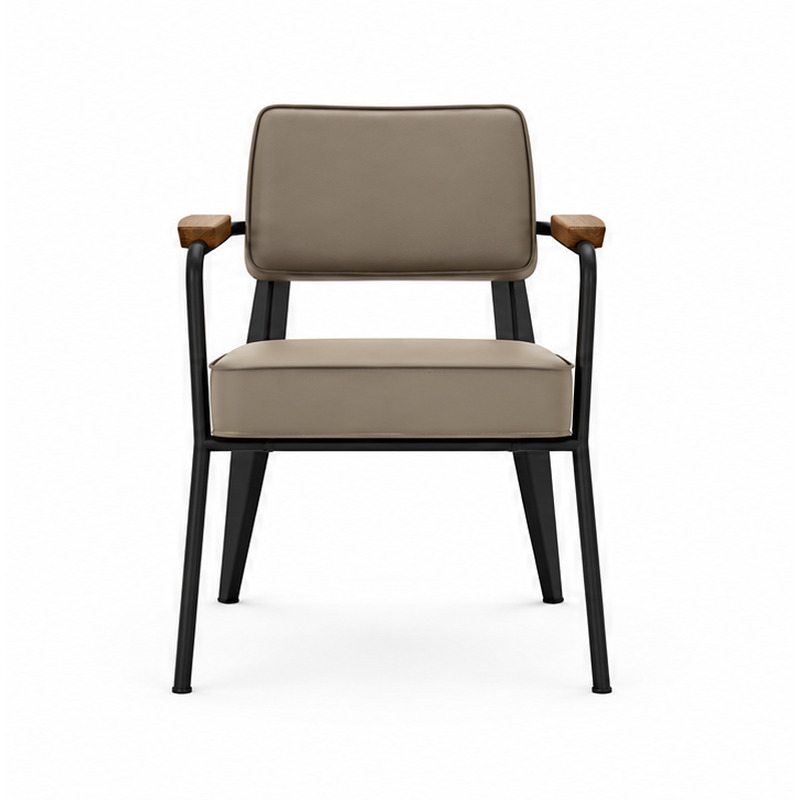
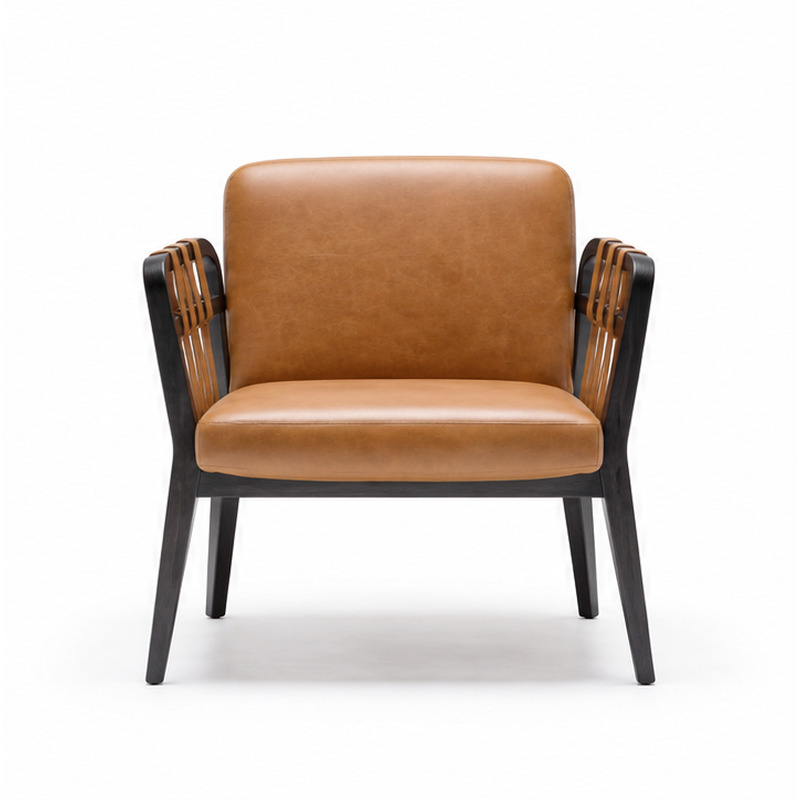
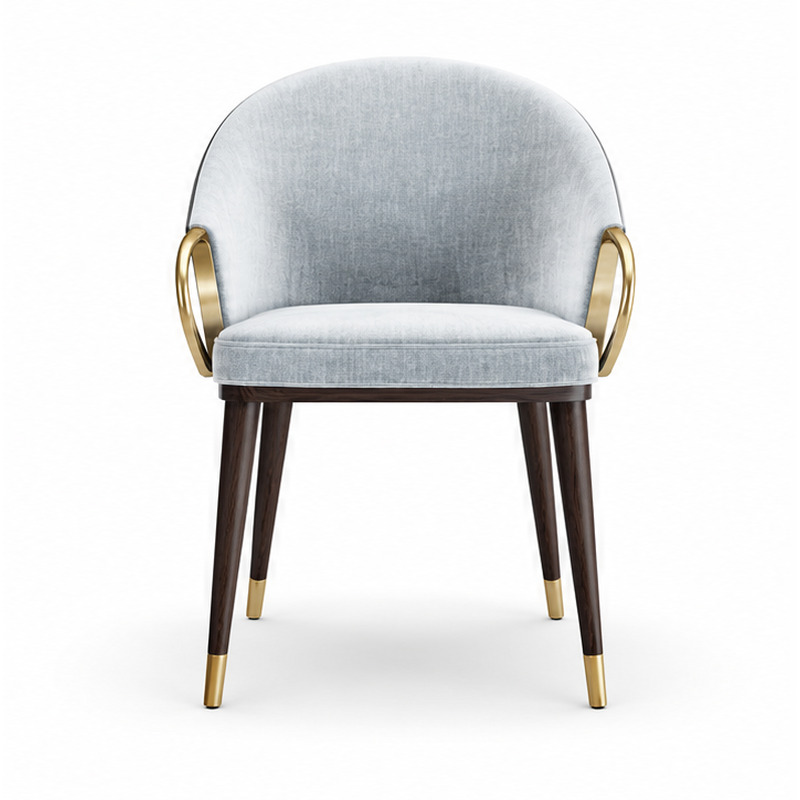
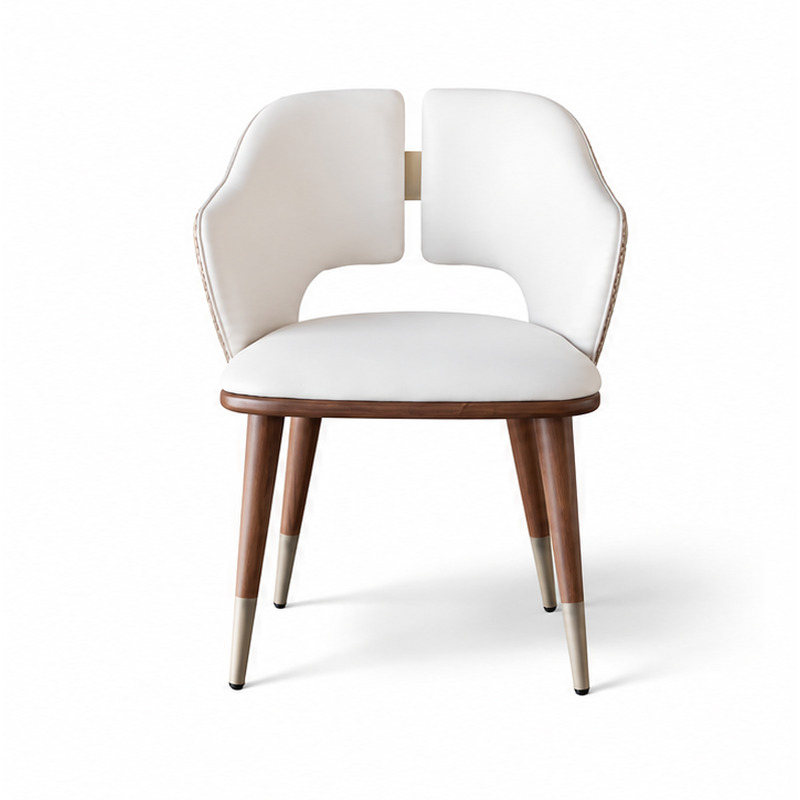
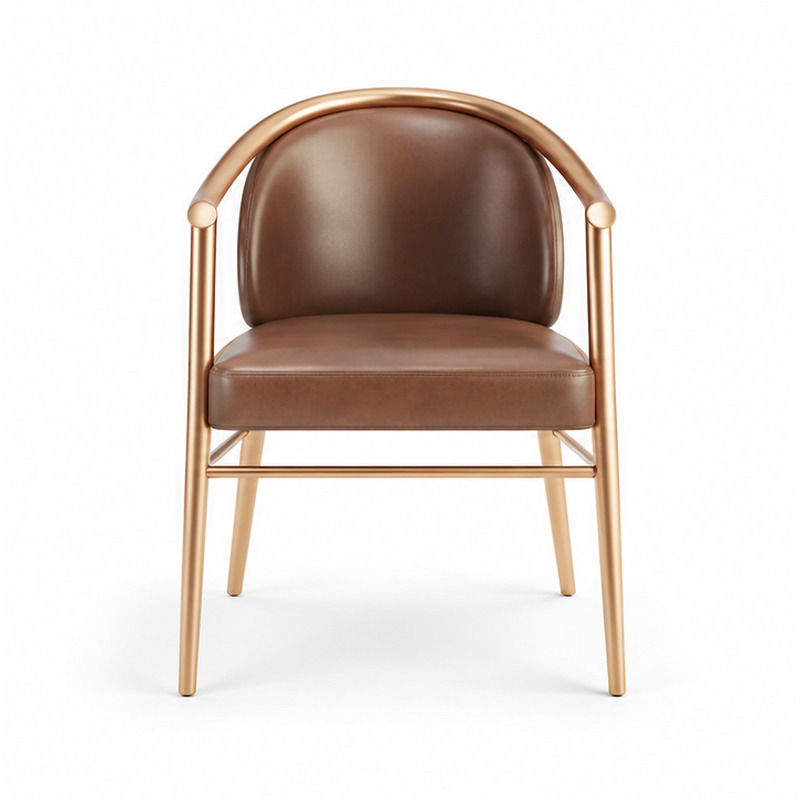
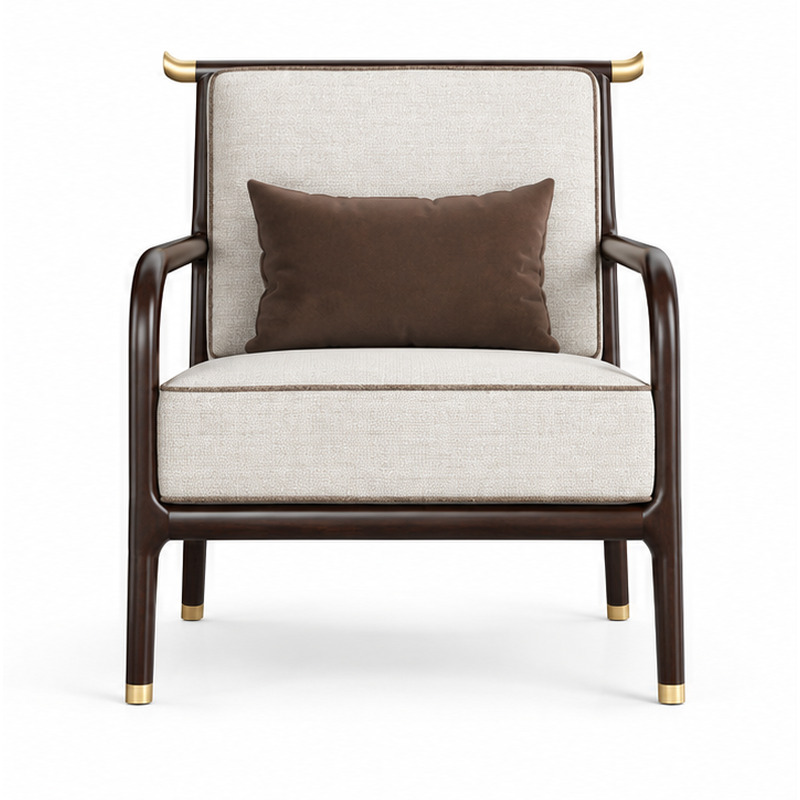
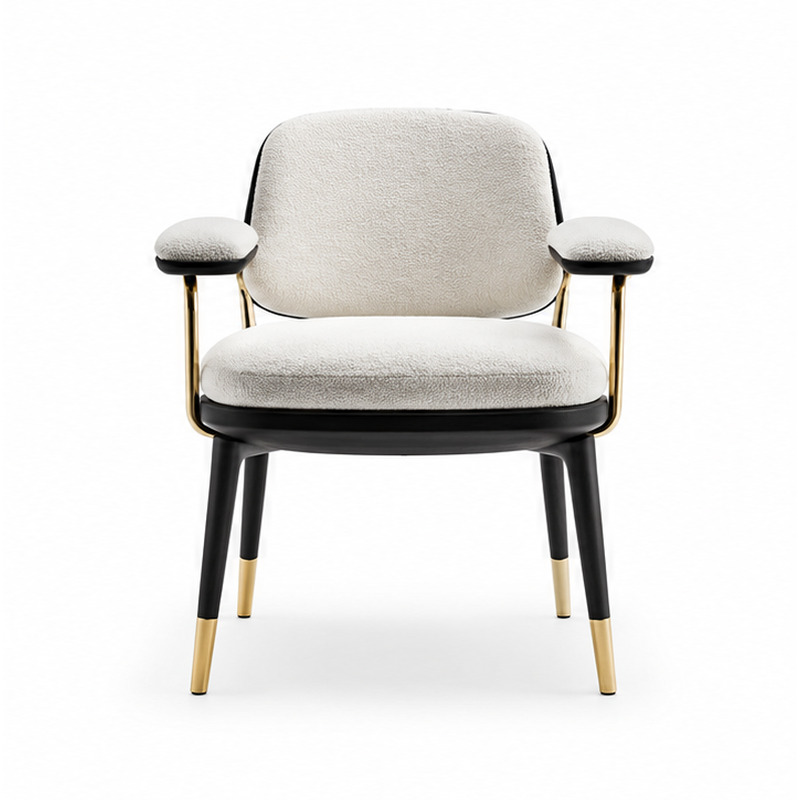
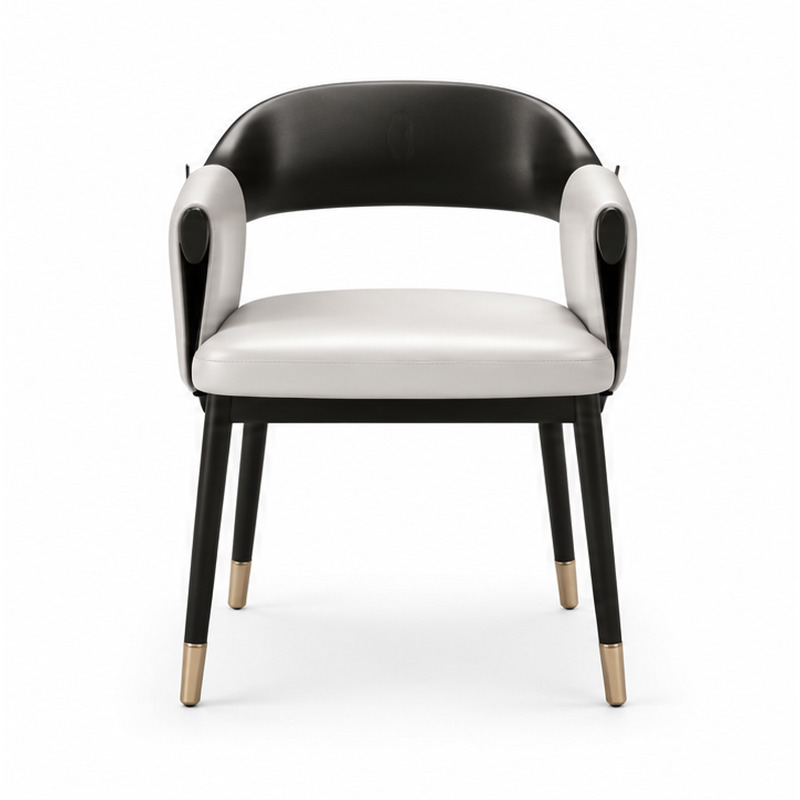
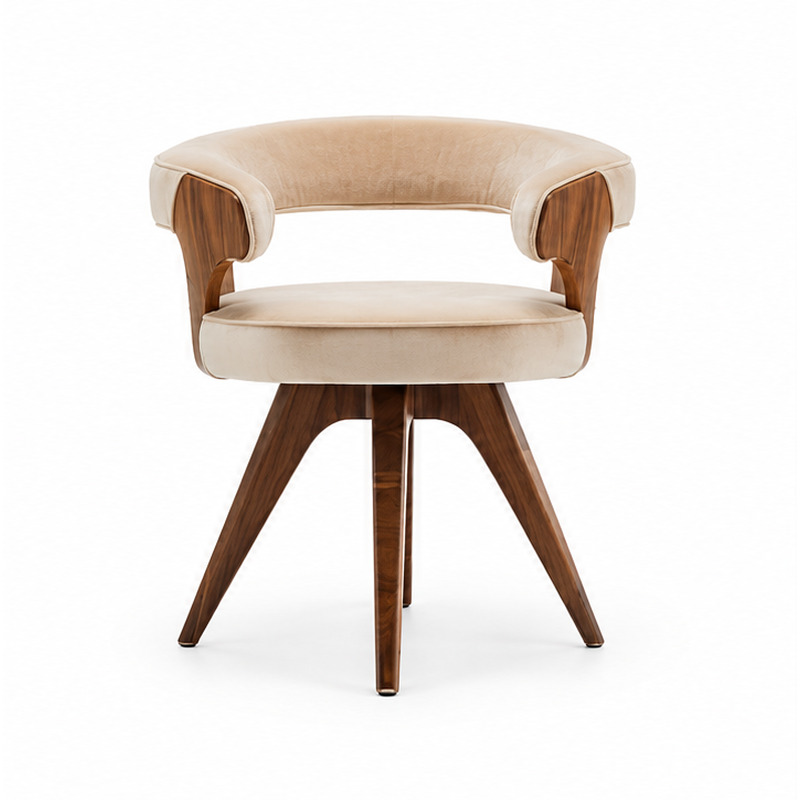
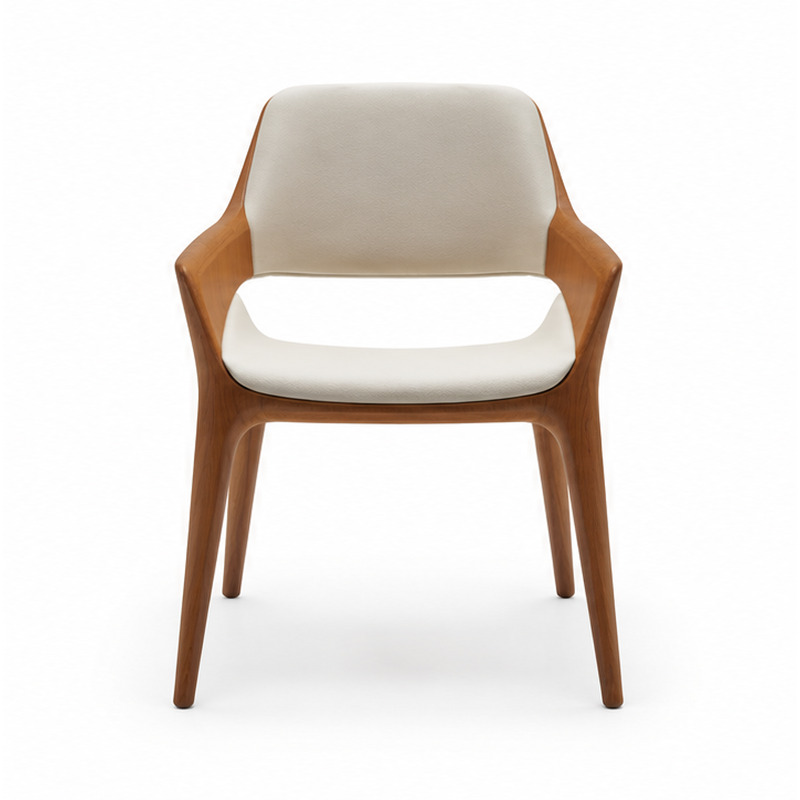
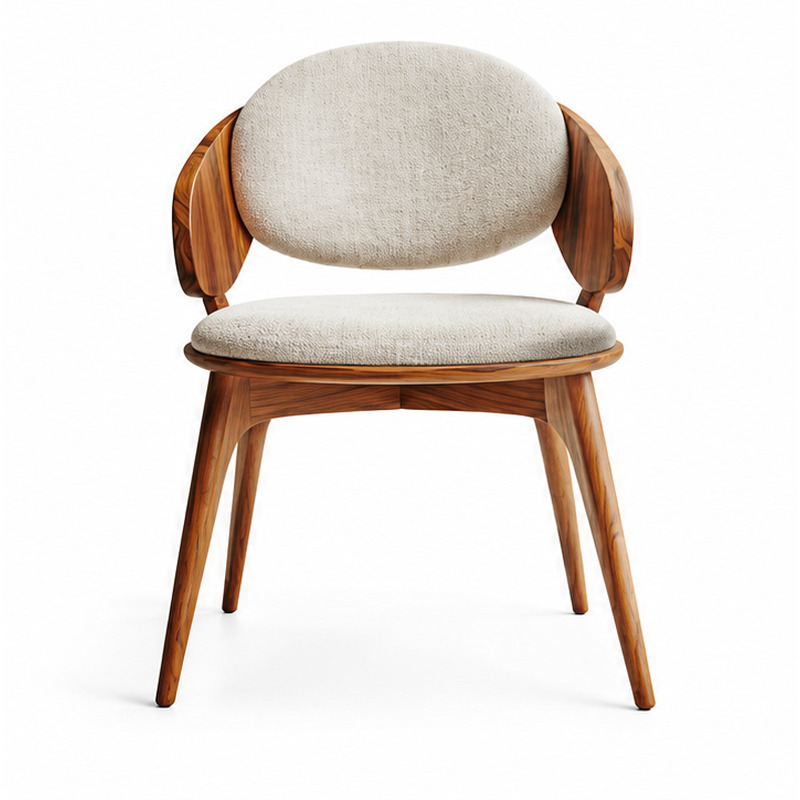
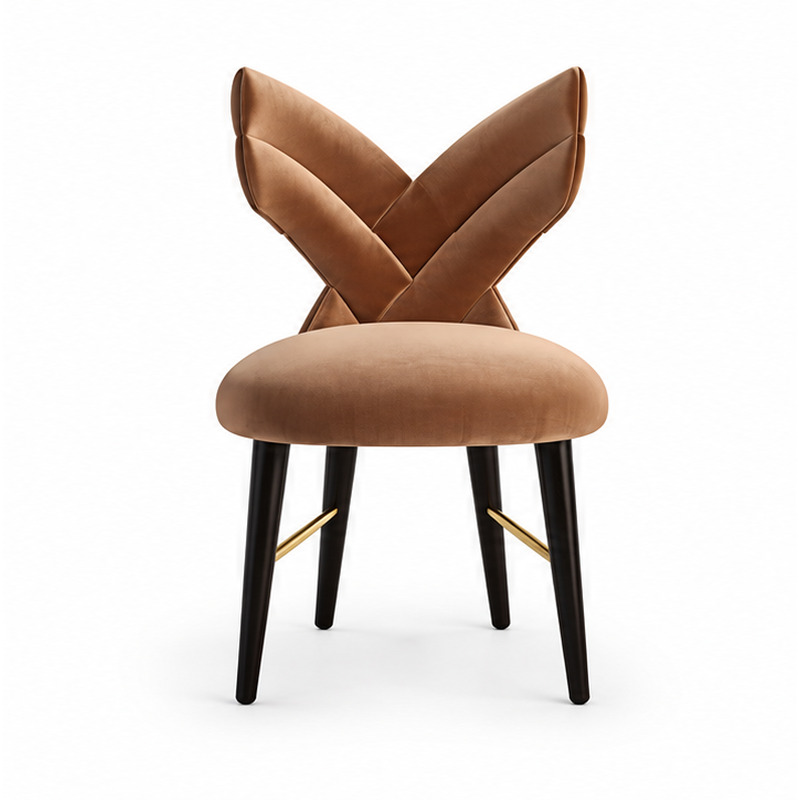
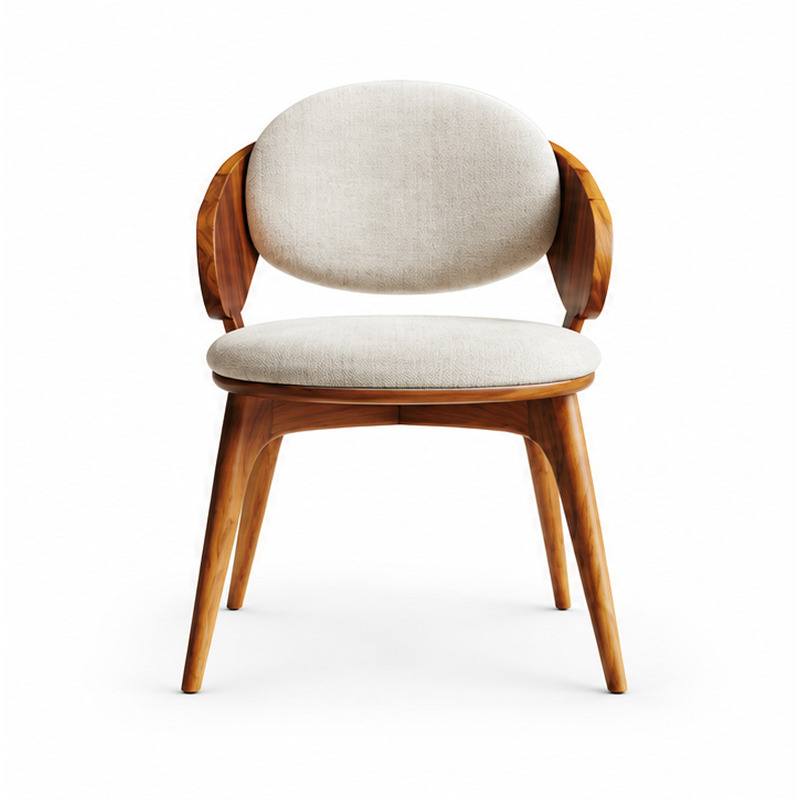
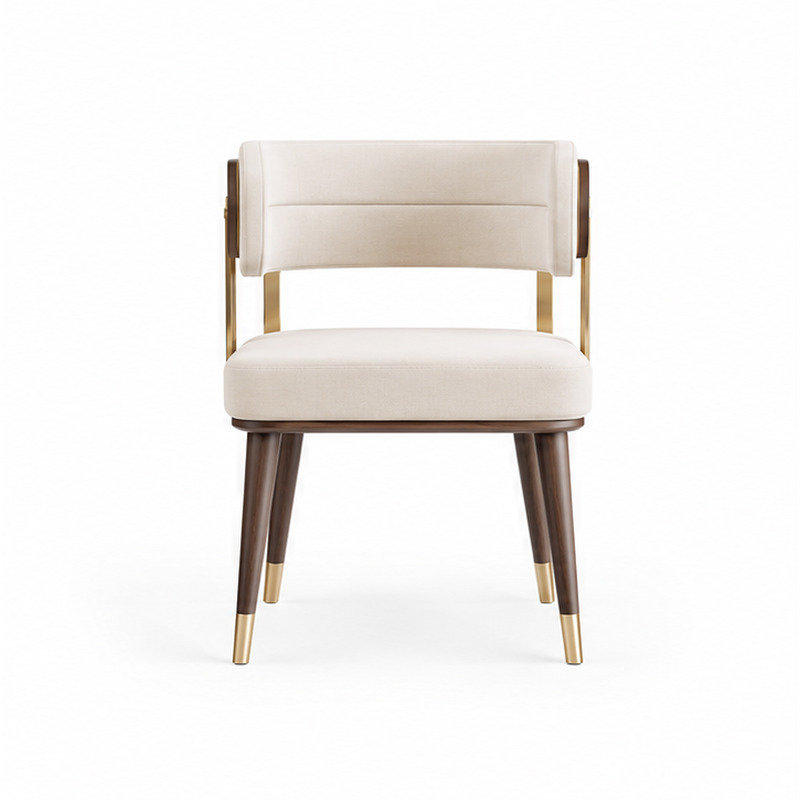
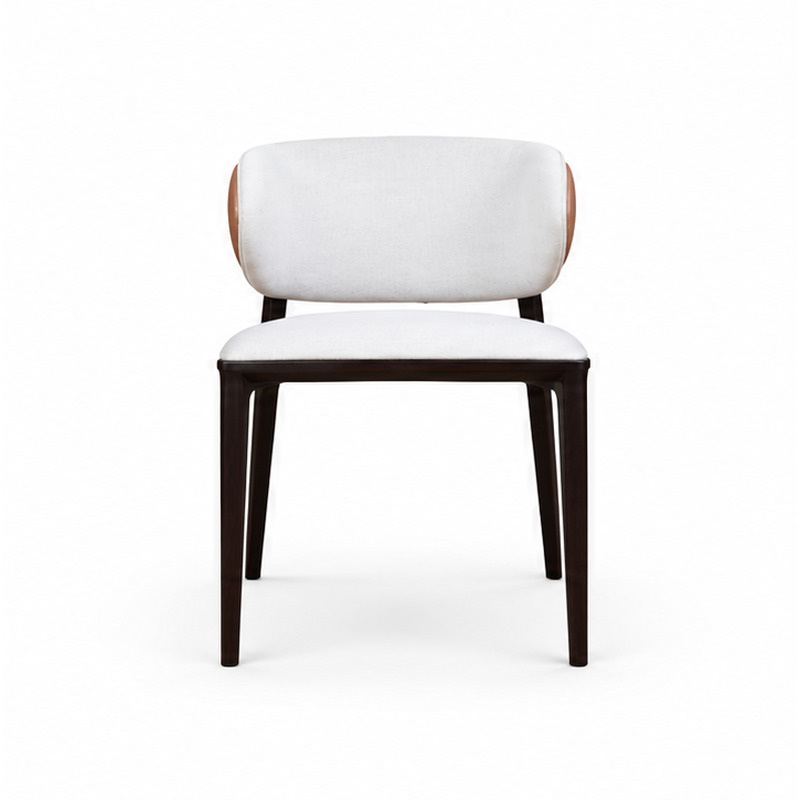
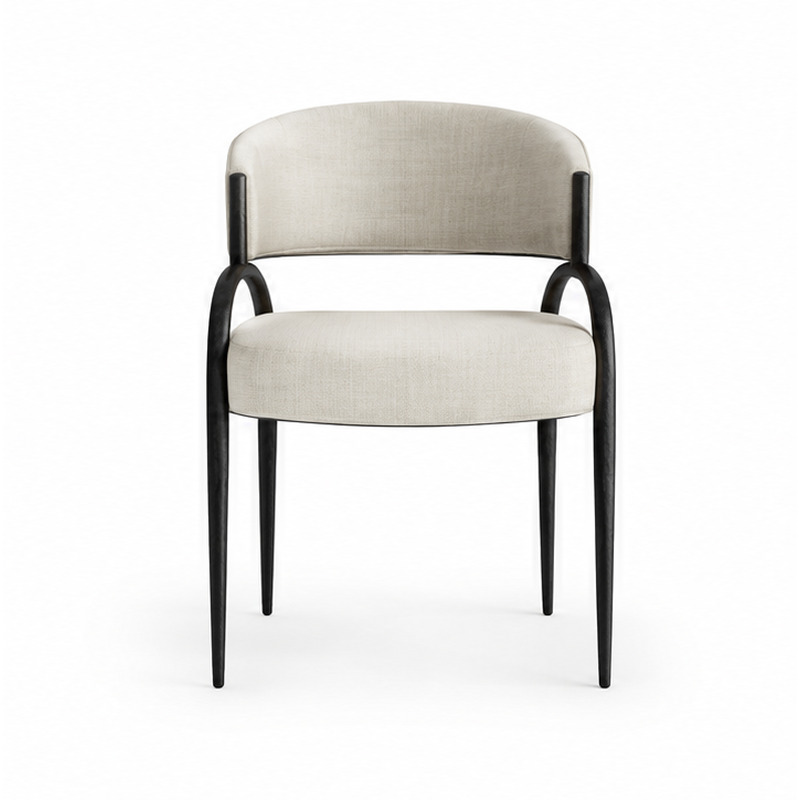
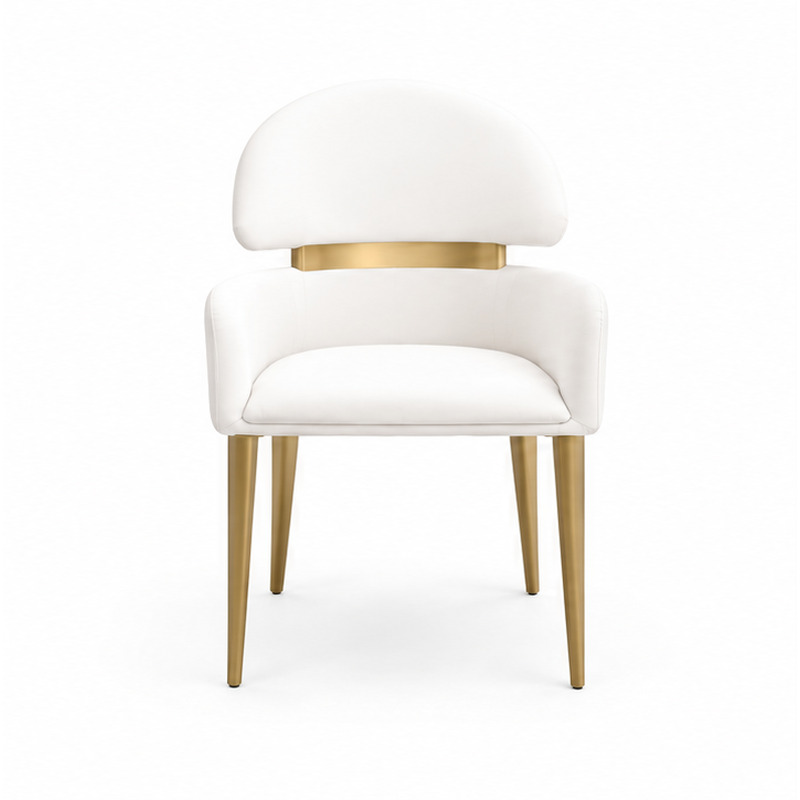
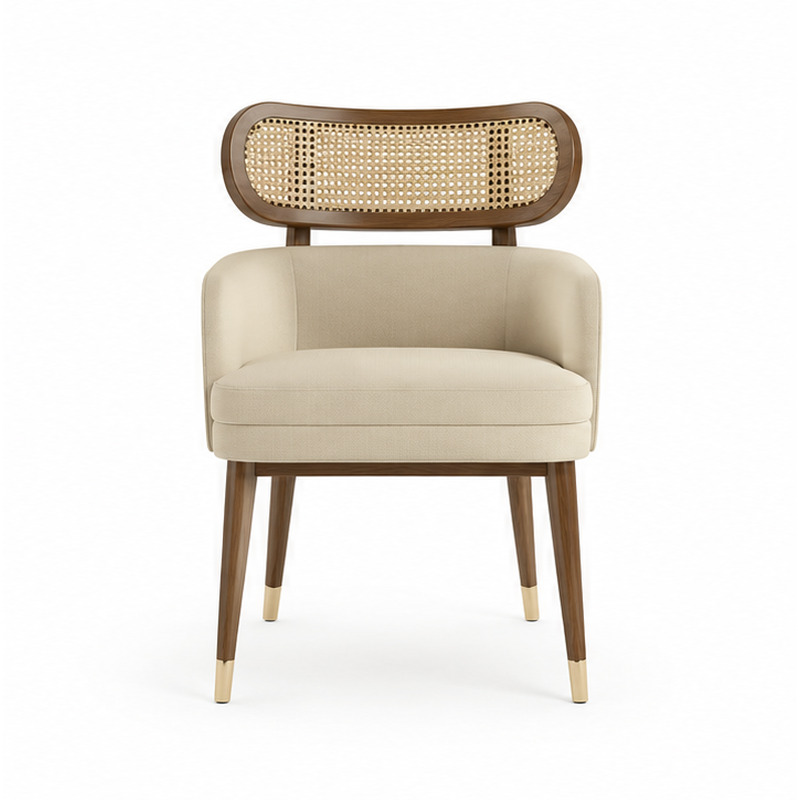
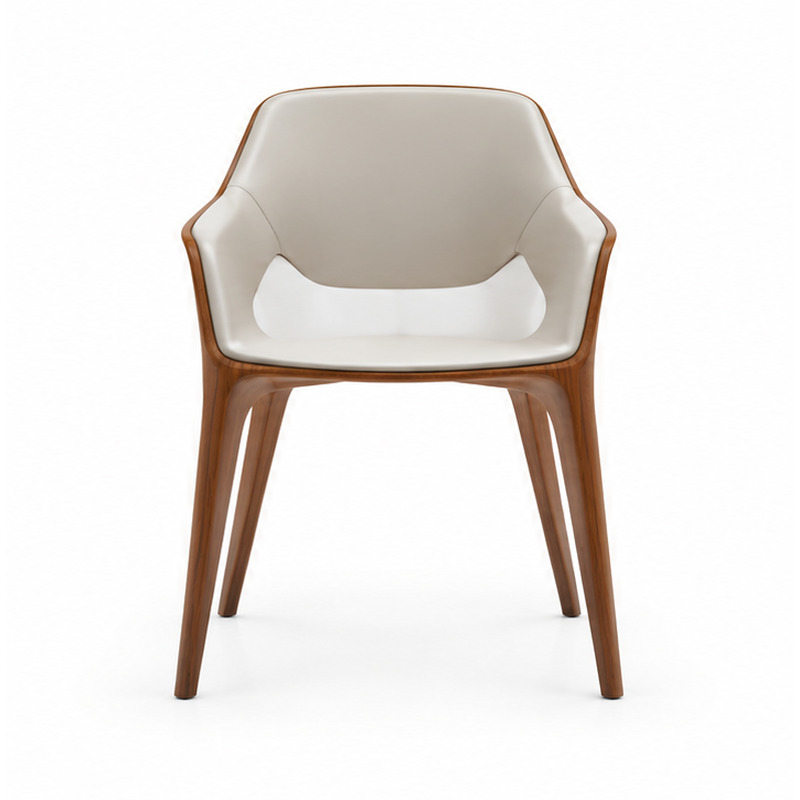
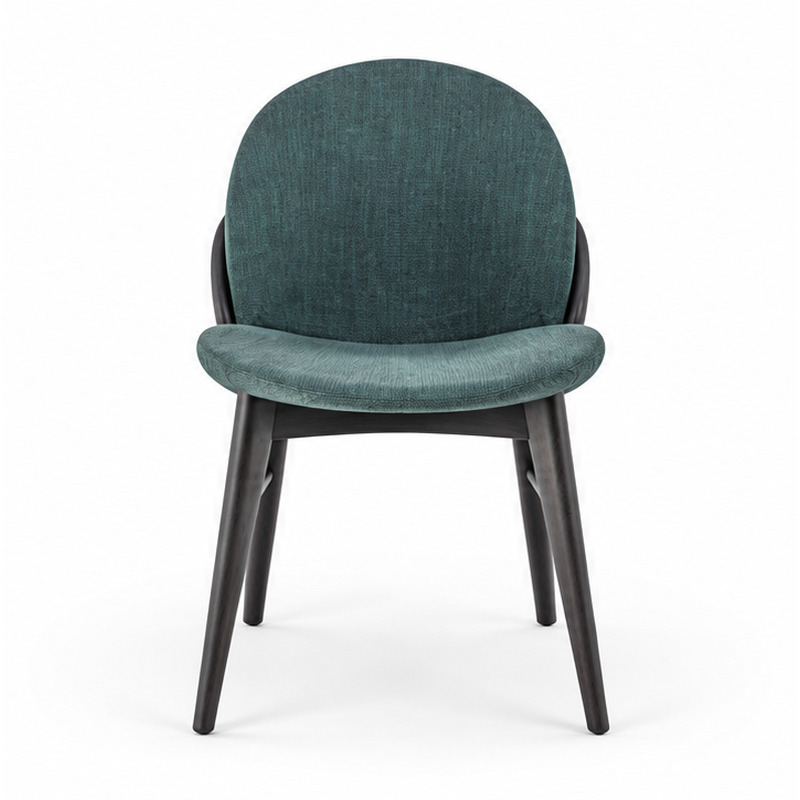
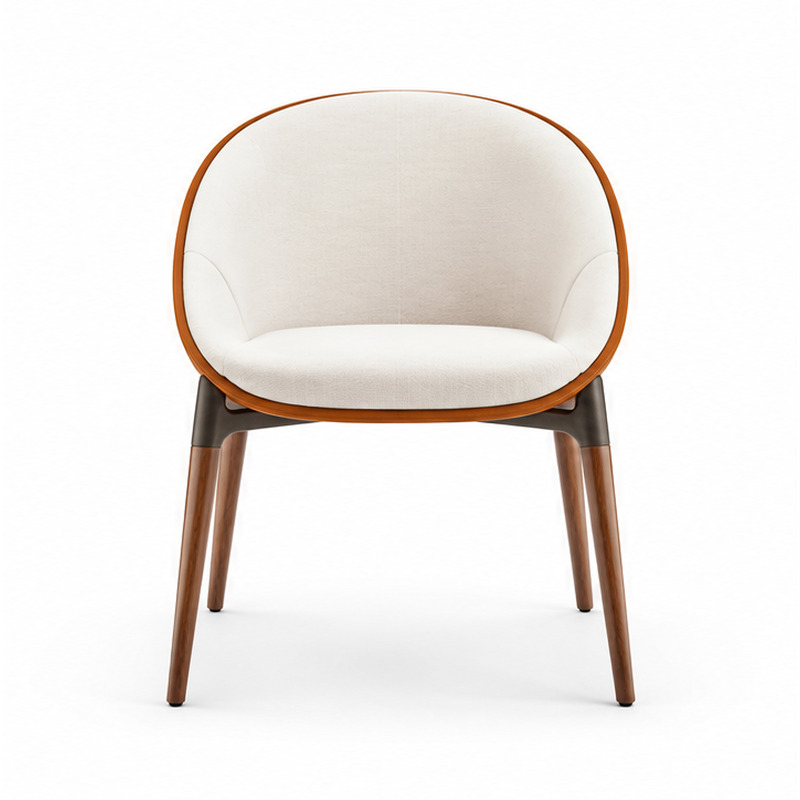
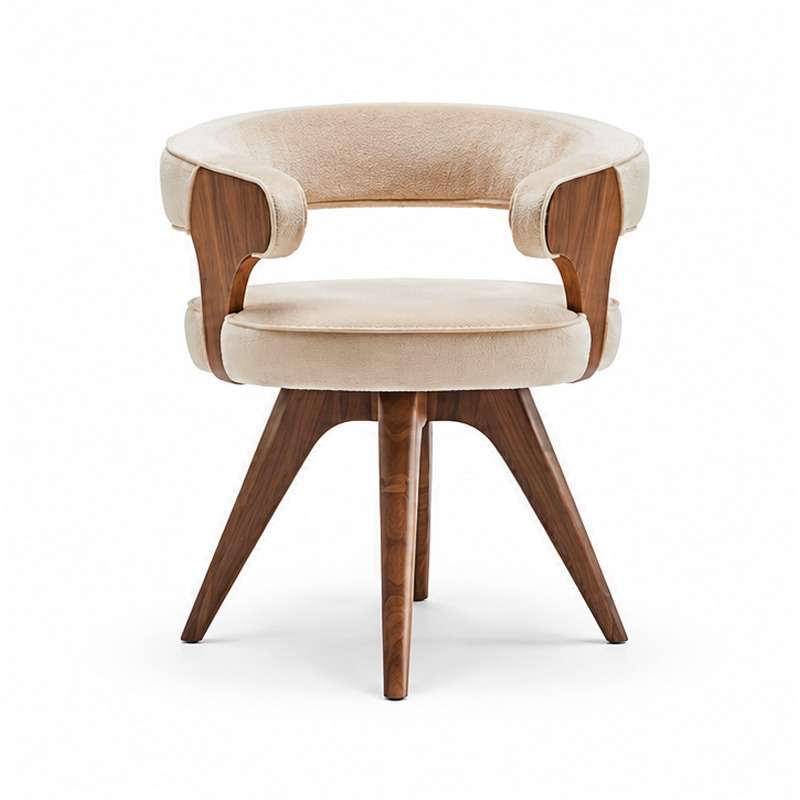
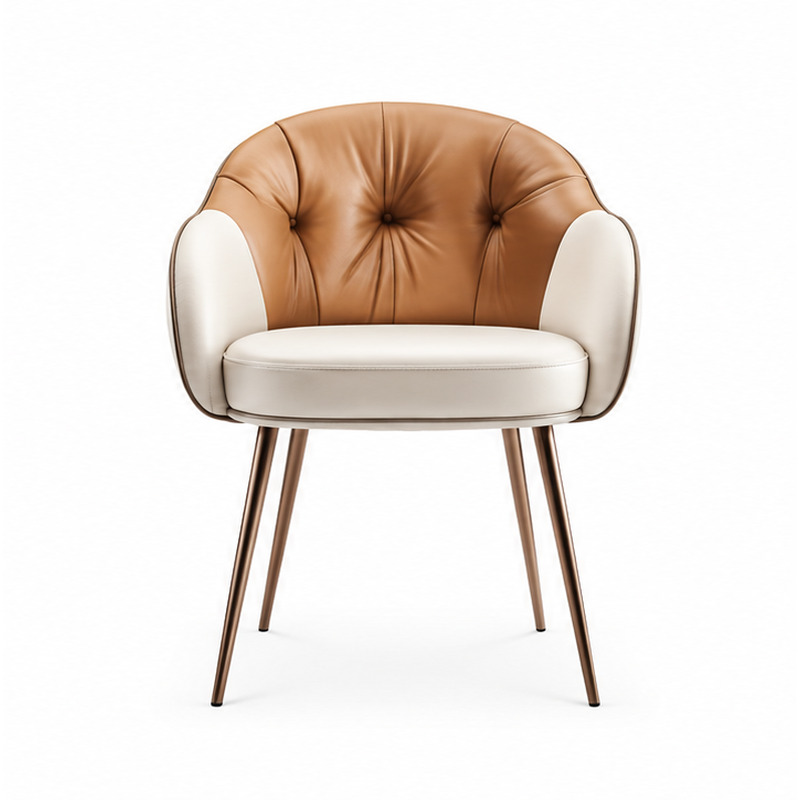
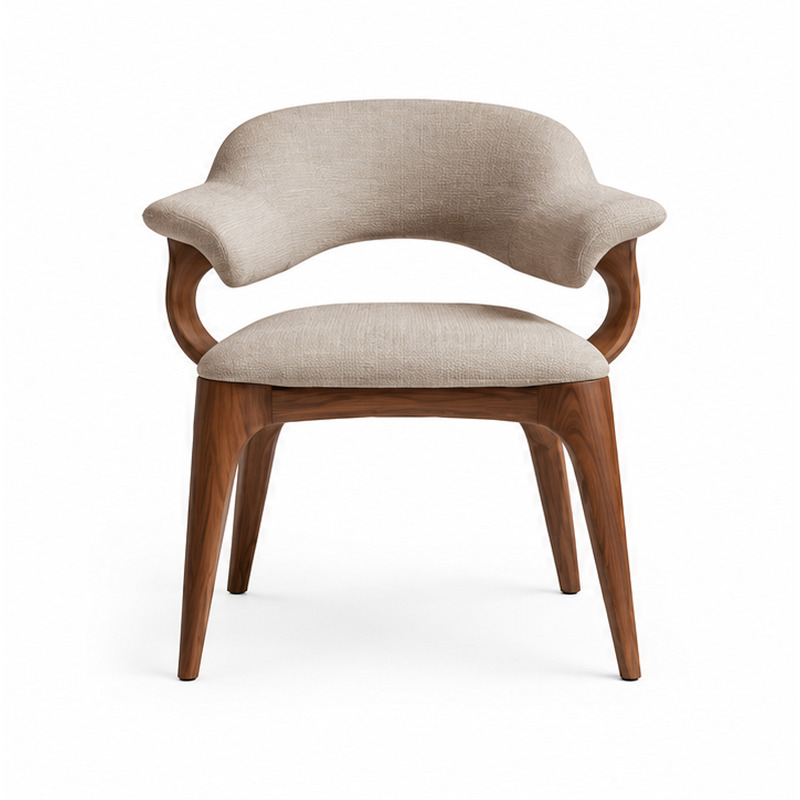
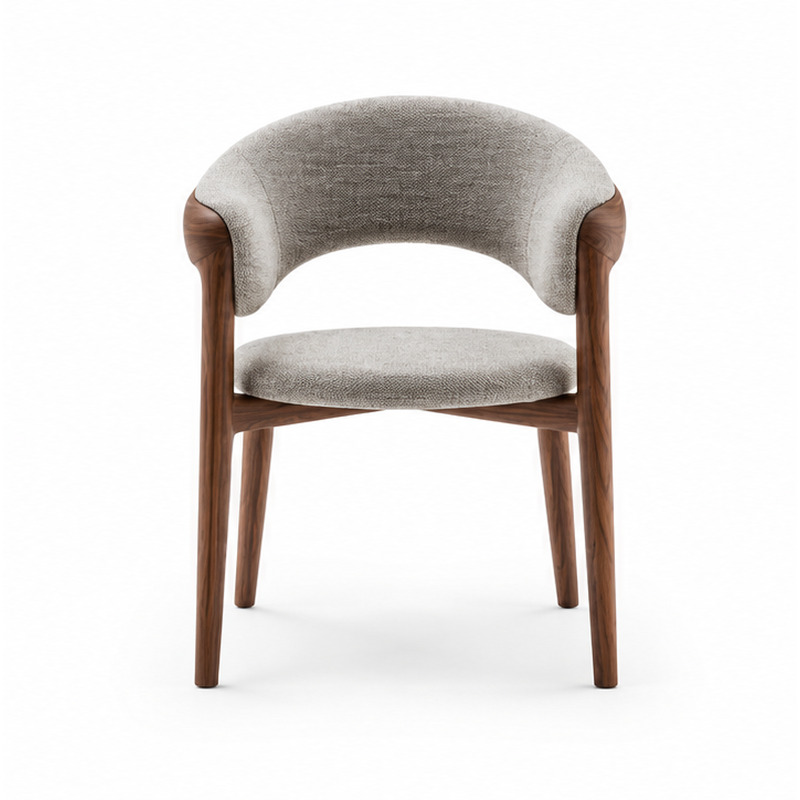
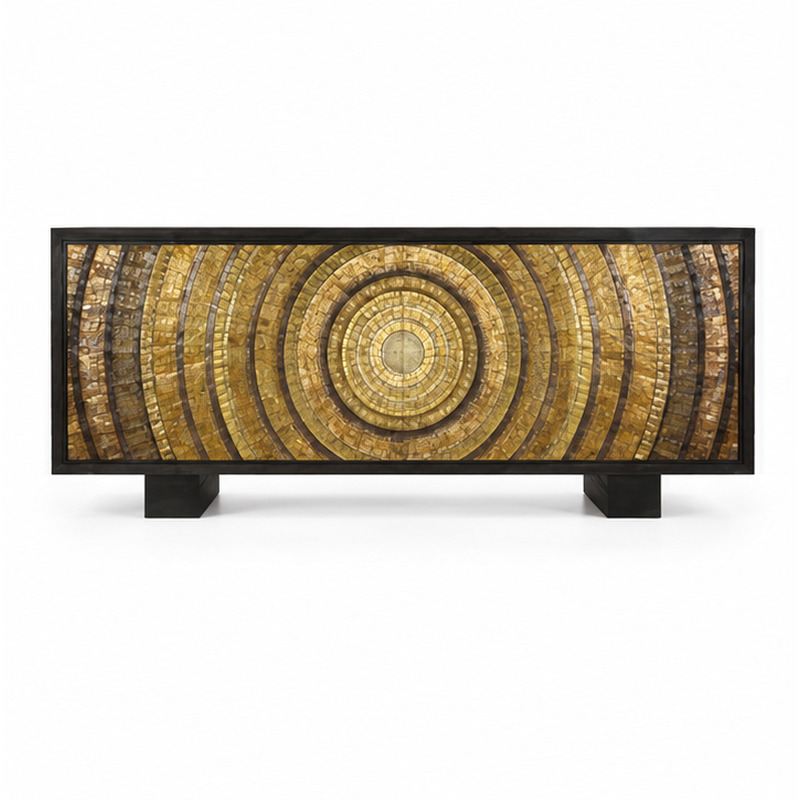
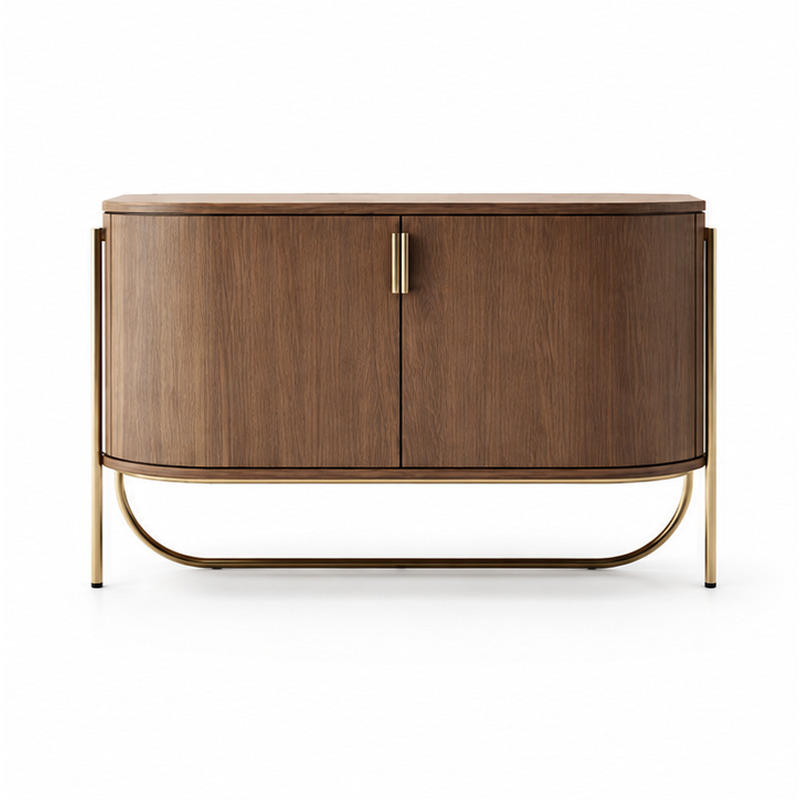
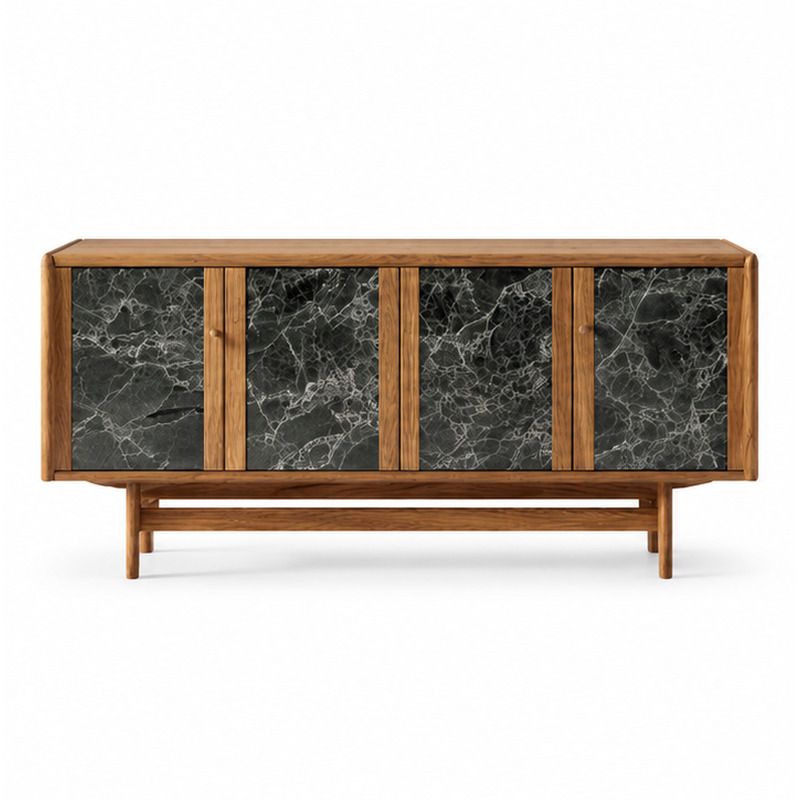
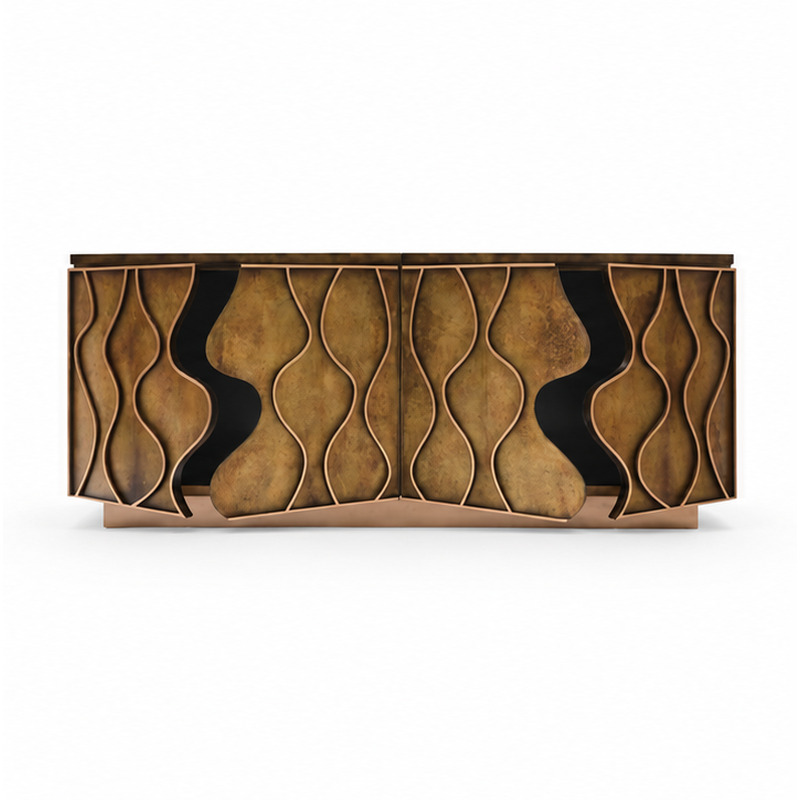
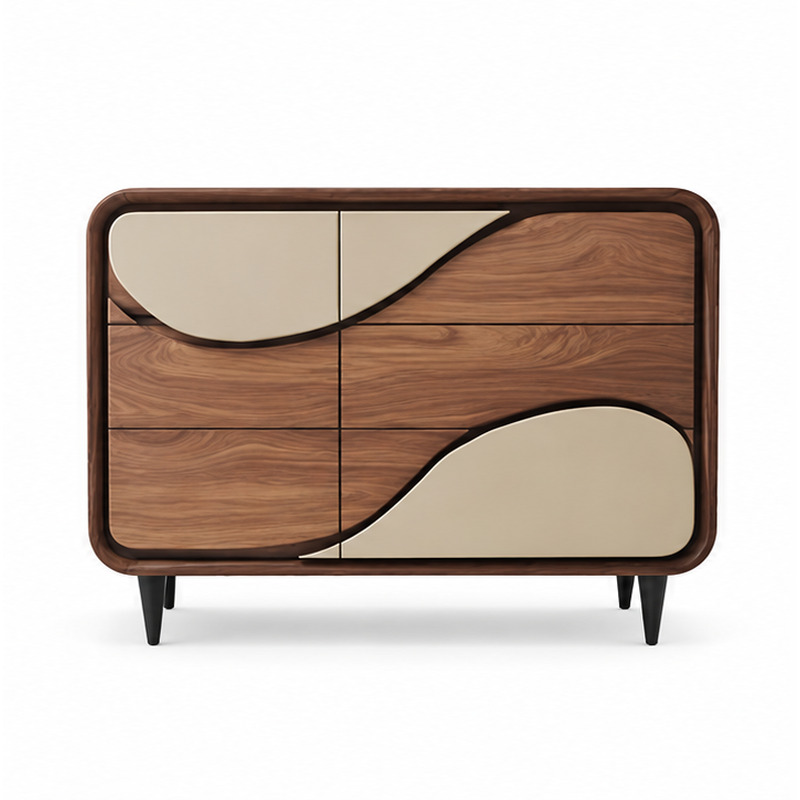
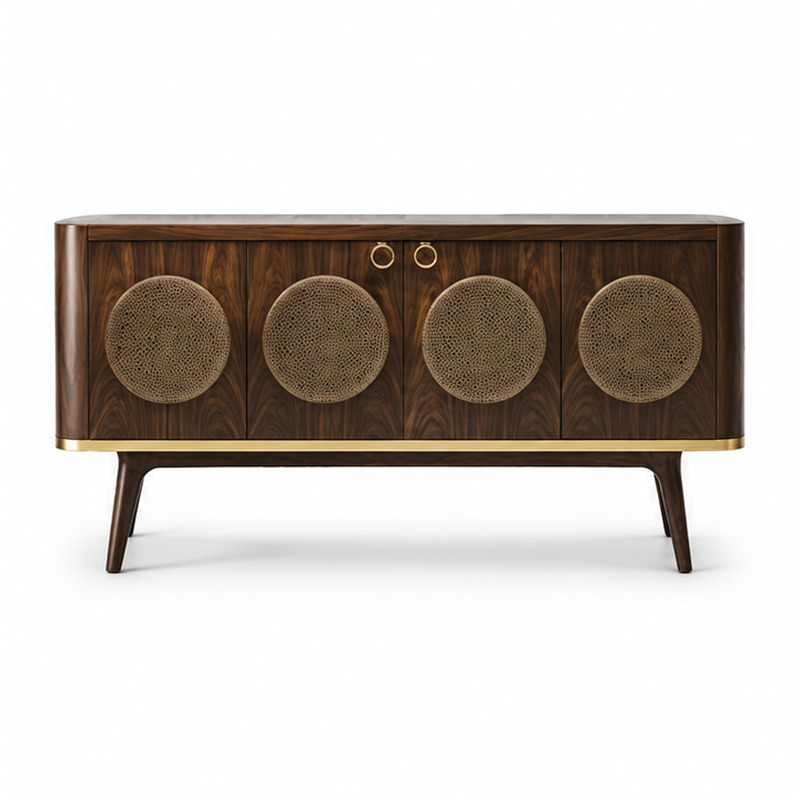
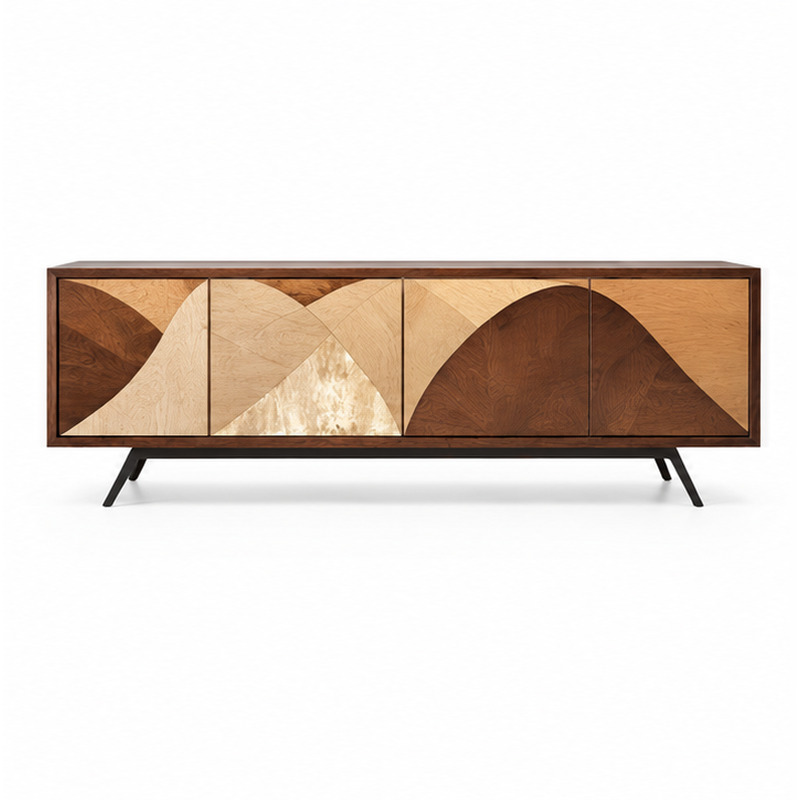
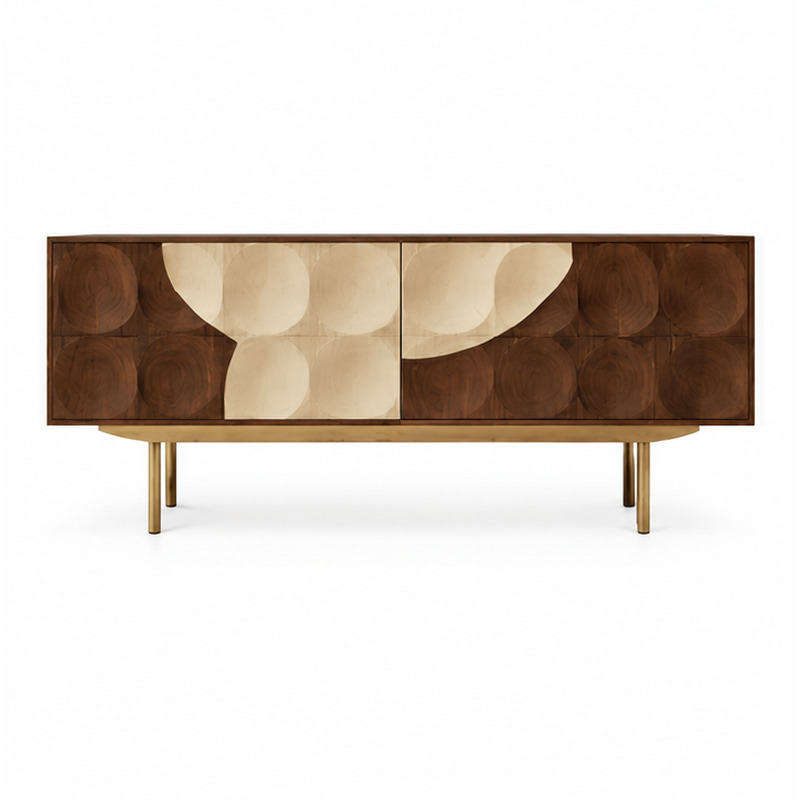
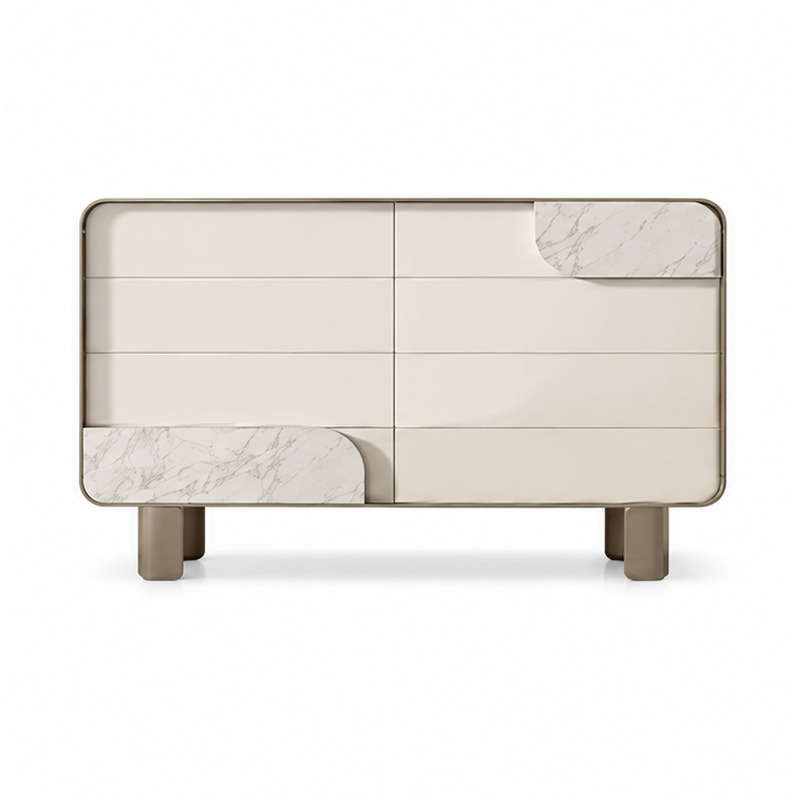
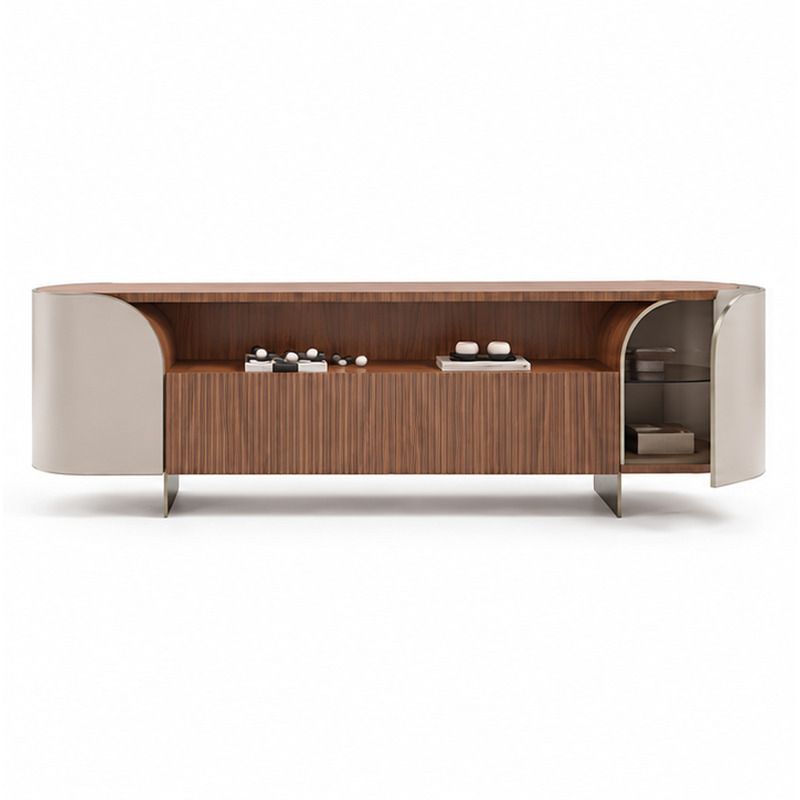
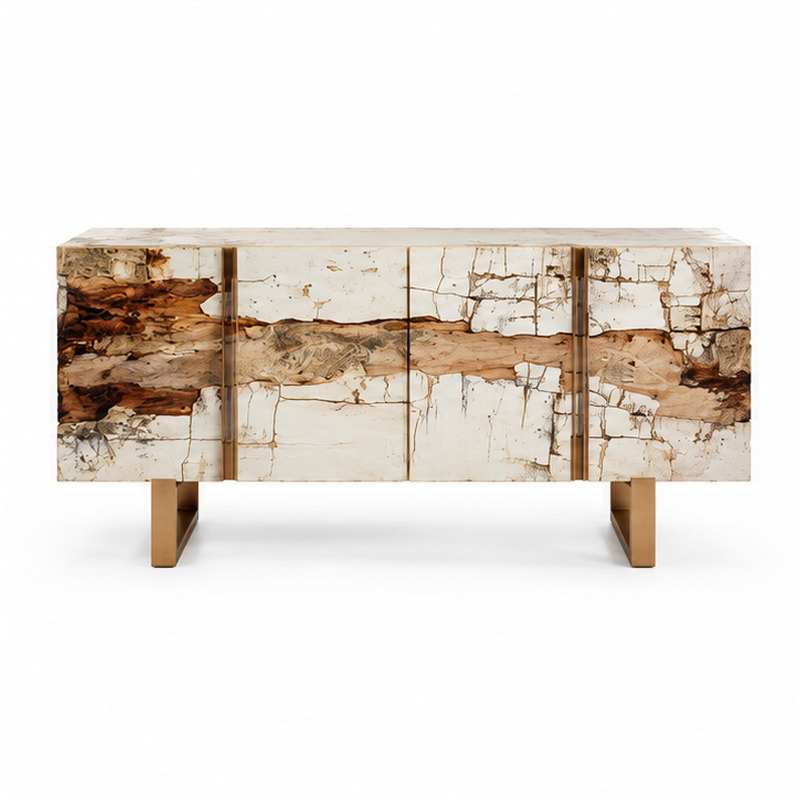
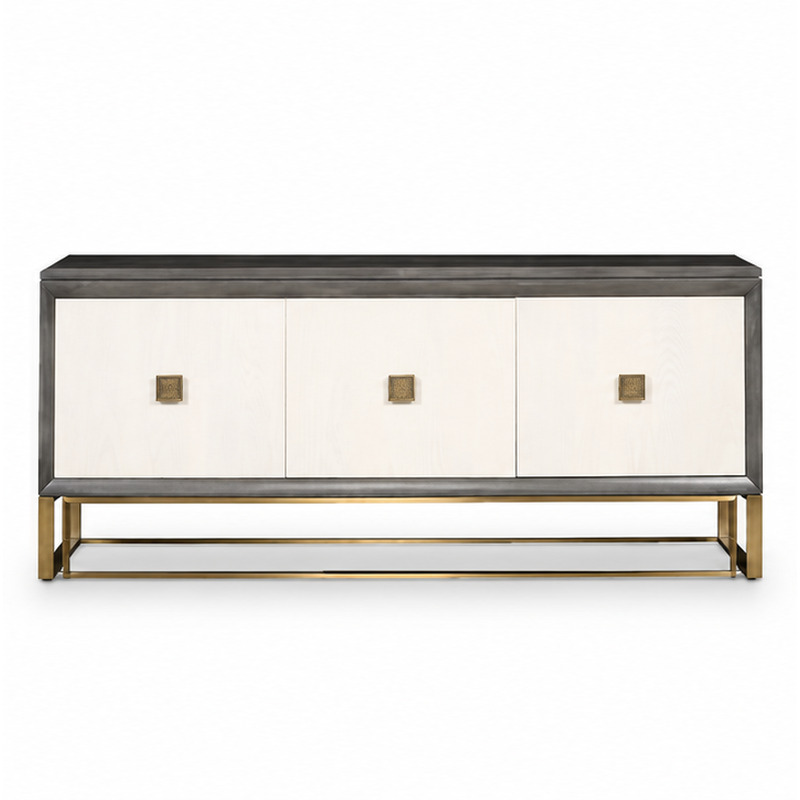
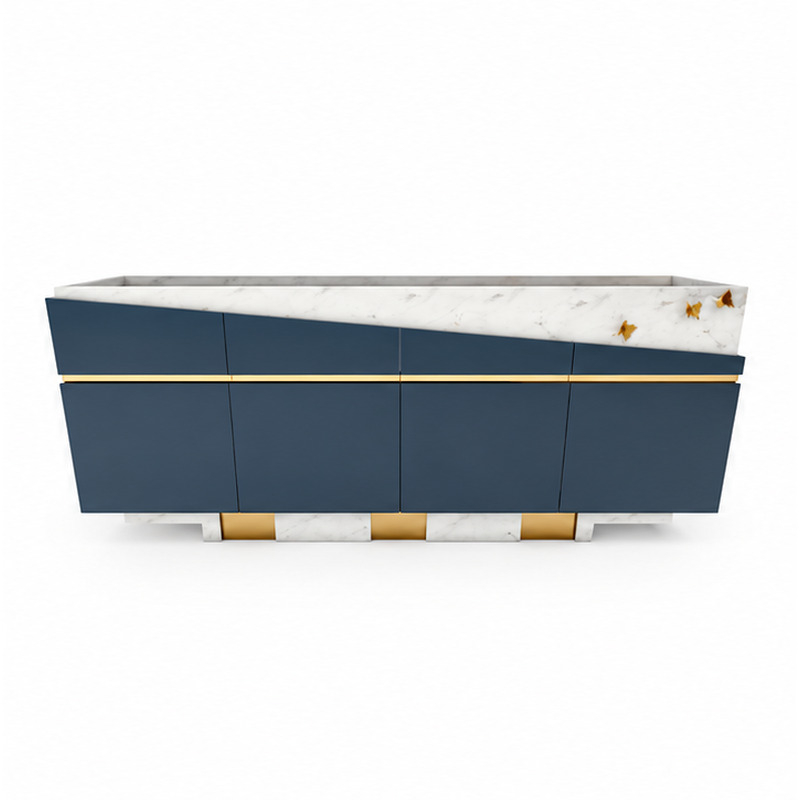
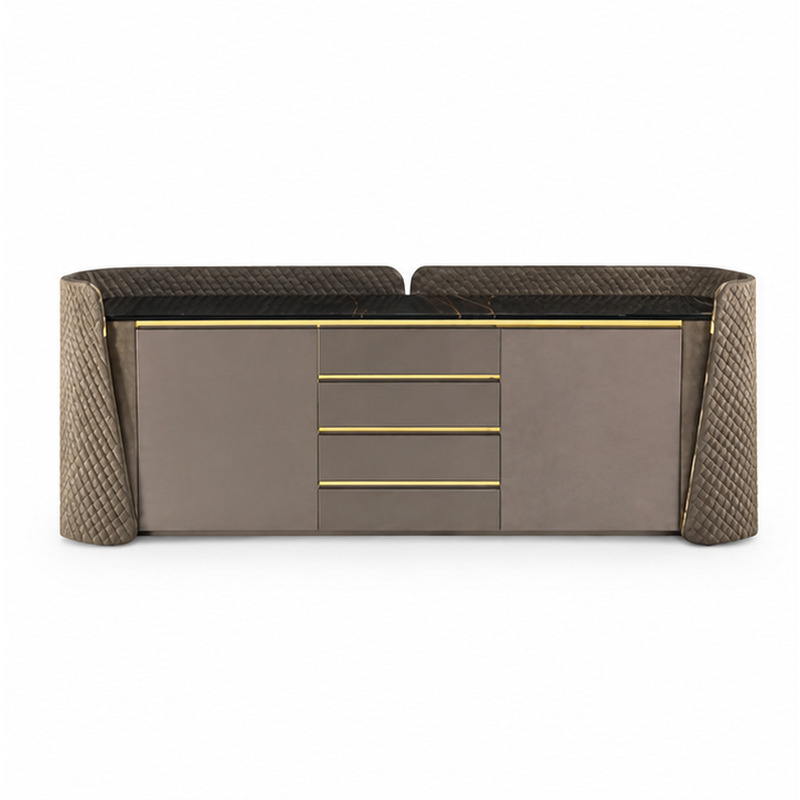
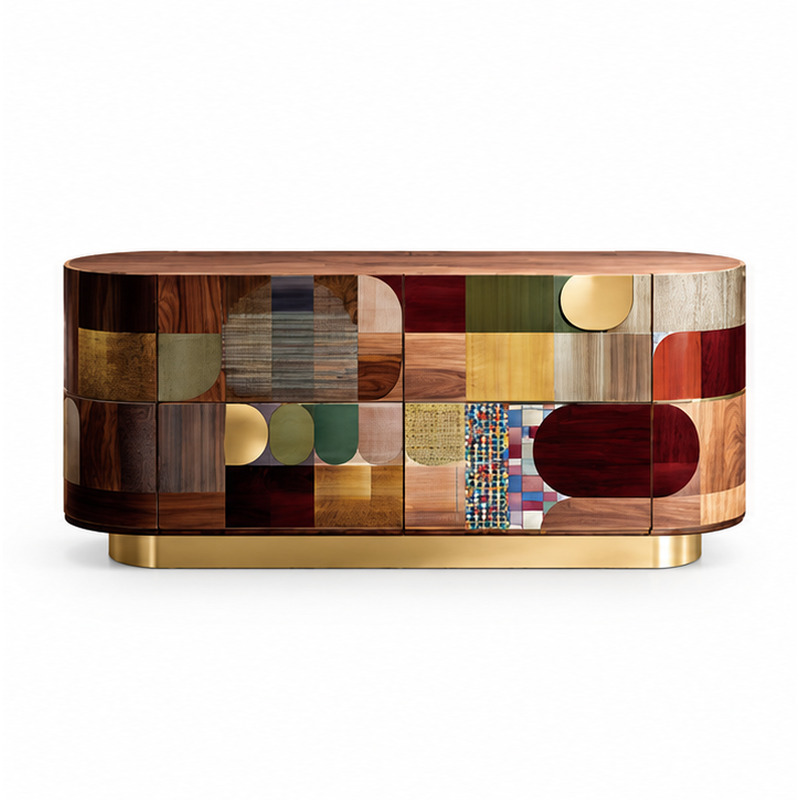
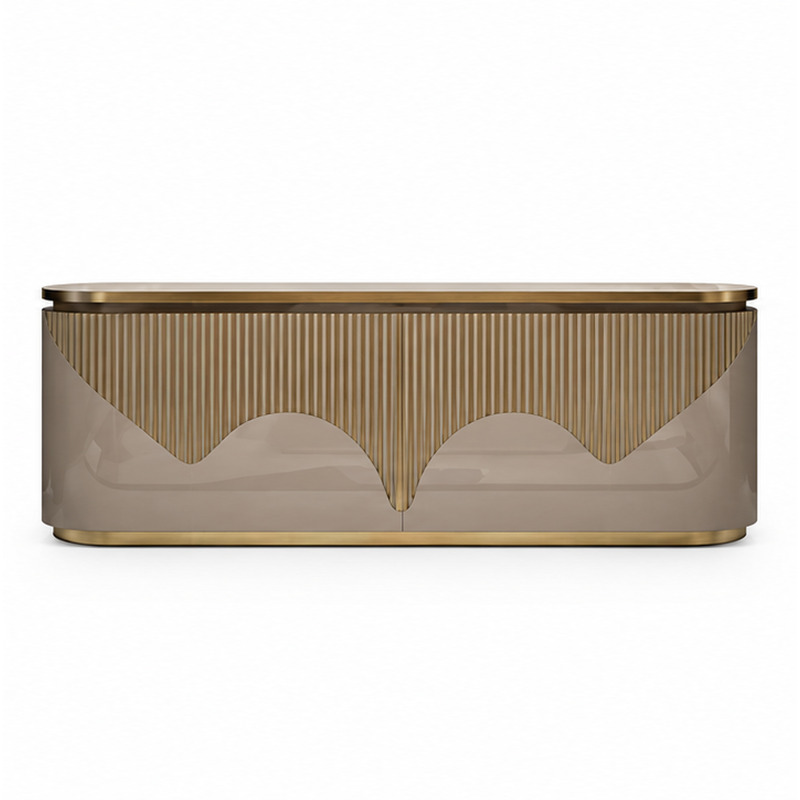
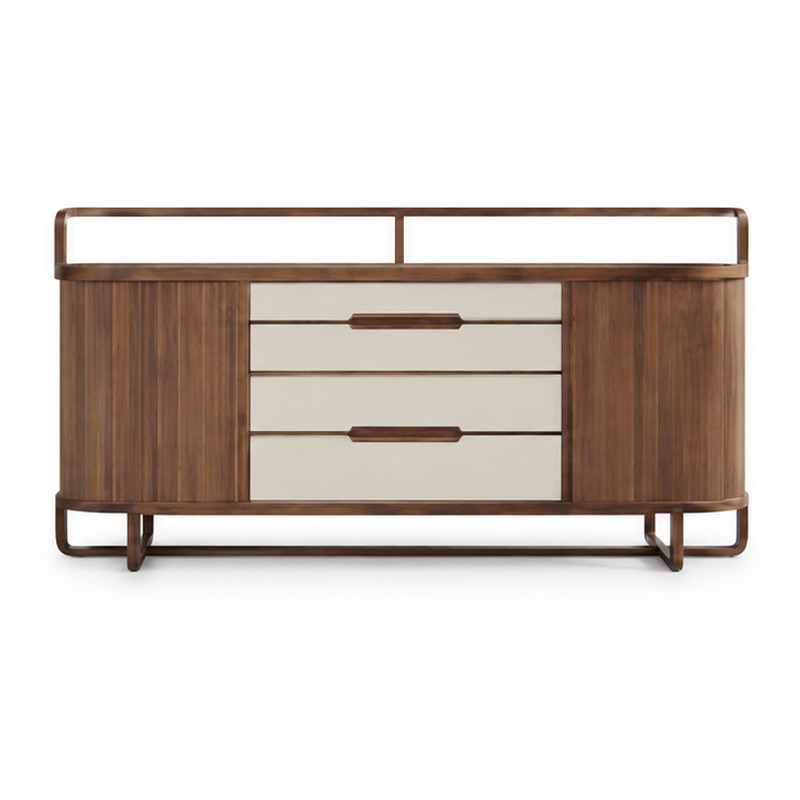
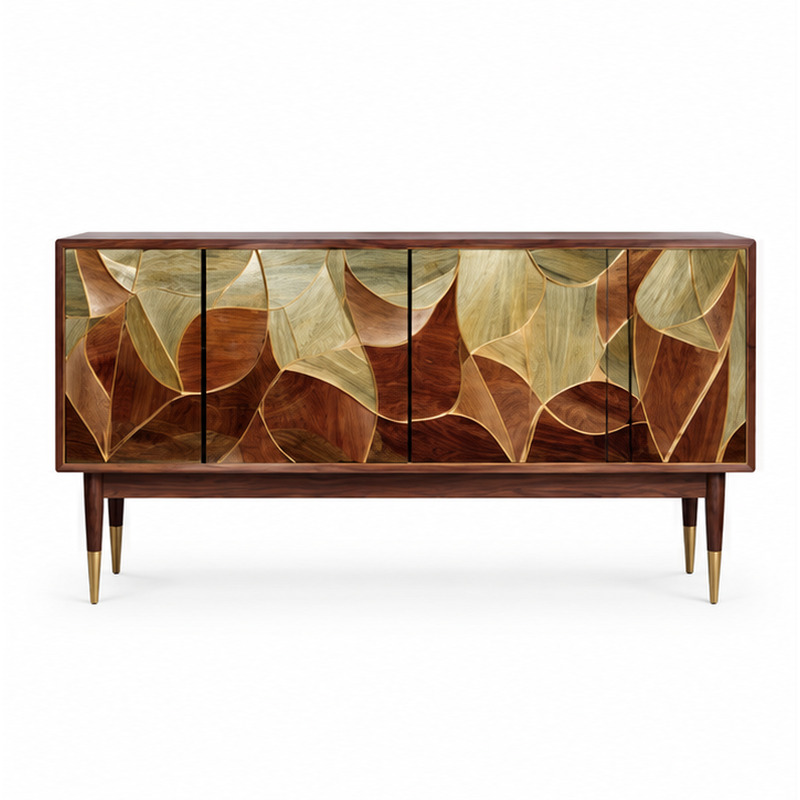
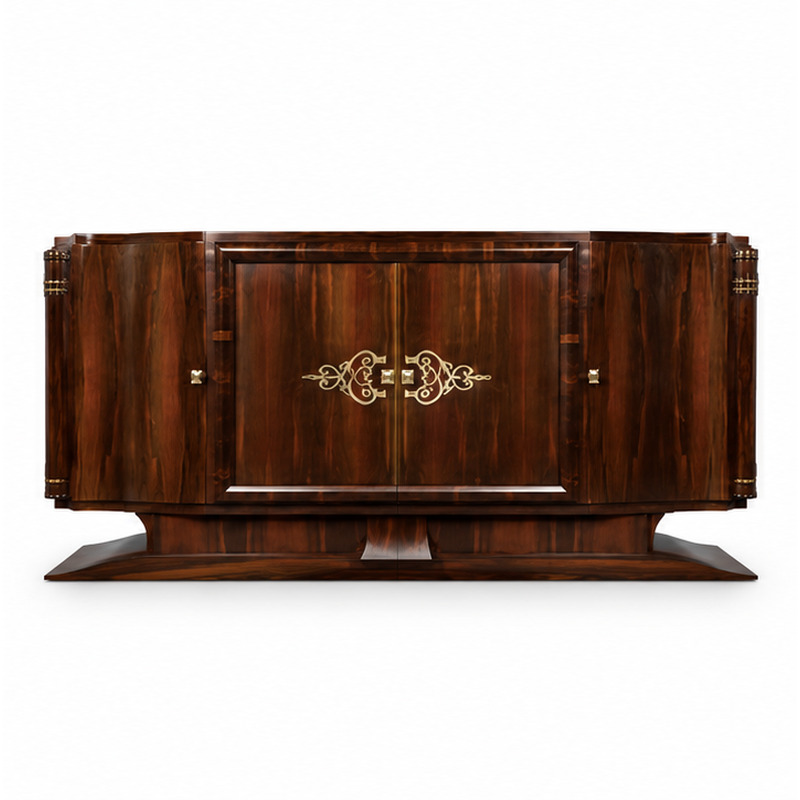
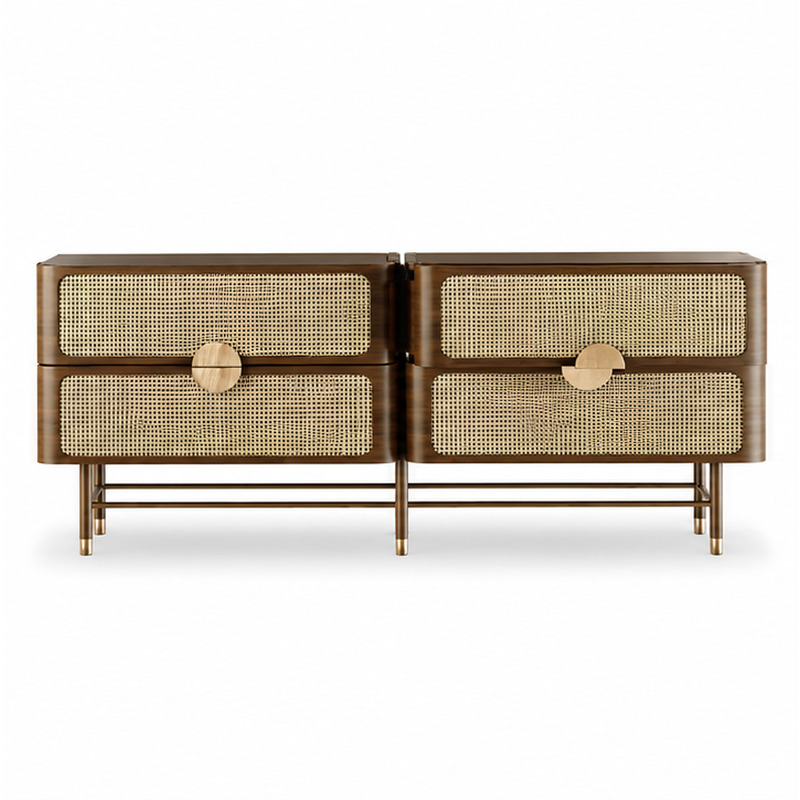
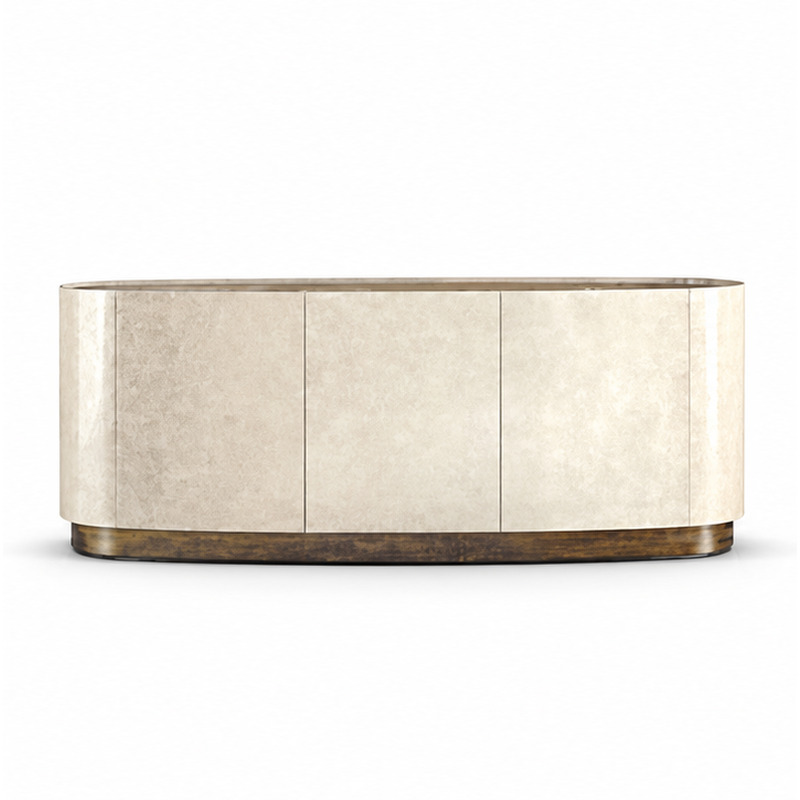
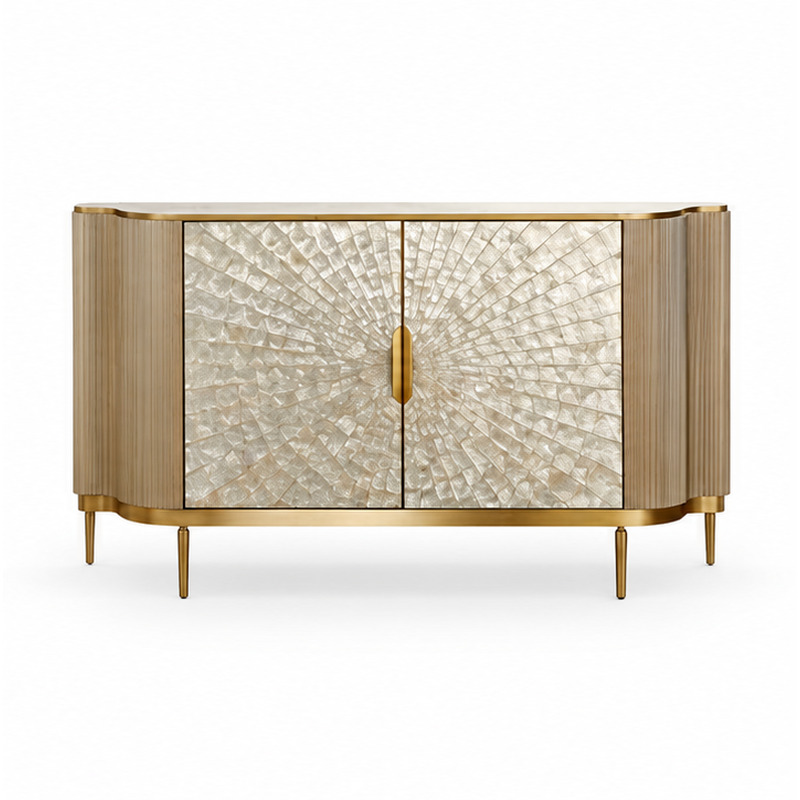
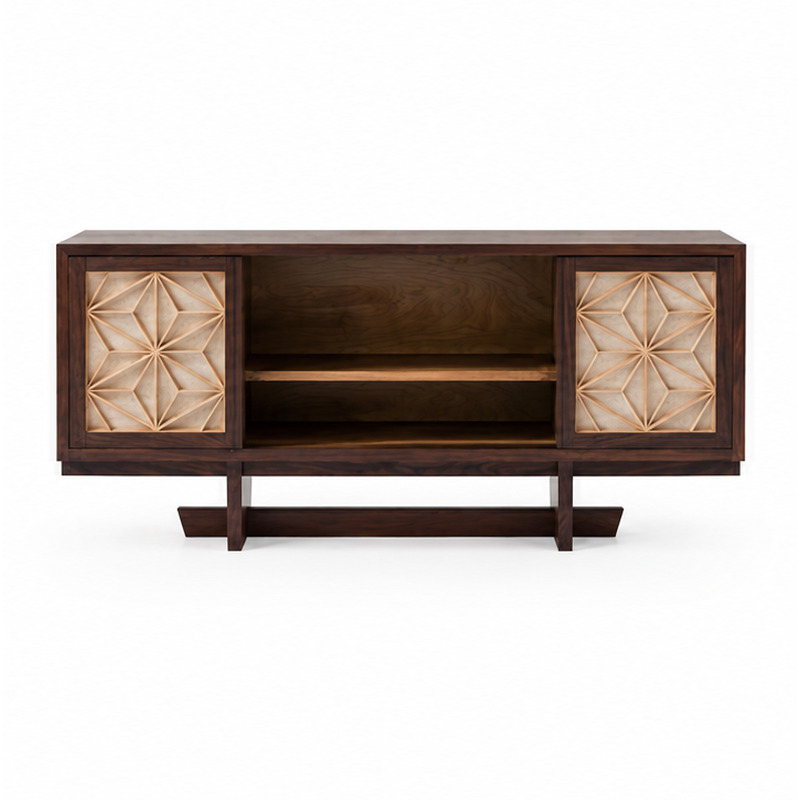
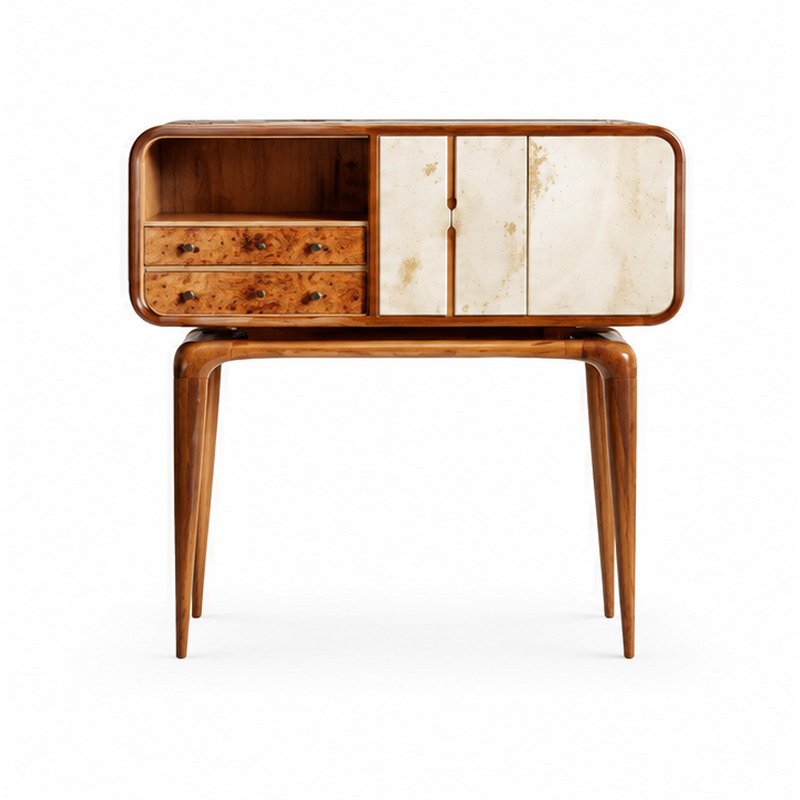
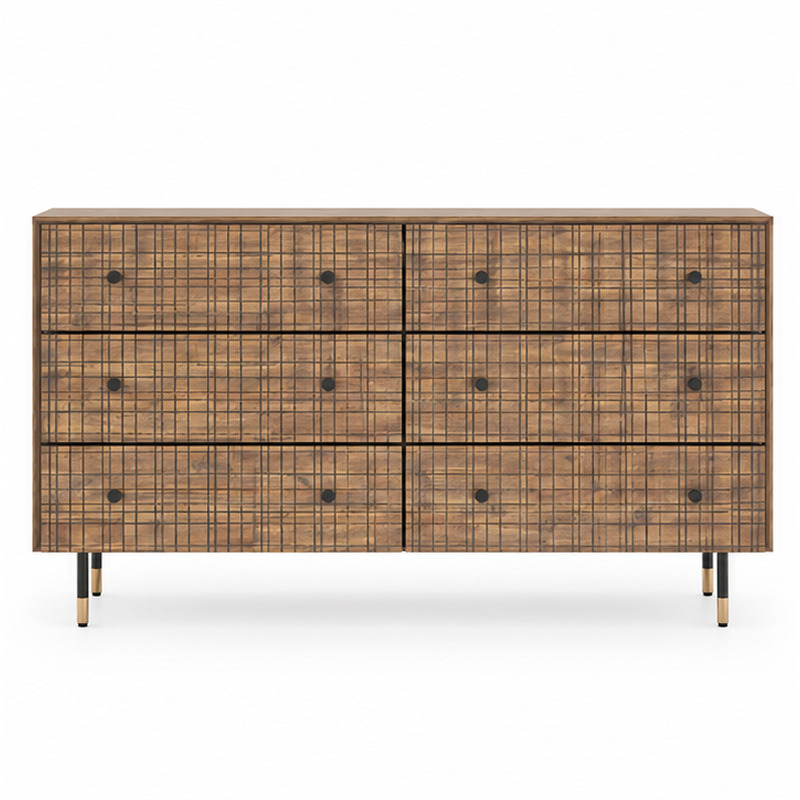
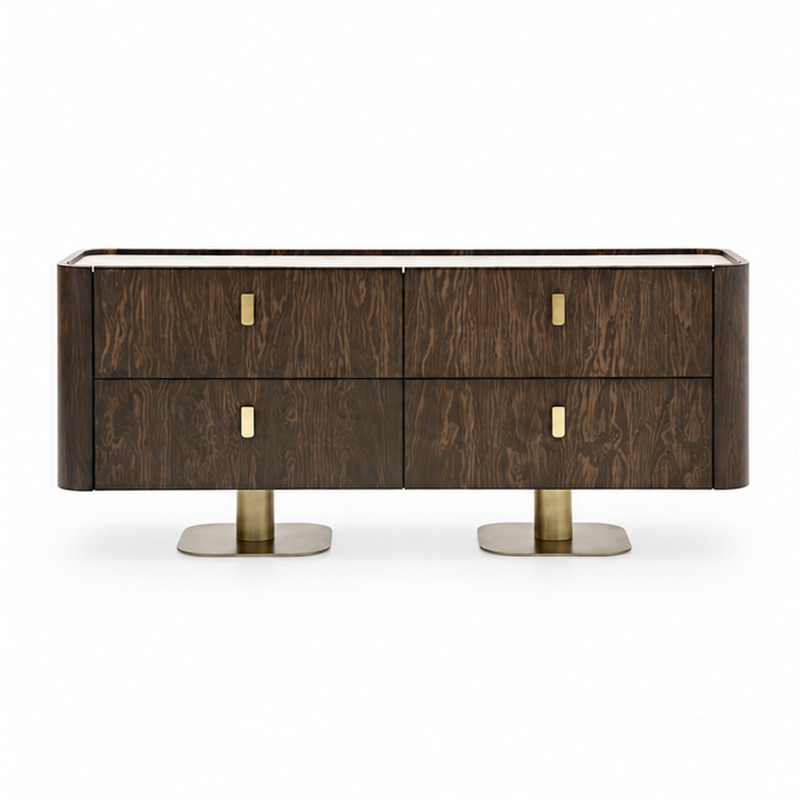
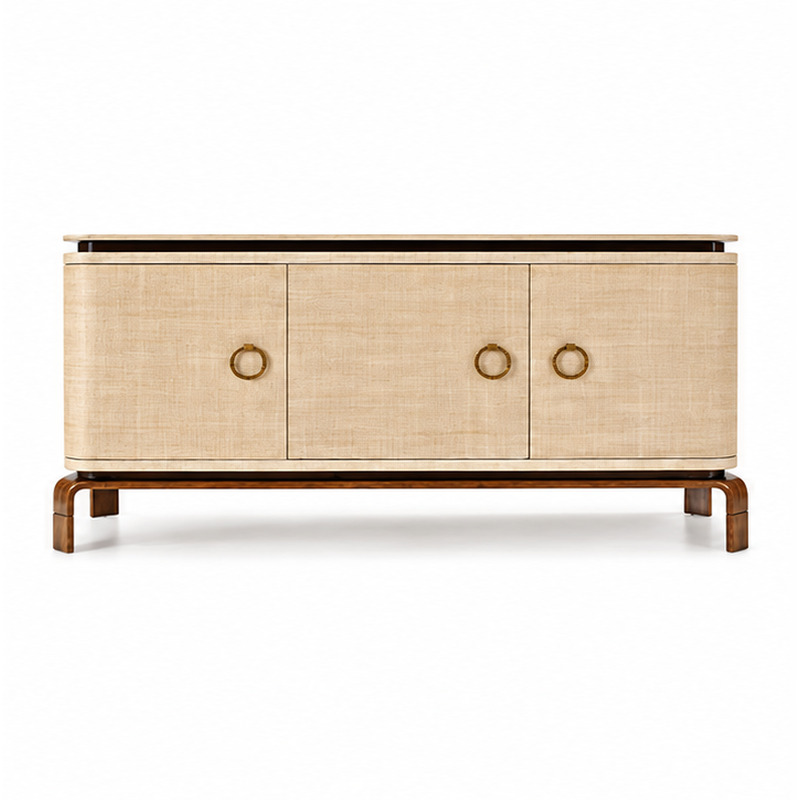
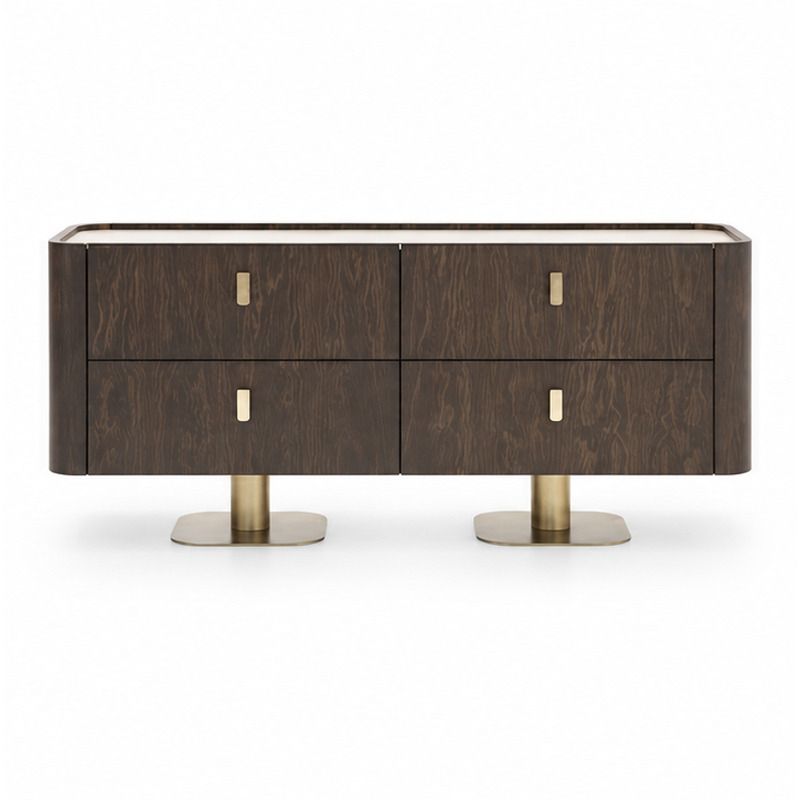
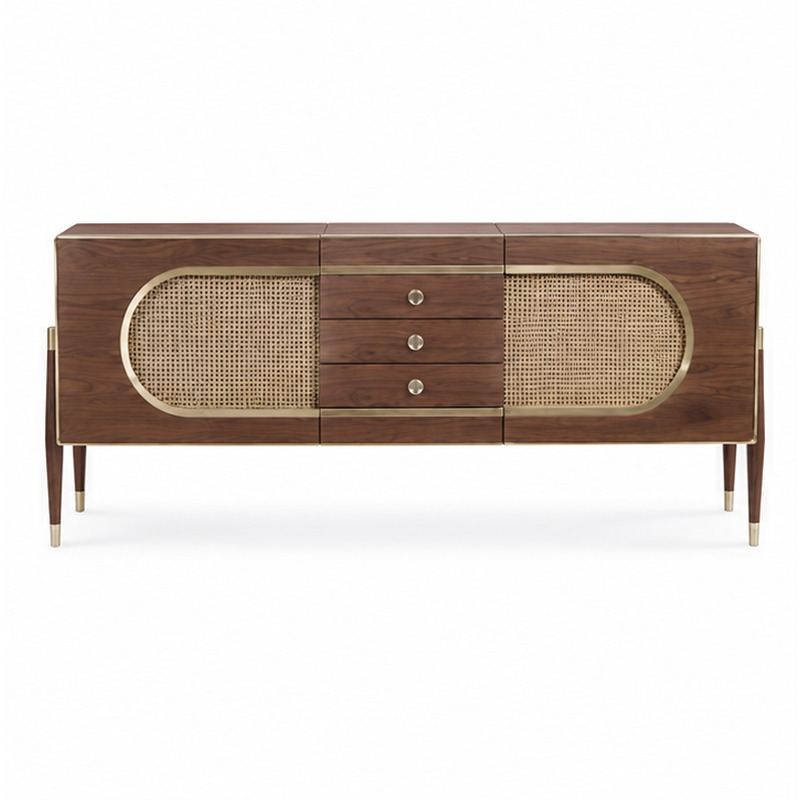
Search the reviewed collection by product name or furniture type. Each product has its own page and three reference angles.

BROWSE BY HOTEL AREA
Choose a space to narrow the collection
Each shortcut opens the furniture category most relevant to that part of the property. The complete searchable directory continues below.
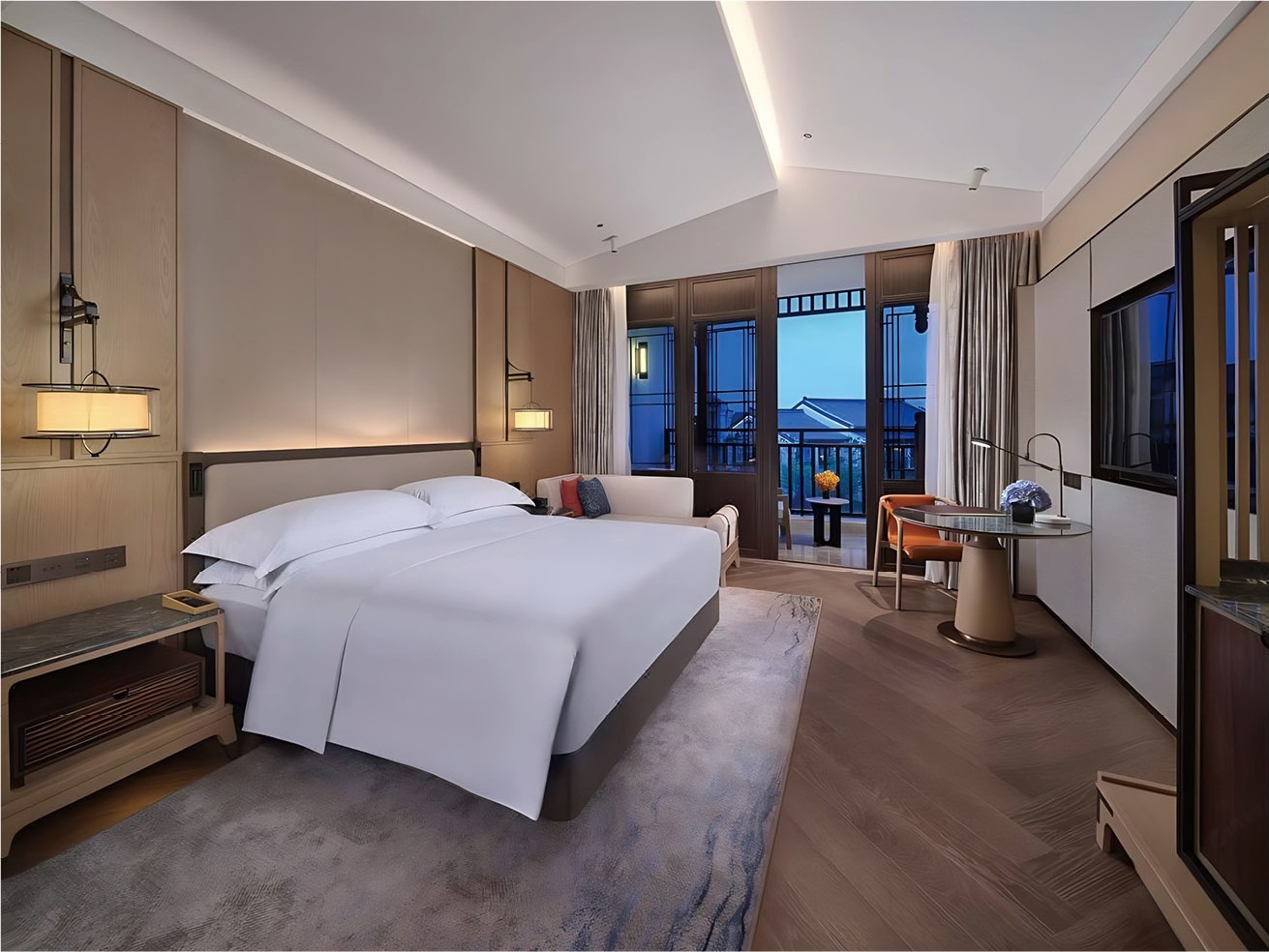 GUESTROOMSSleeping, storage and in-room workExplore room furniture ↗
 SUITES & LOUNGESArrival, waiting and relaxationExplore lounge furniture ↗
 DININGRestaurants and private dining roomsExplore dining furniture ↗
 BARS & SOCIAL AREASBar seating and beverage storageExplore bar furniture ↗
 LOBBY & ARRIVALReception seating and welcoming spacesExplore lounge seating ↗
 BREAKFAST & ALL-DAY DININGFlexible tables and seating for daily serviceExplore dining chairs ↗
 MEETINGS & WORKTables, task seating and focused work areasExplore work furniture ↗
 RESORT & TERRACERelaxed seating for leisure propertiesExplore benches and stools ↗
SEARCH THE DIRECTORY
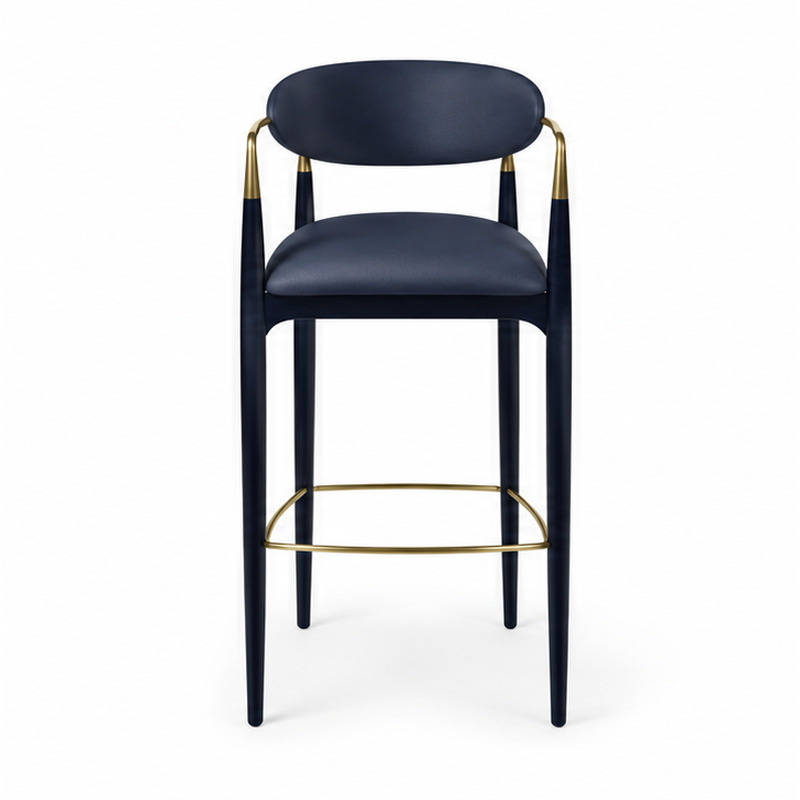
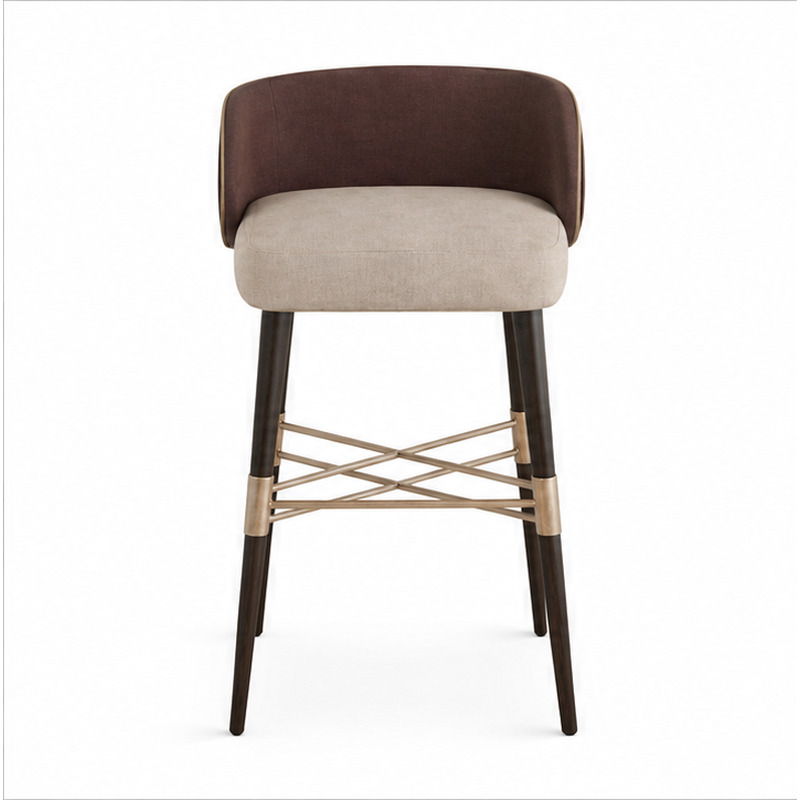
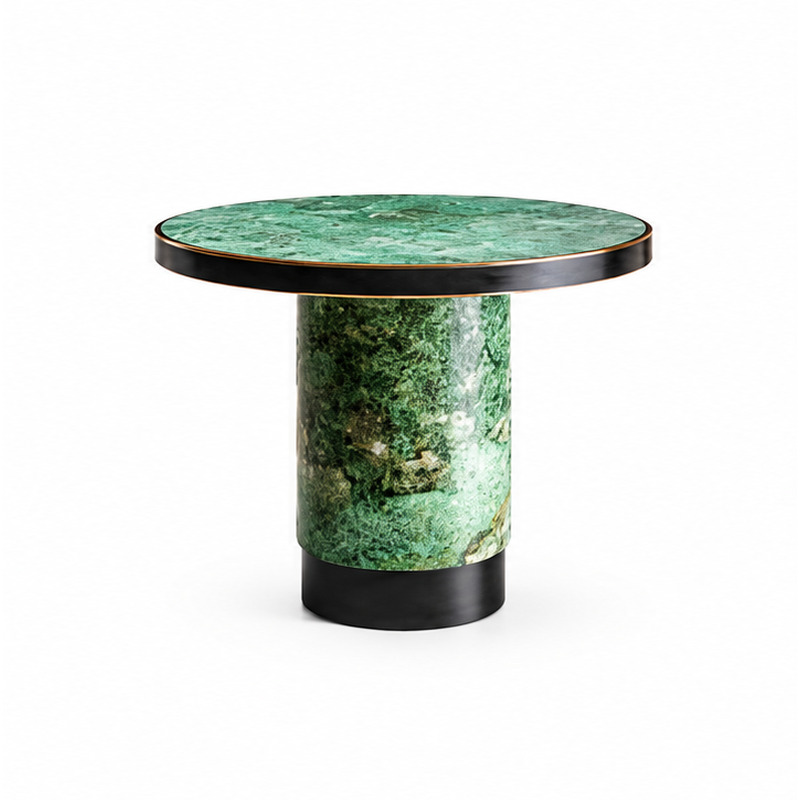
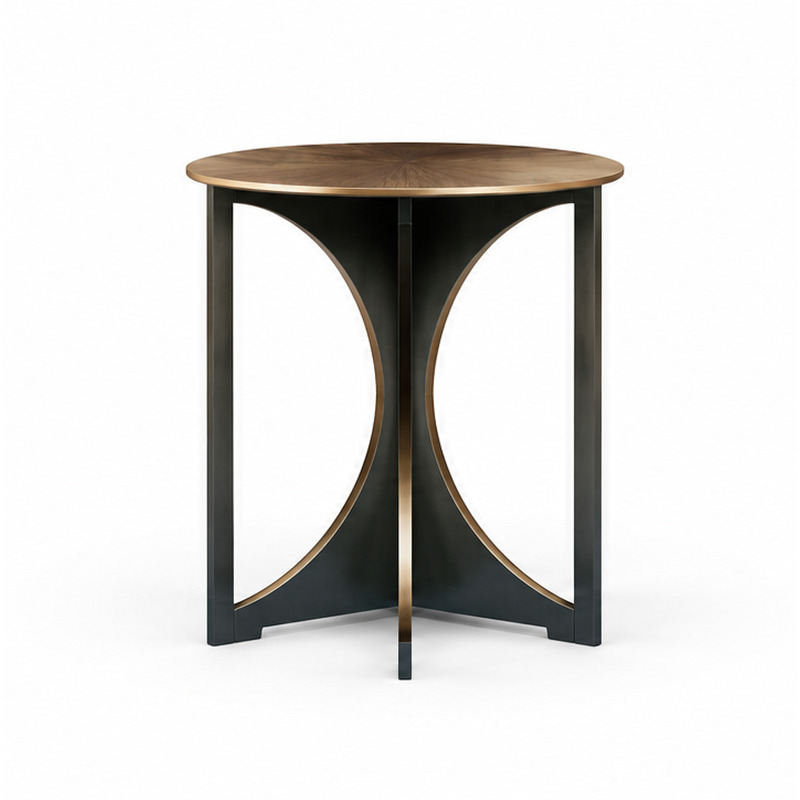
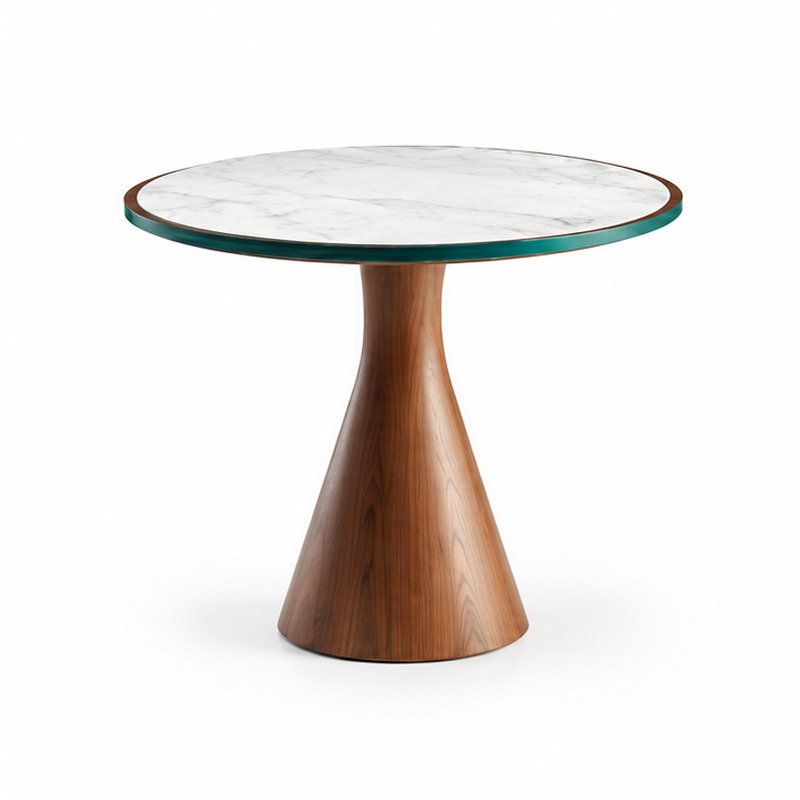
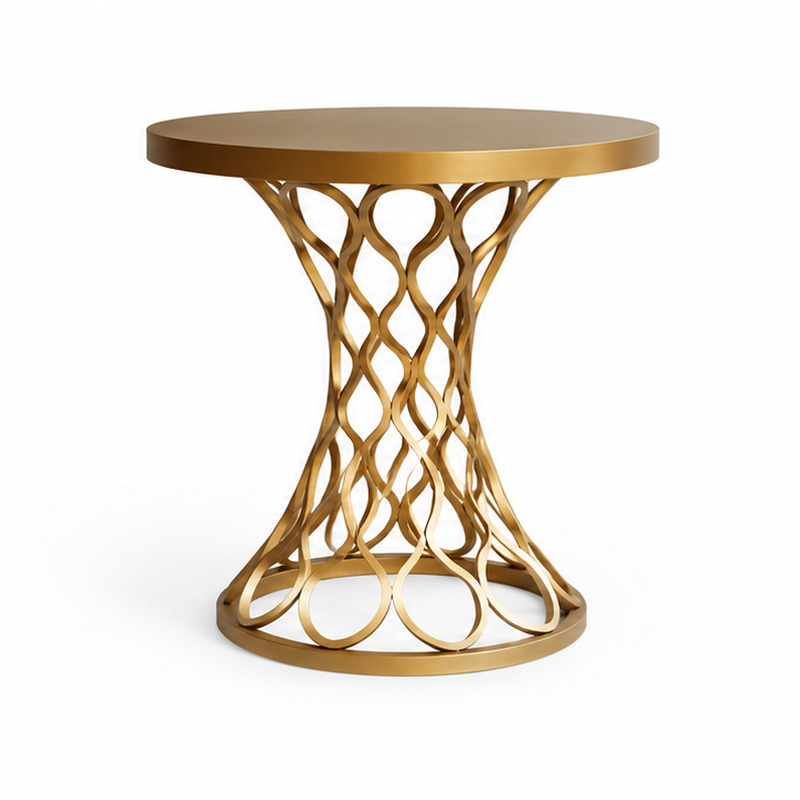
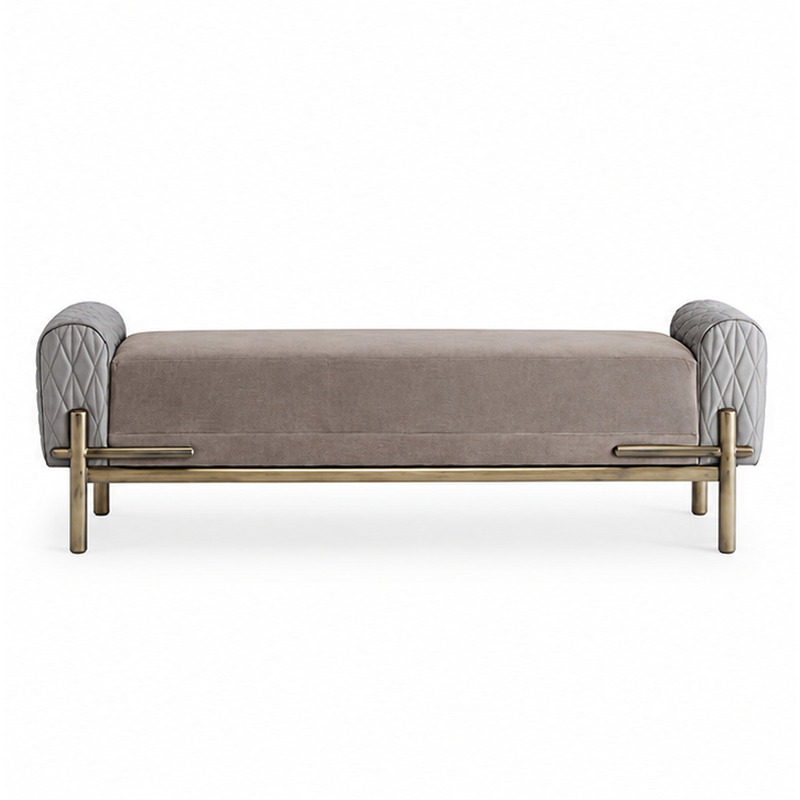
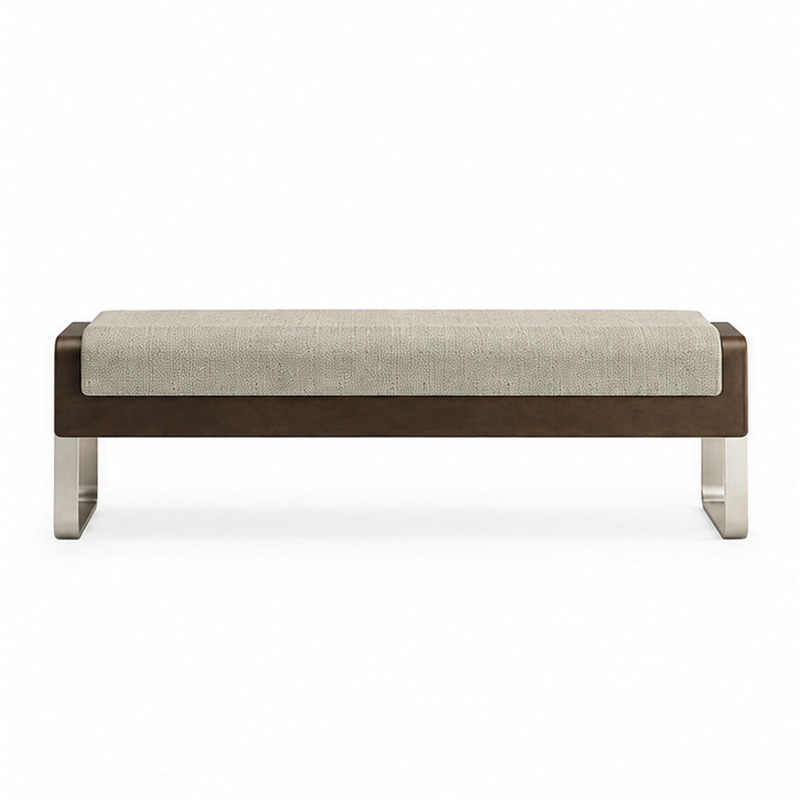
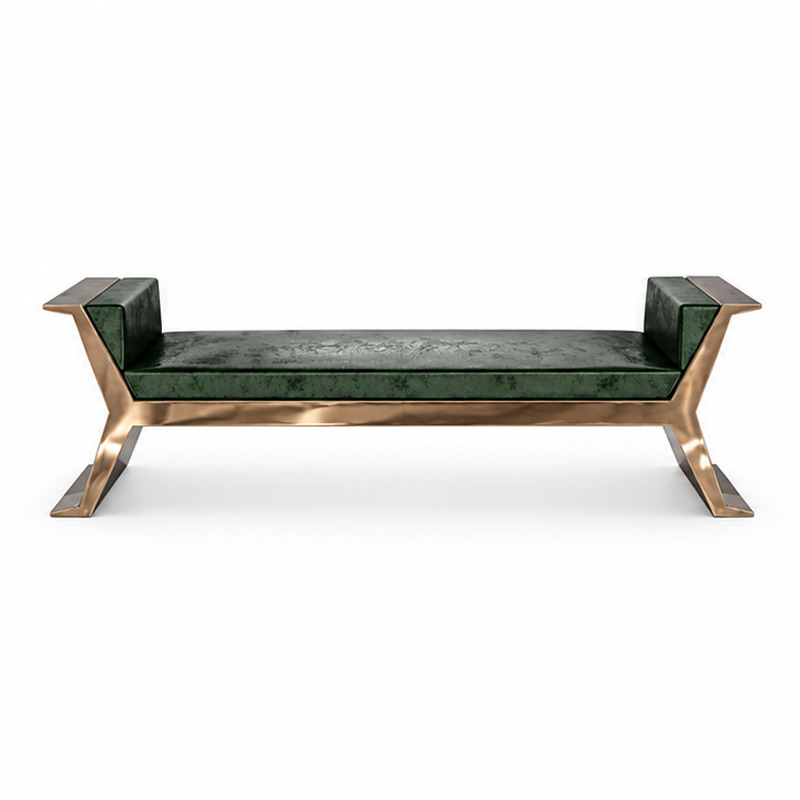
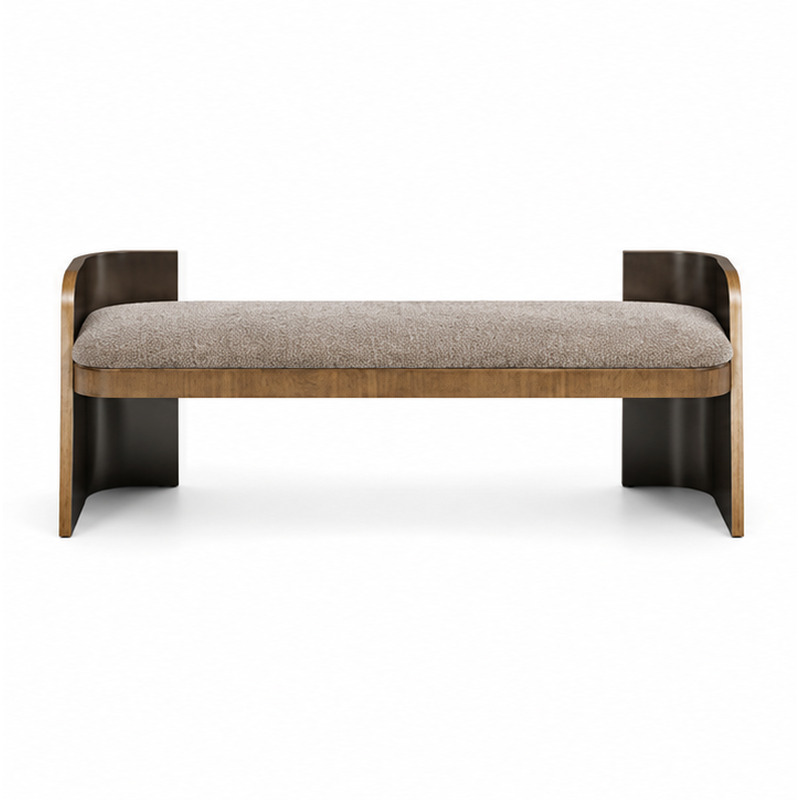
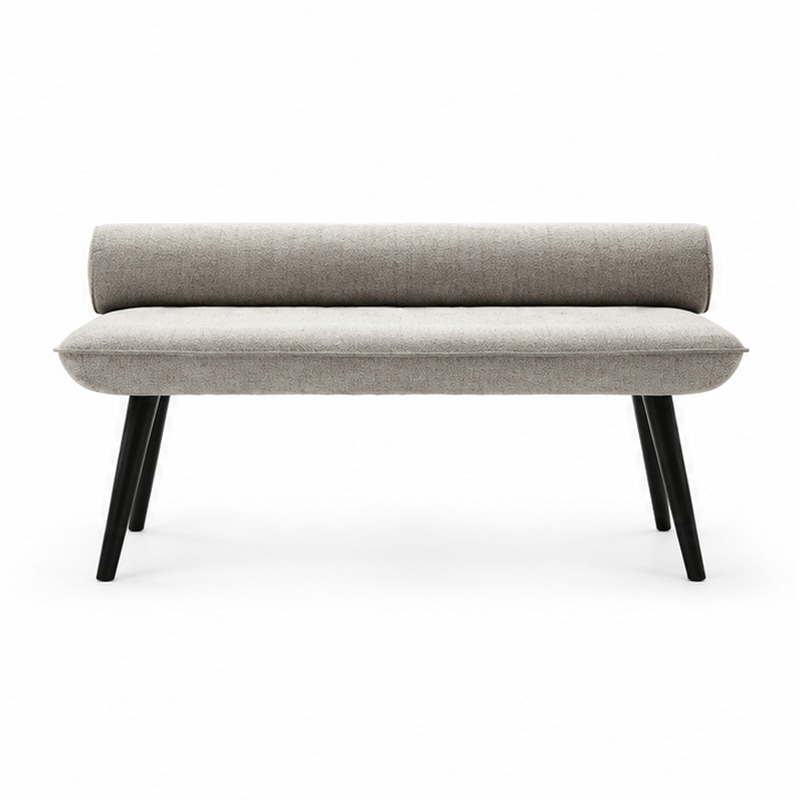
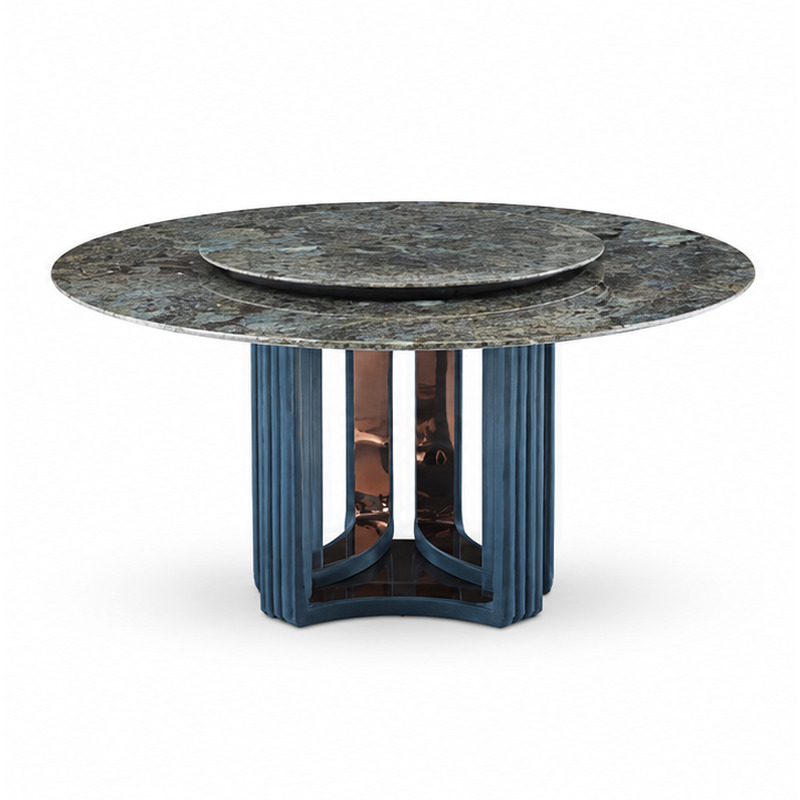
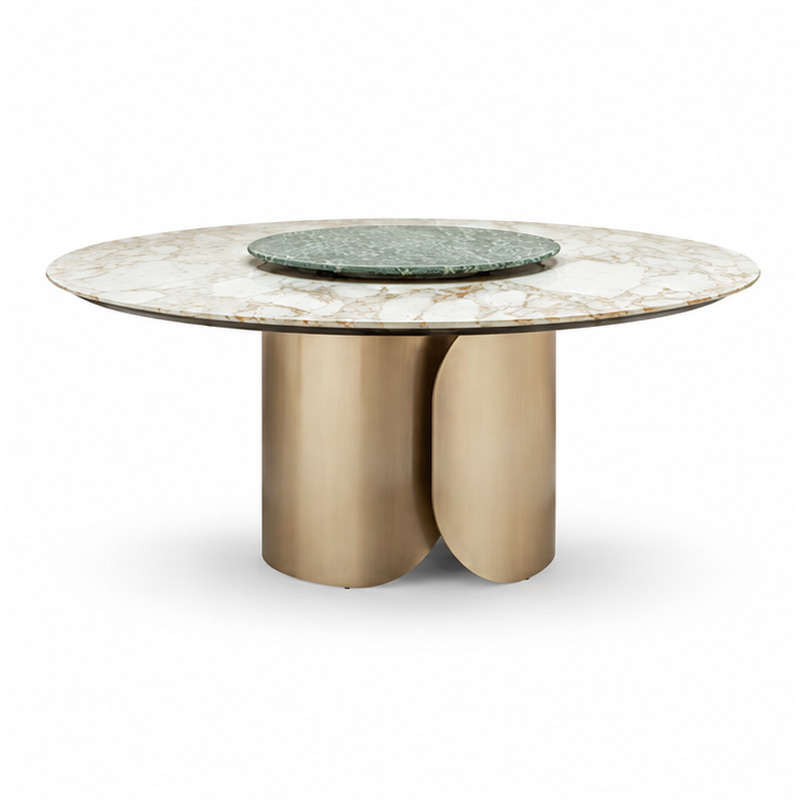
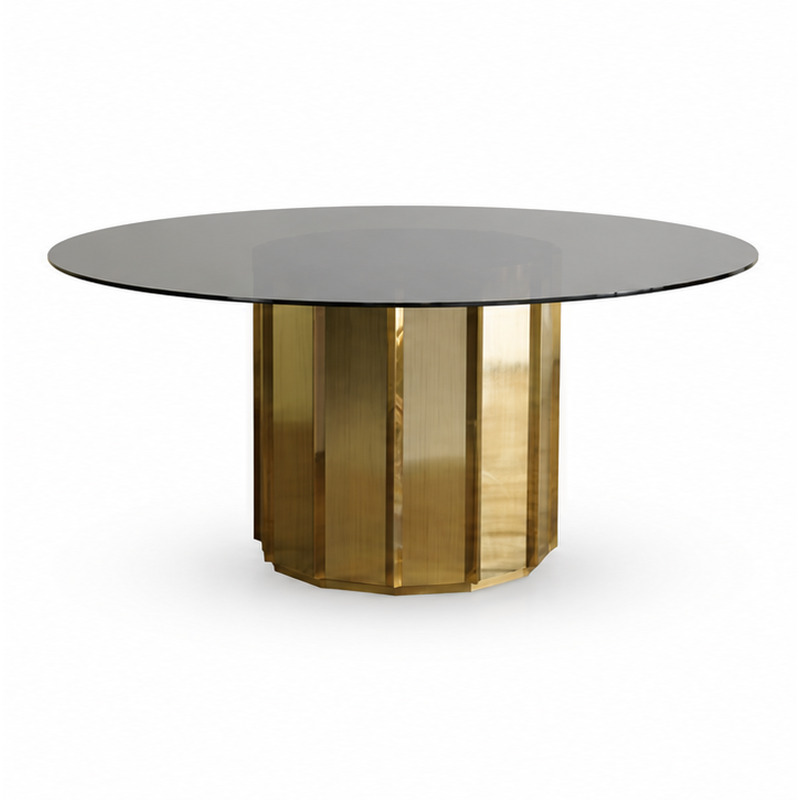
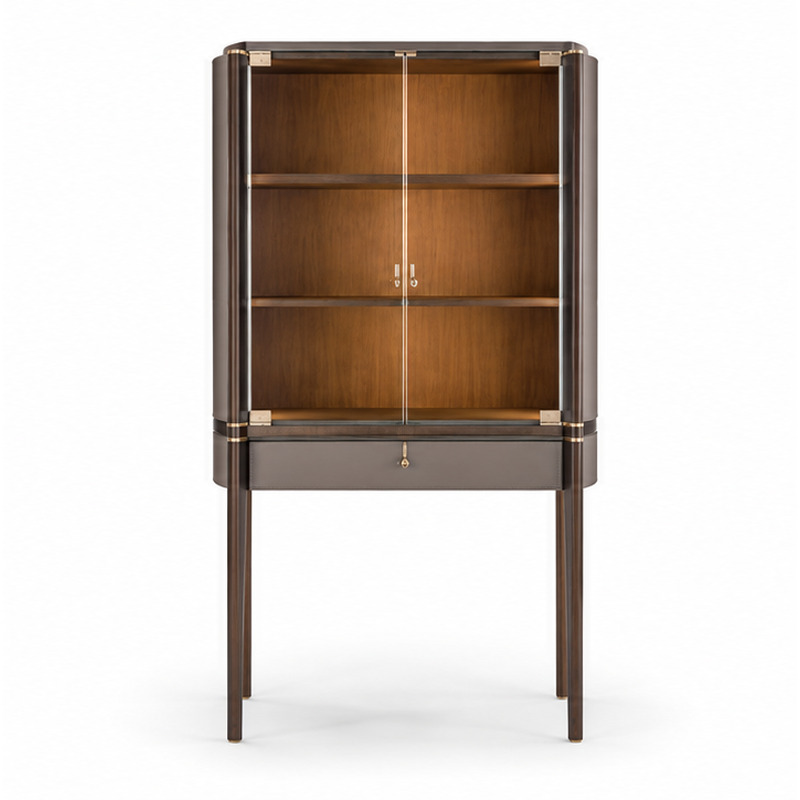
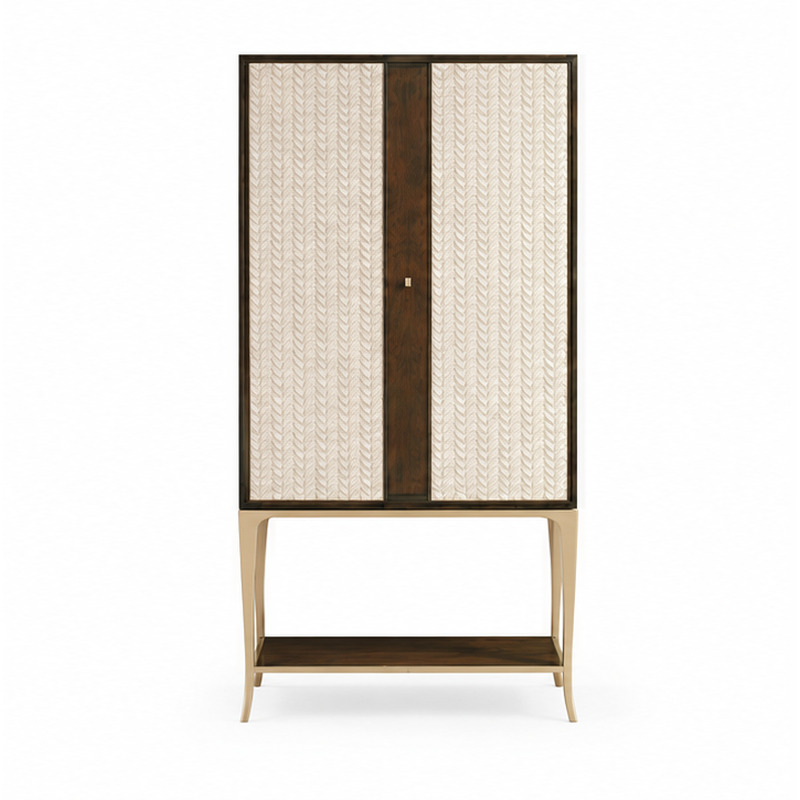
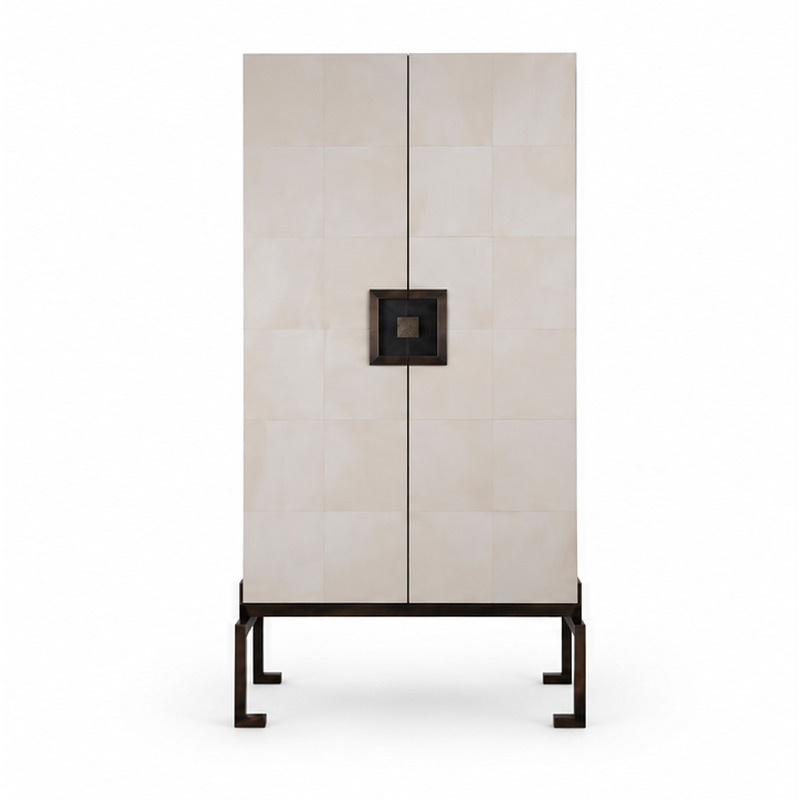
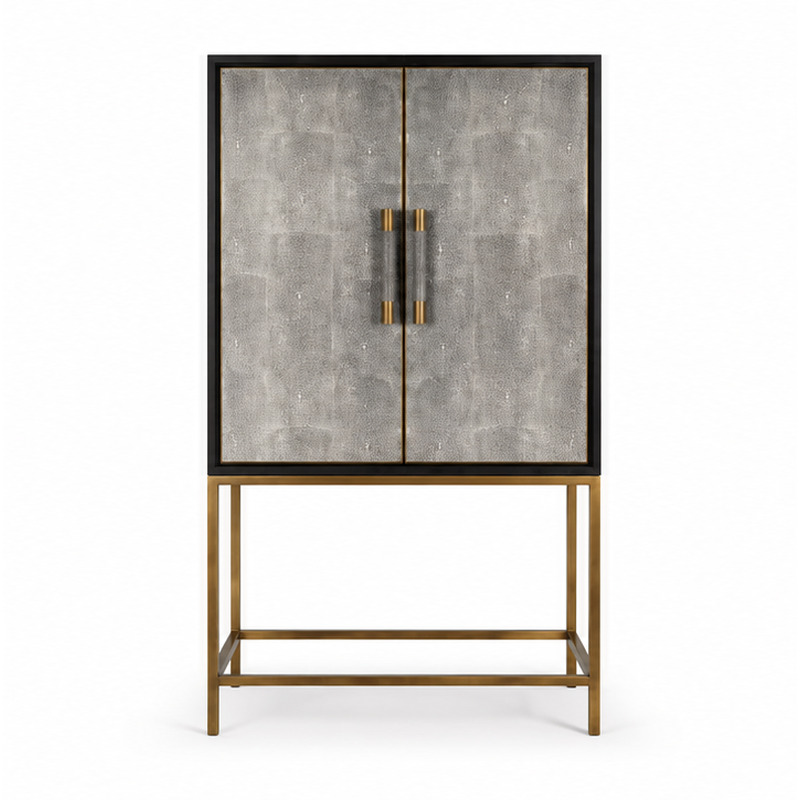
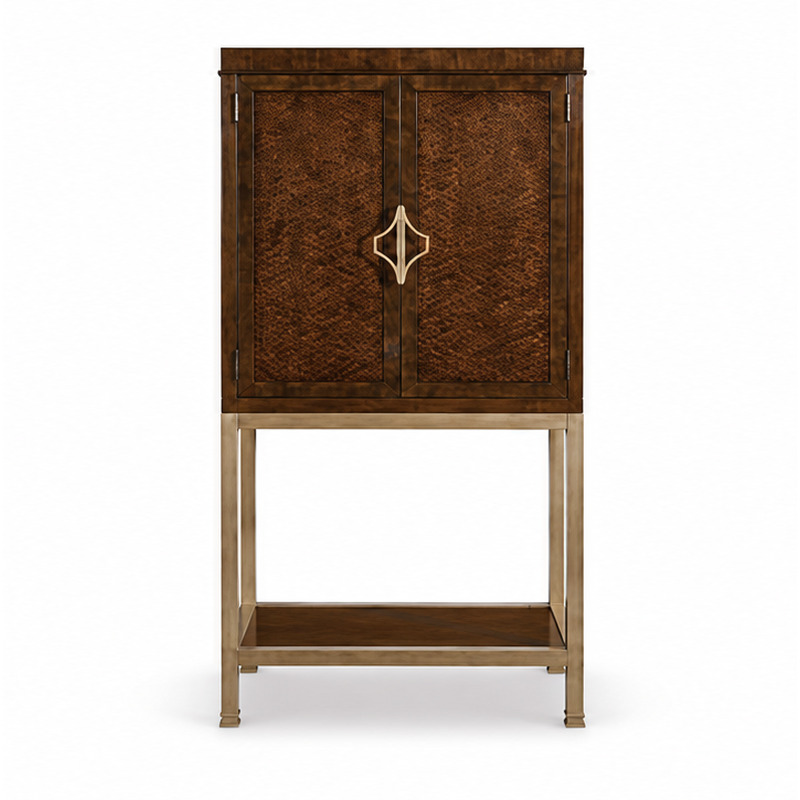
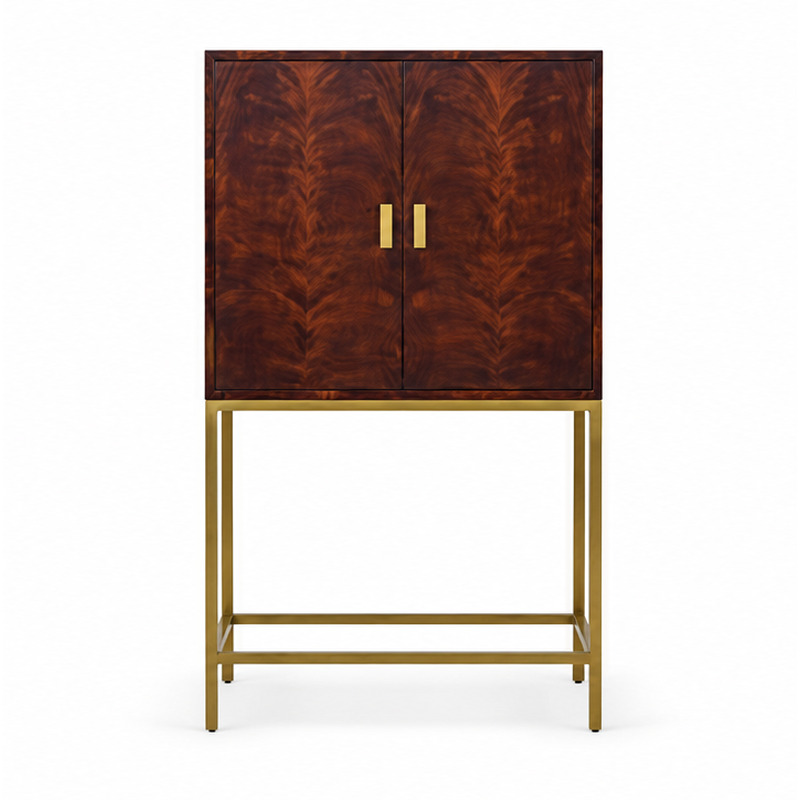
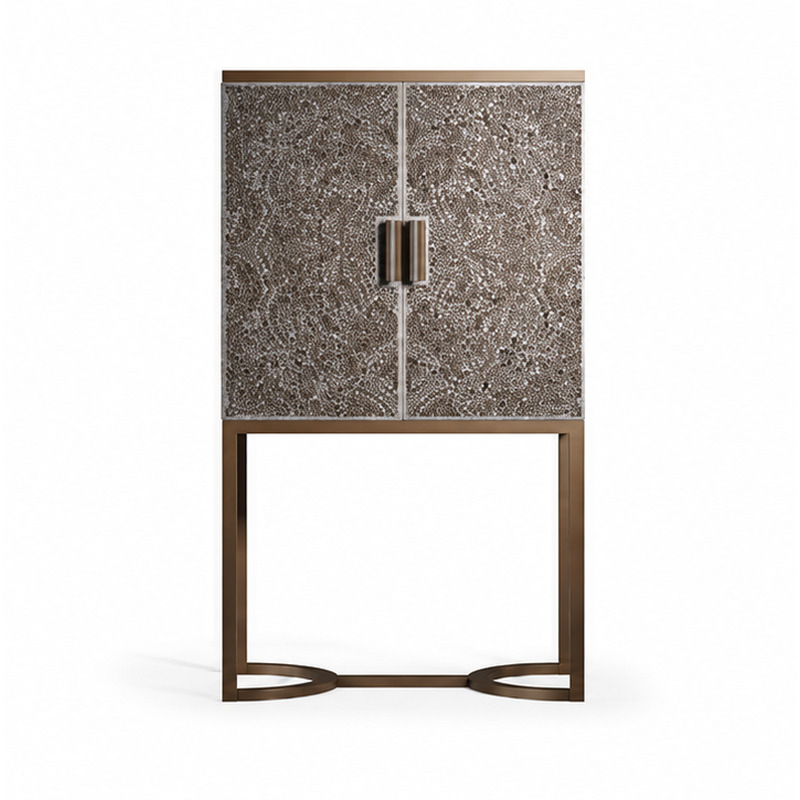
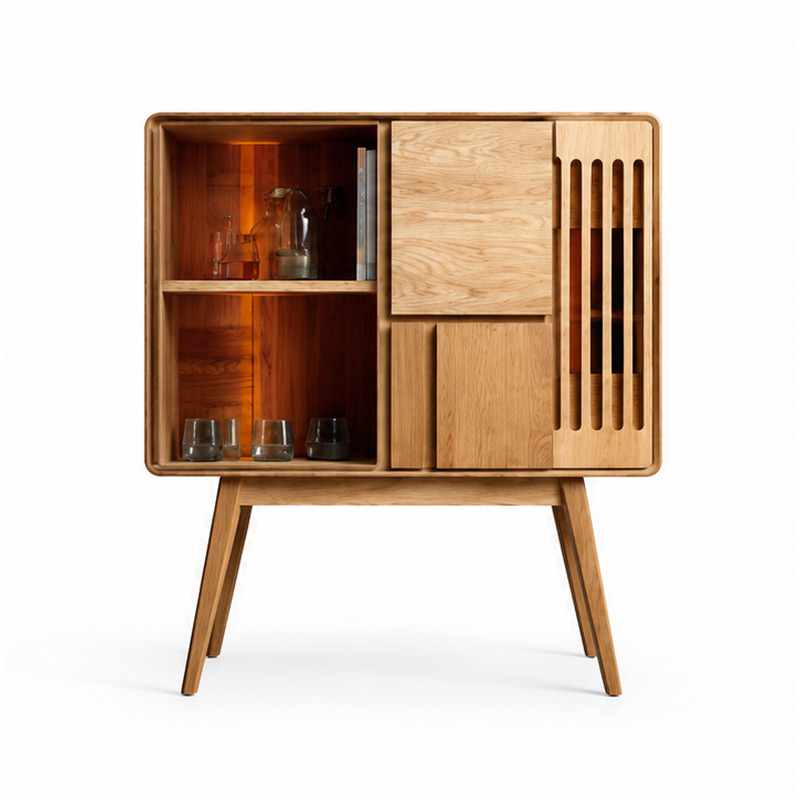
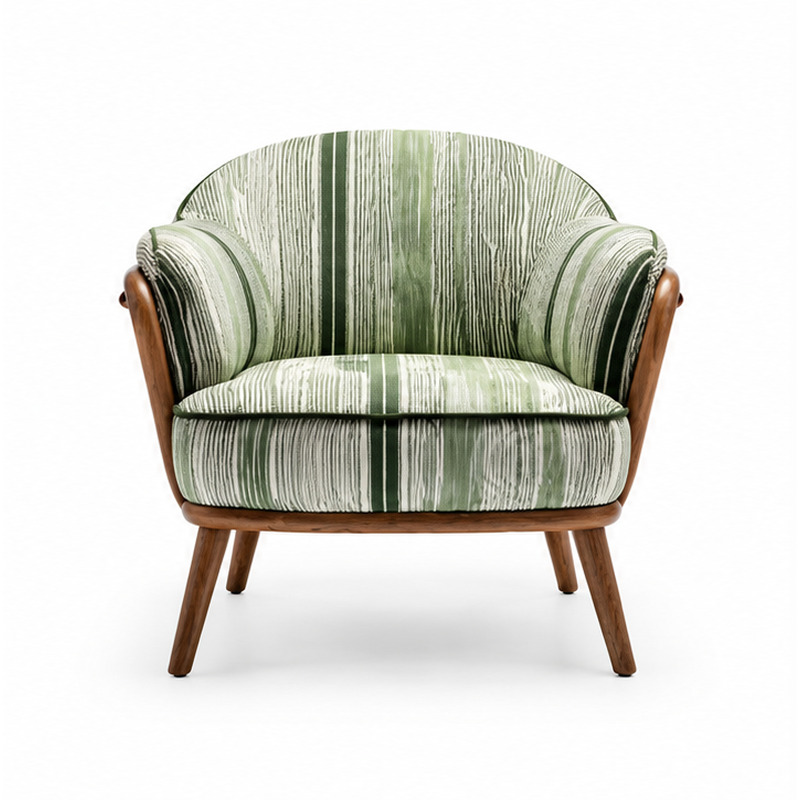
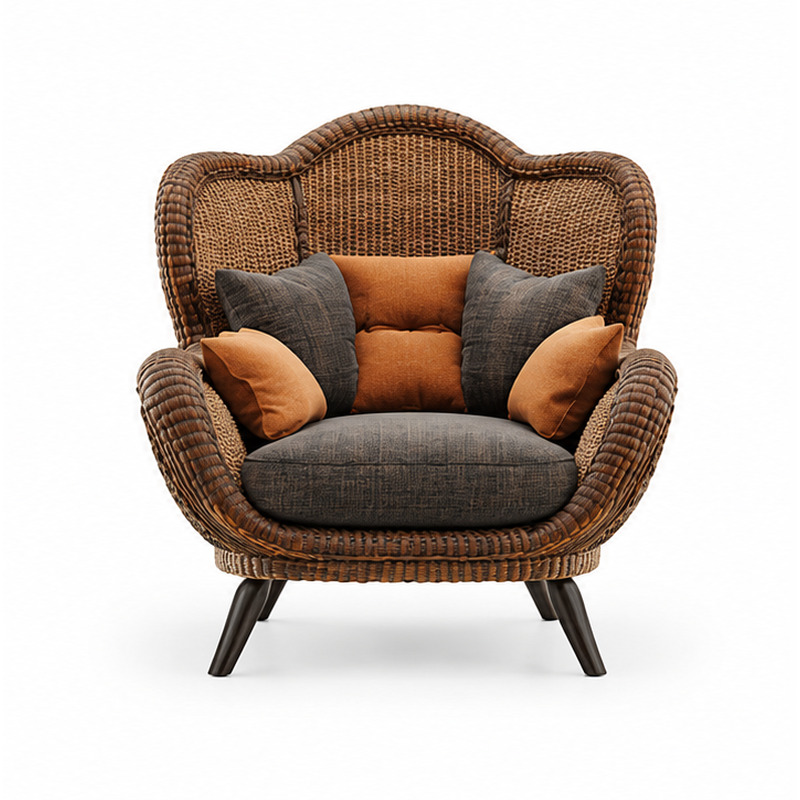
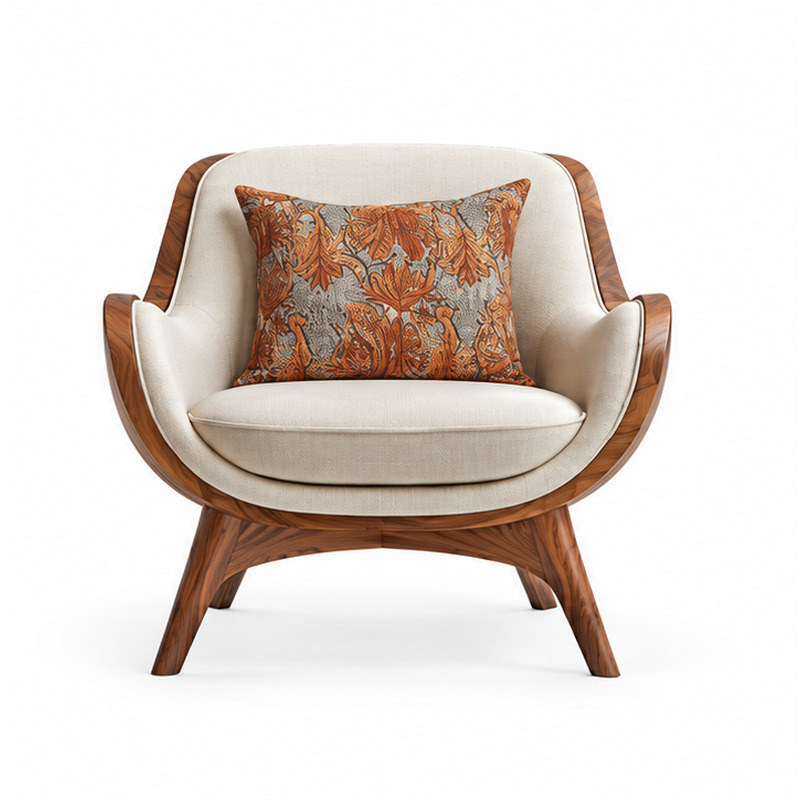
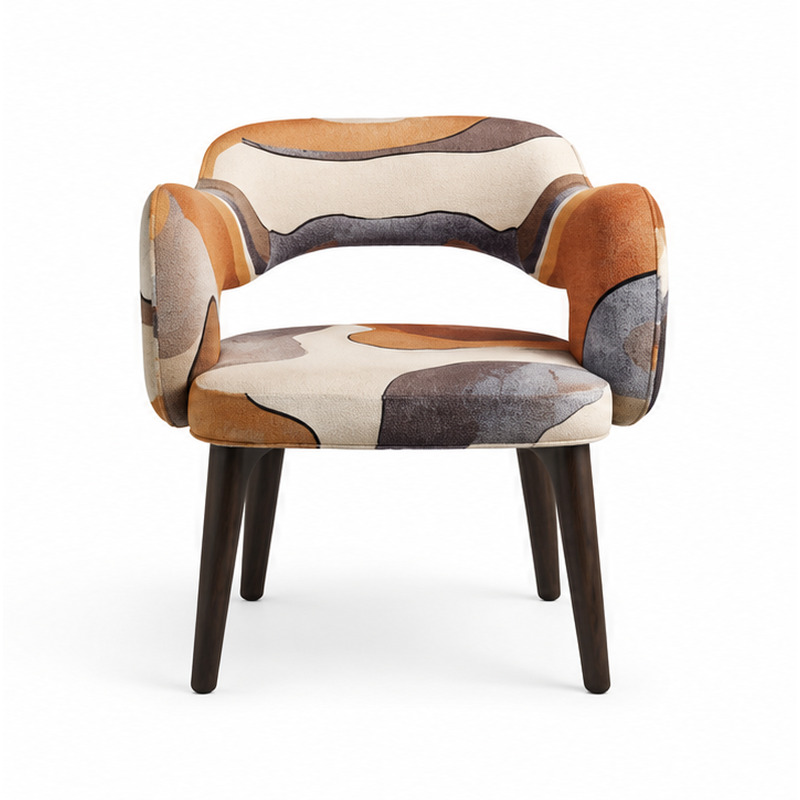
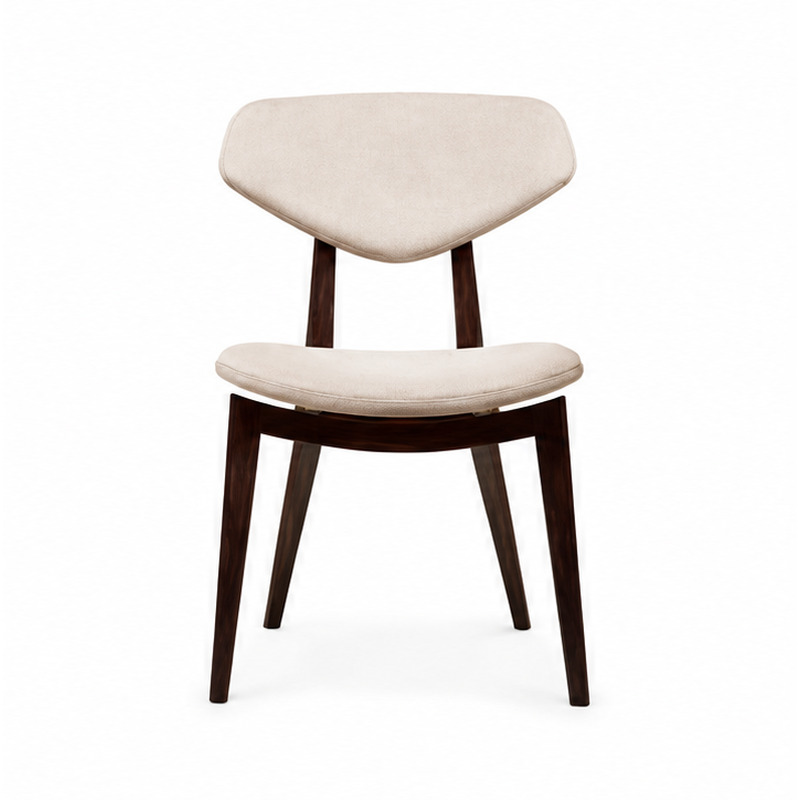
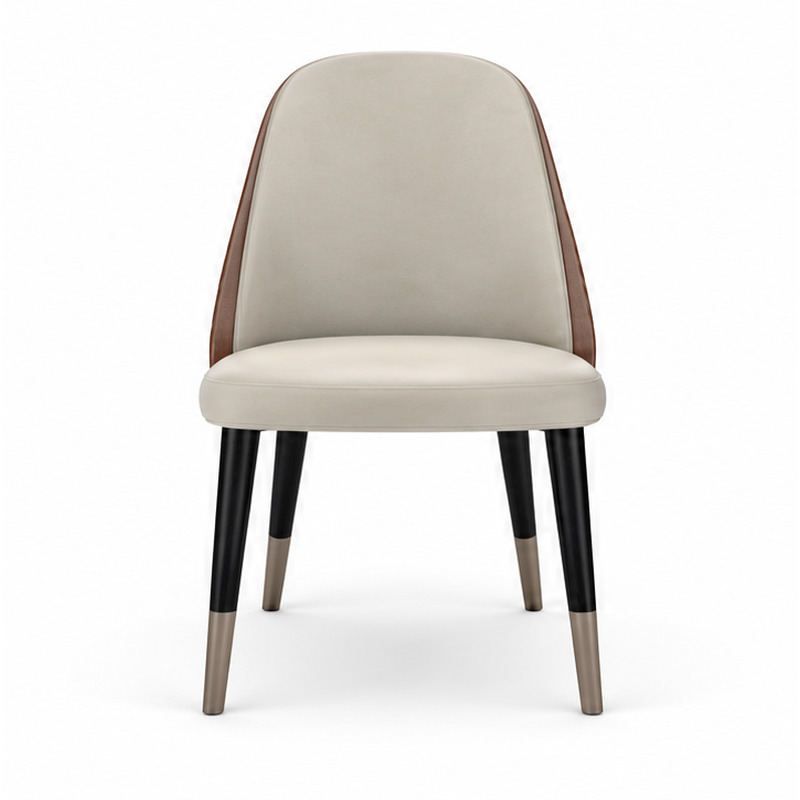
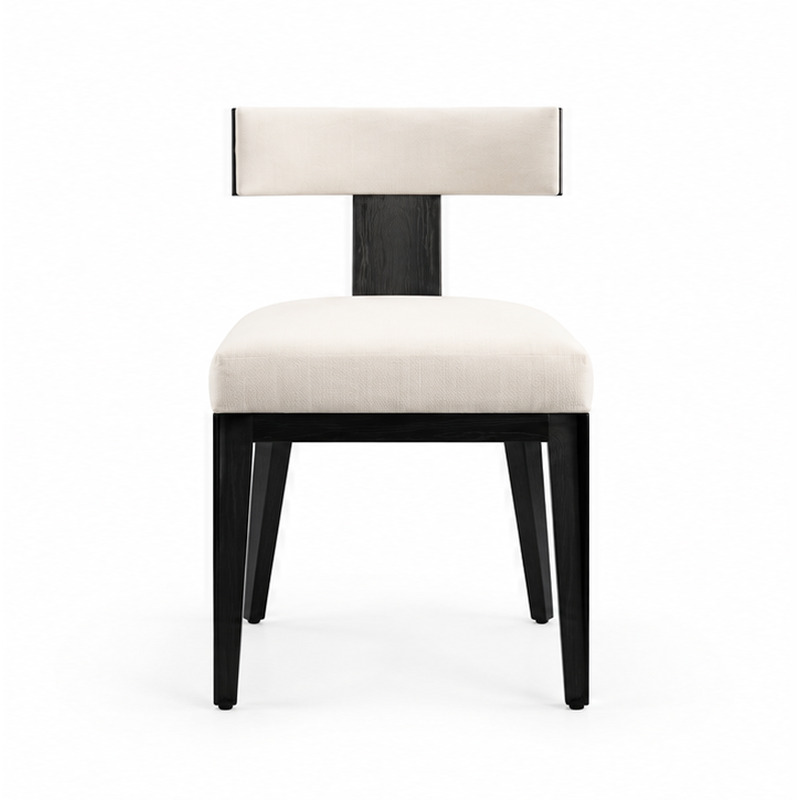
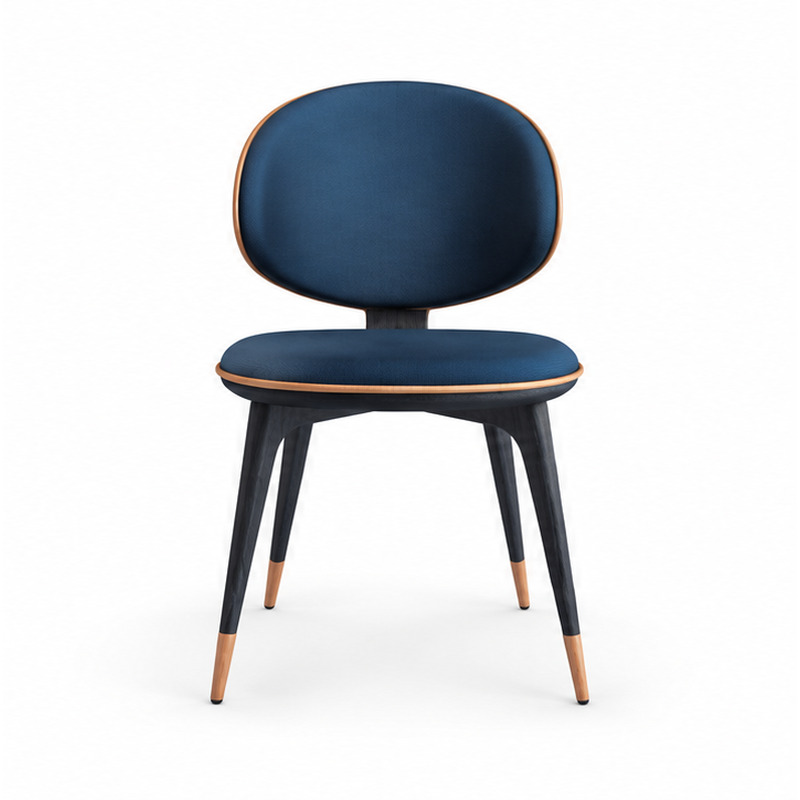
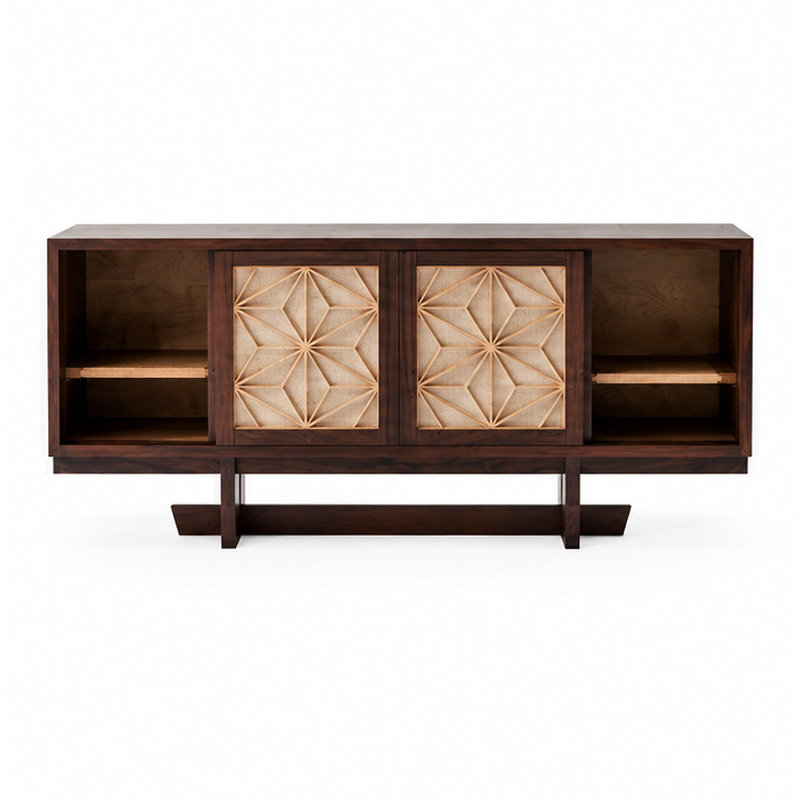
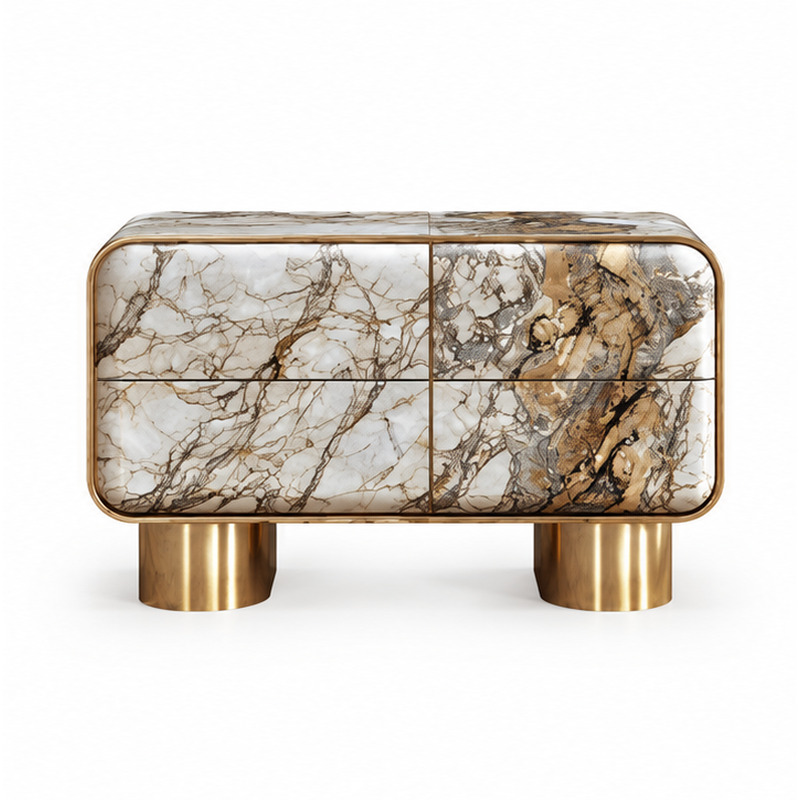
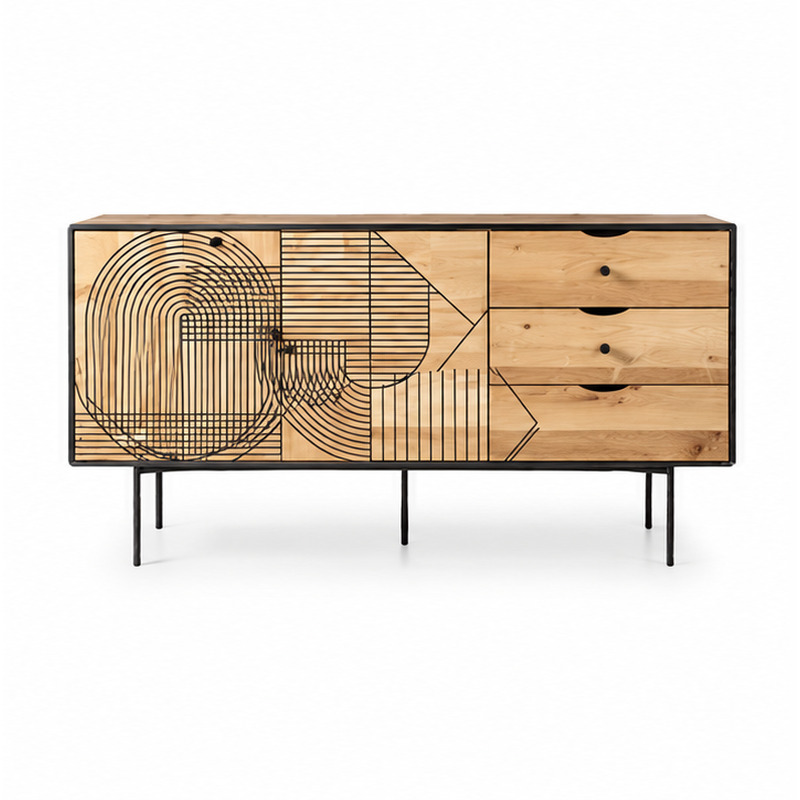
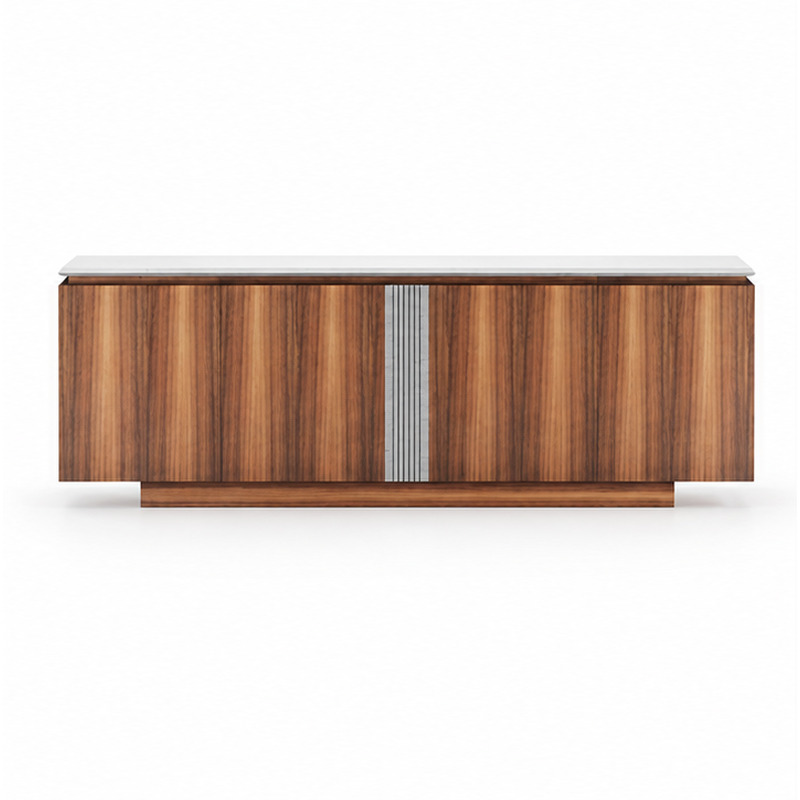
Browse and compare products
Use customer-facing product names and references to build a project shortlist.
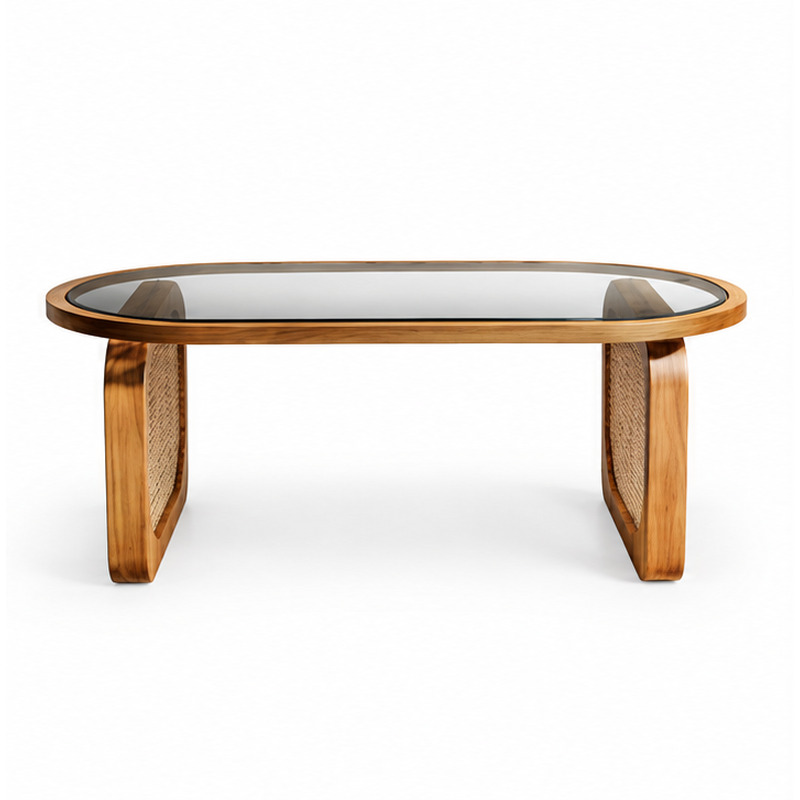
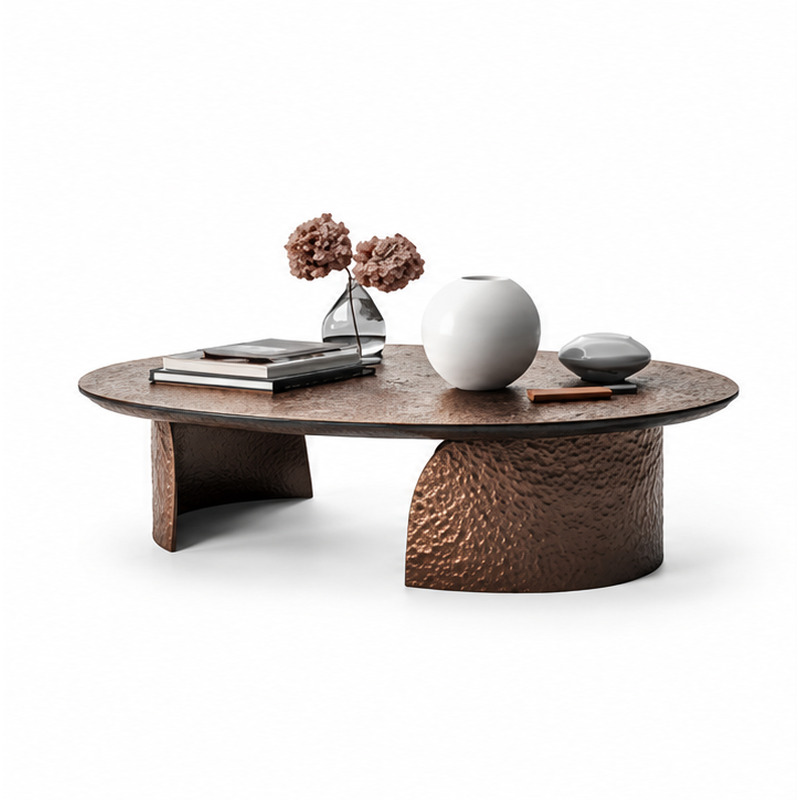
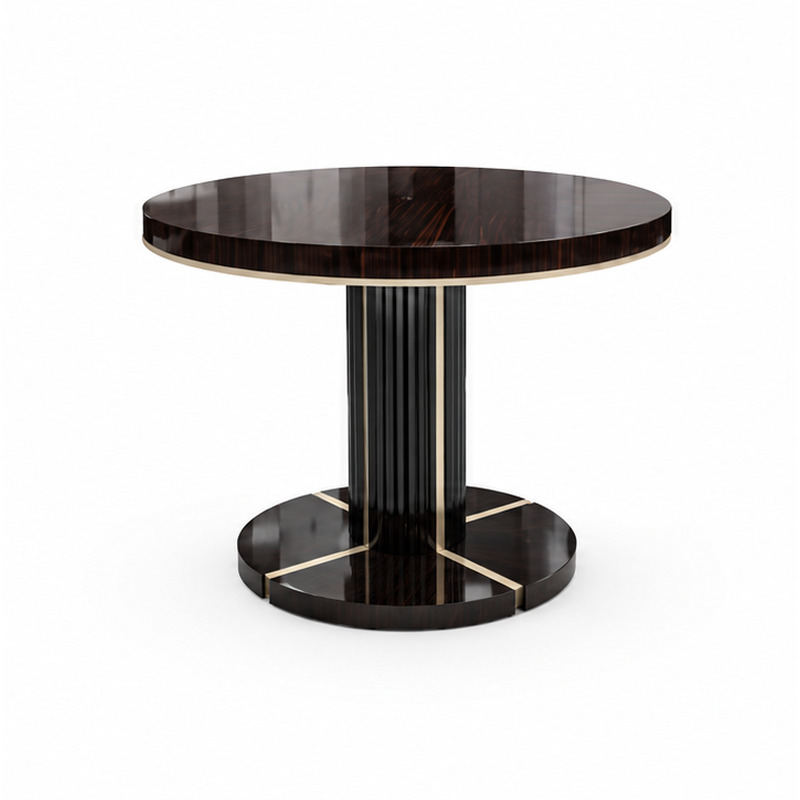
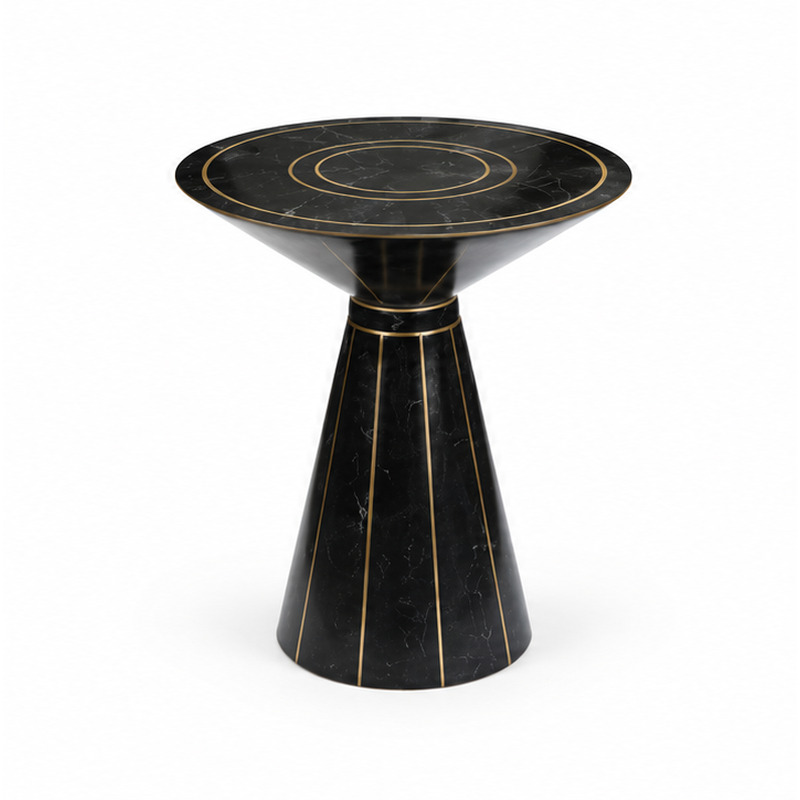

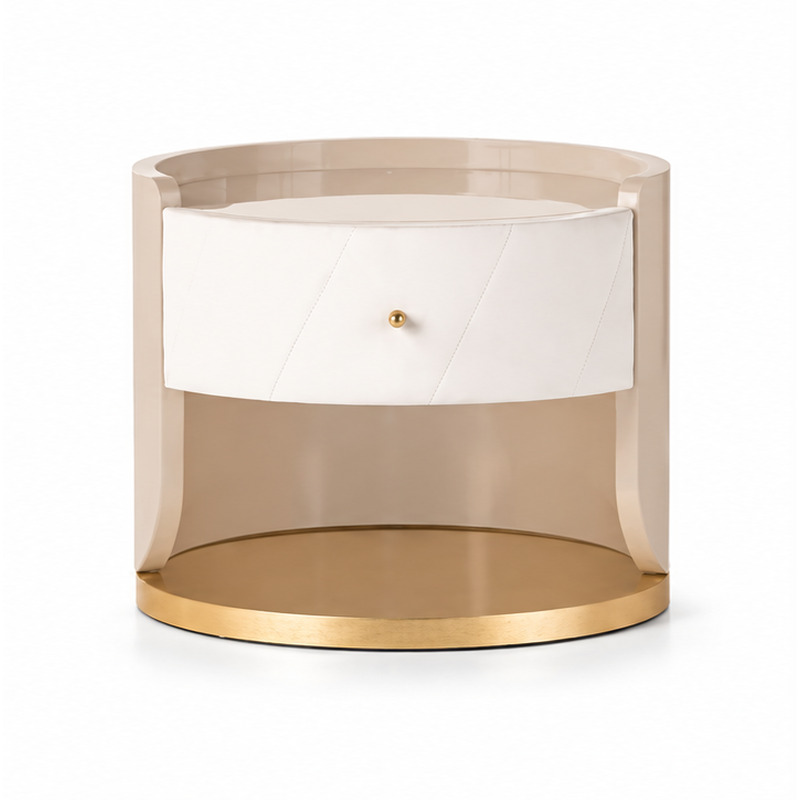
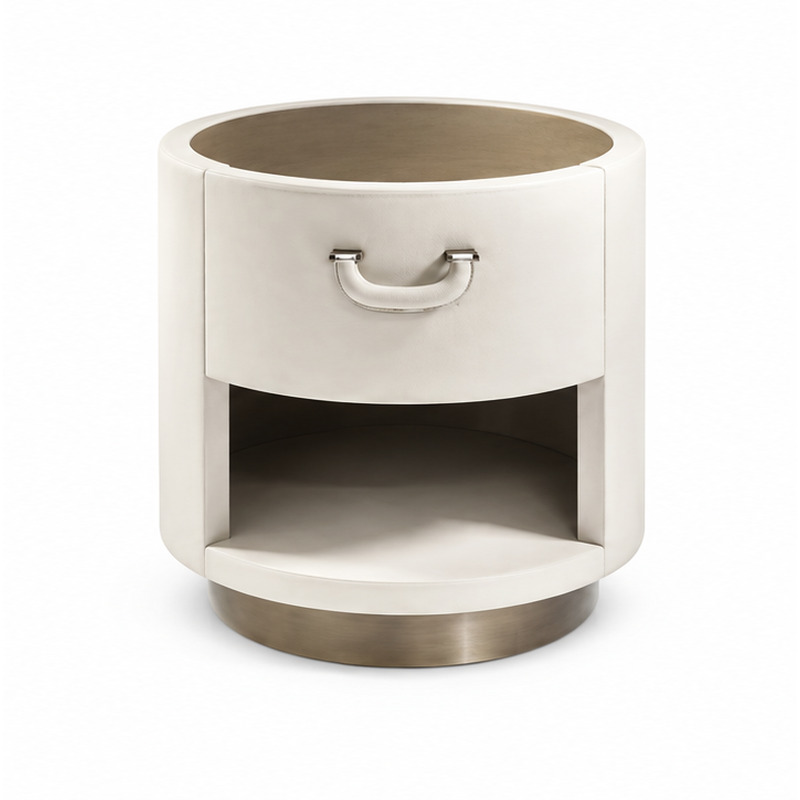
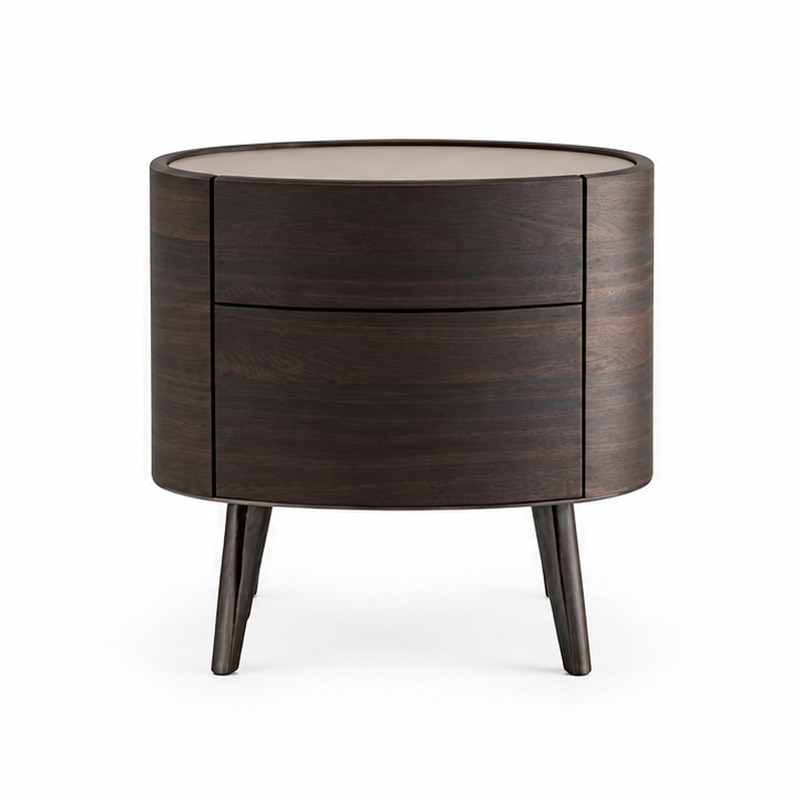
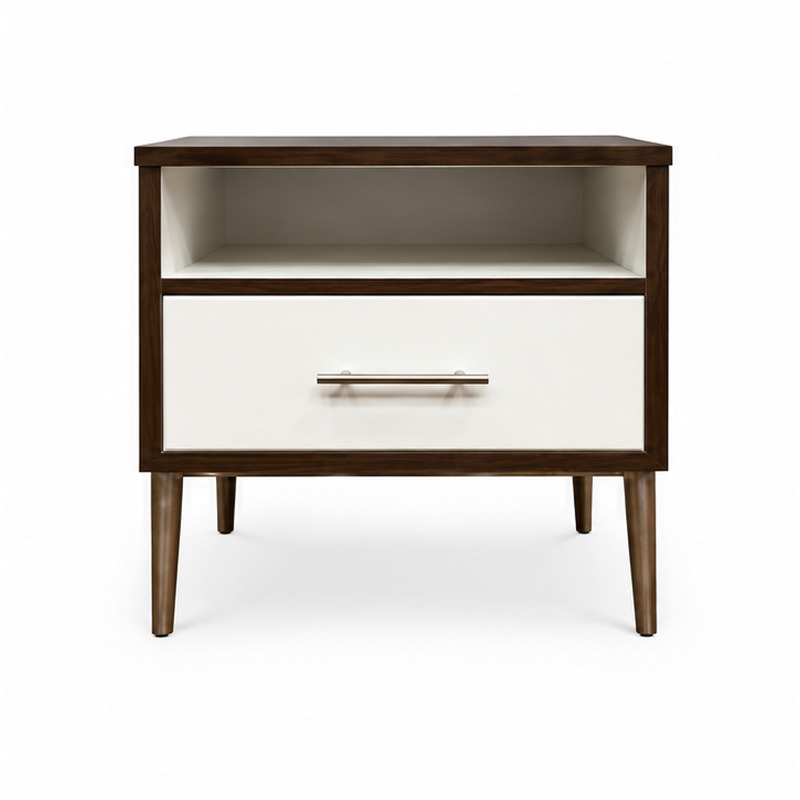

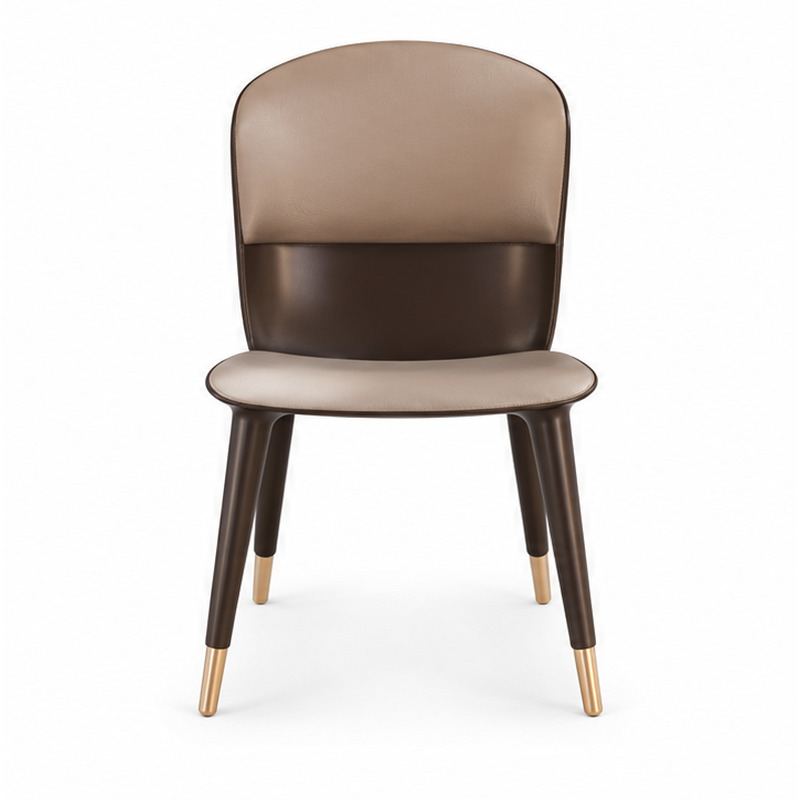
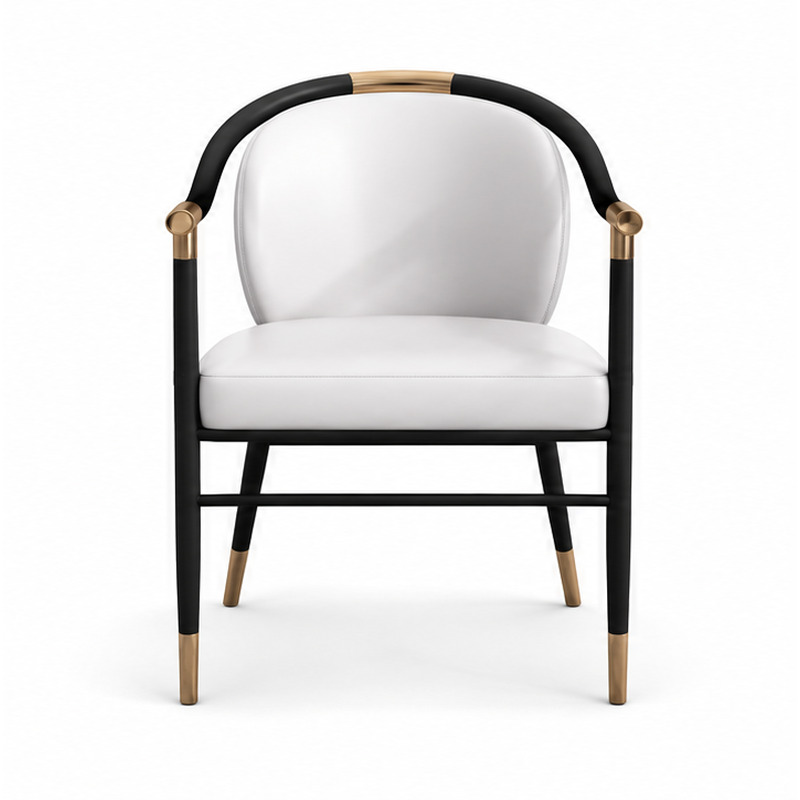
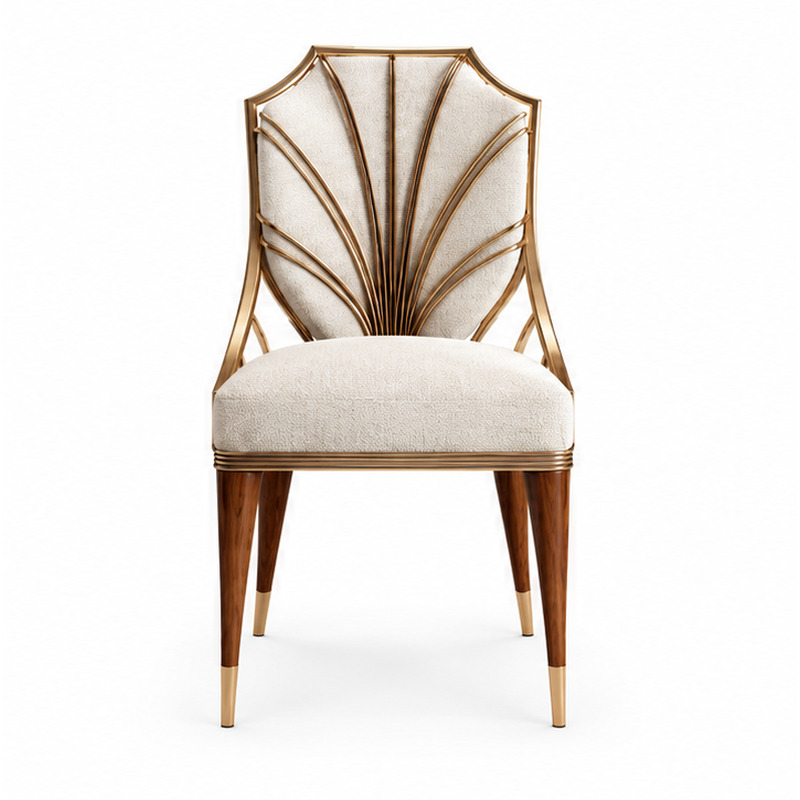
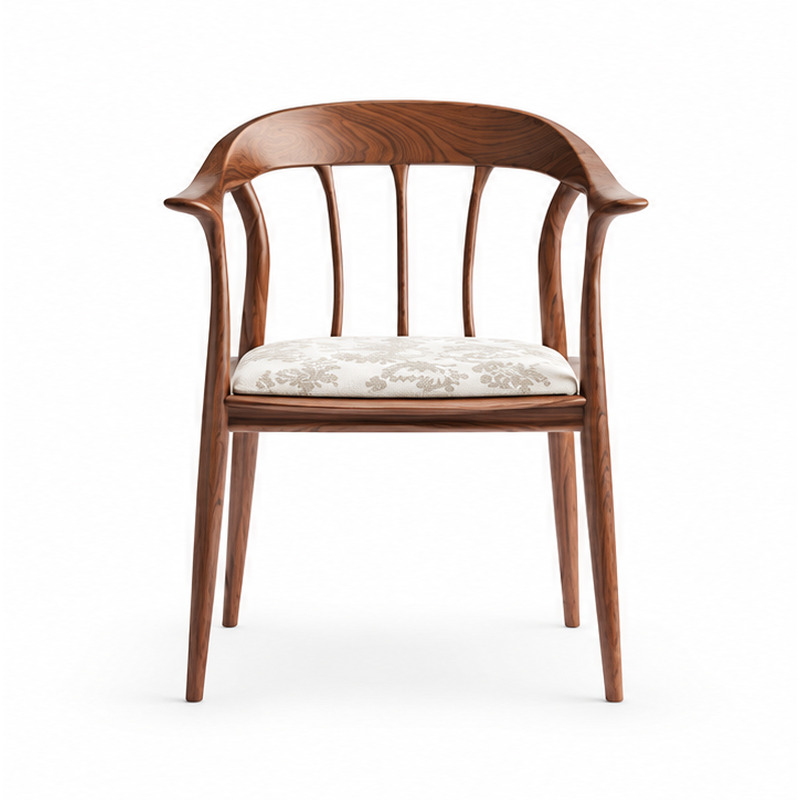
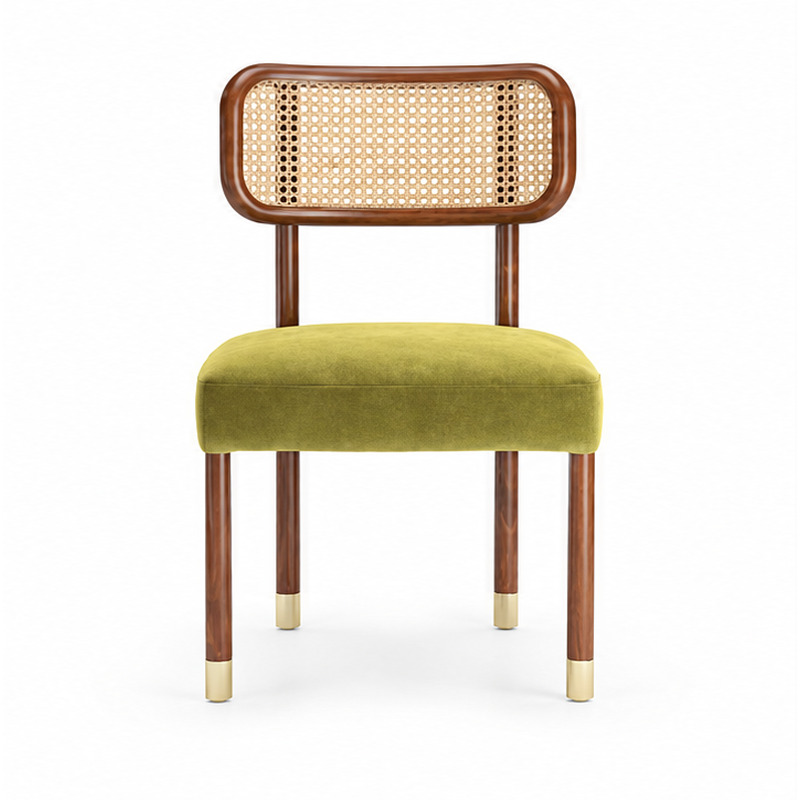

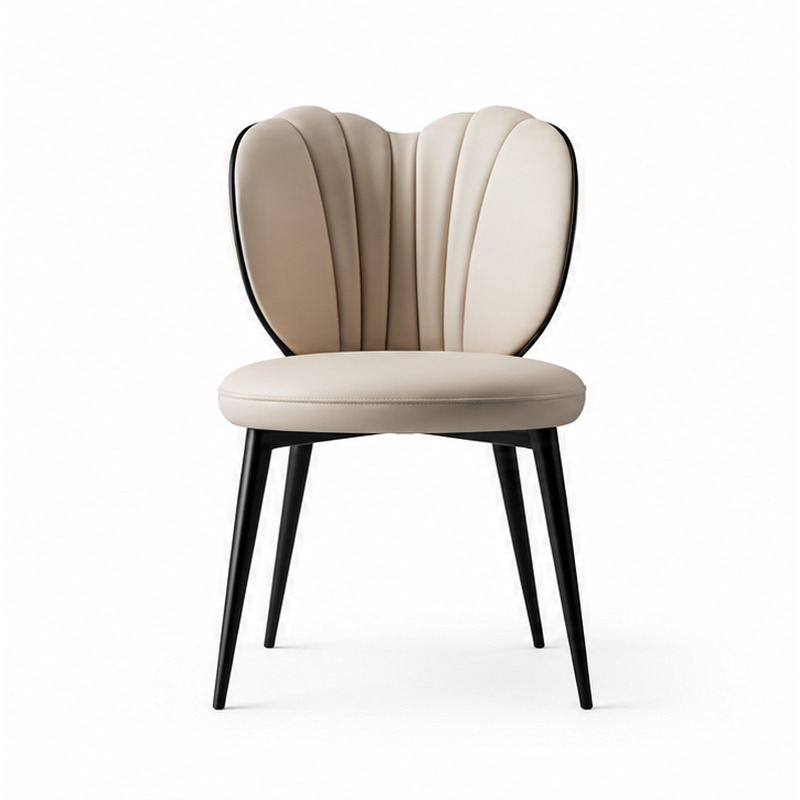
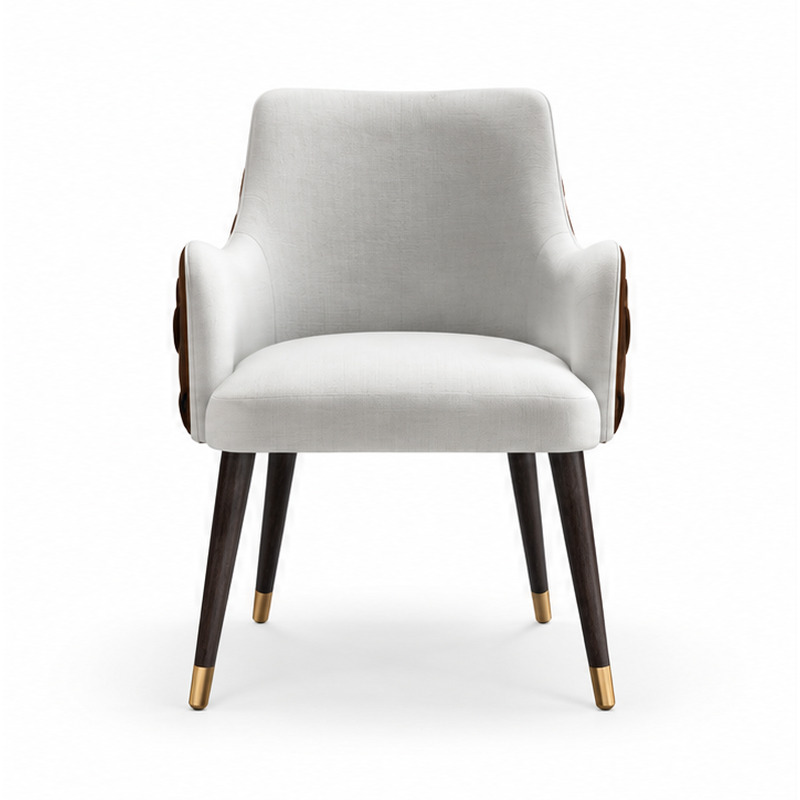
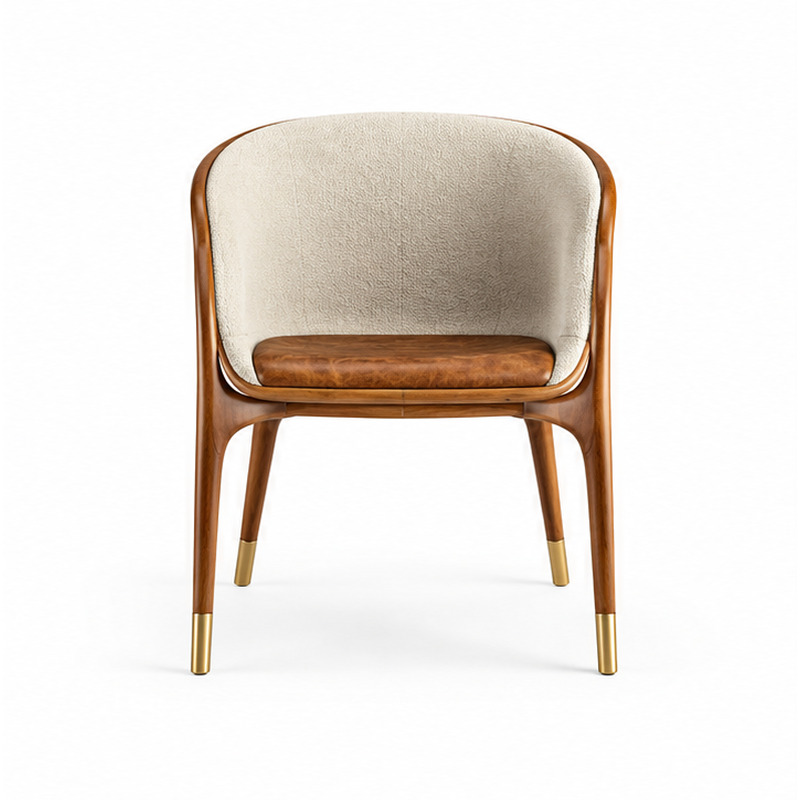

AFTER THE SHORTLIST
Turn selected products into a usable request
A product list becomes commercially useful when it is connected to room counts, specifications and destination.
Group by room
Keep guestroom types and public areas separate so quantities remain traceable.
Add priorities
Mark dimensions, finish direction, upholstery or maintenance requirements that need review.
Attach context
Share drawings, schedules or reference images when they help explain the intended application.
Request confirmation
Ask for current specifications, availability, packing, lead time and commercial terms in writing.
READY TO REVIEW A SHORTLIST
Send the selected products in one project inquiry
Use customer-facing names from the directory and add quantities, destination and the details that need confirmation.
FROM DIRECTORY TO SCHEDULE
Make every selected item traceable
A useful shortlist keeps the public product name beside its room, quantity and open questions.
Identify
Use the complete customer-facing product name.
Locate
Assign the item to a room type or public area.
Quantify
Record quantity per room and total project quantity.
Confirm
Request current specification and commercial details in writing.